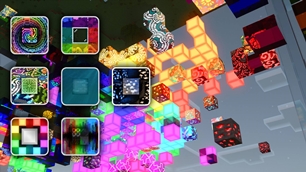
Why Add-Ons for Vanilla RTX is a top-tier shader mod for Minecraft 1.21.132
Developed by the talented creator Cubeir, Add-Ons for Vanilla RTX stands out as a highly recommended selection for your Minecraft client. It is fully optimized, compatibility-tested, and brings a major upgrade to the gameplay experience in Minecraft version 1.21.132.
⚙️ Quick Resource Specs
| Mod Creator | Cubeir |
| Latest Version | 1.21.132 |
| Supported Game Versions | 1.21.132, 1.21.131, 1.21.130, 1.21.124, 1.21.123 |
| File Size | 986.43 KB |
| Last Updated | |
| Total Downloads | 80,945 downloads |
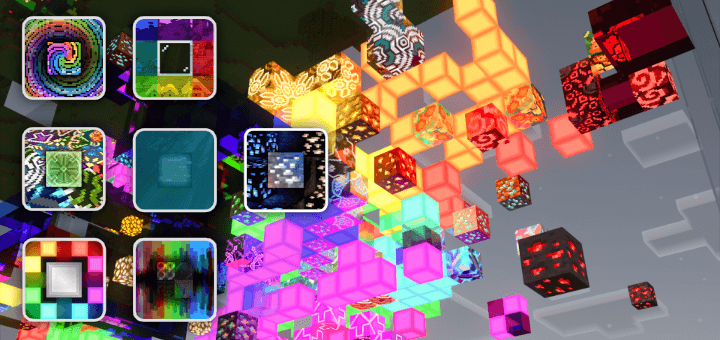
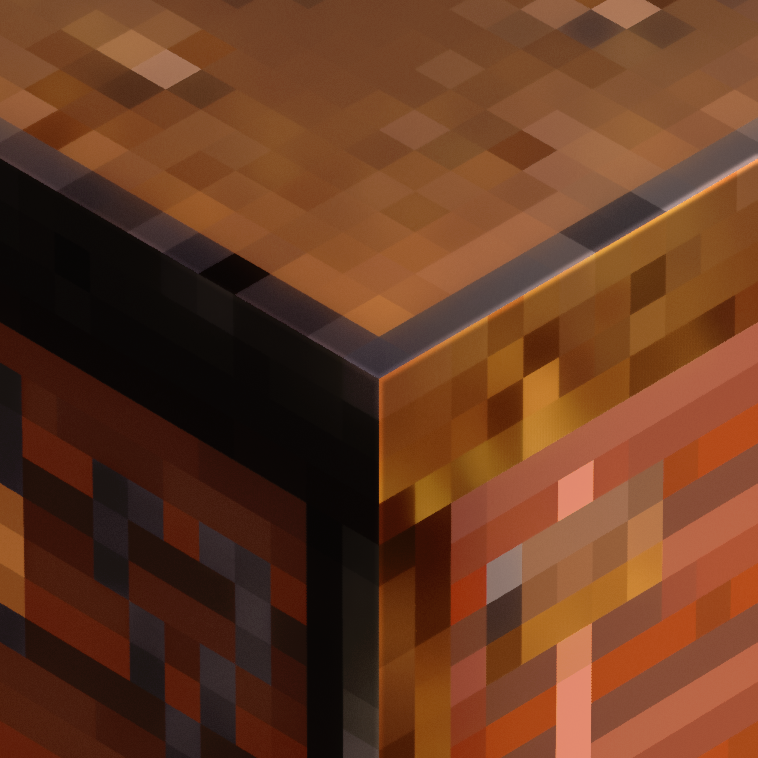
Vanilla RTX Add-Ons are a series of optional packs that can be applied over the main pack to give certain blocks interesting properties with ray tracing!
Each one is its own pack, this allows you to modularly customize certain aspects of Vanilla RTX.
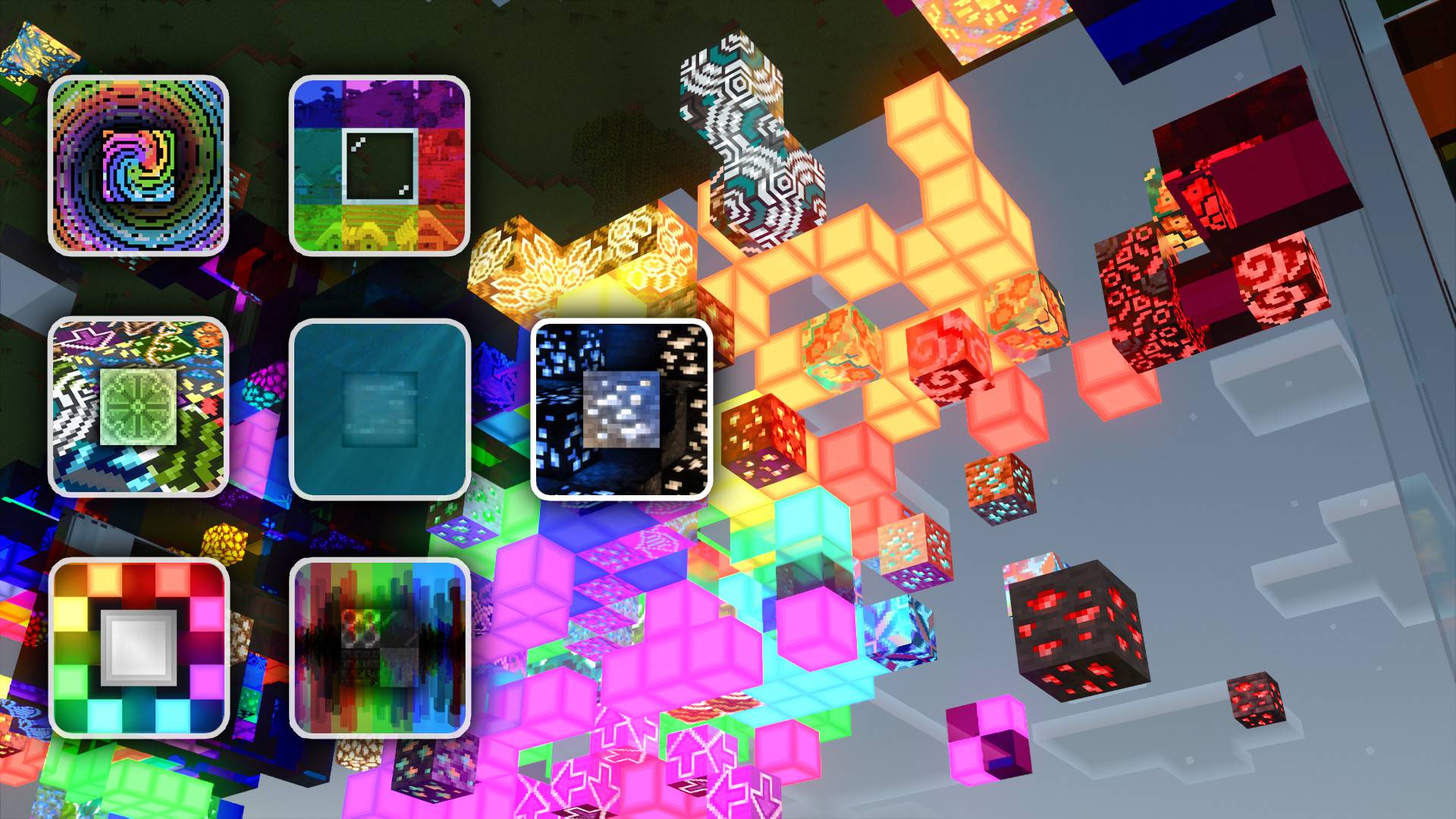
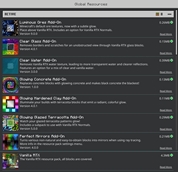
Currently there are a total of 7 add-ons each with unique features that take into account both creative and survival modes. This page contains all of the information relevant to each add-on.
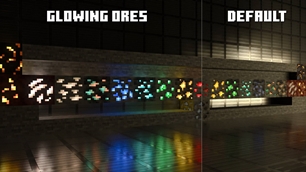
Luminous Ores Add-On
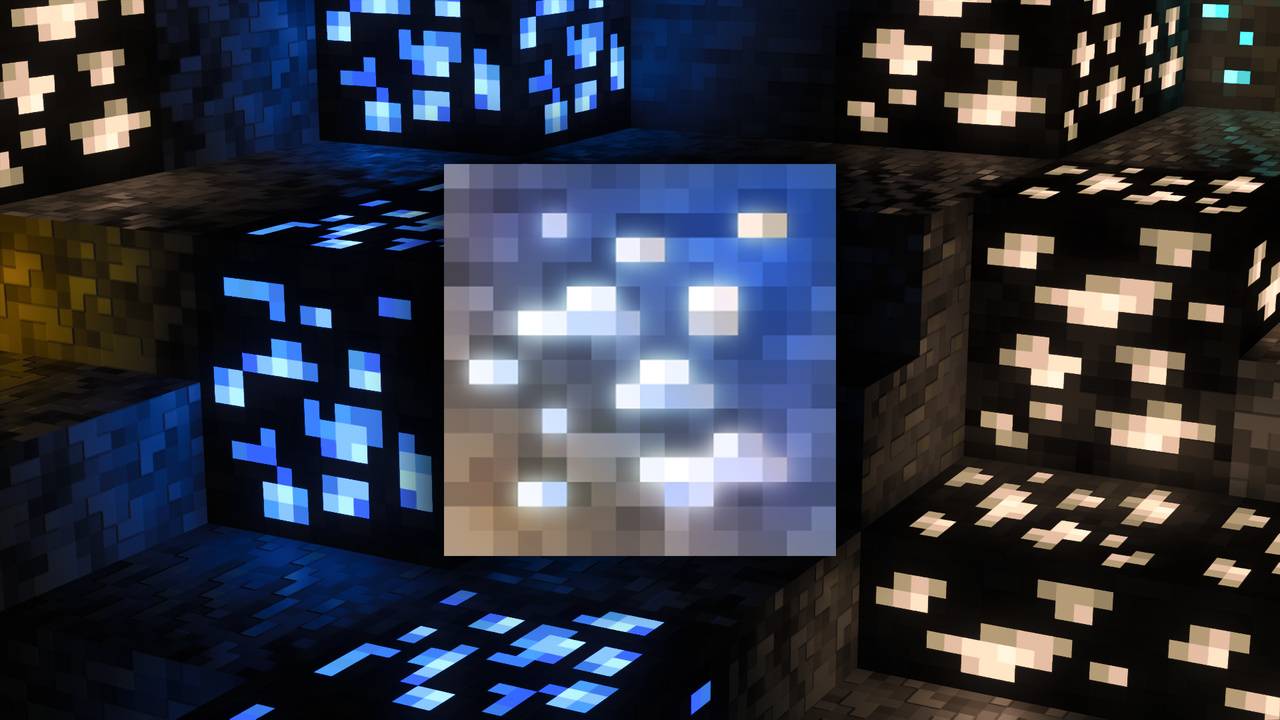
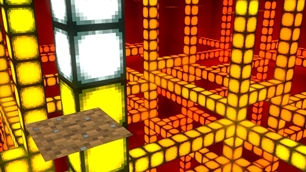
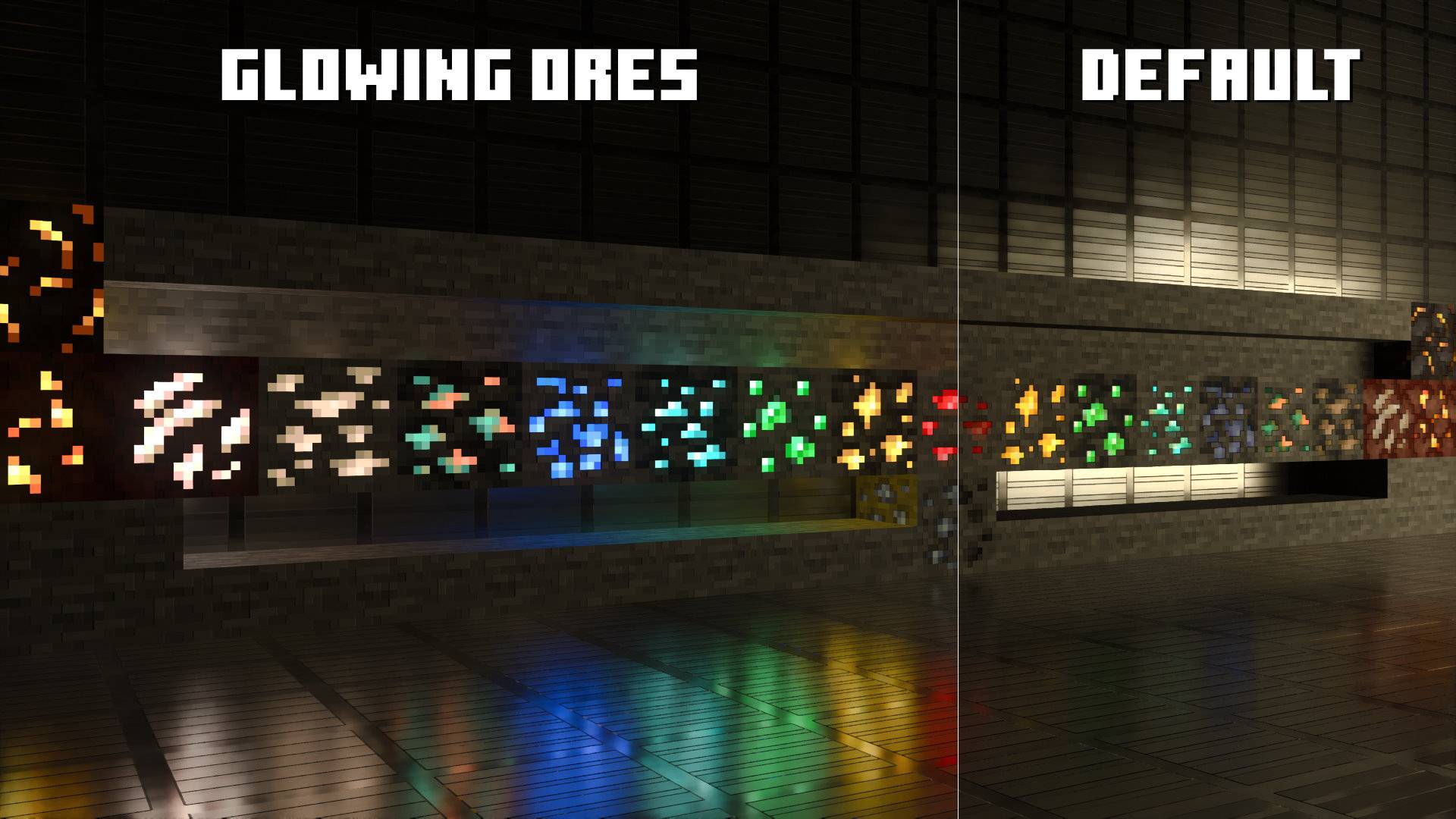
Luminous Add-On adds emissivity to all regular and deepslate blocks, as well as nether ores.
(Includes an option for Vanilla RTX Normals)
Clear Glass Add-On

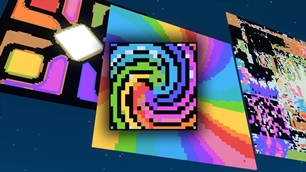
Glowing Concrete Add-On
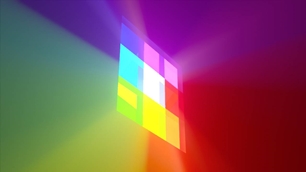
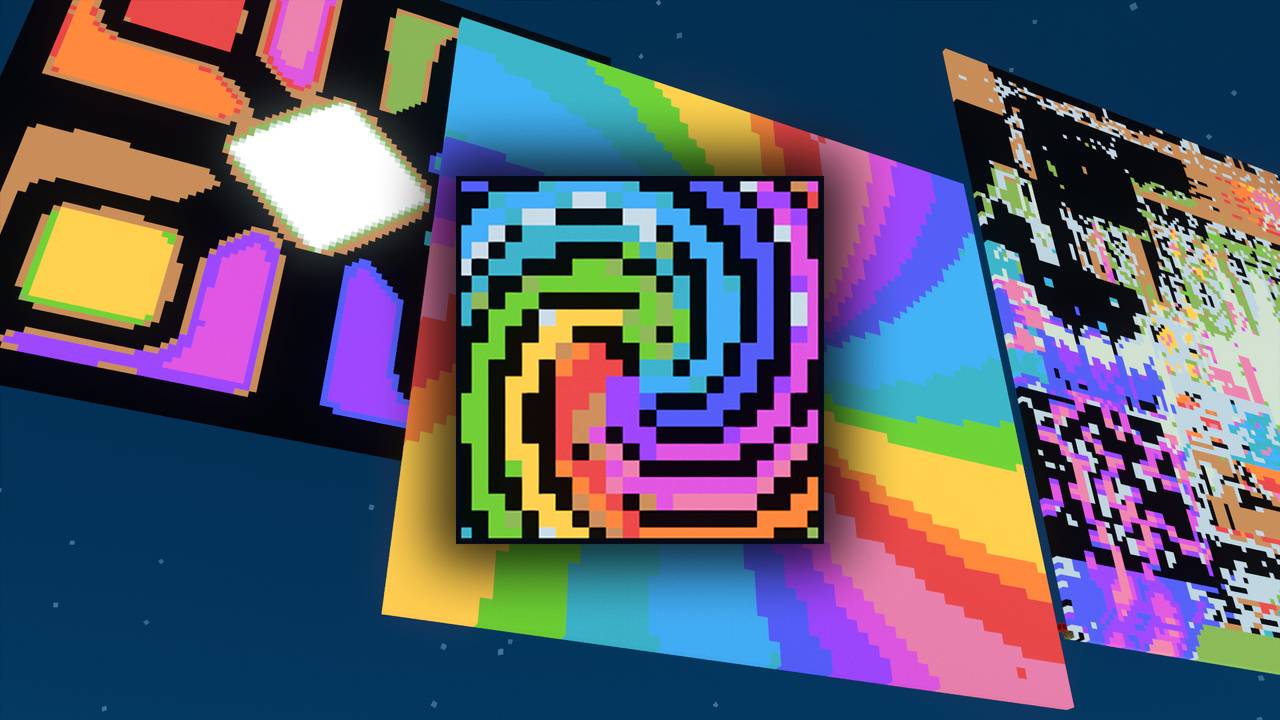
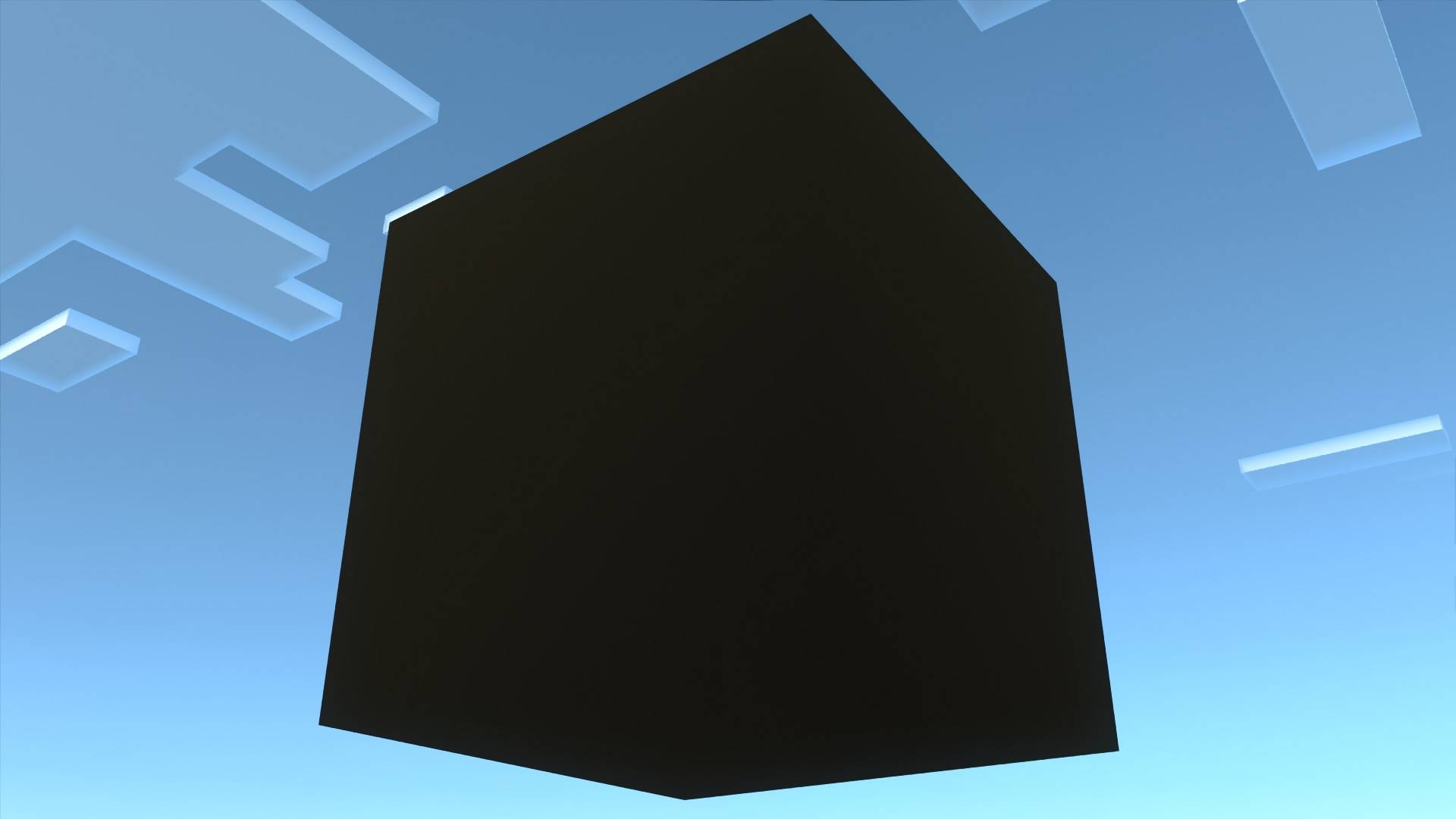
Turns all colored concrete blocks into colorful glowing blocks.
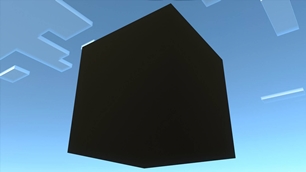
Black and white concrete are special and are turned into vantablack and the brightnest possible materials respectively.

Clear Water Add-On

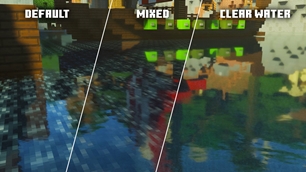
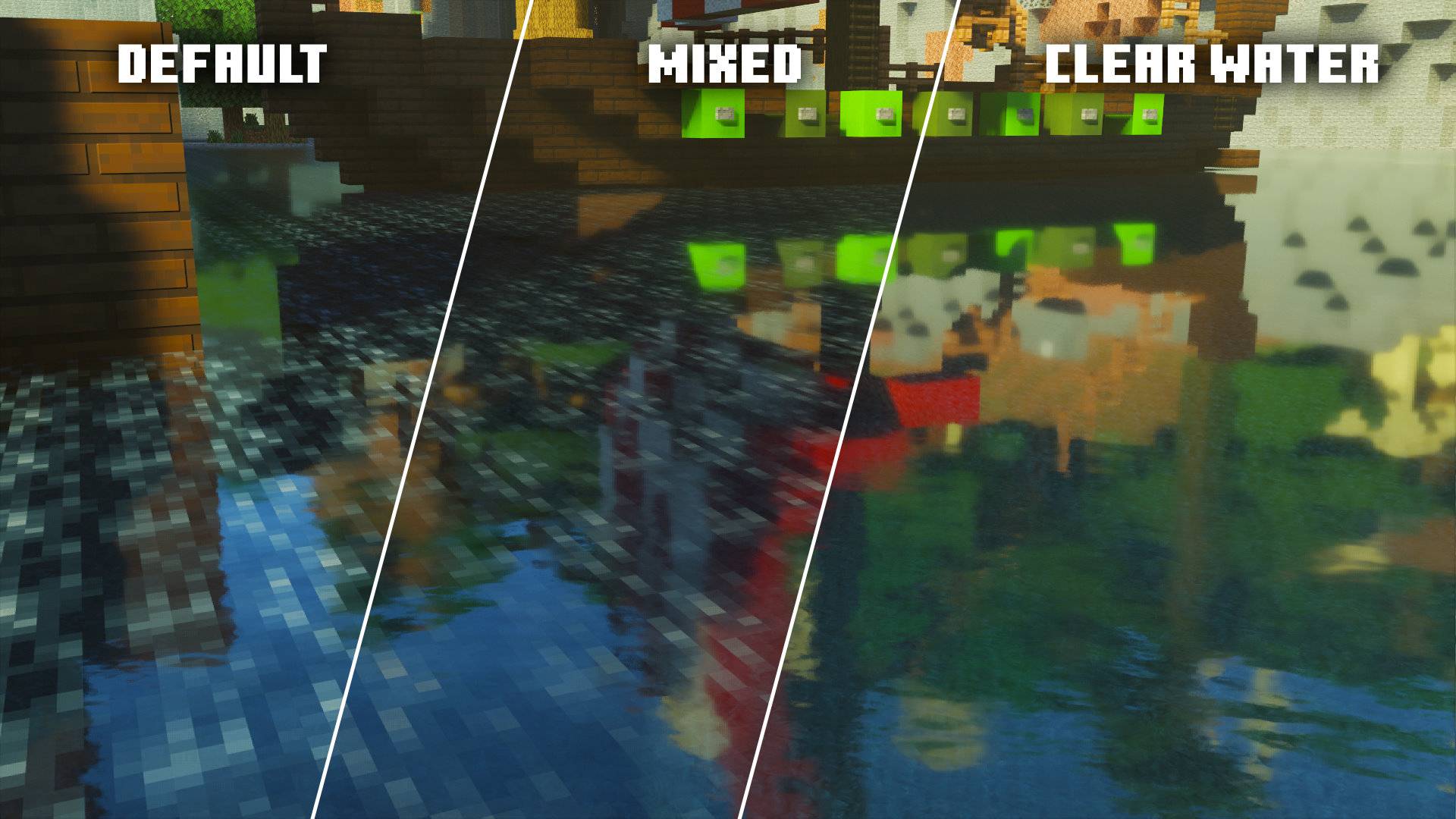
Clear Water Add-On removes the default Vanilla RTX water texture, resulting in more transparent water and sharper reflections.
Includes a secondary option called "Vanilla Mix" which is in-between default and clear water.
Glowing Hardened Clay Add-On
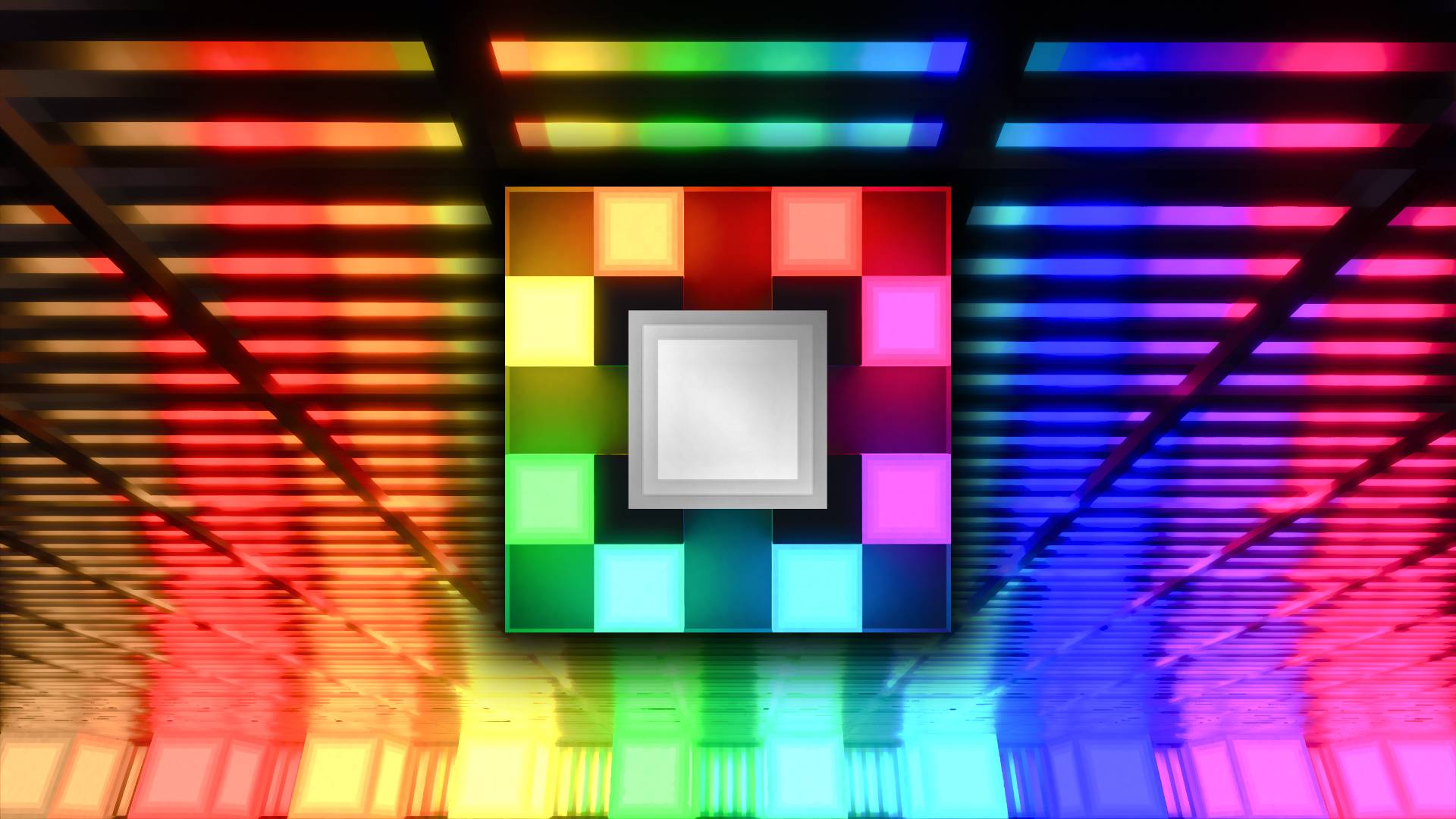
Similar to glowing concrete, instead changes Terracotta blocks with significantly stronger emissives and more vibrant colors.
Glowing Glazed Terracotta Add-On
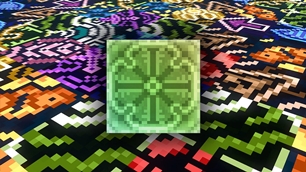
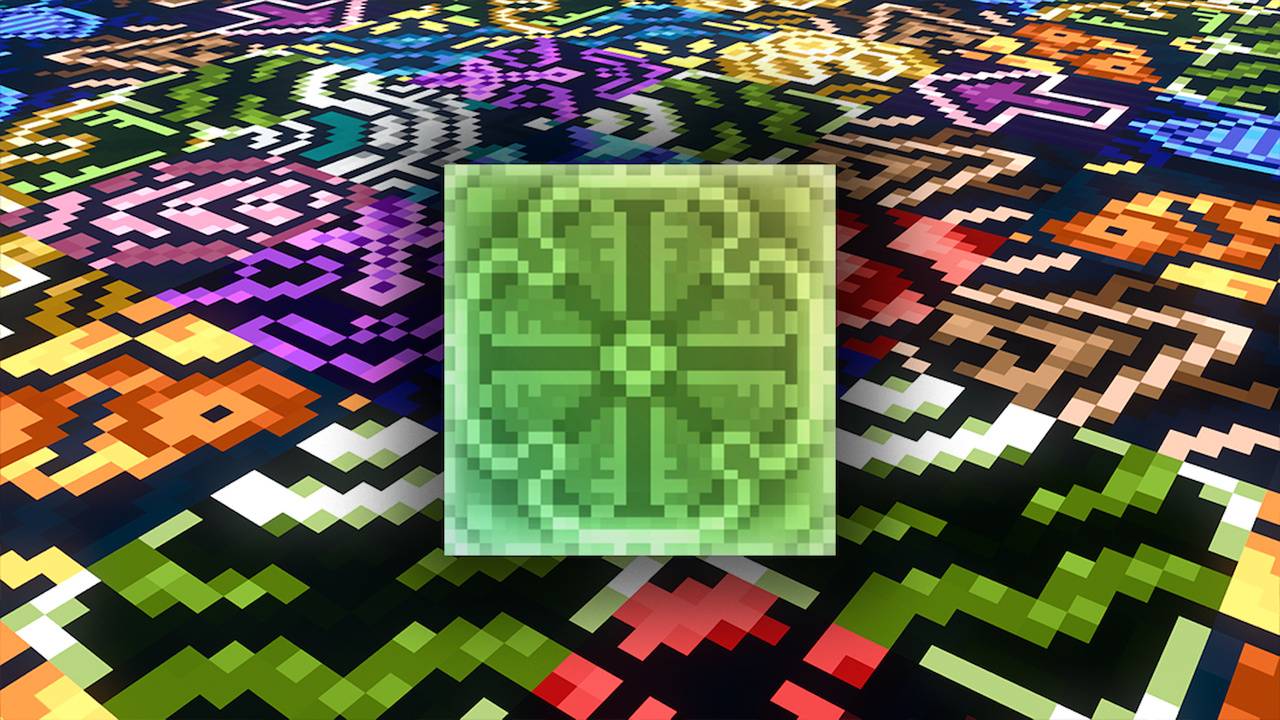
Adds emissivity to all colors of glazed terracotta, bringing out the colored patterns with a subtle glow.
Includes an option for Vanilla RTX Normals
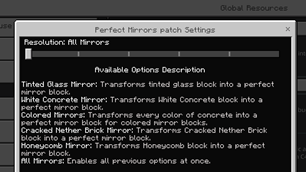
Perfect Mirrors Add-On

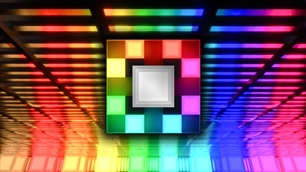
Replaces various blocks with perfect mirrors, several options are given for replacing a block with mirror. All of the blocks in these options do not spawn naturally and you can obtain them easily in a survival world.
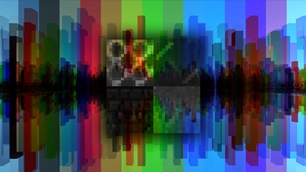
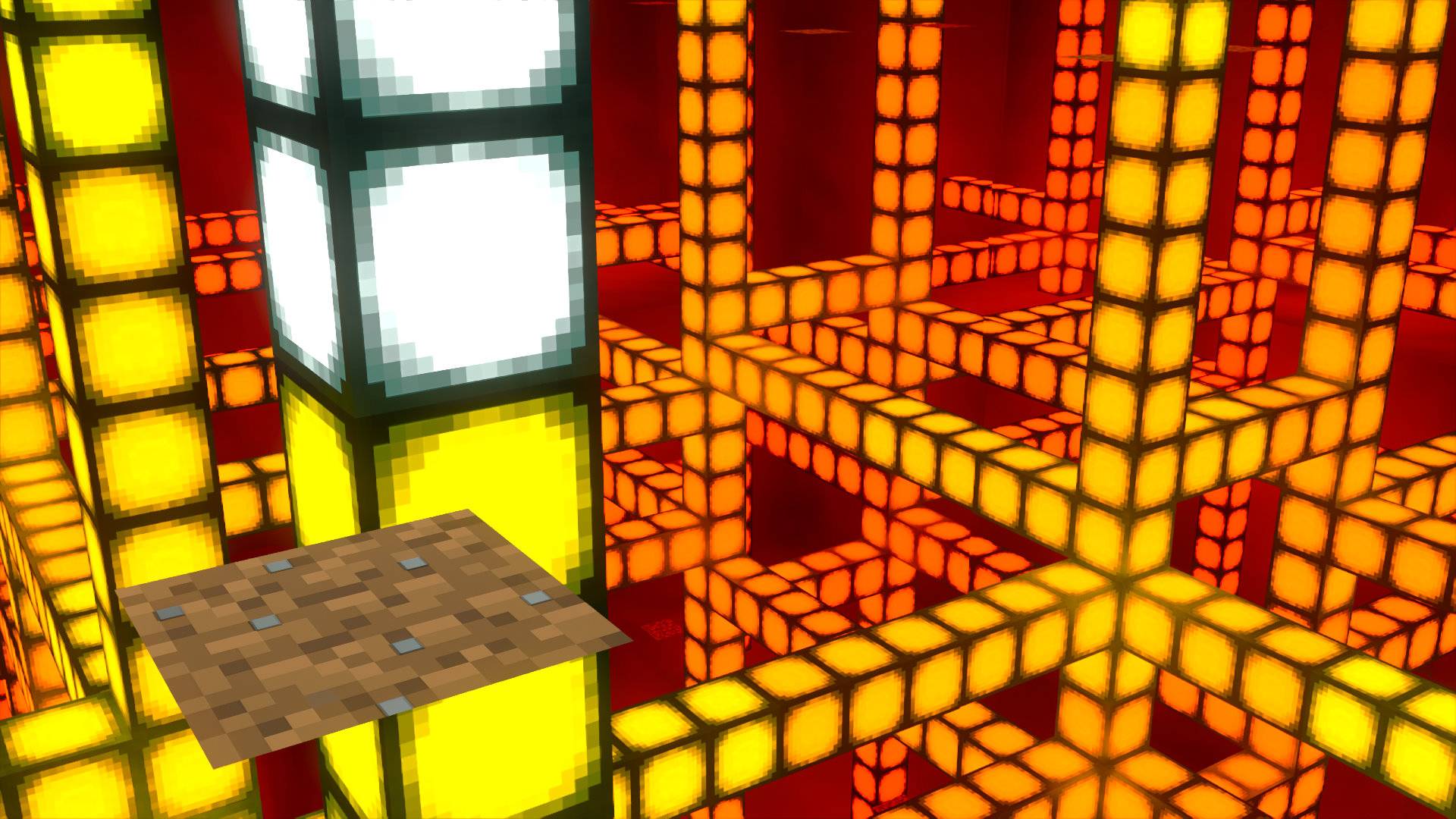
Colored Mirrors is an special option that turns all 16 colors of concrete into perfect mirrors of varying colors.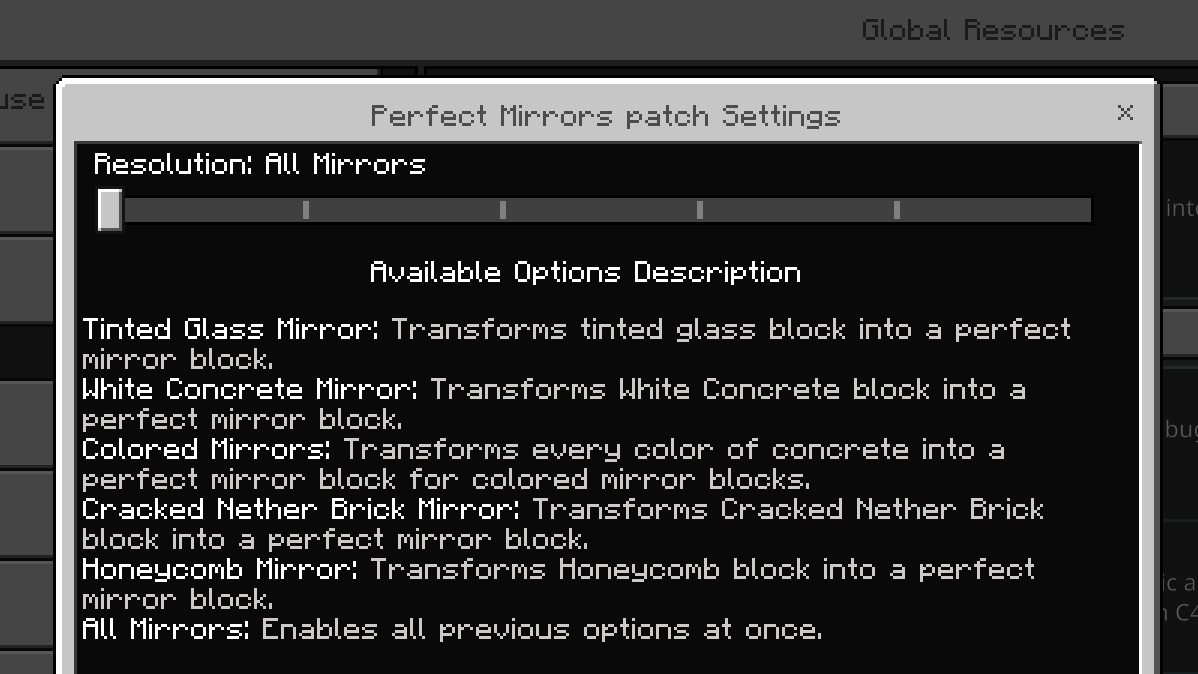
This covers it for now! There are a total of 7 optional add-ons available for Vanilla RTX. They will receive updates as needed, expect new ones to be introduced over time.
The downloadable file contains all add-ons in one pack, which imports them at once. You can uninstall the ones you don't need/use.
All PBR resource packs, including these Add-Ons can be tuned using the Vanilla RTX App.
If you have suggestions or issues, you can join the Vanilla RTX Discord at: https://discord.gg/A4wv4wwYud or comment here!
Installation Information
- Vanilla RTX Add-Ons are not standalone packs! they are optional add-ons that you should activate above Vanilla RTX (or Vanilla RTX Normals/Opus) in your resource pack settings to change only what you want.
- Vanilla RTX Add-Ons are created for Vanilla RTX and do not work on any Android, iOS or gaming consoles such as Xbox Series X|S, PS5, etc..., they can be used with Vibrant Visuals, however expect vastly different visuals than the images.
Windows 10 and Windows 11 Devices Only with NVIDIA GeForce® RTX 20 Series and higher, along with the AMD Radeon™ RX 6000 Series and higher. - All of add-ons in this page are compatible with each other, you can use any combination you want without any issues.
The placement order of add-ons themselves is irrelevant! as long as all of them are placed above Vanilla RTX itself in your global/world resources settings, with one exception: Colored Mirrors mode in Perfect Mirrors Add-On and Glowing Concrete, since both modify concrete, the pack that is placed higher up will overwrite the lower one. White Glass Mirror option also overwrites white clear glass from Clear Glass Add-On. There are no overlaps otherwise. - Add-Ons that do not feature a secondary option for Vanilla RTX Normals/Opus did not need one, they can be activated over any pack and remain visually consistent.
The Ultimate Guide to Add-Ons for Vanilla RTX
If you are exploring the vast world of Minecraft modifications, Add-Ons for Vanilla RTX by Cubeir is a standout shader that deserves your attention. With over 80,945 downloads, it has become a staple for players looking to enhance their experience. As the creator describes it, this project is "A series of smaller packs that can be applied over Vanilla RTX to give certain blocks interesting properties with ray tracing!". Whether you are a veteran builder constructing massive cities, or simply a casual player looking to upgrade your survival world, this guide will provide you with all the essential details on how Add-Ons for Vanilla RTX alters the game.
What Makes It Special?
Unlike standard shaders that simply alter superficial elements, Add-Ons for Vanilla RTX introduces a wide array of visual and mechanical features designed to seamlessly blend into the vanilla aesthetic. Cubeir has clearly spent significant time refining the project to ensure that every aspect feels polished and responsive for version 1.21.132.
Installation Guide
Getting Add-Ons for Vanilla RTX up and running is straightforward. Follow these step-by-step instructions:
- Verify Your Version: Ensure your Minecraft launcher is set to version 1.21.132.
- Install Mod Loader (if required): If this is a mod, download the compatible loader (Forge, Fabric, NeoForge).
- Download the File: Click the secure download button above to retrieve the official file from CurseForge.
- Move the File: Place the downloaded file into your `mods`, `shaderpacks`, or `resourcepacks` folder depending on the shader type.
- Launch and Enjoy: Open Minecraft, navigate to the respective settings menu, and activate Add-Ons for Vanilla RTX.
Compatibility & Performance
Compatibility is robust. Add-Ons for Vanilla RTX is designed specifically for version 1.21.132, taking full advantage of the latest engine optimizations. During typical gameplay, this addition maintains a stable frame rate, though lower-end laptops might experience slight stuttering. We recommend pairing this with performance boosters like Sodium or Iris to guarantee a silky-smooth experience.