Why RenderPearl is a top-tier shader mod for Minecraft 1.21.10
Clean, high performance Iris shaders for modern hardware
⚙️ Quick Resource Specs
| Mod Creator | Luracasmus |
| Latest Version | 1.21.10 |
| Supported Game Versions | 1.21.11, 1.21.10, 1.21.9, 1.21.8, 1.21.7 |
| File Size | 616.16 KB |
| Last Updated | |
| Total Downloads | 321,289 downloads |
Modern, lightweight shaders for Iris
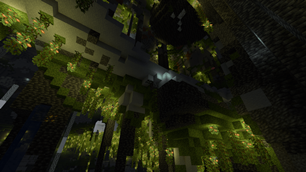
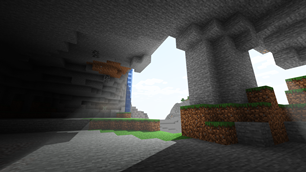
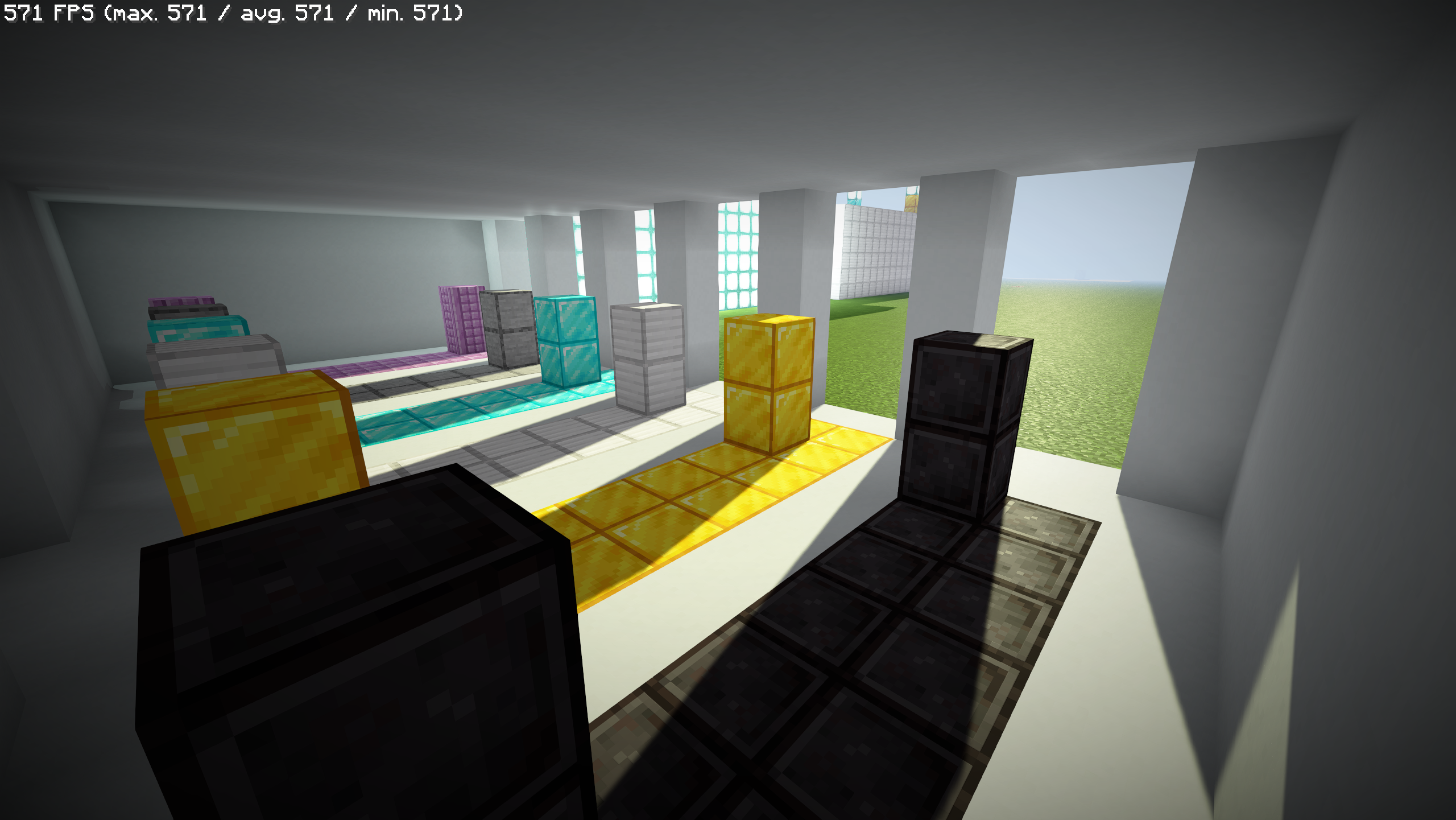
RenderPearl is an incredibly lightweight shader pack using the latest Iris features and optional extensions on various graphics drivers, aiming to deliver pleasant visuals with excellent performance on modern hardware.
If you want to report a bug or give feedback/suggestions, the best way to do so is by opening an issue on the GitHub issue tracker. I rely heavily on user feedback in bug fixing and design.
Trivia
This project started as a continuation of "Luracasmus Shaders" (which is why you might have seen it called "LS RenderPearl"), but modern versions share little to no code with the original project. The question remains as to whether the same shader pack remains throughout, when all parts are replaced.
The name "RenderPearl" is inspired by the Bedrock Edition RenderDragon engine.
Features
LabPBR 1.3 compliance & material data
"Yes" indicates support for per-texel data.
| LabPBR 1.3 required component | From resource pack | Configurable nonstandard channels | Included/procedural |
|---|---|---|---|
| Albedo | Yes | No | No |
| Smoothness | Yes, or as linear or perceptual roughness | Yes | Yes |
| f0/reflectance | No | Constant | |
| Normal | Yes | No | Yes |
| LabPBR 1.3 optional component | From resource pack | Included/procedural | |
| ----------------------------- | ------------------------------ | -------------------------------------- | |
| Hardcoded metal | No | No | |
| Porosity | No | No | |
| Subsurface scattering | No | Constant, only on translucent geometry | |
| Emmissiveness | No | Yes | |
| Ambient occlusion | Binary, per-block (from model) | Yes | |
| Height | No | No |
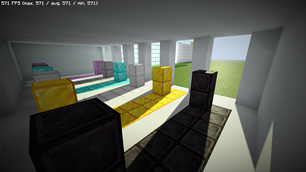
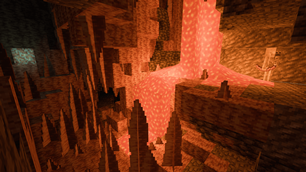
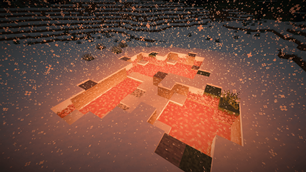
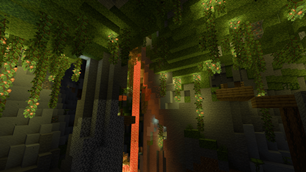
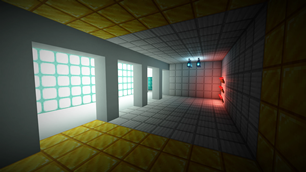
- Smooth, colored real-time shadows and volumetric light using distorted shadow mapping.
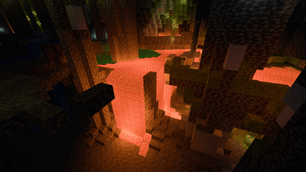
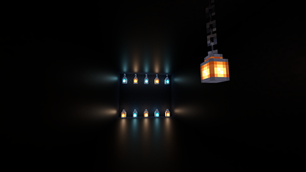
- Colored block light with physically based reflections using a light list combined with vanilla lighting and average texture color.
- Ray traced, per-hand hand light.
- A wide range of highly optimized post-processing effects, including compute shader implementations of FidelityFX Contrast Adaptive Sharpening, SMAA 1x from SMAA-MC, automatic exposure and a variety of tone mapping operators.
- Customizable waves and water opacity.
- Built-in utility features such as light level visualization and a compass overlay.
Mod & Resource Pack Compatibility
Most built-in PBR information, including light colors, material normals and roughness, are almost entirely procedurally generated and should therefore work perfectly with most resource packs and mods.
Integration with Distant Horizons and Voxy is supported on the latest Minecraft version, but experimental and very basic. Complete support is planned for a future update.
Support for mods that modify the Iris shader pipeline, such as Chunks Fade In, is experimental and may have issues, such as the shader pack failing to compile.
Requirements
If you have a decently modern non-macOS device it probably supports everything you need, but you might have to update your Iris and graphics drivers.
- Iris with support for features:
BLOCK_EMISSION_ATTRIBUTECOMPUTE_SHADERSCUSTOM_IMAGESENTITY_TRANSLUCENTPER_BUFFER_BLENDINGSEPARATE_HARDWARE_SAMPLERSSSBO
- Graphics drivers with support for GLSL 4.60.8+.
- Minecraft of a version that is listed as supported by the RenderPearl release. The latest supported version is usually the most stable.
Driver Support
| OS | Drivers | Support |
|---|---|---|
| Linux | Mesa RadeonSI | Perfect |
| Linux | Nvidia | Very Good |
| Linux | Mesa Zink/RADV | Good |
| Linux | Mesa Zink/Nvidia | Unstable |
| Windows | AMD Adrenalin | Good |
| Windows | Nvidia Game Ready | Very Good |
Only the latest stable versions are tested. All other drivers are untested. Please report any issues that occur.
Tuning & The Compatibility Menu
The default configuration and all values selectable with profiles are intended to work on all systems that meet the shader pack's Requirements, though you may be able to achieve higher performance and quality by changing some of these options. Beware that some values may cause the shader pack to not compile, in which case you simply have to reset the option. These are usually marked with a red ⚠.
Implementation-Limited Options
The usable values and effects of these options depend on your graphics drivers.
Light List Capacity is limited by the amount of Local Data Share memory usable per work group on your GPU. Depending on your GPU and graphics drivers, and the features enabled by the 16/8-Bit Types option, you may be able to set this significantly higher than the maximum value selectable with profiles (though there is no reason to do so if the light list isn't being filled completely, usually indicated by lights flickering, as it impacts performance negatively).
16/8-Bit Types uses optional OpenGL/GLSL extension-provided half- and/or quarter-sized data types to reduce register, LDS and VRAM usage. Performance impact varies depending on hardware and drivers, as conversion between types has a cost, but operations with smaller types can be significantly faster.
Trinary Min/Max performs trinary minimum and maximum operations in singular function calls using the optional
AMD_shader_trinary_minmaxOpenGL/GLSL extension, which may allow generation of more optimal instruction sequences. It's recommended to use this whenever possible.32×16-Bit Multiplication performs multiplication between 32-bit integers and integers in the 16-bit-representable range using special functions provided by the optional
INTEL_shader_integer_functionsOpenGL/GLSL extension, that may be faster than regular 32-bit multiplication operators. It's recommended to use this whenever possible.Immutable Constants marks all shader variables that can be immutable as constant, possibly enabling better optimizations. This feature is required by the GLSL specification, but still unsupported on some graphics drivers. It's recommended to use it whenever possible.
Design & Modding RenderPearl
RenderPearl's source code is intended to be modifiable and re-usable. It's written according to best practice to the best of my ability, but prioritizing performance over readability. If you have any questions about how it works, feel free to contact me on any platform.
Technical information can be found in the GitHub repository.
These are the only RenderPearl project pages made by me:
If you want to distribute RenderPearl, or just spread the word of it, I would greatly appreciate if you would link to at least one of them, Modrinth being the most important one.
The Ultimate Guide to RenderPearl
If you are exploring the vast world of Minecraft modifications, RenderPearl by Luracasmus is a standout shader that deserves your attention. With over 321,289 downloads, it has become a staple for players looking to enhance their experience. As the creator describes it, this project is "Clean, high performance Iris shaders for modern hardware ". Whether you are a veteran builder constructing massive cities, or simply a casual player looking to upgrade your survival world, this guide will provide you with all the essential details on how RenderPearl alters the game.
What Makes It Special?
Unlike standard shaders that simply alter superficial elements, RenderPearl digs deep into the game's engine to provide a cohesive, performance-focused experience. Luracasmus has clearly spent significant time refining the project to ensure that every aspect feels polished and responsive for version 1.21.10.
Installation Guide
Getting RenderPearl up and running is straightforward. Follow these step-by-step instructions:
- Verify Your Version: Ensure your Minecraft launcher is set to version 1.21.10.
- Install Mod Loader (if required): If this is a mod, download the compatible loader (Forge, Fabric, NeoForge).
- Download the File: Click the secure download button above to retrieve the official file from CurseForge.
- Move the File: Place the downloaded file into your `mods`, `shaderpacks`, or `resourcepacks` folder depending on the shader type.
- Launch and Enjoy: Open Minecraft, navigate to the respective settings menu, and activate RenderPearl.
Compatibility & Performance
Compatibility is robust. RenderPearl is designed specifically for version 1.21.10, taking full advantage of the latest engine optimizations. Since this is heavily focused on optimization, you can expect significant frame rate improvements on both low-end and high-end hardware.