Why GlowCraft Shader 2.6 (Vibrant Visuals) is a top-tier shader mod for Minecraft 1.21.132
Developed by the talented creator Pixcuber, GlowCraft Shader 2.6 (Vibrant Visuals) stands out as a highly recommended selection for your Minecraft client. It is fully optimized, compatibility-tested, and brings a major upgrade to the gameplay experience in Minecraft version 1.21.132.
⚙️ Quick Resource Specs
| Mod Creator | Pixcuber |
| Latest Version | 1.21.132 |
| Supported Game Versions | 1.21.132, 1.21.131, 1.21.130, 1.21.124, 1.21.123 |
| File Size | 20.53 MB |
| Last Updated | |
| Total Downloads | 100,517 downloads |
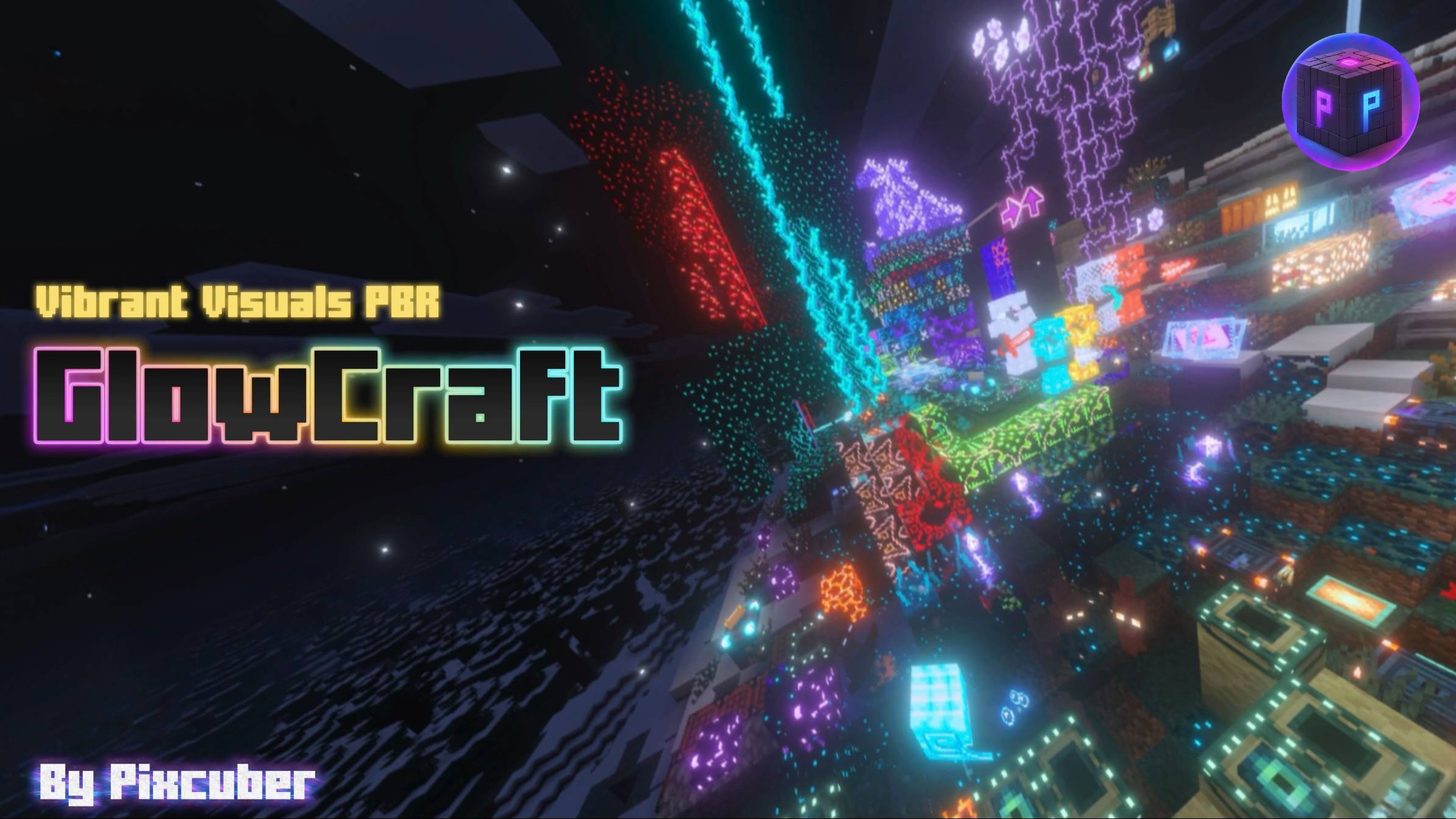
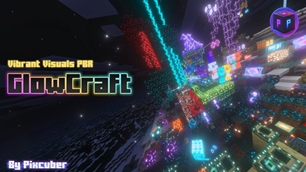
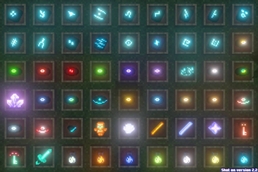
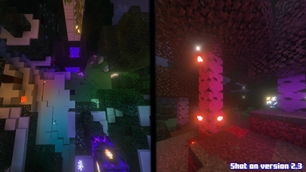
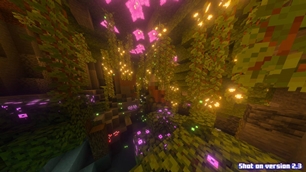
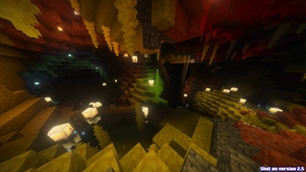
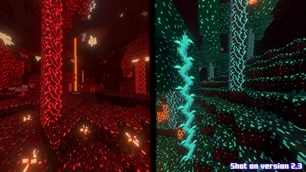
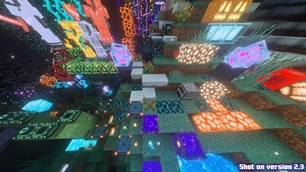
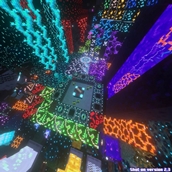
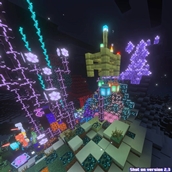
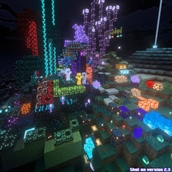
GlowCraft is a stunning Vibrant Visuals shader pack for Minecraft Bedrock that makes blocks, items, & entities glow, bringing true illumination to your game.
To see what's new in GlowCraft version 2.6, scroll down to the changelog. ⬇️
Warning: The GlowCraft background panorama on the title screen may fail to load on 26.50-52, note that this is a Minecraft problem and nothing to do with GlowCraft.
GlowCraft 2.0 Showcase Video:
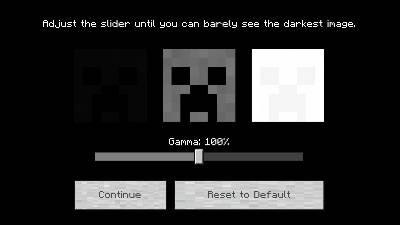
Make sure your Vibrant Visuals settings is set to the default gamma level (100%) for best experience:
Minimum Required Minecraft version: v1.21.90
Recommended Minecraft version: v26.40 (26.50 works, but has broken UI issues)
Requires Vibrant Visuals to be turned ON to work, and it's highly recommended to have bloom turned on in settings.
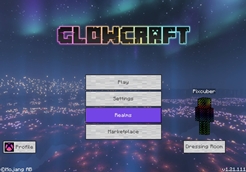
GlowCraft UI is turned ON by default. It can be turned OFF in the pack settings.
------------------------------------------------------------------------
Disclaimers:
There are some things which are not possible to glow/bloom in Vibrant Visuals, which is why they are not included in GlowCraft. These are some of them: glowing armour trims, glowing horse armor, glowing armor behind the armor trims, player skin, top surface of a live respawn anchor (black/broken portal animation), beacon beam, end crystal beam, portal blocks, firework particles, light blocks, etc. I don't make netherite armor/tools glow because glowing it makes it look pink.
Also note that the GlowCraft 2.0 video was recorded before I implemented the new colored lighting feature. If upgrading GlowCraft has a duplicate error, make sure to delete the old files first.
There is a bug in Minecraft Bedrock v26.50-51 that has invisible and broken UIs, none of those is related to GlowCraft. The background panorama also may not work until Mojang fixes it.
Special thanks to "Ty-El's UI" for providing more UI elements for GlowCraft UI v2.0 - v2.6.
Special thanks to "The Bracken Pack" ("The Faewild") for providing a background panorama for GlowCraft UI v1.7 - v2.6.
------------------------------------------------------------------------
Changelog:
v1.1: First public pack version.
v1.2: Fixed dark lighting issue, made many more blocks glow.
v1.3: Made more blocks glow!
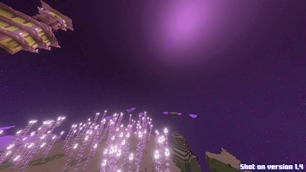
v1.4: Fixed slightly dark lava bug, fixed quartz ore texture, improved crimson nylium texture, improved magma block texture, added stars to the end sky.
v1.5: Made more blocks glow, added glowing particles, fixed light-emitting block textures looking darker than normal.
v1.6: A few improvements & bug fixes.
v1.7: Made many more blocks glow, made many more particles glow, armor (iron/gold/diamond/chain/copper) now glow, tools (iron/gold/diamond/copper) now glow, turtle shell helmet now slightly glows, new GlowCraft Ul (can be turned off in the pack options), rain drops no longer glow (was originally a bug), more items (like tridents, totems, wind charges, etc) now glow, and many more improvements and bug fixes. Also now updated for the copper update (Copper armour, equipment, tools, etc now glow), some entities now glow. (New Panorama from: The Bracken Pack (The Faewild) by BrackenStrike).
v1.8: GlowCraft UI improvements (includes switching the "Browse Add-ons" button with the Settings button on the new pause screen, and removed random "E" on title screen), fixed many importing issues, and a few other improvements & bug fixes (fixed some particles not working).
v1.9: Made many more items glow, and a few other improvements & bug fixes.
v2.0: Improved GlowCraft UI (with embedded parts of Ty-El's UI), updated for the "Mounts Of Mayhem" update (made Nautilus armor glow (copper/iron/gold/diamond), made spears glow (copper/iron/gold/diamond)), and many more improvements & bug fixes.
v2.1: Bug fixes & improvements (fixed some blocks being too shiny, and removed big spacings in the settings).
v2.2: Minor tweaks & improvements.
v2.3: Added colored lighting emittance to blocks (new static/local_lighting system in 26.10).
v2.4: Made golden dandelion glow, and a few other improvements & bug fixes.
v2.5: Updated for the Chaos Cubed update.
v2.6: Small tweaks & improvements.
(UPCOMING) v2.7: Fixed many JSON bugs and removed duplicated terrain_texture keys in the pack. Also slightly improved GlowCraft UI. (Tried to add multiple toggles in settings, but unfortunately mojang can't do things right and so it's not possible (yet)).
The Ultimate Guide to GlowCraft Shader 2.6 (Vibrant Visuals)
If you are exploring the vast world of Minecraft modifications, GlowCraft Shader 2.6 (Vibrant Visuals) by Pixcuber is a standout shader that deserves your attention. With over 100,517 downloads, it has become a staple for players looking to enhance their experience. As the creator describes it, this project is "GlowCraft is a stunning Vibrant Visuals shader pack for Minecraft Bedrock that makes blocks, items, particles, & entities glow, bringing true illumination to your game.". Whether you are a veteran builder constructing massive cities, or simply a casual player looking to upgrade your survival world, this guide will provide you with all the essential details on how GlowCraft Shader 2.6 (Vibrant Visuals) alters the game.
What Makes It Special?
Unlike standard shaders that simply alter superficial elements, GlowCraft Shader 2.6 (Vibrant Visuals) introduces a wide array of visual and mechanical features designed to seamlessly blend into the vanilla aesthetic. Pixcuber has clearly spent significant time refining the project to ensure that every aspect feels polished and responsive for version 1.21.132.
Installation Guide
Getting GlowCraft Shader 2.6 (Vibrant Visuals) up and running is straightforward. Follow these step-by-step instructions:
- Verify Your Version: Ensure your Minecraft launcher is set to version 1.21.132.
- Install Mod Loader (if required): If this is a mod, download the compatible loader (Forge, Fabric, NeoForge).
- Download the File: Click the secure download button above to retrieve the official file from CurseForge.
- Move the File: Place the downloaded file into your `mods`, `shaderpacks`, or `resourcepacks` folder depending on the shader type.
- Launch and Enjoy: Open Minecraft, navigate to the respective settings menu, and activate GlowCraft Shader 2.6 (Vibrant Visuals).
Compatibility & Performance
Compatibility is robust. GlowCraft Shader 2.6 (Vibrant Visuals) is designed specifically for version 1.21.132, taking full advantage of the latest engine optimizations. During typical gameplay, this addition maintains a stable frame rate, though lower-end laptops might experience slight stuttering. We recommend pairing this with performance boosters like Sodium or Iris to guarantee a silky-smooth experience.