Why OptiDark is a top-tier texture pack mod for Minecraft 1.21
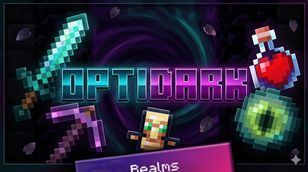
Developed by the talented creator snowgem, OptiDark stands out as a highly recommended selection for your Minecraft client. It is fully optimized, compatibility-tested, and brings a major upgrade to the gameplay experience in Minecraft version 1.21.
⚙️ Quick Resource Specs
| Mod Creator | snowgem |
| Latest Version | 1.21 |
| Supported Game Versions | Minecraft 1.21+ |
| File Size | 11.35 MB |
| Last Updated | |
| Total Downloads | 74,426 downloads |
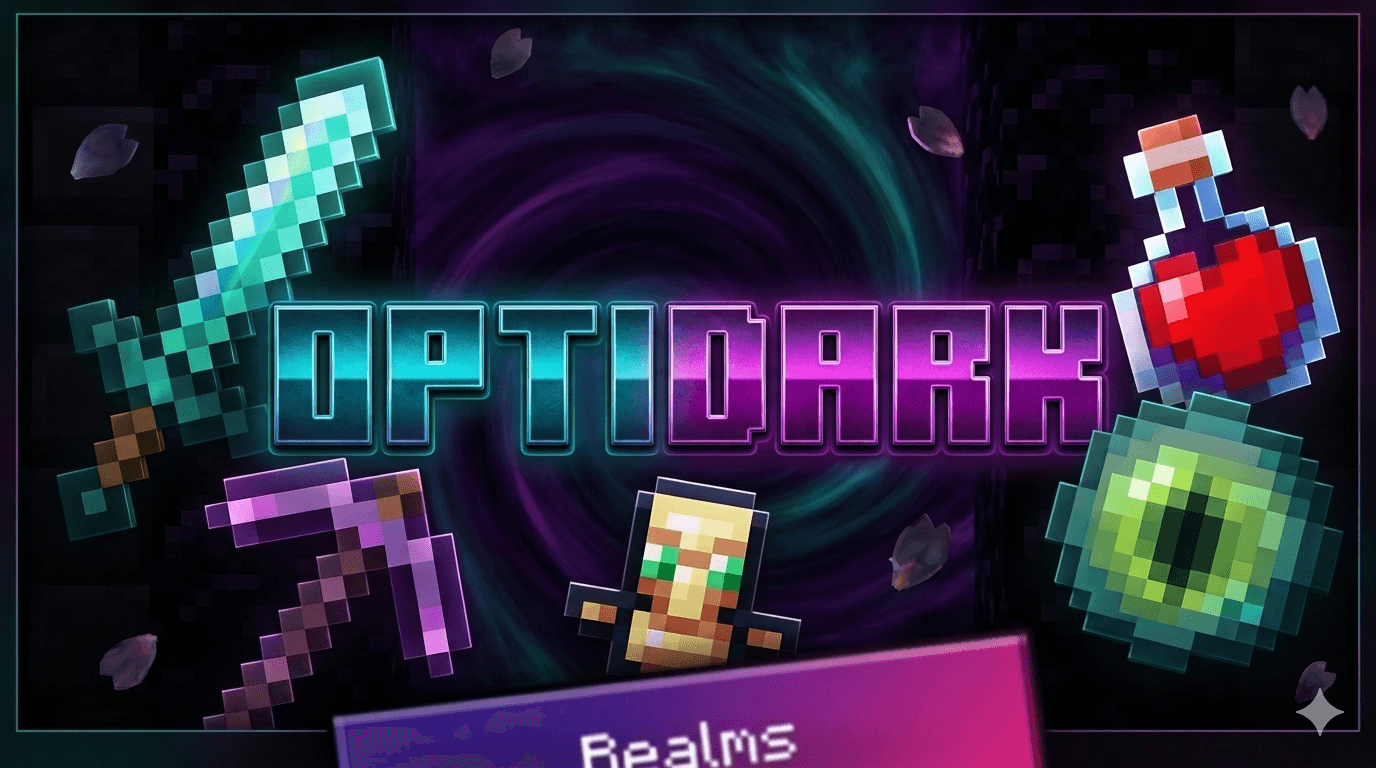
The Best Minecraft Booster Pack!
Please dont steal or redistribute my code and assets, please respect my hard work!
Yep, you heard that right. Its the best Minecraft Booster Pack! And it also have A LOT of good features and this mod will improve your mimecraft performance if your device is a potato and lags a lot!
 Features:
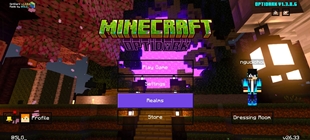
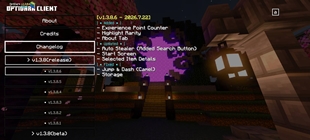
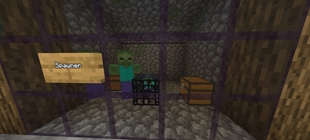
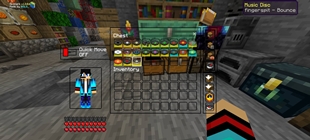
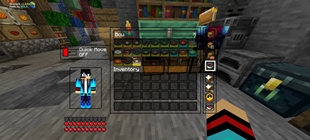
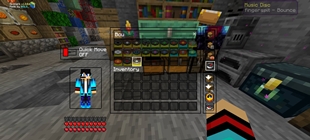
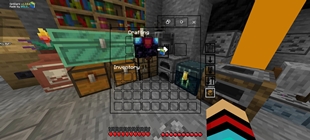
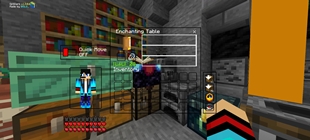
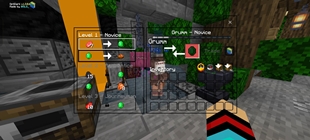
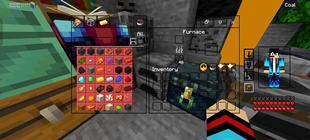
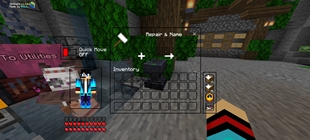
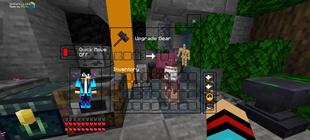
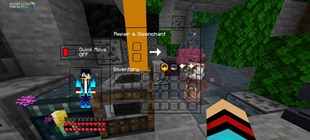
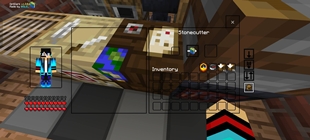
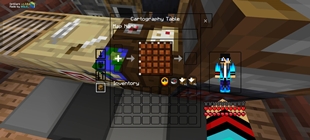
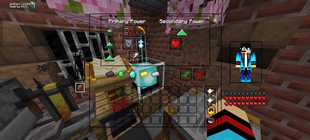
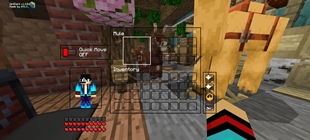
- Clean UI
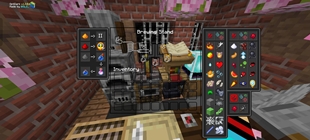
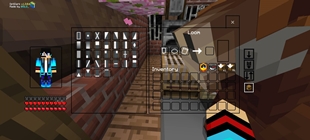
- Custom GUI
- Custom Background
- Custom Loading Screen
- Settings UI
- Quick Settings
- Smooth Minceraft Seven Font
- Custom Breaking Animation
- Animated Items Name
- New Crosshair
- New Controls Button UI
- Custom Chat UI
- Custom Click Sound
- Quick Loot
- Inventory (time,direction,deposit)
 PVP Features:
- Boost FPS (of course, its a booster pack, every booster pack has this)
- Fix Lag Spikes (fixes mc to not have any lag spikes)
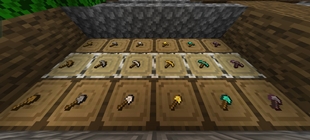
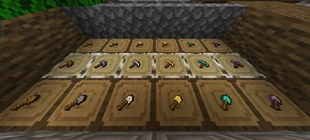
- Smol tools (except hoes) + Short Sword + smol totem
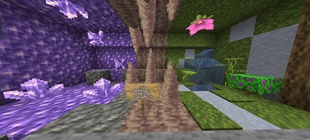
- Dark Grass
- Clean Water
- still water (those who know💀)
- Still Lava
- Low Fire
- No Particles
- 3D Mace
- No Animation Stonecutter
 Blocks Changes:
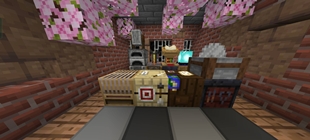
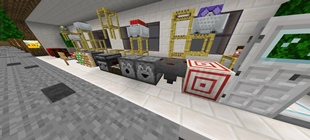
- Glass Doors And Trapdoors
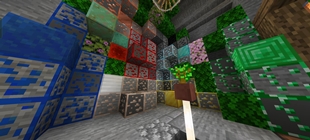
- Outlined Ores, Copper
- Invisible Items Frames
- Direction Lodestone
- Direction Observer
- Direction Hopper
- Redstone Power
- Flat Glass Panel
- Better Looking Anvils Variant
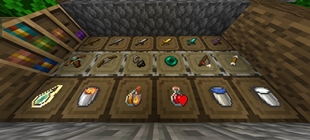
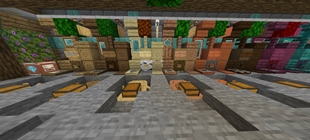
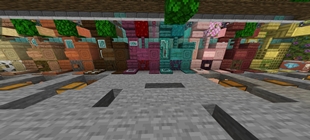
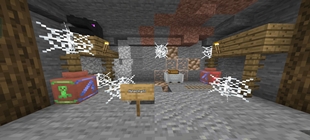
- Better Looking Decorated Pots (with shards too, colored)
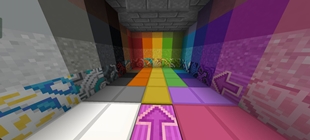
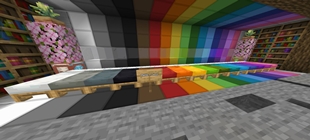
- Smooth Wool, Carpet
- Clean Glass
- Outlined Infested Stone Types
- Better Looking Enchanting Table
 Items Features:
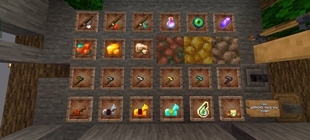
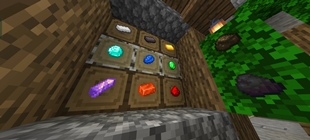
- Detailed Potions
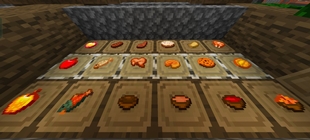
- Eating Animations
- Eating Sounds
- Item Info (including food, armor, tools, time to consume info)
- Detailed Maps
- Detailed Spawn Eggs
- Advanced Bow States (+Crossbow)
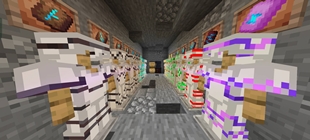
- Smooth Ingot, Smooth Deepslate Ores (still outlined), Smooth Armor (except chainplate)
- Better Looking Books
 Miscalenous Features:
- No Pumpkin Blur
- No Binoculars Blur
- Clean Dimension Enter Screen
- Clean Nether Portal (when its activated)
- Clean End Portal (when its activated too)
✅You can do:
- Modify this pack fos personal use only.
- Makes review for this pack (tag my YouTube @SLG_ in your description).
- Sharing download link only with mcpedl or curseforge.
❌You can't do:
- Sharing modified pack Sharing download other than mcpedl or curseforge link.
- Claimed this pack as your pack.
- Uploading this pack in 3rd party website (ex: 9minecraft and etc.) without my permission.
- Use anything in the pack without my permission.
If you do one of it or more, beware of the copyright strike!
Please Support Me
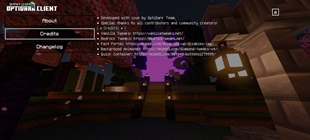
- Join My Discord Server: Join Here
- Subscribe To My Channel: Subscribe Now
- Official Website Here: Visit Now
- Special Thanks to Haturz! Without him, I can't upload this mod to MCPEDL! (cuz my english is real bad lmao)
- Subscribe To Him: Subscribe Him
THANK YOU FOR USING MY MOD!
God Bless You🙏🙏🙏
The Ultimate Guide to OptiDark
If you are exploring the vast world of Minecraft modifications, OptiDark by snowgem is a standout texture that deserves your attention. With over 74,426 downloads, it has become a staple for players looking to enhance their experience. As the creator describes it, this project is "Reduce lag for Minecraft Bedrock". Whether you are a veteran builder constructing massive cities, or simply a casual player looking to upgrade your survival world, this guide will provide you with all the essential details on how OptiDark alters the game.
What Makes It Special?
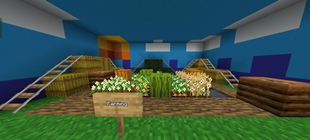
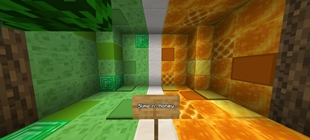
Unlike standard textures that simply alter superficial elements, OptiDark introduces a wide array of visual and mechanical features designed to seamlessly blend into the vanilla aesthetic. snowgem has clearly spent significant time refining the project to ensure that every aspect feels polished and responsive for version 1.21.
Installation Guide
Getting OptiDark up and running is straightforward. Follow these step-by-step instructions:
- Verify Your Version: Ensure your Minecraft launcher is set to version 1.21.
- Install Mod Loader (if required): If this is a mod, download the compatible loader (Forge, Fabric, NeoForge).
- Download the File: Click the secure download button above to retrieve the official file from CurseForge.
- Move the File: Place the downloaded file into your `mods`, `shaderpacks`, or `resourcepacks` folder depending on the texture type.
- Launch and Enjoy: Open Minecraft, navigate to the respective settings menu, and activate OptiDark.
Compatibility & Performance
Compatibility is robust. OptiDark is designed specifically for version 1.21, taking full advantage of the latest engine optimizations. During typical gameplay, this addition maintains a stable frame rate, though lower-end laptops might experience slight stuttering. We recommend pairing this with performance boosters like Sodium or Iris to guarantee a silky-smooth experience.