Why Boosted FPS (Optimized Performance) is a top-tier texture pack mod for Minecraft 1.21
Developed by the talented creator XiaoCraft, Boosted FPS (Optimized Performance) stands out as a highly recommended selection for your Minecraft client. It is fully optimized, compatibility-tested, and brings a major upgrade to the gameplay experience in Minecraft version 1.21.
⚙️ Quick Resource Specs
| Mod Creator | XiaoCraft |
| Latest Version | 1.21 |
| Supported Game Versions | Minecraft 1.21+ |
| File Size | 1.18 MB |
| Last Updated | |
| Total Downloads | 1,004,316 downloads |
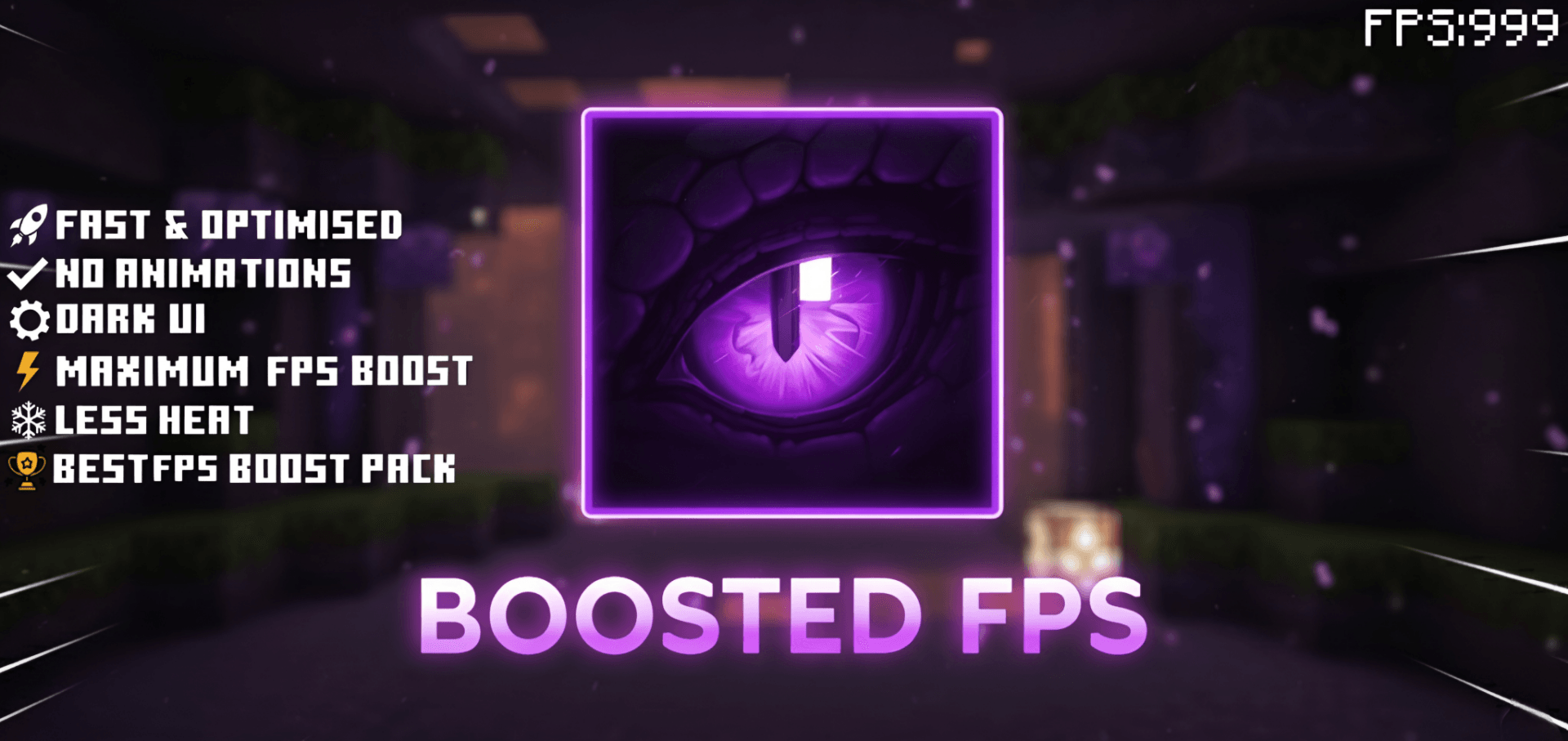

A lightweight resource pack engineered to maximize frame rates on Minecraft Bedrock Edition without sacrificing the core vanilla feel. Every component - fog, particle systems, block animations, sounds, and UI, has been tuned for smoother, more stable gameplay across all device tiers.
- Maintains a clean, vanilla-style look without heavy visual changes
- Designed for stable, lag-free gameplay on any hardware
⚙️ In-Game Settings
Tap the gear icon on the pack. Every control starts fully on (100% / On), so nothing is cut until you move one.
| Control | Default | Covers |
|---|---|---|
| Particle Amount (0–100%) | 100 | Scales how many particles every effect below spawns |
| Potion Effects | On | Swirls on you and on mobs, splash potions, lingering clouds |
| Witch & Evoker Magic | On | Witch magic puffs and evoker spell casts |
| Arrow Trails | On | The trail behind tipped arrows |
| Cauldron Effects | On | Drips and splashes around filled cauldrons |
| Geysers | On | Geyser columns, plumes and puffs |
| Noxious Gas | On | Drifting gas clouds around geyser fields |
| Sulfur Particles | On | Sulfur bubbles and cubes in sulfur caves |
| Experience Orbs | On | Orb rendering, collection unaffected |
⚙️ Two Selectable Subpacks
Choose the subpack that fits how you play. Switch anytime from the pack settings in-game.
1. Pure FPS — Maximum performance. 186 particle emitters overridden with 175 fully zeroed, including dragon, guardian and enchanting table effects, plus tightened fog distances and no PvP overlays → Best for: weakest devices, maximum FPS
2. PvP + FPS — Performance lift with combat-focused additions. Much lighter particle stripping — 48 emitters zeroed instead of 175 — so bubbles, dragon, guardian and enchanting effects still read correctly during boss fights, plus the PvP UI suite and a saturated colormap → Best for: PvP players who still want the performance gain
🔧 What's Optimized
- Fog — Fog definitions for all 89 vanilla biomes, a catch-all default for anything unlisted, and 10 direct overrides of vanilla's own fog identifiers as a second layer of coverage: default, dry, humid, semi-humid, lush caves, pale garden, dark forest hills, sulfur caves, dappled forest and powder snow. None of the pack's fog definitions carry a volumetric block, so the raymarched volumetric fog Bedrock renders under Vibrant Visuals — the most expensive fog cost on the GPU — never runs on a covered biome. Pure FPS additionally pulls distance fog in tight; PvP + FPS pushes it out for maximum sightlines.
- Particles — Pure FPS zeroes 175 of 186 emitters: explosions, smoke, portals, bubbles, falling dust, falling leaves, campfire smoke, geysers, dragon, guardian and enchanting table effects. PvP + FPS zeroes 48, keeping bubbles and boss-fight effects intact. Potion and spell particles are never zeroed in either mode — they carry real gameplay information, and are instead handed to you as toggles.
- Block animations — Water, lava, portals, sea lanterns, campfires and cauldrons ship as single-frame textures instead of multi-frame flipbooks, so they stop cycling entirely. Fire is deliberately left animated so it stays readable, at half the vanilla frame count.
- Sounds — Rain audio silenced to cut mixing overhead during storms.
- Animations — A lightweight custom book animation, plus a low-shield animation on PvP + FPS that stops the shield from covering your screen while held.
- UI — Dark UI throughout and the vignette removed on both subpacks. PvP + FPS additionally adds a numbered hotbar, a quick-craft button on the crafting, stonecutter, and trade screens, and a durability counter on the bottom-left.
- Device tiering — Pure FPS sits at the lower tier, so low-memory devices auto-select it rather than the heavier option.
🎯 Best Use Cases
- Maximum FPS boost
- Low-end phones, tablets and PCs
- Older hardware or weak GPUs
- Survival, PvP and long gameplay sessions
- Reduced device heating and stutter
🛠 Compatibility
- Minecraft Bedrock Edition 1.26.40+
- Works on single-player and servers
- Supports Pocket Edition (iOS and Android)
- Compatible with most add-ons. Place Boosted FPS below any pack you want to keep the visuals of, since it overrides fog, particles, and UI screens
- Not intended to run alongside shader packs — Boosted FPS exists to switch those effects off
📥 Installation
- Download the
.mcpackfile - Open the file — Minecraft will import it automatically
- Go to Settings → Global Resources (or World → Resource Packs for per-world use)
- Activate Boosted FPS (Optimized Performance)
- Tap the pack once it's active, choose your subpack — Pure FPS or PvP + FPS — and use the ⚙️ gear to tune the particle controls
❤️ Support & Feedback
If Boosted FPS improves your gameplay, please leave a ⭐ rating and comment — it genuinely helps the pack reach more players. Bug reports, suggestions and subpack ideas are all welcome on the Comments tab.
The Ultimate Guide to Boosted FPS (Optimized Performance)
If you are exploring the vast world of Minecraft modifications, Boosted FPS (Optimized Performance) by XiaoCraft is a standout texture that deserves your attention. With over 1,004,316 downloads, it has become a staple for players looking to enhance their experience. As the creator describes it, this project is "Lightweight FPS-boosting texture pack designed to improve performance on low-end devices without sacrificing clean visuals. Perfect for smooth gameplay in the latest version of Minecraft Bedrock.". Whether you are a veteran builder constructing massive cities, or simply a casual player looking to upgrade your survival world, this guide will provide you with all the essential details on how Boosted FPS (Optimized Performance) alters the game.
What Makes It Special?
Unlike standard textures that simply alter superficial elements, Boosted FPS (Optimized Performance) digs deep into the game's engine to provide a cohesive, performance-focused experience. XiaoCraft has clearly spent significant time refining the project to ensure that every aspect feels polished and responsive for version 1.21.
Installation Guide
Getting Boosted FPS (Optimized Performance) up and running is straightforward. Follow these step-by-step instructions:
- Verify Your Version: Ensure your Minecraft launcher is set to version 1.21.
- Install Mod Loader (if required): If this is a mod, download the compatible loader (Forge, Fabric, NeoForge).
- Download the File: Click the secure download button above to retrieve the official file from CurseForge.
- Move the File: Place the downloaded file into your `mods`, `shaderpacks`, or `resourcepacks` folder depending on the texture type.
- Launch and Enjoy: Open Minecraft, navigate to the respective settings menu, and activate Boosted FPS (Optimized Performance).
Compatibility & Performance
Compatibility is robust. Boosted FPS (Optimized Performance) is designed specifically for version 1.21, taking full advantage of the latest engine optimizations. Since this is heavily focused on optimization, you can expect significant frame rate improvements on both low-end and high-end hardware.