Why Vanilla Enhanced is a top-tier mod mod for Minecraft 1.21.11
A lightweight shader for realistic lighting & better visuals.
⚙️ Quick Resource Specs
| Mod Creator | xsoras |
| Latest Version | 1.21.11 |
| Supported Game Versions | 1.21.11, 1.21.10, 1.21.9, 1.21.8, 1.21.7 |
| File Size | 12.63 KB |
| Last Updated | |
| Total Downloads | 179,876 downloads |

Bored of plain Minecraft? This will change everything. Support the project on Patreon →

Vanilla Enhanced — Minecraft, but better.
Vanilla Enhanced is a lightweight shaderpack made to elevate the way Minecraft feels — not to remake it.
Cleaner light, richer color, and subtle motion make your world more immersive while keeping the classic look you love.
What you’ll notice right away
- More presence: Light and shadow add depth so environments feel tangible.
- Natural movement: Leaves, water, and reflections react smoothly to motion.
- Focused polish: Small details (grass, stones, torchlight) gain subtle realism.
- No compromise: Optimized to run well on modest systems.
Highlights in action
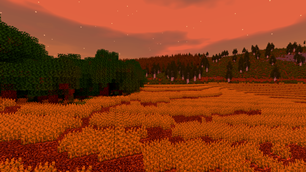
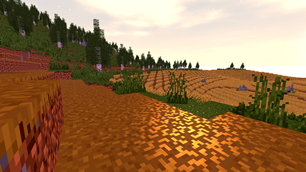
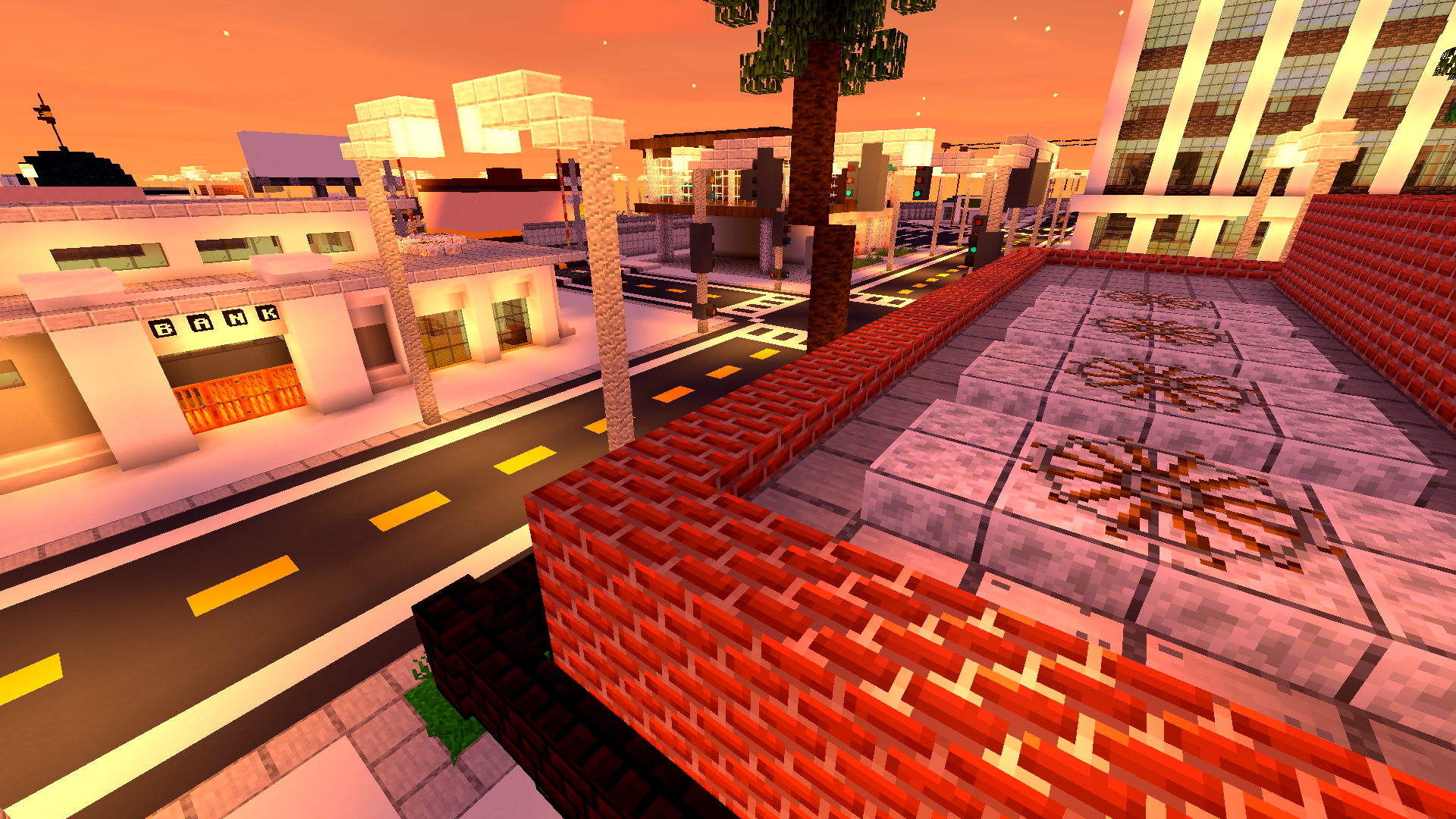
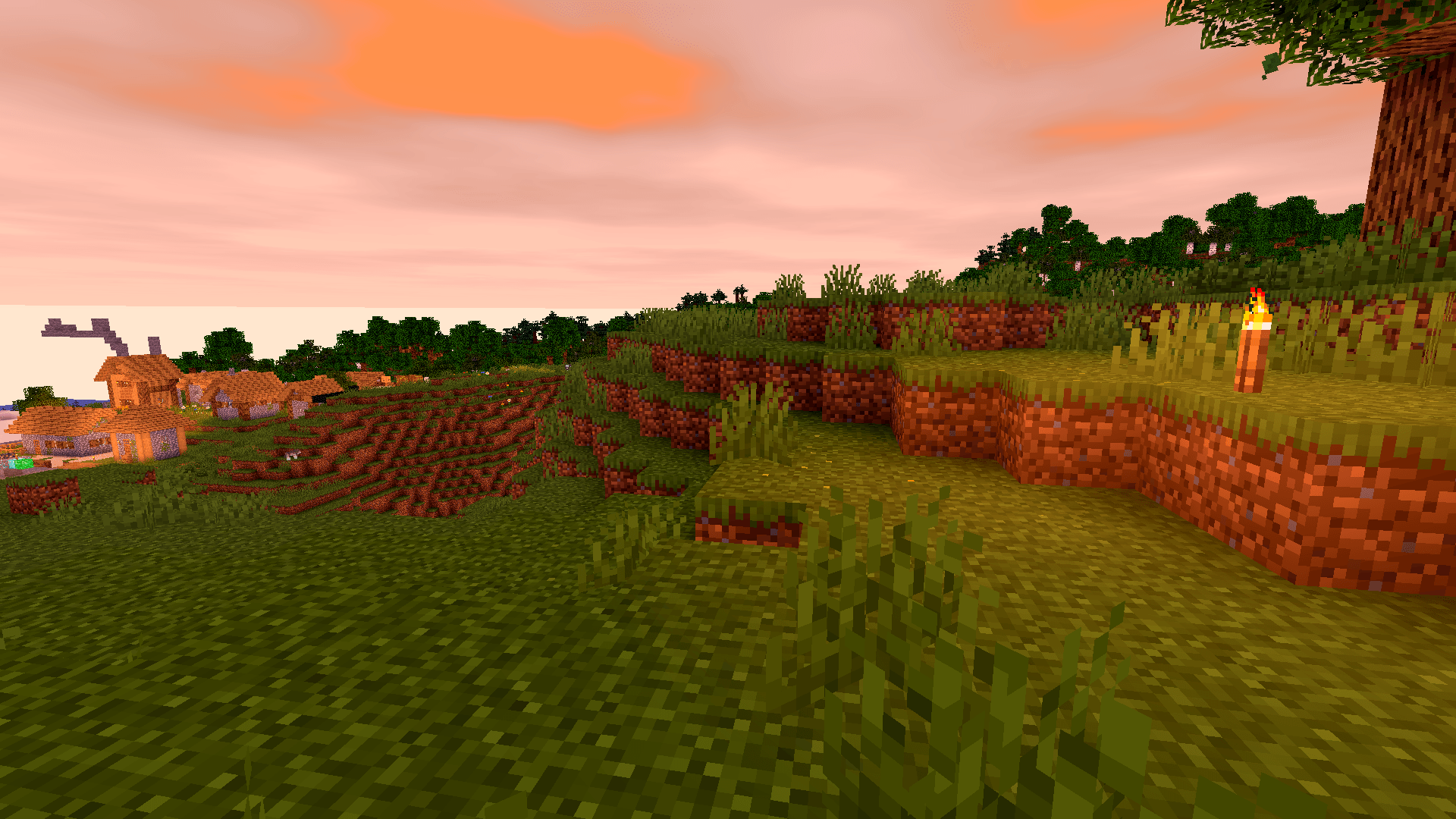
Golden skies that sell the scene.
Sunsets become a moment worth pausing for — gentle gradients, richer highlights, memorable horizons.


🧠 Lamapi: Next-Gen Open Source AI
Pushing the boundaries of accessible intelligence. Whether you need lightweight efficiency or industrial-grade reasoning, the Next Series delivers.
Why build with Lamapi?
- ⚡ High Efficiency: From compact 1B models to powerful 70B reasoning engines.
- 🌍 Multilingual Mastery: Optimized for superior performance in English & Turkish.
- 🛠️ Ready to Deploy: State-of-the-art open weights available immediately.
Explore our models and start building:
🔗 https://huggingface.co/Lamapi
🚀 KCB Hosting: Power Meets Reliability
Looking for a host that takes your gaming experience as seriously as you do? We provide robust infrastructure ensuring smooth gameplay and enterprise-grade uptime.
Why switch to us?
- 💎 7-Day Free Trial: Experience the quality risk-free (No commitment).
- 🛡️ 99.9% Uptime SLA: Your server stays online, guaranteed.
- ⏰ 24/7 Support: Expert help whenever you need it.
🔥 Experience the difference with 25% off your first month,
Use code XSORAS
Deploy your server now:
💬 https://discord.gg/kcbhosting
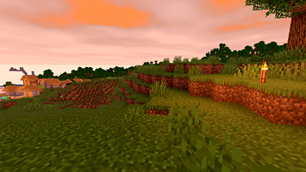
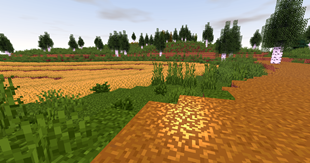
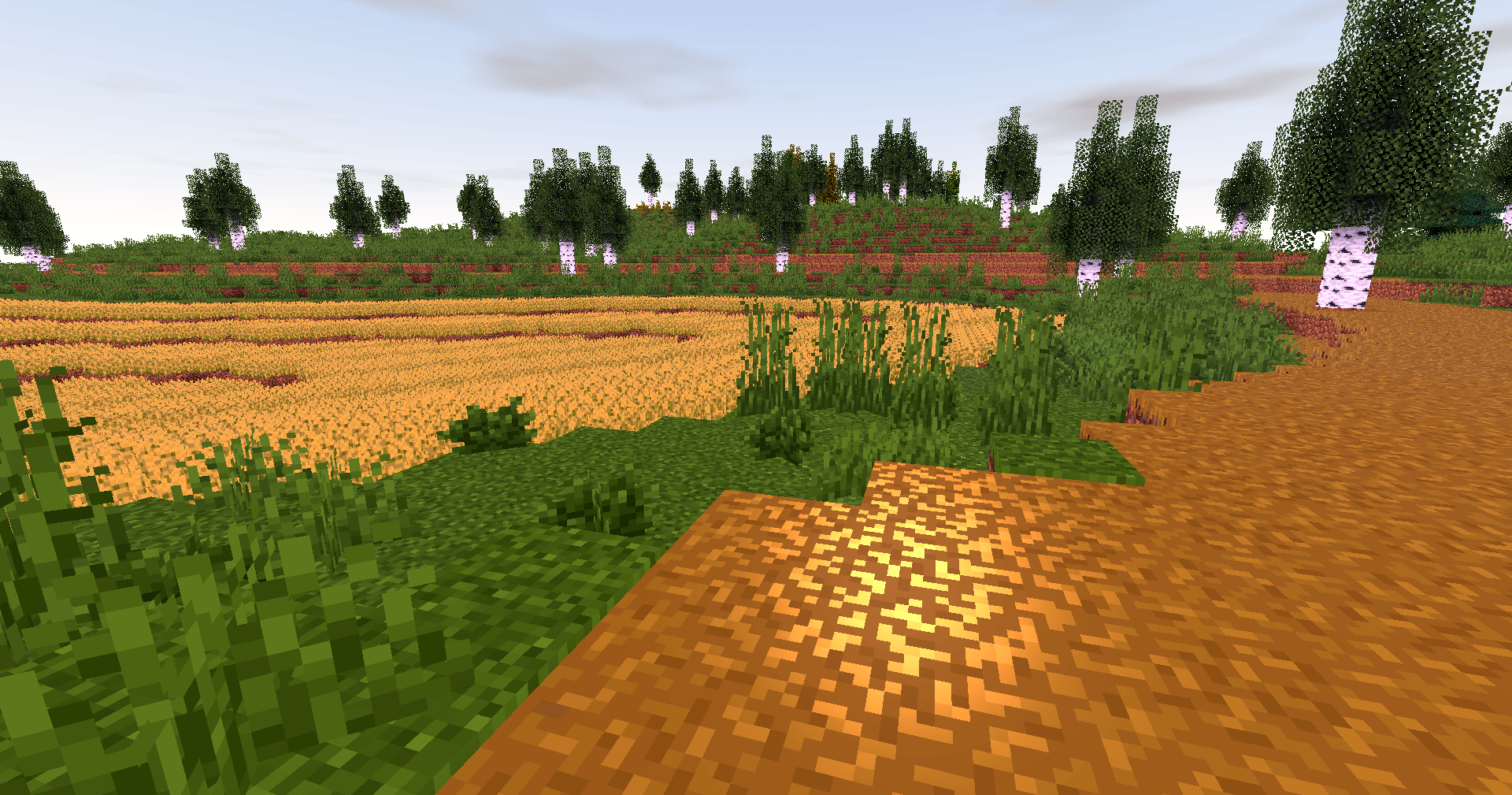
Biomes with personality.
Color grading and contrast are tuned so forests, mountains and plains feel distinct and cohesive.

Caves that invite you in.
Subtle glows and realistic shadowing turn spelunking into an atmospheric experience.
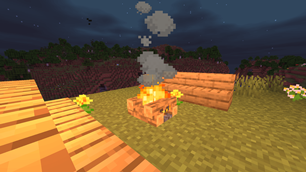
Light that moves with you.
Shadows soften and shift; reflections follow your motion — the world reacts, not just sits pretty.
Why players love it
- Feels faithful: Keeps Minecraft’s identity intact while upgrading visuals.
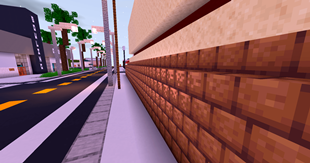
- Builds shine: Your creations get natural highlights and better depth.
- Exploration rewarded: Every walk, dive or mine feels more cinematic.
- Low overhead: Designed to be light on performance so more players can enjoy it.

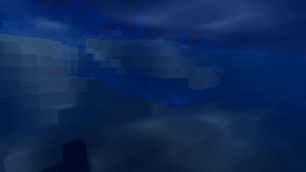
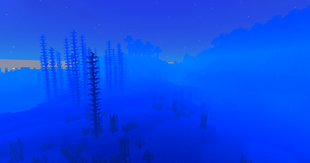
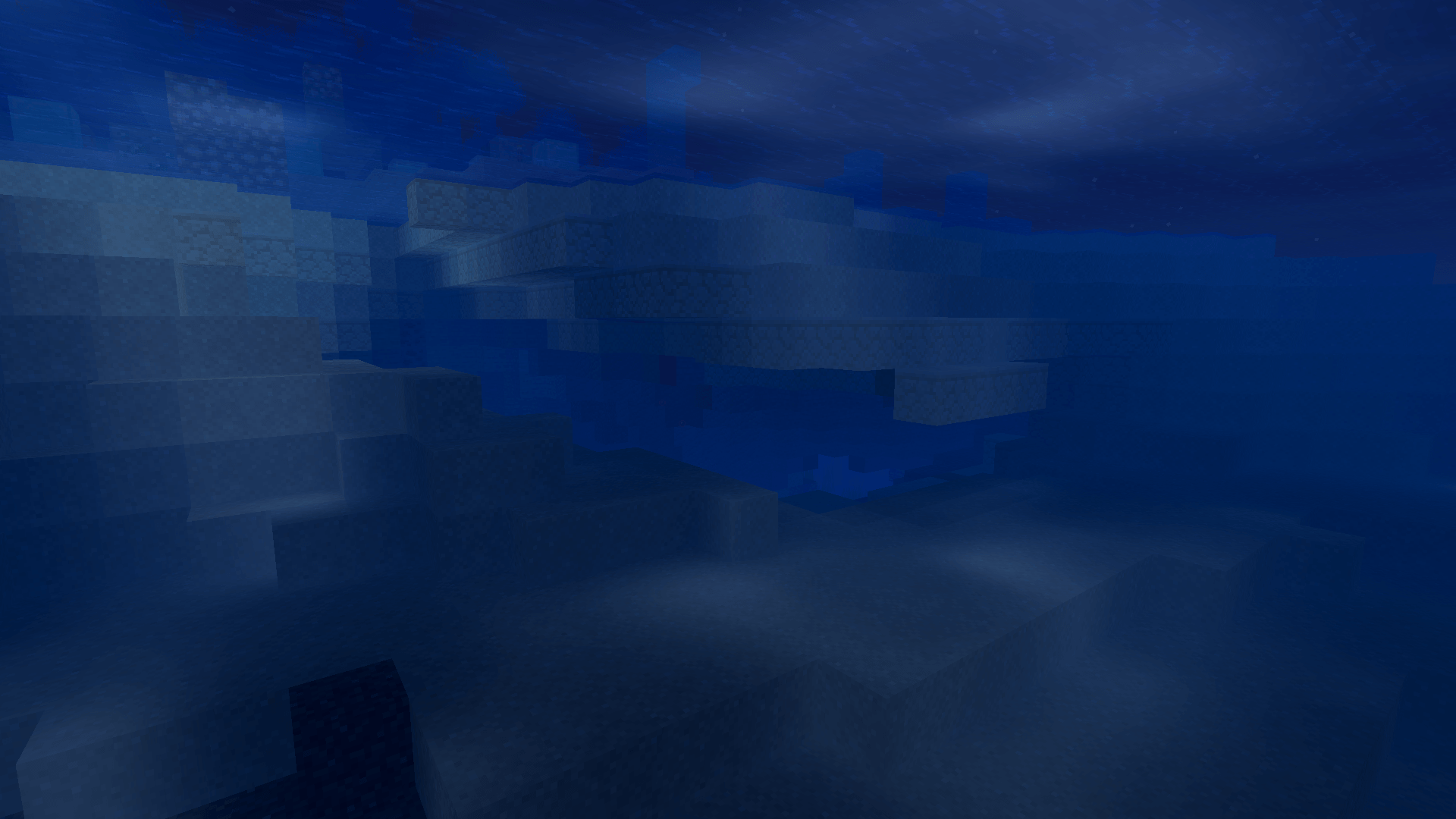
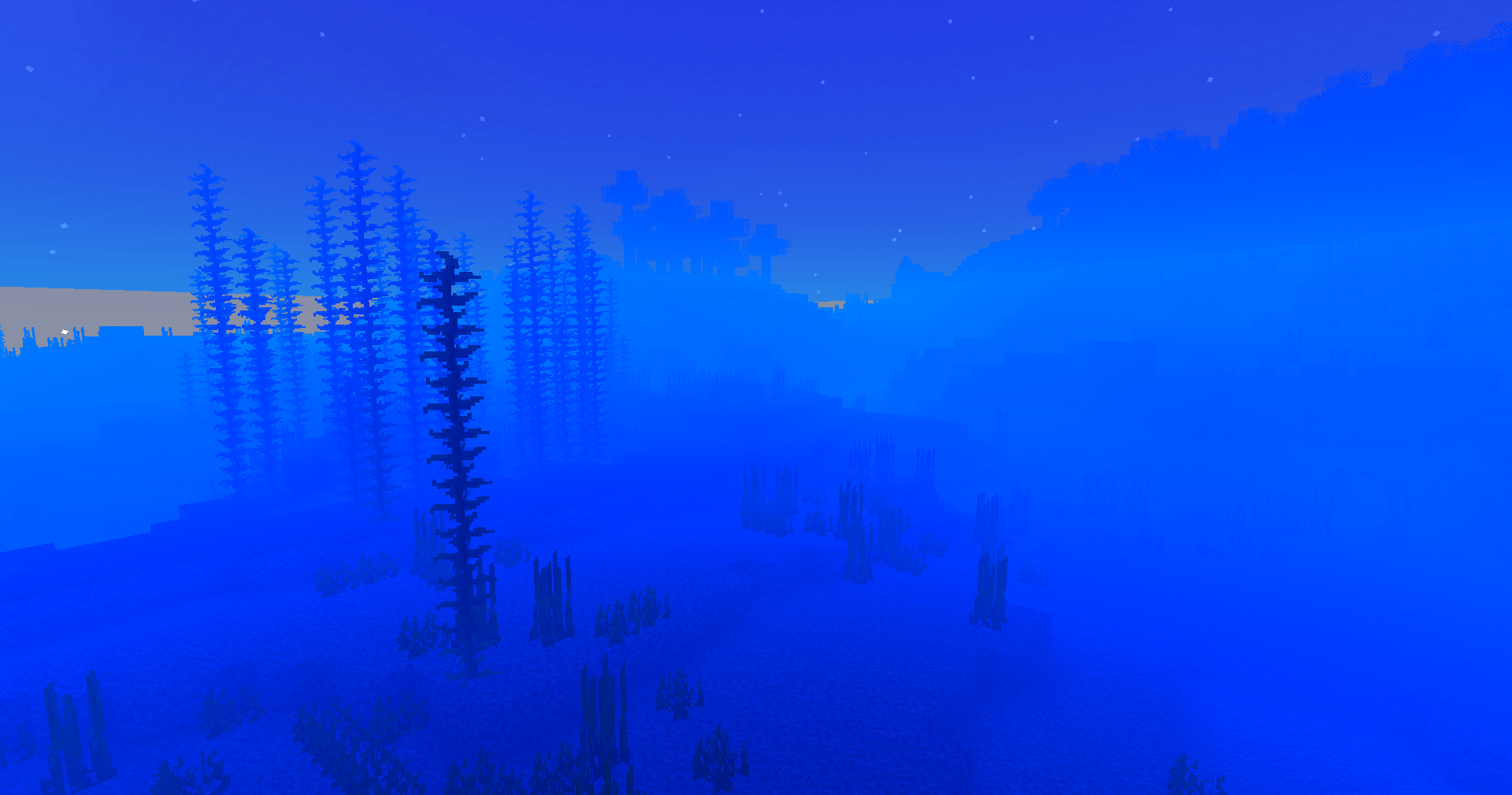
Underwater wonder.
Light refracts, caustics ripple, and water gains believable motion — diving finally looks the part.
A unified aesthetic.
Everything from deserts to snow peaks shares a consistent, polished tone — your world looks like it belongs together.
Ready to upgrade your game?
Download Vanilla Enhanced and see Minecraft in a new light — subtle, smooth, and surprisingly magical.
The Ultimate Guide to Vanilla Enhanced
If you are exploring the vast world of Minecraft modifications, Vanilla Enhanced by xsoras is a standout mod that deserves your attention. With over 179,876 downloads, it has become a staple for players looking to enhance their experience. As the creator describes it, this project is "A lightweight shader for realistic lighting & better visuals.". Whether you are a veteran builder constructing massive cities, or simply a casual player looking to upgrade your survival world, this guide will provide you with all the essential details on how Vanilla Enhanced alters the game.
What Makes It Special?
Unlike standard mods that simply alter superficial elements, Vanilla Enhanced introduces a wide array of visual and mechanical features designed to seamlessly blend into the vanilla aesthetic. xsoras has clearly spent significant time refining the project to ensure that every aspect feels polished and responsive for version 1.21.11.
Installation Guide
Getting Vanilla Enhanced up and running is straightforward. Follow these step-by-step instructions:
- Verify Your Version: Ensure your Minecraft launcher is set to version 1.21.11.
- Install Mod Loader (if required): If this is a mod, download the compatible loader (Forge, Fabric, NeoForge).
- Download the File: Click the secure download button above to retrieve the official file from CurseForge.
- Move the File: Place the downloaded file into your `mods`, `shaderpacks`, or `resourcepacks` folder depending on the mod type.
- Launch and Enjoy: Open Minecraft, navigate to the respective settings menu, and activate Vanilla Enhanced.
Compatibility & Performance
Compatibility is robust. Vanilla Enhanced is designed specifically for version 1.21.11, taking full advantage of the latest engine optimizations. During typical gameplay, this addition maintains a stable frame rate, though lower-end laptops might experience slight stuttering. We recommend pairing this with performance boosters like Sodium or Iris to guarantee a silky-smooth experience.