Why Zephyra Deferred v26+ is a top-tier shader mod for Minecraft 1.21
Developed by the talented creator BO_COBE, Zephyra Deferred v26+ stands out as a highly recommended selection for your Minecraft client. It is fully optimized, compatibility-tested, and brings a major upgrade to the gameplay experience in Minecraft version 1.21.
⚙️ Quick Resource Specs
| Mod Creator | BO_COBE |
| Latest Version | 1.21 |
| Supported Game Versions | Minecraft 1.21+ |
| File Size | 39.29 MB |
| Last Updated | |
| Total Downloads | 36,928 downloads |

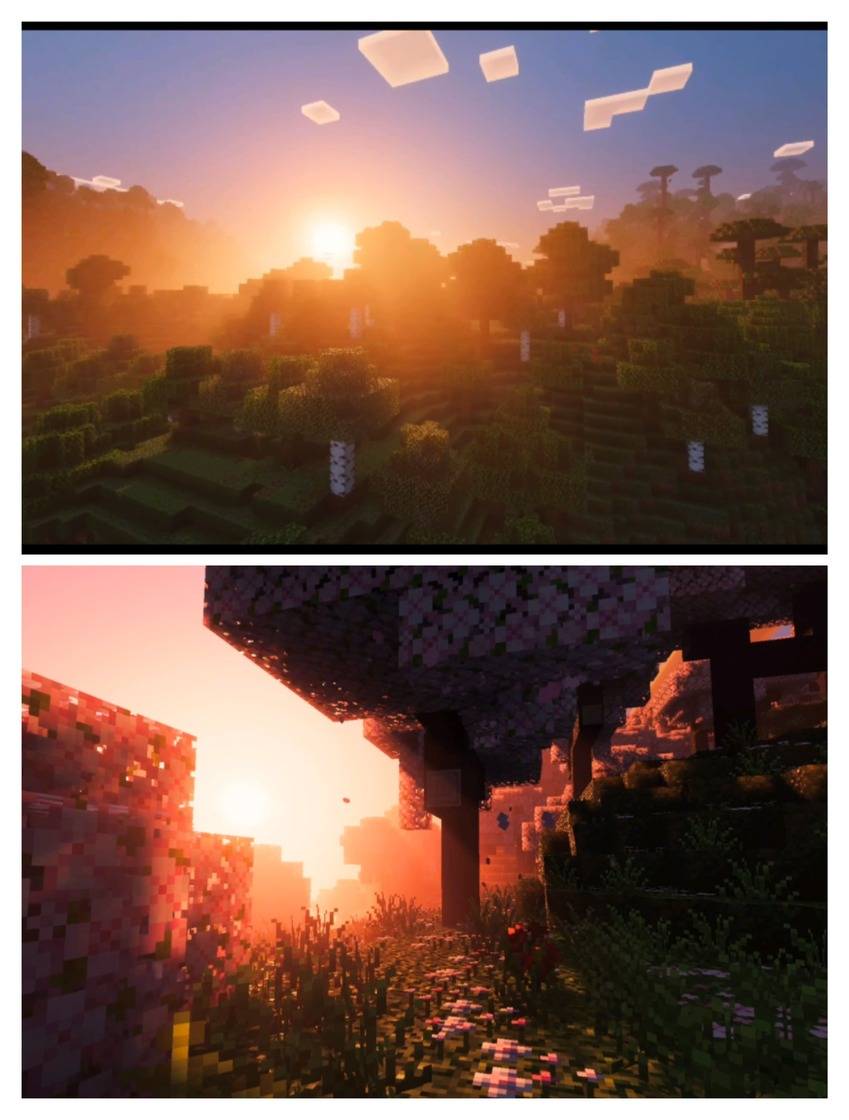
Zephyra Deferred brings Bedrock’s Vibrant Visuals to Java shader-level beauty – all with smooth performance and zero lag.
- Immersive PBR realism – bringing textures to life with depth and detail
- Silky-soft shadows – smooth, natural shading for a cinematic look
- Vibrant, true-to-life lighting – colors that feel fresh and full of energy
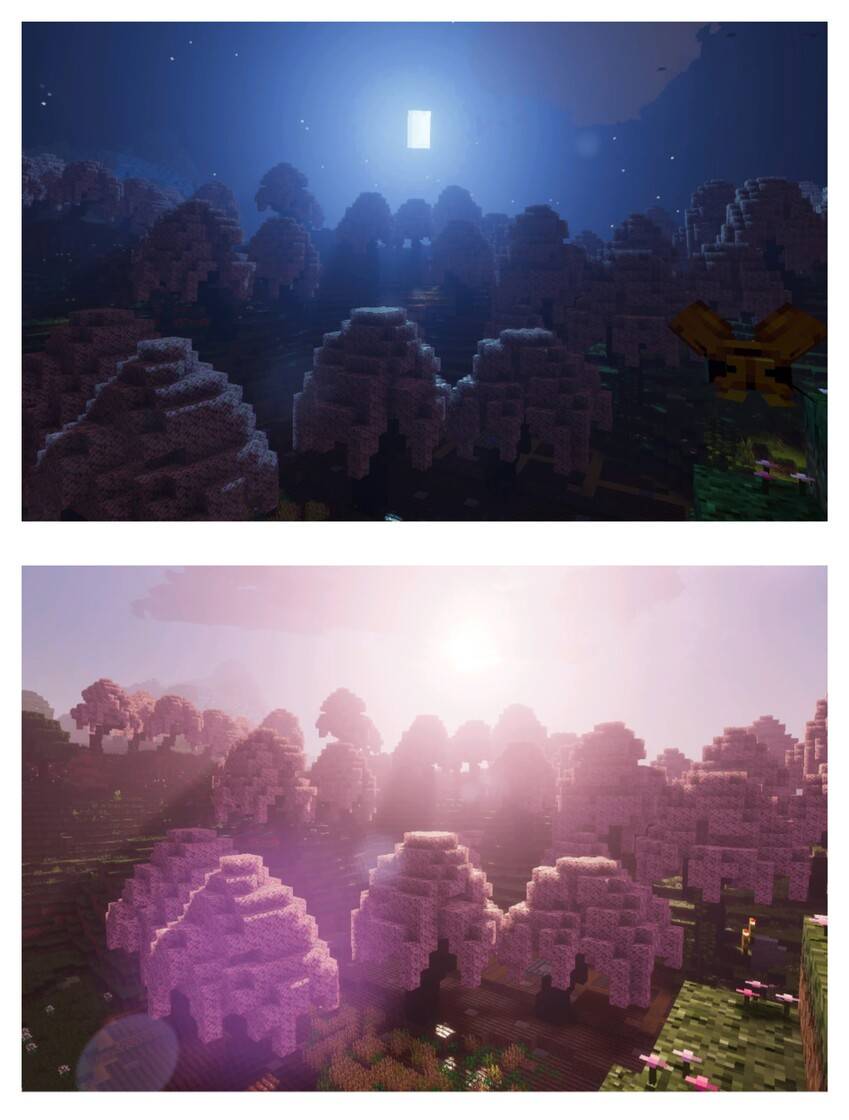
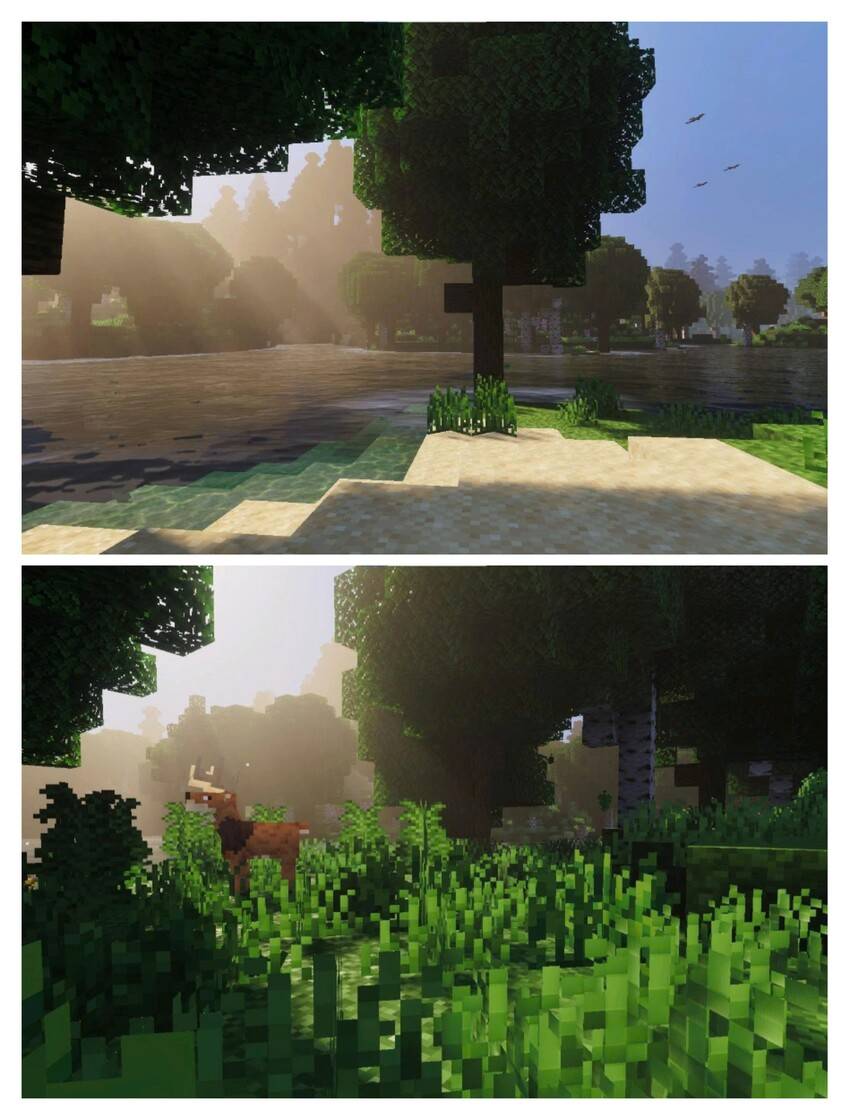
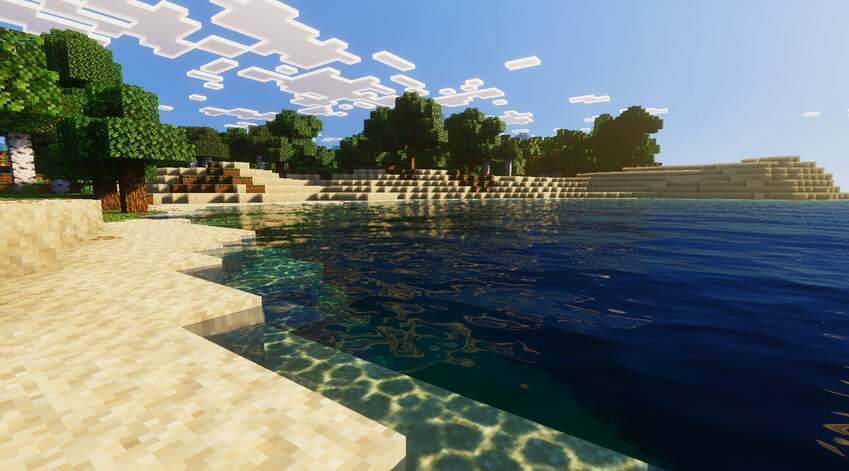
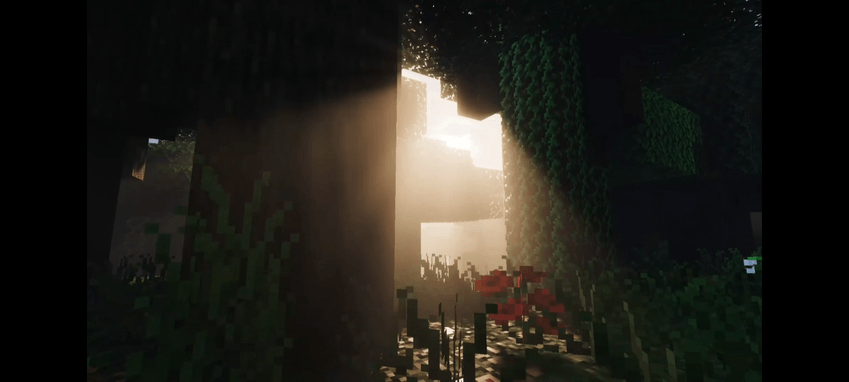
Other optionsns:
- For those who like darkness to play horror mod
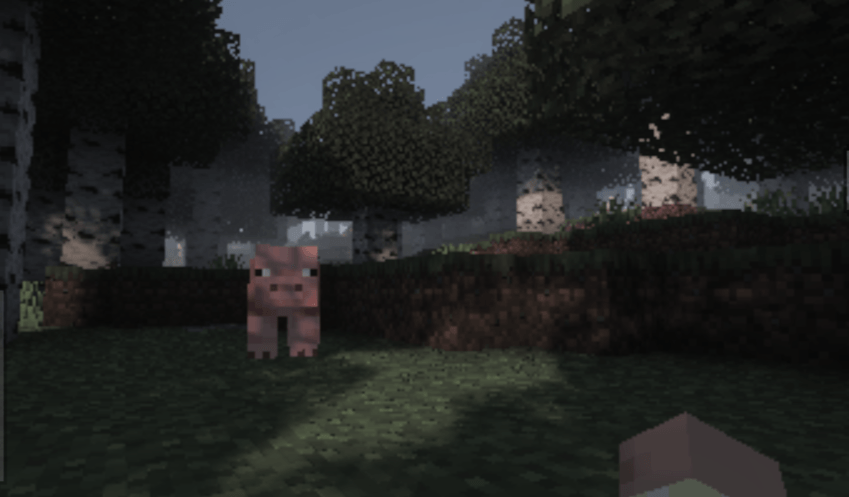
Minecraft Bedrock 1.21.80+ :
- Download and apply Zephyra Deferred.mcpack.
- Enable Vibrant Visuals testing. (If you are on version 1.21.80)
- Enable Vibrant Visuals in Video Setting
Enjoy now!!
- Here is the Zephyra Deferred review video:
https://vt.tiktok.com/ZSSGMYprH/
The Ultimate Guide to Zephyra Deferred v26+
If you are exploring the vast world of Minecraft modifications, Zephyra Deferred v26+ by BO_COBE is a standout shader that deserves your attention. With over 36,928 downloads, it has become a staple for players looking to enhance their experience. As the creator describes it, this project is "Enhanced lighting, shadows, and material textures no Minecraft Preview required. Zephyra Deferred - Fully Explore Vibrant". Whether you are a veteran builder constructing massive cities, or simply a casual player looking to upgrade your survival world, this guide will provide you with all the essential details on how Zephyra Deferred v26+ alters the game.
What Makes It Special?
Unlike standard shaders that simply alter superficial elements, Zephyra Deferred v26+ introduces a wide array of visual and mechanical features designed to seamlessly blend into the vanilla aesthetic. BO_COBE has clearly spent significant time refining the project to ensure that every aspect feels polished and responsive for version 1.21.
Installation Guide
Getting Zephyra Deferred v26+ up and running is straightforward. Follow these step-by-step instructions:
- Verify Your Version: Ensure your Minecraft launcher is set to version 1.21.
- Install Mod Loader (if required): If this is a mod, download the compatible loader (Forge, Fabric, NeoForge).
- Download the File: Click the secure download button above to retrieve the official file from CurseForge.
- Move the File: Place the downloaded file into your `mods`, `shaderpacks`, or `resourcepacks` folder depending on the shader type.
- Launch and Enjoy: Open Minecraft, navigate to the respective settings menu, and activate Zephyra Deferred v26+.
Compatibility & Performance
Compatibility is robust. Zephyra Deferred v26+ is designed specifically for version 1.21, taking full advantage of the latest engine optimizations. During typical gameplay, this addition maintains a stable frame rate, though lower-end laptops might experience slight stuttering. We recommend pairing this with performance boosters like Sodium or Iris to guarantee a silky-smooth experience.