Why Aetheris Visuals is a top-tier shader mod for Minecraft 1.21
Developed by the talented creator Block_Craft_Addons, Aetheris Visuals stands out as a highly recommended selection for your Minecraft client. It is fully optimized, compatibility-tested, and brings a major upgrade to the gameplay experience in Minecraft version 1.21.
⚙️ Quick Resource Specs
| Mod Creator | Block_Craft_Addons |
| Latest Version | 1.21 |
| Supported Game Versions | Minecraft 1.21+ |
| File Size | 2.84 MB |
| Last Updated | |
| Total Downloads | 108,172 downloads |
Aetheris: The Ultimate Atmospheric Experience
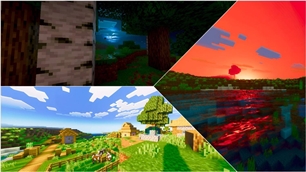
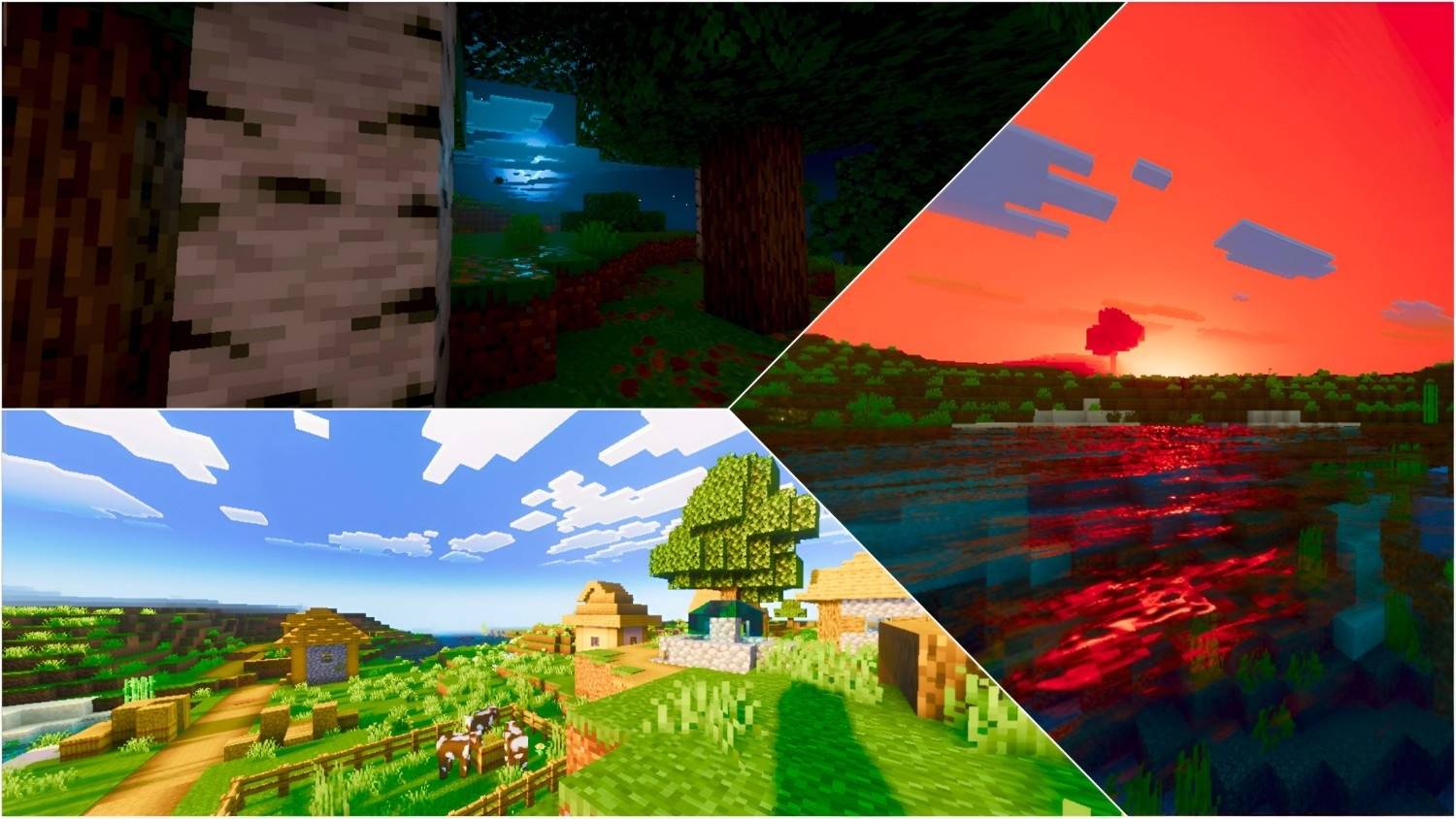
Aetheris is a high-fidelity shader designed to transform your world into a cinematic masterpiece. Built with precision, this shader focuses on professional color science, realistic atmospheric scattering, and advanced lighting techniques to ensure every frame looks like a render.
✨ Key Features:
🌅 Cinematic Color Grading:
Utilizing an optimized ACES tone-mapping operator, Aetheris delivers vibrant yet natural colors. The custom-tuned highlights and midtones provide deep contrast without losing detail.
🌤️ Advanced Atmosphere:
A fully overhauled Rayleigh and Mie scattering system. Experience deeper blue skies during the day and rich, golden-hour sunsets that feel truly immersive.
💧 Crystal-Clear Water:
Enhanced water transparency with custom particle concentrations. The wave physics have been fine-tuned for a calm, realistic flow that reflects the world beautifully.
🌙 Dynamic Night Lighting:
Nights are no longer just dark. Aetheris introduces a "silver-glow" moonlight effect with balanced ambient lighting, ensuring visibility while maintaining a moody atmosphere.
🛠️ PBR Support:
Optimized fallback settings for blocks and items, giving metallic and smooth surfaces a realistic sheen and depth.
Image Preview: 👇👇


💬 Join Our Discord Server!
● Be a part of the Aetheris journey! By joining our Discord community, you get:
● 🚀 Early Access: Get beta versions of new updates before anyone else.
● 🛠️ Support: Get help with installation or report any bugs directly.
● 📸 Showcase: Share your best Aetheris screenshots and get featured.
● 🎁 Exclusives: Exclusive sneak peeks at upcoming projects and add-ons.
[ Click Here To Join Our Discord community ]
The Ultimate Guide to Aetheris Visuals
If you are exploring the vast world of Minecraft modifications, Aetheris Visuals by Block_Craft_Addons is a standout shader that deserves your attention. With over 108,172 downloads, it has become a staple for players looking to enhance their experience. As the creator describes it, this project is "Aetheris sets a new bar for mobile graphics. Experience cinematic color grading, crystal-clear water, and dynamic lighting. Optimized for performance and realism, it brings a premium, high-end PC shader feel directly to your pocket.". Whether you are a veteran builder constructing massive cities, or simply a casual player looking to upgrade your survival world, this guide will provide you with all the essential details on how Aetheris Visuals alters the game.
What Makes It Special?
Unlike standard shaders that simply alter superficial elements, Aetheris Visuals digs deep into the game's engine to provide a cohesive, performance-focused experience. Block_Craft_Addons has clearly spent significant time refining the project to ensure that every aspect feels polished and responsive for version 1.21.
Installation Guide
Getting Aetheris Visuals up and running is straightforward. Follow these step-by-step instructions:
- Verify Your Version: Ensure your Minecraft launcher is set to version 1.21.
- Install Mod Loader (if required): If this is a mod, download the compatible loader (Forge, Fabric, NeoForge).
- Download the File: Click the secure download button above to retrieve the official file from CurseForge.
- Move the File: Place the downloaded file into your `mods`, `shaderpacks`, or `resourcepacks` folder depending on the shader type.
- Launch and Enjoy: Open Minecraft, navigate to the respective settings menu, and activate Aetheris Visuals.
Compatibility & Performance
Compatibility is robust. Aetheris Visuals is designed specifically for version 1.21, taking full advantage of the latest engine optimizations. Since this is heavily focused on optimization, you can expect significant frame rate improvements on both low-end and high-end hardware.