Why Advanced X-Ray is a top-tier texture pack mod for Minecraft 1.21.132
Developed by the talented creator Sycure_gaming, Advanced X-Ray stands out as a highly recommended selection for your Minecraft client. It is fully optimized, compatibility-tested, and brings a major upgrade to the gameplay experience in Minecraft version 1.21.132.
⚙️ Quick Resource Specs
| Mod Creator | Sycure_gaming |
| Latest Version | 1.21.132 |
| Supported Game Versions | 1.21.132, 1.21.131, 1.21.130, 1.21.124, 1.21.123 |
| File Size | 917.97 KB |
| Last Updated | |
| Total Downloads | 627,558 downloads |
🔍 Advanced X-Ray
Advanced X-Ray is a powerful yet fully vanilla-friendly resource pack designed for Minecraft Bedrock & Pocket Edition players who want maximum visibility without using any scripts, behavior packs, or cheats.
As the creator, my goal with this pack was simple: give players a clean, efficient, and server-safe way to locate ores while keeping the gameplay smooth and achievement-friendly.
✨ Key Features
• ✅ Works in Vanilla Minecraft
No mods, no code, no behavior packs — this is a pure resource pack.
• 🏆 Achievements Enabled
Since this is only a texture/resource pack, achievements are NOT disabled.
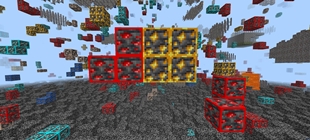
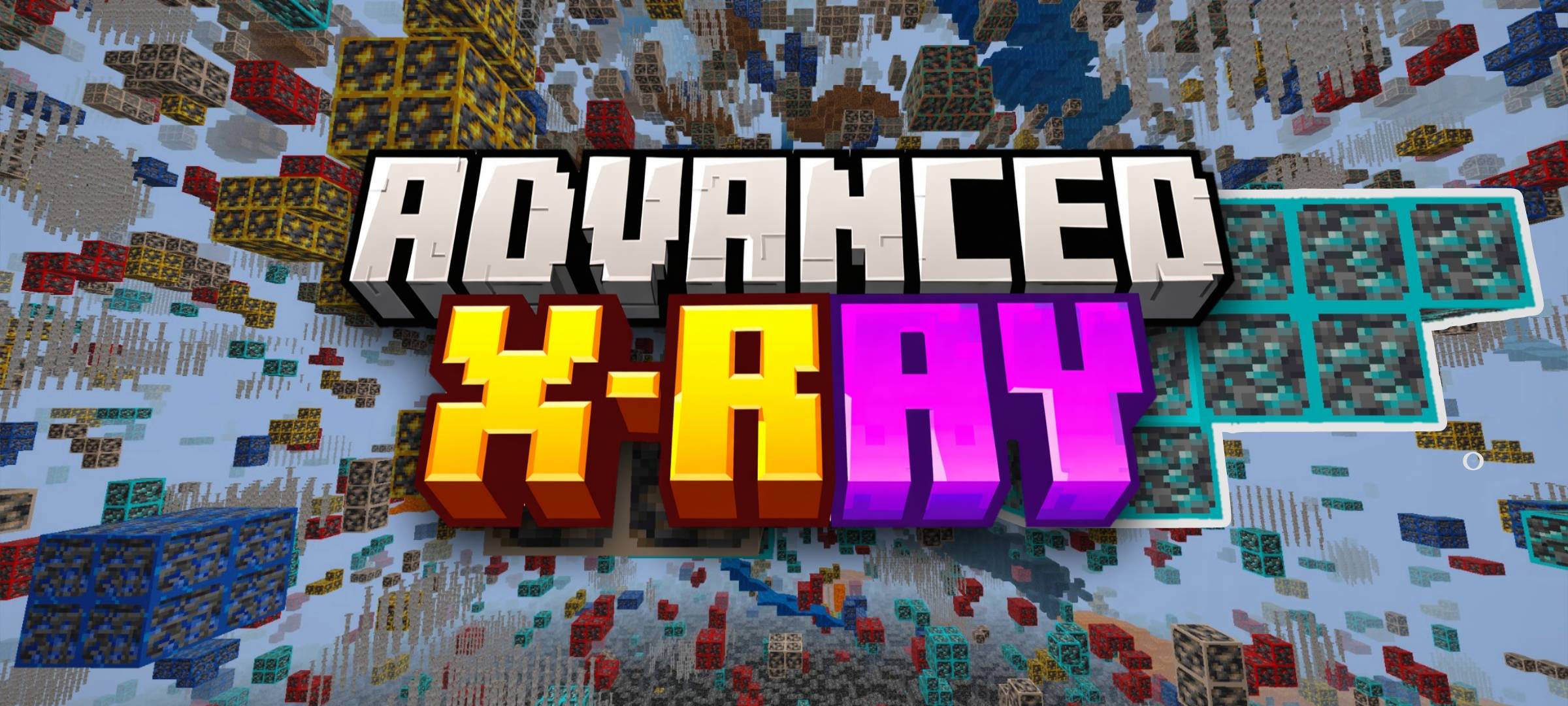
• 👁️ True X-Ray Effect (No Code Used)
Stone and other common blocks are made invisible using textures only, allowing ores to stand out clearly.
• 🌐 Server-Permitted
Because it does not use scripts or game-breaking mechanics, this pack is allowed on most servers.
• 📱 Bedrock & Pocket Edition Support
Fully compatible with Minecraft Bedrock Edition, including MCPE (Android/iOS).
⚙️ Recommended Settings (Very Important)
For the best experience, make sure to apply these settings:
- 🔆 Brightness:
100% - 💡 Smooth Lighting:
OFF - 🧪 Night Vision: Highly recommended (Drink a Night Vision potion for maximum clarity)
These settings ensure all ores are clearly visible, even at long distances.
⛏️ Why Advanced X-Ray?
- Simple and lightweight
- No risk of bans due to scripts
- Clean visuals inspired by vanilla textures
- Ideal for mining, speed-running, and survival gameplay
This pack is built for players who want efficiency without breaking the rules.
Due to Minecraft Bedrock limitations, resource packs cannot turn X-Ray ON/OFF dynamically in-game. X-Ray works by changing block visuals, which only load when the pack is enabled. UI “buttons” in some packs are visual only and do not control features. A real toggle requires a separate behavior-pack solution. This Feature Is Supported In Java Edition As it Supports Switching Shader And Resource Packs.
- Help Me -

👤 Author
Created by: Sycure Gaming
All rights reserved.
Redistribution or re-upload without permission is not allowed.
Enjoy mining smarter, faster, and cleaner with Advanced X-Ray 🟣🟡
Happy Mining! ⛏️
The Ultimate Guide to Advanced X-Ray
If you are exploring the vast world of Minecraft modifications, Advanced X-Ray by Sycure_gaming is a standout texture that deserves your attention. With over 627,558 downloads, it has become a staple for players looking to enhance their experience. As the creator describes it, this project is "This Mod Lets You See Through Walls And Easily Find Ores. This Is A Resource Pack And Can Be Used On Servers (Not Recommend!)". Whether you are a veteran builder constructing massive cities, or simply a casual player looking to upgrade your survival world, this guide will provide you with all the essential details on how Advanced X-Ray alters the game.
What Makes It Special?
Unlike standard textures that simply alter superficial elements, Advanced X-Ray introduces a wide array of visual and mechanical features designed to seamlessly blend into the vanilla aesthetic. Sycure_gaming has clearly spent significant time refining the project to ensure that every aspect feels polished and responsive for version 1.21.132.
Installation Guide
Getting Advanced X-Ray up and running is straightforward. Follow these step-by-step instructions:
- Verify Your Version: Ensure your Minecraft launcher is set to version 1.21.132.
- Install Mod Loader (if required): If this is a mod, download the compatible loader (Forge, Fabric, NeoForge).
- Download the File: Click the secure download button above to retrieve the official file from CurseForge.
- Move the File: Place the downloaded file into your `mods`, `shaderpacks`, or `resourcepacks` folder depending on the texture type.
- Launch and Enjoy: Open Minecraft, navigate to the respective settings menu, and activate Advanced X-Ray.
Compatibility & Performance
Compatibility is robust. Advanced X-Ray is designed specifically for version 1.21.132, taking full advantage of the latest engine optimizations. During typical gameplay, this addition maintains a stable frame rate, though lower-end laptops might experience slight stuttering. We recommend pairing this with performance boosters like Sodium or Iris to guarantee a silky-smooth experience.