Why Modern Futuristic Skyscraper Schematic / Structure is a top-tier texture pack mod for Minecraft 1.21.132
Developed by the talented creator PrAppleJuice, Modern Futuristic Skyscraper Schematic / Structure stands out as a highly recommended selection for your Minecraft client. It is fully optimized, compatibility-tested, and brings a major upgrade to the gameplay experience in Minecraft version 1.21.132.
⚙️ Quick Resource Specs
| Mod Creator | PrAppleJuice |
| Latest Version | 1.21.132 |
| Supported Game Versions | 1.21.132 |
| File Size | 3.06 MB |
| Last Updated | |
| Total Downloads | 6,281 downloads |
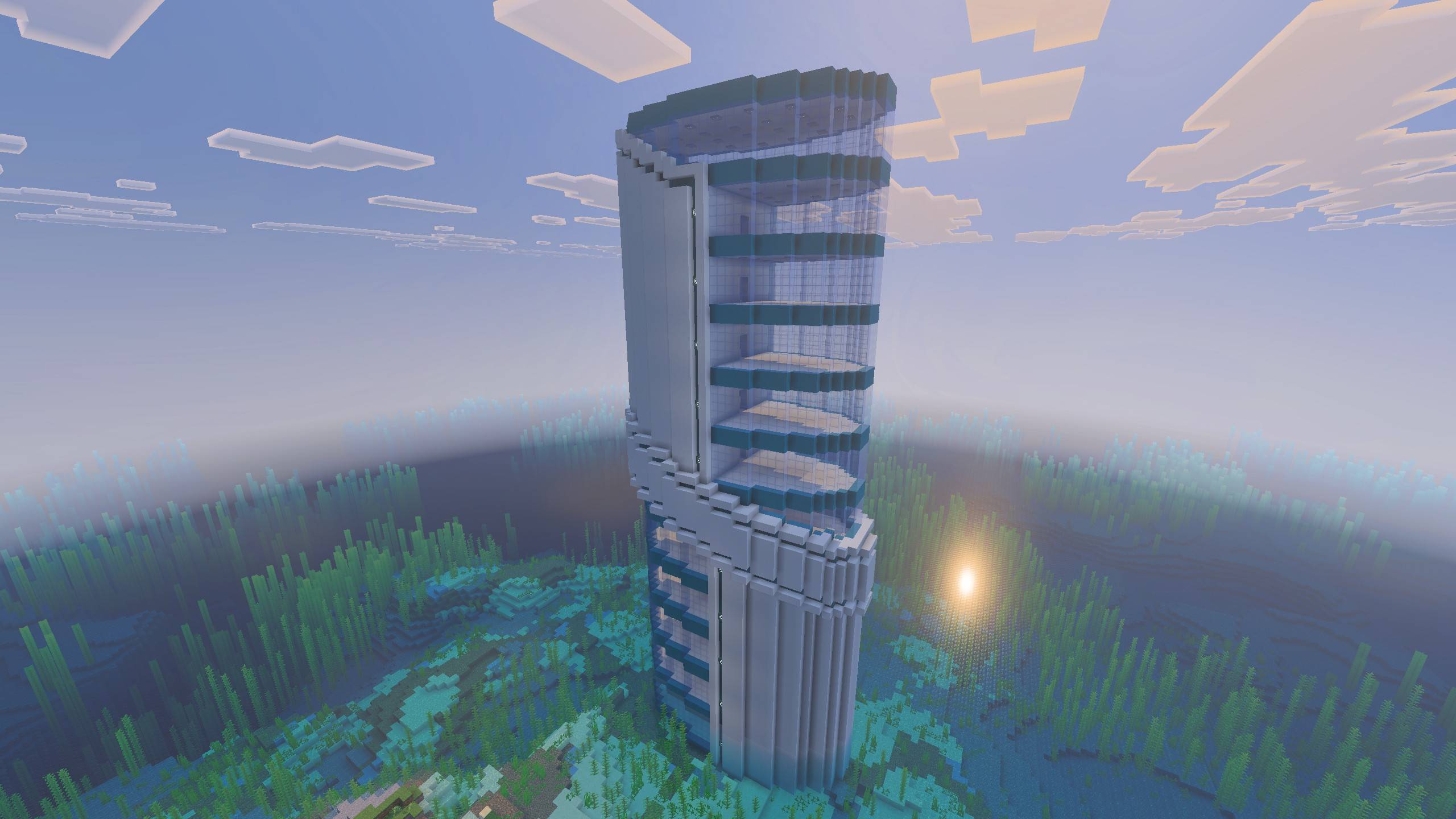
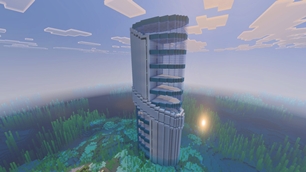
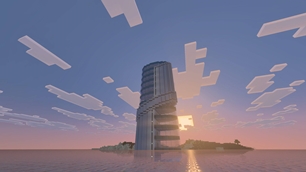
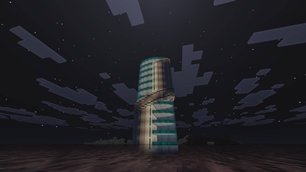
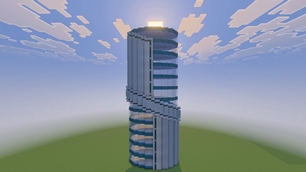
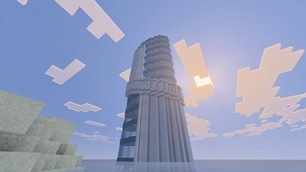
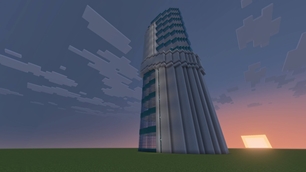
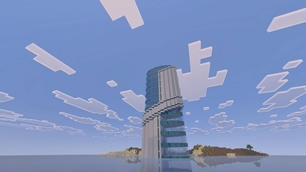
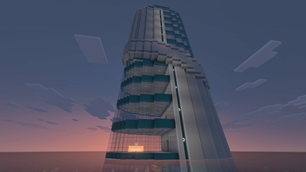
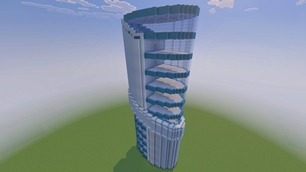
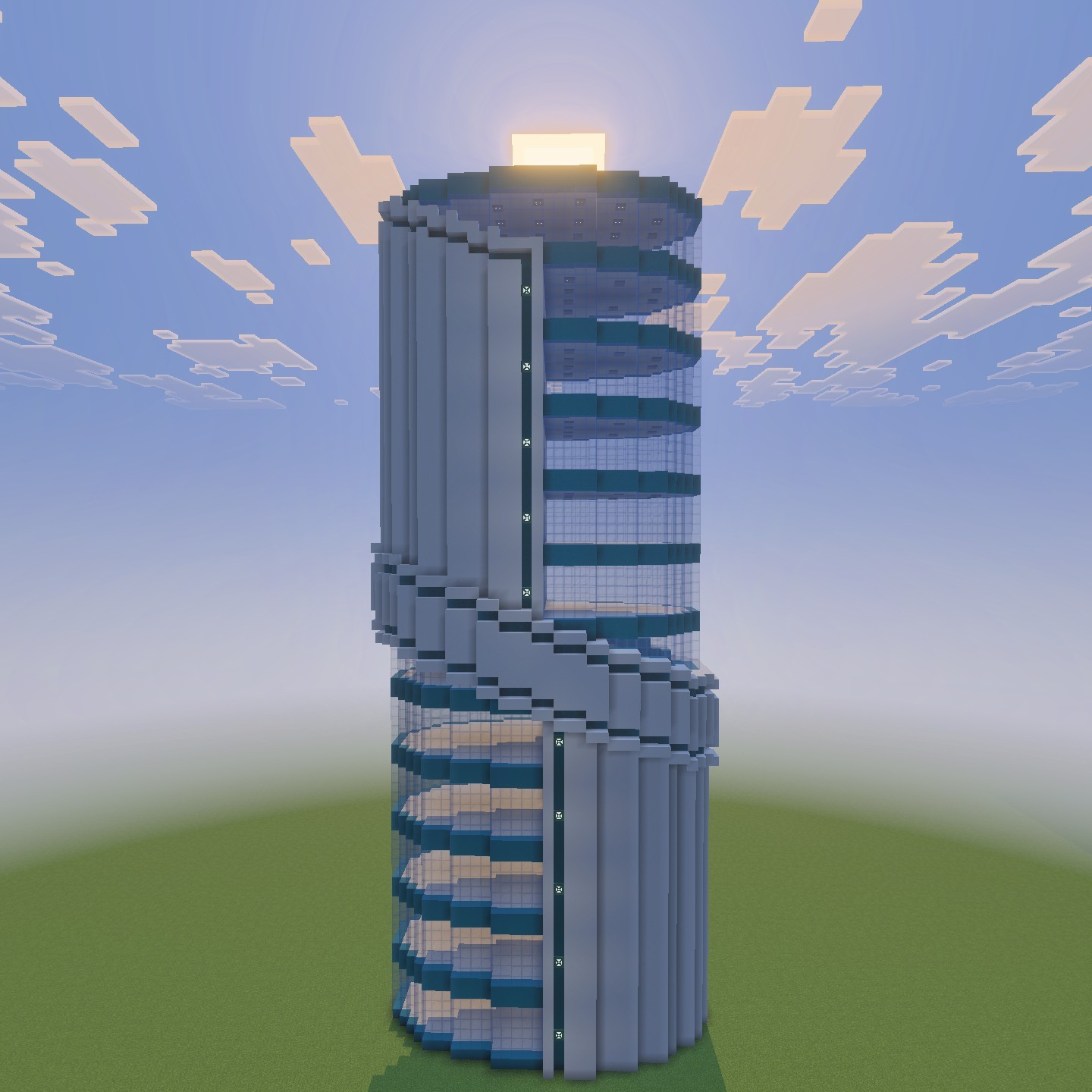
This tower was designed to feel like a true centerpiece — the kind of structure that naturally becomes the landmark of an entire city the moment it appears on the skyline. The silhouette is recognizable from far away: a clean vertical core, a sweeping glass front, and a mid-section support ring that gives the building weight and realism, as if real engineering is holding it together.
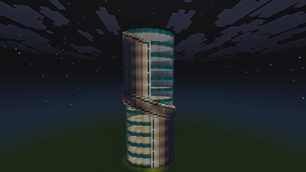
The front façade showcases stacked floors behind a curtain-wall style glass face, while the rear spine acts as a structural and service section, perfect for elevators, stairwells, storage shafts, or hidden redstone systems. The layered band around the middle intentionally breaks the height so the tower doesn’t look like a simple column, adding depth and making it believable as a corporate HQ, luxury apartments, hotel, or research facility.
The building stands 12 floors tall and occupies more than two chunks, giving it a genuinely large presence without becoming unmanageable to work with. Each level has a full, usable floor plate, and the interior is intentionally left empty so layouts can be customized however desired — apartments, offices, labs, storage systems, farms, or a complete mega-base interior all fit naturally inside.
A small water elevator and stair system are already included so vertical travel works immediately after placement or construction. These are fully optional and can easily be removed and replaced with a redstone elevator or any custom transport system if a more technical setup is preferred.
The build is survival-friendly. The palette relies on practical, repeatable materials and strong structural patterns instead of fragile detailing, meaning the tower can realistically be constructed block-by-block without constantly re-gathering rare items. The design intentionally uses repetition and modular sections so progress feels steady as it rises rather than overwhelming. It works just as well carefully built in survival as it does instantly placed in creative.
Overall, the tower is meant to be versatile — a functional base, a city landmark, or a personal headquarters — something that looks impressive from the outside but remains genuinely useful once inside.
The following two files are included:
- Structure
- A .mcstructure file allows the structure to be imported into any minecraft bedrock structure block. It makes creative building easy and immediate
- The file can be found in the comments section below.
- Schematic
-
- A .mcpack file is included. This file is a resource pack (a schematic) that allows you to build the structure in any world. Generated with HoloPrint, if the resource pack is enabled, all armor stands will display the schematic. To learn more about HoloPrint schematics, watch this video. Below are the items that control the schematic:
- Toggle Rendering: Iron Ingot
- Change Opacity: Raw Iron
- Change Layer: Stick
- Decrease Layer: Kelp
- Toggle Overlay Tint: White Dye
- Move Hologram: Feather
- Rotate Hologram: Copper Ingot
- Disable Player Controls: Bone
- Save Hologram Settings: Paper
- Toggle Validating: Gold Ingot
- Change Layer Mode: Flint
- Change Structure: Arrow
- A .mcpack file is included. This file is a resource pack (a schematic) that allows you to build the structure in any world. Generated with HoloPrint, if the resource pack is enabled, all armor stands will display the schematic. To learn more about HoloPrint schematics, watch this video. Below are the items that control the schematic:
-
The Ultimate Guide to Modern Futuristic Skyscraper Schematic / Structure
If you are exploring the vast world of Minecraft modifications, Modern Futuristic Skyscraper Schematic / Structure by PrAppleJuice is a standout texture that deserves your attention. With over 6,281 downloads, it has become a staple for players looking to enhance their experience. As the creator describes it, this project is "Futuristic, Modern, and Survival Friendly skyscraper for minecraft bedrock.". Whether you are a veteran builder constructing massive cities, or simply a casual player looking to upgrade your survival world, this guide will provide you with all the essential details on how Modern Futuristic Skyscraper Schematic / Structure alters the game.
What Makes It Special?
Unlike standard textures that simply alter superficial elements, Modern Futuristic Skyscraper Schematic / Structure introduces a wide array of visual and mechanical features designed to seamlessly blend into the vanilla aesthetic. PrAppleJuice has clearly spent significant time refining the project to ensure that every aspect feels polished and responsive for version 1.21.132.
Installation Guide
Getting Modern Futuristic Skyscraper Schematic / Structure up and running is straightforward. Follow these step-by-step instructions:
- Verify Your Version: Ensure your Minecraft launcher is set to version 1.21.132.
- Install Mod Loader (if required): If this is a mod, download the compatible loader (Forge, Fabric, NeoForge).
- Download the File: Click the secure download button above to retrieve the official file from CurseForge.
- Move the File: Place the downloaded file into your `mods`, `shaderpacks`, or `resourcepacks` folder depending on the texture type.
- Launch and Enjoy: Open Minecraft, navigate to the respective settings menu, and activate Modern Futuristic Skyscraper Schematic / Structure.
Compatibility & Performance
Compatibility is robust. Modern Futuristic Skyscraper Schematic / Structure is designed specifically for version 1.21.132, taking full advantage of the latest engine optimizations. During typical gameplay, this addition maintains a stable frame rate, though lower-end laptops might experience slight stuttering. We recommend pairing this with performance boosters like Sodium or Iris to guarantee a silky-smooth experience.