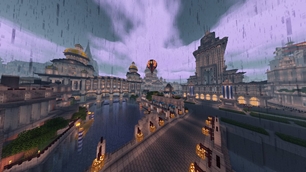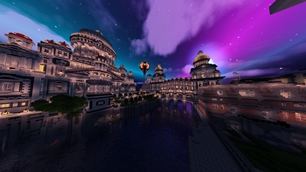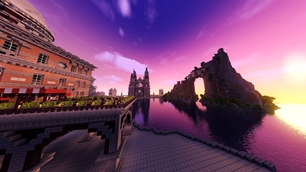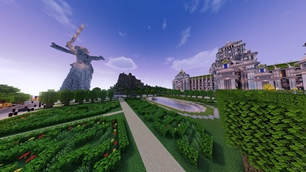
Why Aurora Fantasy is a top-tier shader mod for Minecraft 1.21
Transform Minecraft with ethereal beauty and cinematic lighting. Experience shimmering Auroras and smooth gameplay on a wide range of devices.
⚙️ Quick Resource Specs
| Mod Creator | in2bubble |
| Latest Version | 1.21 |
| Supported Game Versions | 1.21.11, 1.21.10, 1.21.9, 1.21.8, 1.21.7 |
| File Size | 450.08 KB |
| Last Updated | |
| Total Downloads | 251,262 downloads |
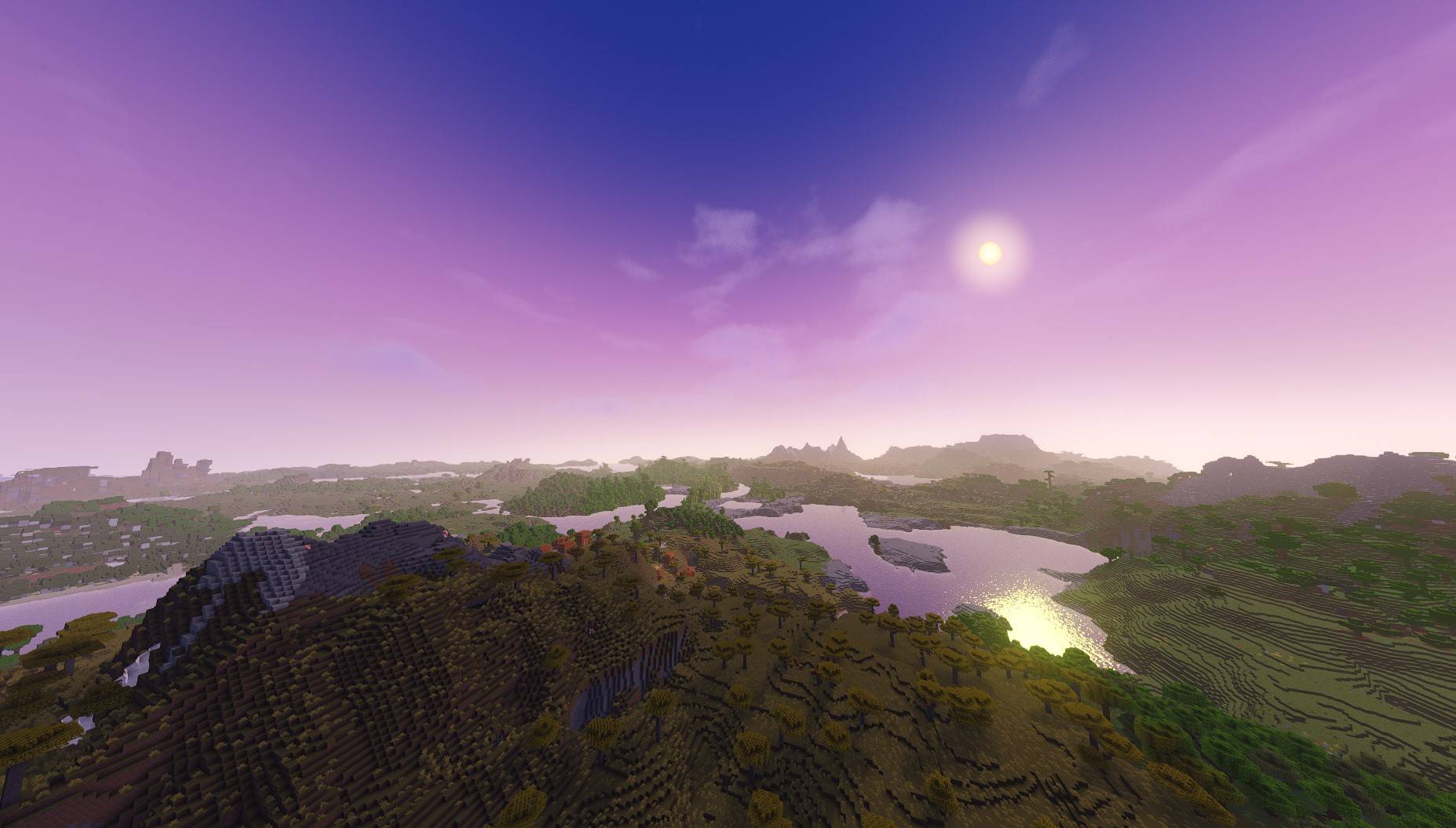


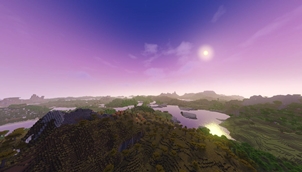
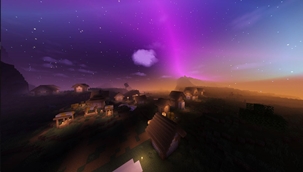
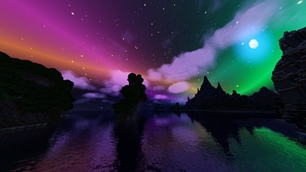
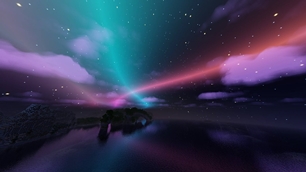
What is Aurora Fantasy? Aurora Fantasy is a Minecraft shader pack designed to make your world look magical and cinematic without making your computer lag. It focuses on beautiful fantasy lighting, vibrant colors, and stunning night skies featuring the Northern Lights (Auroras).
Whether you have a high-end PC or a simple laptop, this shader is optimized to give you a "Fantasy" atmosphere while keeping your gameplay smooth and fast.
🛠️ Minecraft Compatibility: Added full support for Minecraft version 26.2, fixing a critical visual glitch where only half of the screen would render correctly.
👁️ Depth of Field (DoF) Upgrade: Improved Depth of Field to be more practical, easier to use, and visually better.


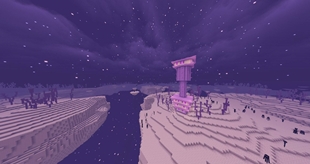
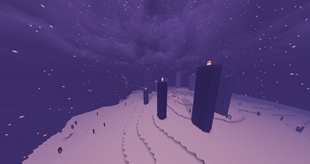
🌌 Ethereal Nights – Watch the mesmerizing Aurora Borealis and realistic stars transform the night sky.
☁️ Atmospheric Clouds – Dynamic clouds and soft fog that add depth and life to the horizon.
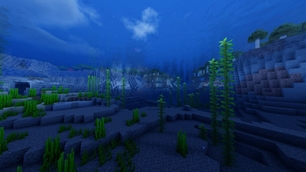
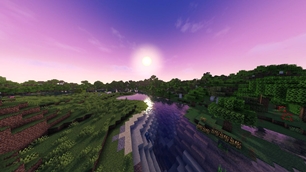
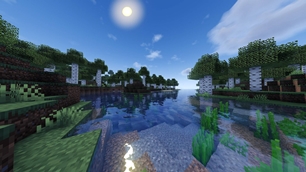
💧 Living Water – Realistic waves and water reflections with white foam where the water hits the land.
💎 Modern Reflections – High-quality reflections (SSR) on water and wet surfaces for a polished look.
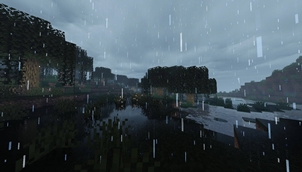
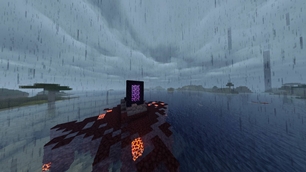
🌧️ Dynamic Weather Effects – Surfaces appear wet during rain, featuring simulated puddle reflections and animated ripple effects.
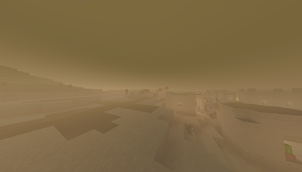
🏜️ Immersive Weather – Experience realistic dust and sandstorms in desert biomes during rain.
🚀 Extreme Optimization – Built to run on a wide range of devices, from "Potato" PCs to Gaming rigs.
🌍 Ultra-Distance Support – Compatibility for large-scale rendering mods. (Must be enabled in shader settings).
🎮 Graphics Profiles – Choose between MEDIUM, HIGH, or EXTREME.

Fantasy Aesthetic: Unlike realistic shaders, this pack is tuned for a magical, dream-like vibe.
Elevated Vanilla Experience: It enhances the game's beauty and lighting while staying true to the core Minecraft atmosphere you love.
Advanced Rain Surfaces: Includes custom-coded wetness effects where reflections and ripples appear on the ground during rain, simulating a dynamic, stormy environment.
Better Sun & Moon: Say goodbye to square suns! Enjoy high-quality circular shapes with smooth horizon fading.
Advanced Mod Integration: Fully compatible with mods that increase render distance (like Distant Horizons) via a simple toggle in the settings—perfect for massive, cinematic views.
Simple Profiles: Choose from 3 easy presets (Medium, High, Extreme) to find your perfect balance of speed and beauty.

Minimum (Medium Profile):
GPU: Intel HD 630 / GT 710
RAM: 4GB (2GB Allocated)
Recommended (High Profile):
GPU: GTX 1050 Ti / RX 570+
CPU: i5-4000 / Ryzen 3 1200+
RAM: 8GB (4GB Allocated)
⚠️ Note on EXTREME Profile: This preset is not covered by the recommended specs above. To run the EXTREME profile smoothly, you will need significantly more powerful hardware than what is listed in the Recommended section.

Original Creator: KDXavier
Based on: MakeUp - Ultra Fast
Modified by: in2bubble
Additional Credits: Parts of the code are from Entokito (used under LGPL v3.0)
License: GNU Lesser General Public License v3.0
Support & Issues: Please report any issues or leave your feedback directly in the CurseForge Comments Section.
The Ultimate Guide to Aurora Fantasy
If you are exploring the vast world of Minecraft modifications, Aurora Fantasy by in2bubble is a standout shader that deserves your attention. With over 251,262 downloads, it has become a staple for players looking to enhance their experience. As the creator describes it, this project is "Transform Minecraft with ethereal beauty and cinematic lighting. Experience shimmering Auroras and smooth gameplay on a wide range of devices.". Whether you are a veteran builder constructing massive cities, or simply a casual player looking to upgrade your survival world, this guide will provide you with all the essential details on how Aurora Fantasy alters the game.
What Makes It Special?
Unlike standard shaders that simply alter superficial elements, Aurora Fantasy introduces a wide array of visual and mechanical features designed to seamlessly blend into the vanilla aesthetic. in2bubble has clearly spent significant time refining the project to ensure that every aspect feels polished and responsive for version 1.21.
Installation Guide
Getting Aurora Fantasy up and running is straightforward. Follow these step-by-step instructions:
- Verify Your Version: Ensure your Minecraft launcher is set to version 1.21.
- Install Mod Loader (if required): If this is a mod, download the compatible loader (Forge, Fabric, NeoForge).
- Download the File: Click the secure download button above to retrieve the official file from CurseForge.
- Move the File: Place the downloaded file into your `mods`, `shaderpacks`, or `resourcepacks` folder depending on the shader type.
- Launch and Enjoy: Open Minecraft, navigate to the respective settings menu, and activate Aurora Fantasy.
Compatibility & Performance
Compatibility is robust. Aurora Fantasy is designed specifically for version 1.21, taking full advantage of the latest engine optimizations. During typical gameplay, this addition maintains a stable frame rate, though lower-end laptops might experience slight stuttering. We recommend pairing this with performance boosters like Sodium or Iris to guarantee a silky-smooth experience.