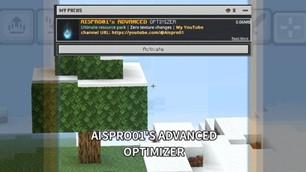
Why Aispro01's Advanced Optimizer is a top-tier shader mod for Minecraft 1.21.130
Developed by the talented creator Aispro01, Aispro01's Advanced Optimizer stands out as a highly recommended selection for your Minecraft client. It is fully optimized, compatibility-tested, and brings a major upgrade to the gameplay experience in Minecraft version 1.21.130.
⚙️ Quick Resource Specs
| Mod Creator | Aispro01 |
| Latest Version | 1.21.130 |
| Supported Game Versions | 1.21.130, 1.21.81, 1.21.70, 1.21.60 |
| File Size | 56.45 KB |
| Last Updated | |
| Total Downloads | 3,953 downloads |
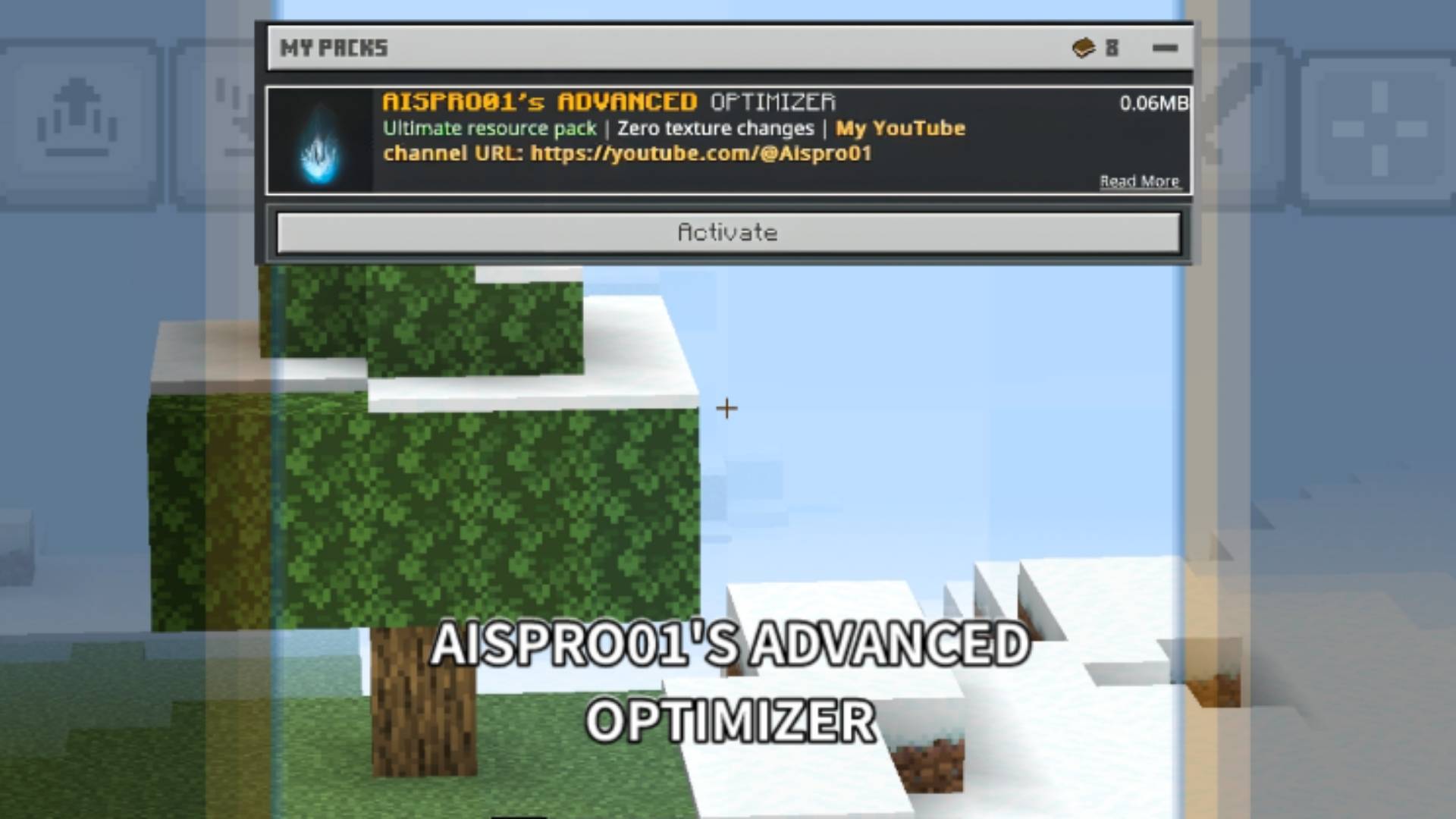
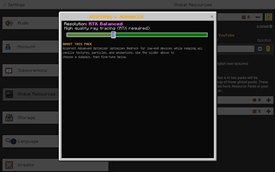
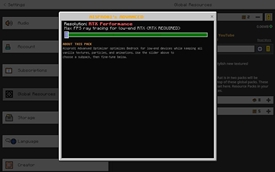
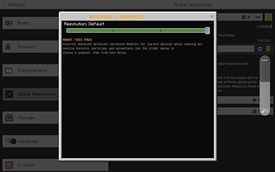
📝 Important Note: If your device doesn't support RTX or ray tracing, you may see a warning massage from the game saying that, "resourcePack.incompatible.graphics.raytracing" and "reasourcePack.incompatible.graphics.pbr". You don't need to be worry about it, it won't cause your device any harm or any error in the game.
Recommendations:
1. If your device not supports RTX, then not use the RTX optimization subpack.
2. Use default subpack if you don't want to use shaders or RTX.
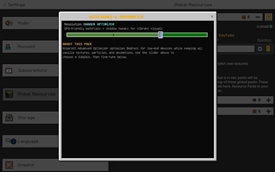
3. Use shader optimizer subpack for optimising the shaders and vibrant visuals.
4. Try to put the Aispro01's Advanved Optimizer above of the shaders and RTX packs.
5. Use subpacks according to your need.
## 🧪 Tested On:

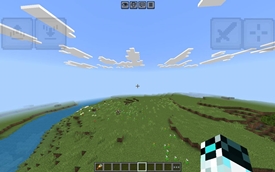
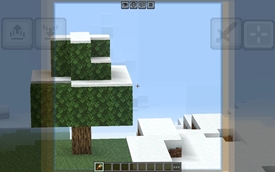
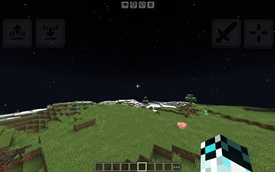
 Samsung Galaxy Tab A (SM‑T295) – 2GB RAM, 32 gb storage, processor name is snapdragon 409 with ADV screen recorder in 800p ( screen resolution ),  10 bitrate,  48fps. In game I turned on clouds, set render distance to 8, grafics to simple, smooth lightning on, view bobbing on and vsync off etc.I got atleast 2 to 7 fps boost from this pack, which is huge for a low end device with this settings
Video Showcase:
https://youtu.be/7HyJcR1xsKE?si=JuishqdJmAZ94q_4
## 🎵 Music Credits
Background music in showcase videos by **Halal Beats** – check them out!
Creator 📛 :
- @Aispro01 YouTube channel URL : ( https://youtube.com/@Aispro01 )
- 📺 **My YouTube Channel**: [ https://youtube.com/@Aispro01]
- 💬 **Feedback & Support**: Leave a comment or DM on YouTube
## ⚖️ License
All rights reserved. Do not redistribute without permission. Feel free to use in videos with credit and official COURSEFORGE or MCPEDL.
🙏 Special Thanks- The Bedrock optimization community
- Everyone who tested and provided feedback
- **You** – for downloading and supporting my work
-▪︎ Deepseek AI
## 📅 Version 1.0 Features:
- Added RTX Balanced and RTX Performance subpacks.
- Added Shader Optimizer for Vibrant Visuals.
- Expanded block culling rules.
- Per‑biome visual tuning.
- Simplified chest/sign models.
- Water optimization.
- Initial release with core optimizations.
- Entity culling, shading removal, shadows off.
- sound optimization, texture list.
** No bloat. No visual changes. Just FPS.**
## 📝 Tags for CurseForge:
optimization, fps boost, performance, low-end, rtx, vibrant visuals, shaders, bedrock, mcpe, entity culling`, fog removal, no texture changes, particles preserved, aispro01
The Ultimate Guide to Aispro01's Advanced Optimizer
If you are exploring the vast world of Minecraft modifications, Aispro01's Advanced Optimizer by Aispro01 is a standout shader that deserves your attention. With over 3,953 downloads, it has become a staple for players looking to enhance their experience. As the creator describes it, this project is "Aispro's Advanced Optimizer is a optimization resource pack, which increases your performance of your low end device while keeping the vanilla minecraft. This pack keeps all particles, flipbook animations, animations and fix lag of VV, RTX and shaders.". Whether you are a veteran builder constructing massive cities, or simply a casual player looking to upgrade your survival world, this guide will provide you with all the essential details on how Aispro01's Advanced Optimizer alters the game.
What Makes It Special?
Unlike standard shaders that simply alter superficial elements, Aispro01's Advanced Optimizer digs deep into the game's engine to provide a cohesive, performance-focused experience. Aispro01 has clearly spent significant time refining the project to ensure that every aspect feels polished and responsive for version 1.21.130.
Installation Guide
Getting Aispro01's Advanced Optimizer up and running is straightforward. Follow these step-by-step instructions:
- Verify Your Version: Ensure your Minecraft launcher is set to version 1.21.130.
- Install Mod Loader (if required): If this is a mod, download the compatible loader (Forge, Fabric, NeoForge).
- Download the File: Click the secure download button above to retrieve the official file from CurseForge.
- Move the File: Place the downloaded file into your `mods`, `shaderpacks`, or `resourcepacks` folder depending on the shader type.
- Launch and Enjoy: Open Minecraft, navigate to the respective settings menu, and activate Aispro01's Advanced Optimizer.
Compatibility & Performance
Compatibility is robust. Aispro01's Advanced Optimizer is designed specifically for version 1.21.130, taking full advantage of the latest engine optimizations. Since this is heavily focused on optimization, you can expect significant frame rate improvements on both low-end and high-end hardware.