Why GlimTP-Waypoints is a top-tier mod mod for Minecraft 1.21.132
Developed by the talented creator PyronMC0, GlimTP-Waypoints stands out as a highly recommended selection for your Minecraft client. It is fully optimized, compatibility-tested, and brings a major upgrade to the gameplay experience in Minecraft version 1.21.132.
⚙️ Quick Resource Specs
| Mod Creator | PyronMC0 |
| Latest Version | 1.21.132 |
| Supported Game Versions | 1.21.132, 1.21.131 |
| File Size | 215.92 KB |
| Last Updated | |
| Total Downloads | 24,796 downloads |
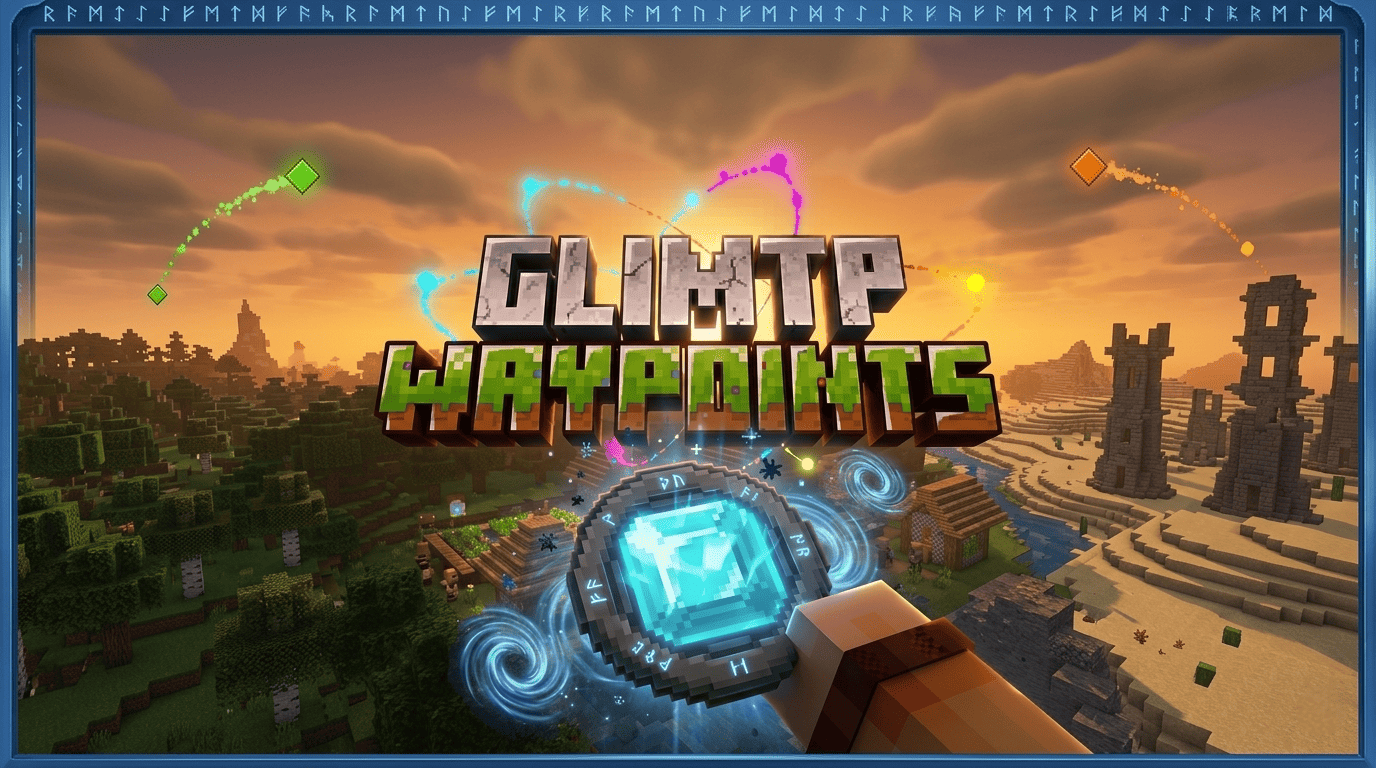

🇺🇸 ENGLISH
GlimTP — Waypoint System
Never lose your base again. Save any location in your world and teleport back in seconds — even across dimensions — through a clean, fast menu built for survival. Achievements stay enabled.
🆕 v1.7.1 — Safety Hotfix & Multiplayer Control
This update adds a confirmation screen before deleting waypoints, a recovery system to restore them if you change your mind, and tighter multiplayer permissions so "Delete My Waypoints" only ever touches your own data.
⚙️ How It Works
On joining the world, you get the GlimTP Navigator — right-click (or tap on mobile) to open the main menu. Save your position, name it, pick a category and a color, done.
To teleport fast, hold the Navigator and look at a waypoint marker, then click/tap to warp instantly. On mobile, holding your finger on a marker also triggers a quick TP.
Die somewhere dangerous? GlimTP auto-creates a Loot Waypoint at your death spot so you can grab your stuff before it despawns — it deletes itself once used or expired.
✨ Features
- 🆕 Confirmation screen before deleting waypoints
- 🆕 Waypoint recovery from Settings (restore deleted entries)
- 🆕 Per-player multiplayer safety on delete actions
- Teleport permissions (allow/block others from TP-ing to you)
- Custom waypoint categories
- Does NOT disable achievements
- One-tap TP from the Waypoints list or by looking at a marker
- Adjustable marker size & style
- Save waypoints anywhere — bases, mines, farms, villages, danger zones
- Auto Loot Waypoints on death
- Full support for Overworld, Nether, and The End
- 7 languages: English, Spanish, Portuguese, Russian, Ukrainian, French, German
- Works on mobile, console, and PC (Bedrock)
📋 v1.7.1 Changelog
- Added confirmation screen before deleting waypoints
- Added waypoint recovery system in Settings (limited-time restore)
- Multiplayer safety: "Delete My Waypoints" only affects your own data
- Cleaned pack display name → GlimTP 1.7.1
🇪🇸 ESPAÑOL
GlimTP — Sistema de Waypoints
No vuelvas a perder tu base. Guarda cualquier ubicación de tu mundo y teletranspórtate de vuelta en segundos, incluso entre dimensiones, desde un menú limpio y rápido pensado para survival. Los logros se mantienen activos.
🆕 v1.7.1 — Parche de Seguridad y Control Multijugador
Esta actualización agrega una pantalla de confirmación antes de borrar waypoints, un sistema para recuperarlos si te arrepientes, y permisos multijugador más estrictos: "Borrar mis Waypoints" ahora solo afecta tus propios datos.
⚙️ Cómo Funciona
Al entrar al mundo recibes el GlimTP Navigator — clic derecho (o toque en móvil) abre el menú principal. Guarda tu posición, ponle nombre, elige categoría y color, listo.
Para teletransportarte rápido, sostén el Navigator y mira un marcador, luego haz clic/toca para viajar al instante. En móvil, mantener presionado el marcador también activa el TP rápido.
¿Moriste en mal lugar? GlimTP crea automáticamente un Loot Waypoint en tu punto de muerte para que recuperes tus cosas antes de que desaparezcan — se elimina solo tras usarlo o al expirar.
✨ Características
- 🆕 Pantalla de confirmación antes de borrar waypoints
- 🆕 Recuperación de waypoints desde Ajustes (restaura elementos borrados)
- 🆕 Seguridad multijugador por jugador al borrar
- Permisos de teletransporte (permite/bloquea que otros lleguen a ti)
- Categorías personalizadas de waypoints
- NO desactiva los logros
- TP directo desde la lista o mirando un marcador
- Tamaño y estilo de marcador ajustables
- Guarda waypoints donde sea — bases, minas, granjas, aldeas, zonas de peligro
- Loot Waypoints automáticos al morir
- Soporte completo para Overworld, Nether y The End
- 7 idiomas: español, inglés, portugués, ruso, ucraniano, francés, alemán
- Compatible con móvil, consola y PC (Bedrock)
📋 Changelog v1.7.1
- Pantalla de confirmación antes de borrar waypoints
- Sistema de recuperación de waypoints en Ajustes (tiempo limitado)
- Seguridad multijugador: "Borrar mis Waypoints" solo afecta tus datos
- Nombre del pack limpiado → GlimTP 1.7.1
The Ultimate Guide to GlimTP-Waypoints
If you are exploring the vast world of Minecraft modifications, GlimTP-Waypoints by PyronMC0 is a standout mod that deserves your attention. With over 24,796 downloads, it has become a staple for players looking to enhance their experience. As the creator describes it, this project is "[LOGROS ACTIVOS / ACHIEVEMENTS ENABLED] A lightweight, high-performance waypoint and teleportation system that keeps world achievements enabled.". Whether you are a veteran builder constructing massive cities, or simply a casual player looking to upgrade your survival world, this guide will provide you with all the essential details on how GlimTP-Waypoints alters the game.
What Makes It Special?
Unlike standard mods that simply alter superficial elements, GlimTP-Waypoints digs deep into the game's engine to provide a cohesive, performance-focused experience. PyronMC0 has clearly spent significant time refining the project to ensure that every aspect feels polished and responsive for version 1.21.132.
Installation Guide
Getting GlimTP-Waypoints up and running is straightforward. Follow these step-by-step instructions:
- Verify Your Version: Ensure your Minecraft launcher is set to version 1.21.132.
- Install Mod Loader (if required): If this is a mod, download the compatible loader (Forge, Fabric, NeoForge).
- Download the File: Click the secure download button above to retrieve the official file from CurseForge.
- Move the File: Place the downloaded file into your `mods`, `shaderpacks`, or `resourcepacks` folder depending on the mod type.
- Launch and Enjoy: Open Minecraft, navigate to the respective settings menu, and activate GlimTP-Waypoints.
Compatibility & Performance
Compatibility is robust. GlimTP-Waypoints is designed specifically for version 1.21.132, taking full advantage of the latest engine optimizations. Since this is heavily focused on optimization, you can expect significant frame rate improvements on both low-end and high-end hardware.