Why RGB XP GS is a top-tier texture pack mod for Minecraft 1.21.132
Developed by the talented creator gmuikfsrun55, RGB XP GS stands out as a highly recommended selection for your Minecraft client. It is fully optimized, compatibility-tested, and brings a major upgrade to the gameplay experience in Minecraft version 1.21.132.
⚙️ Quick Resource Specs
| Mod Creator | gmuikfsrun55 |
| Latest Version | 1.21.132 |
| Supported Game Versions | 1.21.132 |
| File Size | 277.11 KB |
| Last Updated | |
| Total Downloads | 79,072 downloads |
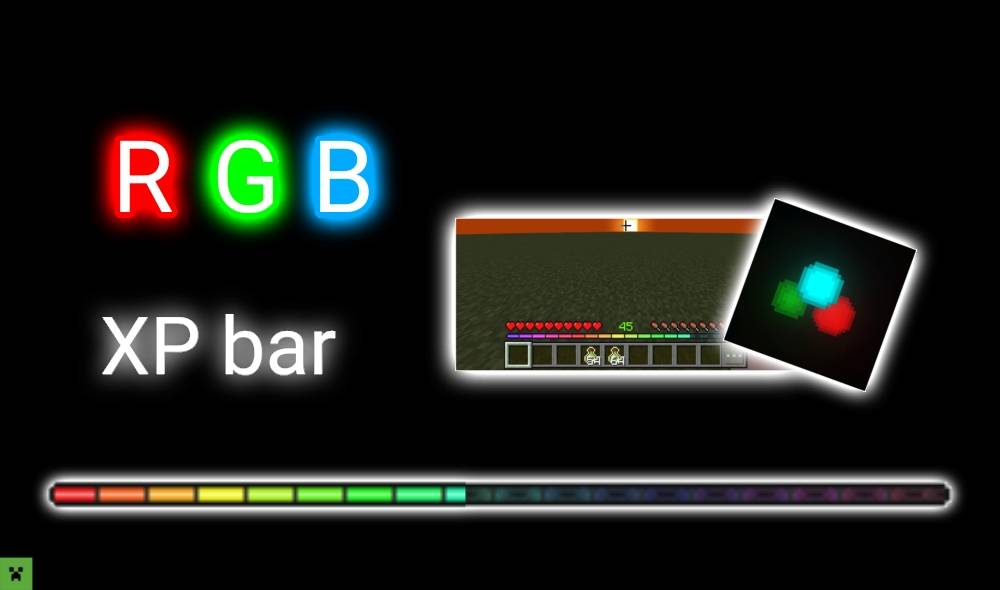
Change the in-game experience point (EXP) format to the current RGB format.
English Description
🌈 RGB XP Bar New — Smooth Animated UI for Bedrock
Elevate your Minecraft Bedrock UI with a vibrant, beautifully animated RGB experience bar! This lightweight resource pack transforms the boring vanilla XP bar into a dynamic, shifting rainbow color spectrum that responds perfectly in-game.
✨ Key Features:
Smooth RGB Animation: Continuous, high-quality color transitions that look stunning at any resolution.
Creative Mode Friendly: Smart UI logic ensures the XP bar cleanly disappears when entering Creative mode, keeping your screen clutter-free.
Pure Client-Side: Zero behavior packs required! Works flawlessly on servers, Realms, and single-player worlds without disabling achievements.
Optimized Performance: Lightweight JSON and flipbook implementation designed specifically for mobile (Android/iOS), Windows, and consoles without FPS drops.
🛠️ Compatibility & Installation:
Compatible with Minecraft Bedrock (Pocket Edition, Windows 10/11, Xbox).
Simply download the .mcpack, open it to import, and activate it in your Global Resources!
Place it near the top of your active packs to ensure it overwrites standard UI elements.
Thank you for over 20,000 downloads! If you love the smooth spectrum, don't forget to leave a comment and rate the pack! ⭐
ภาษาไทย🇹🇭
🌈 RGB XP Bar New — แถบ XP ไล่เฉดสีรุ้งแบบอนิเมชันสำหรับ Bedrock
เปลี่ยนแถบประสบการณ์ (XP Bar) แบบเดิมๆ ให้ดูมีมิติและสวยงามยิ่งขึ้น! รีซอร์สแพ็คตัวนี้จะเพิ่มอนิเมชันการไล่เฉดสี RGB ที่นุ่มนวล สบายตา และทำงานได้อย่างสมบูรณ์แบบในโลก Minecraft ของคุณ
✨ ฟีเจอร์เด่น:
อนิเมชัน RGB ลื่นไหล: การเปลี่ยนเฉดสีรุ้งที่นุ่มนวล (Smooth Transitions) เพิ่มความพรีเมียมให้กับหน้าจอ UI
รองรับโหมด Creative: ระบบเขียนโค้ด UI อัจฉริยะ ซ่อนแถบ XP อย่างแนบเนียนเมื่อเข้าสู่โหมดสร้างสรรค์ ไม่เกะกะสายตา
Client-Side 100%: ไม่ต้องใช้ Behavior Pack! สามารถนำไปเล่นในเซิร์ฟเวอร์, Realms หรือโลกส่วนตัวได้ทันทีโดยไม่ปิดการปลดล็อกความสำเร็จ (Achievements)
ลื่นไหล ไม่กินสเปก: ปรับแต่งโค้ด JSON และระบบอนิเมชันมาอย่างดี มั่นใจได้ว่าเฟรมเรต (FPS) ไม่ตกอย่างแน่นอน รองรับทั้งมือถือ (Android/iOS) และคอมพิวเตอร์
🛠️ วิธีใช้งาน:
รองรับ Minecraft Bedrock ทุกแพลตฟอร์ม (PE, Windows, Consoles)
ดาวน์โหลดไฟล์ .mcpack กดเปิดเพื่อนำเข้าเกม และเปิดใช้งานใน Global Resources
แนะนำให้วางแพ็คนี้ไว้ด้านบนสุดของรายการรีซอร์สแพ็ค เพื่อให้แสดงผลได้อย่างถูกต้อง
ขอบคุณทุกคนที่ร่วมสนับสนุนจนยอดดาวน์โหลดทะลุ 20,000 ครั้ง! มีข้อเสนอแนะหรืออยากให้พัฒนาส่วนไหน คอมเมนต์บอกไว้ได้เลยค่ะ⭐
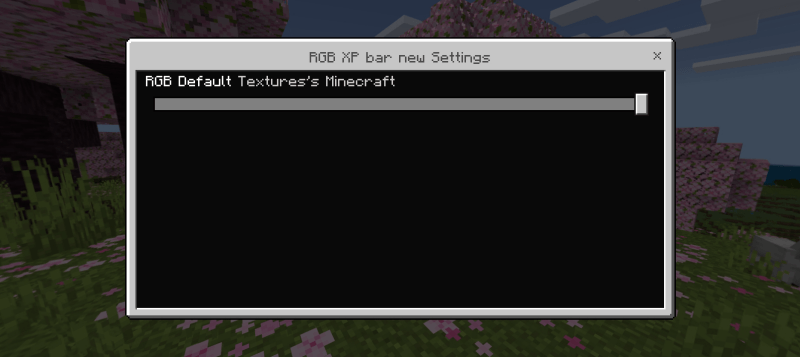
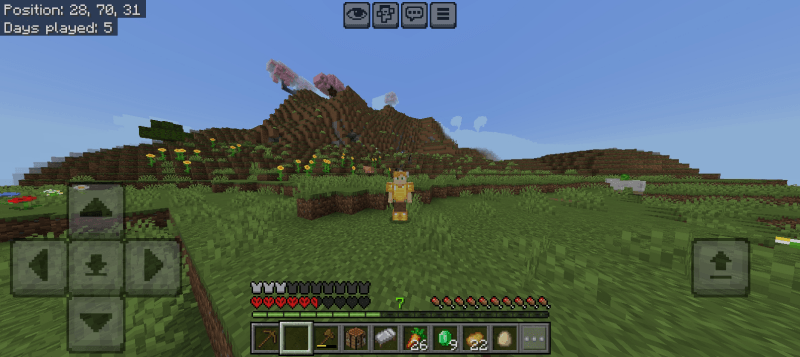
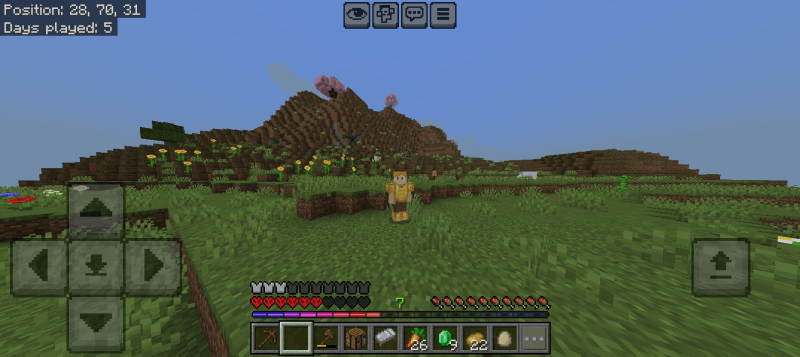
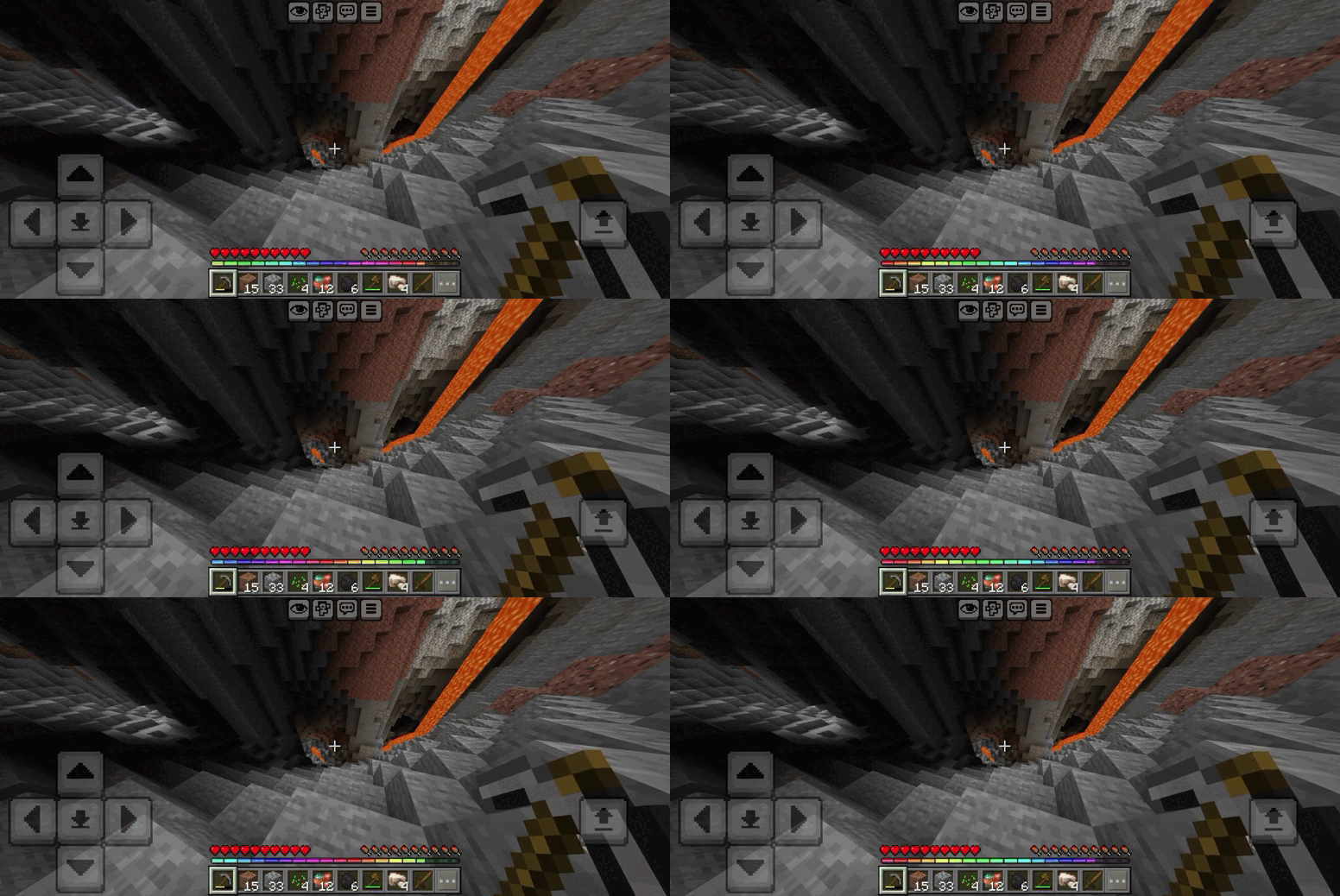
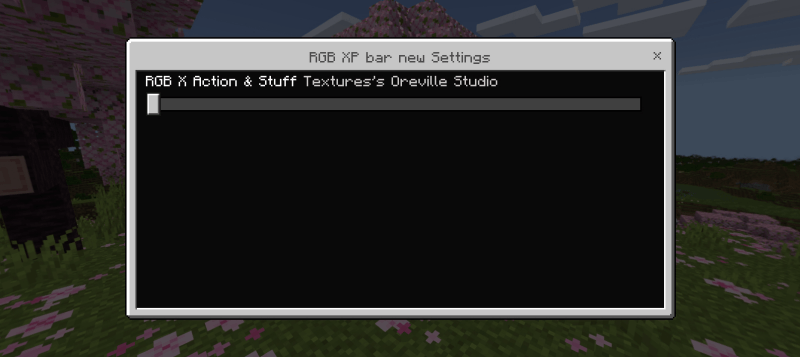
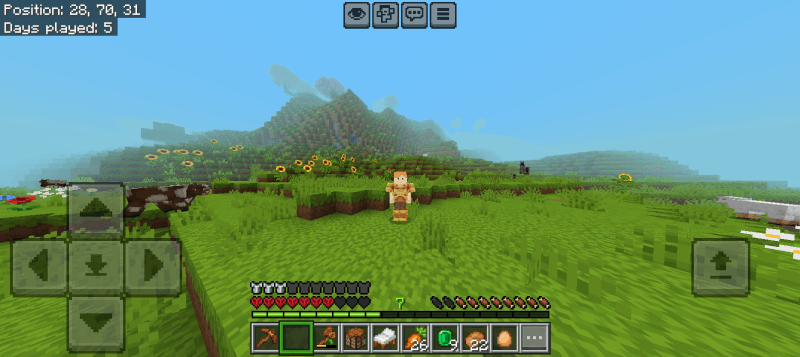
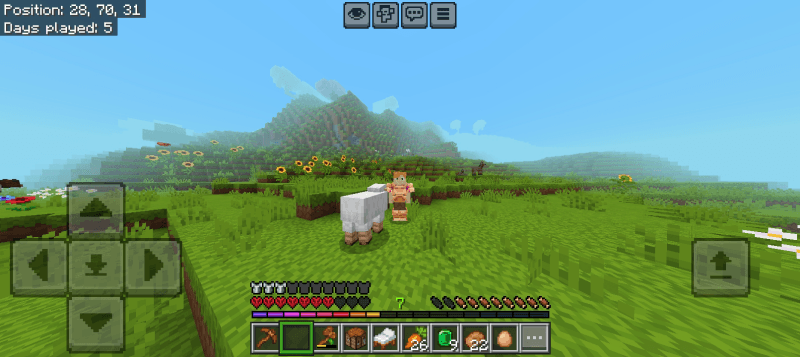
Advantages: When added to the game, it will enhance the experience point (XP) display with a beautiful rainbow effect.
How to use: Once you've finished downloading the game and it shows "download complete," you can add it to the Global Resource Pack and Resource Pack in your desired world. There are also settings for selecting game textures and action & stuff.
Pack by: gmuikfsrun
The Ultimate Guide to RGB XP GS
If you are exploring the vast world of Minecraft modifications, RGB XP GS by gmuikfsrun55 is a standout texture that deserves your attention. With over 79,072 downloads, it has become a staple for players looking to enhance their experience. As the creator describes it, this project is "Change XP to RGB.". Whether you are a veteran builder constructing massive cities, or simply a casual player looking to upgrade your survival world, this guide will provide you with all the essential details on how RGB XP GS alters the game.
What Makes It Special?
Unlike standard textures that simply alter superficial elements, RGB XP GS introduces a wide array of visual and mechanical features designed to seamlessly blend into the vanilla aesthetic. gmuikfsrun55 has clearly spent significant time refining the project to ensure that every aspect feels polished and responsive for version 1.21.132.
Installation Guide
Getting RGB XP GS up and running is straightforward. Follow these step-by-step instructions:
- Verify Your Version: Ensure your Minecraft launcher is set to version 1.21.132.
- Install Mod Loader (if required): If this is a mod, download the compatible loader (Forge, Fabric, NeoForge).
- Download the File: Click the secure download button above to retrieve the official file from CurseForge.
- Move the File: Place the downloaded file into your `mods`, `shaderpacks`, or `resourcepacks` folder depending on the texture type.
- Launch and Enjoy: Open Minecraft, navigate to the respective settings menu, and activate RGB XP GS.
Compatibility & Performance
Compatibility is robust. RGB XP GS is designed specifically for version 1.21.132, taking full advantage of the latest engine optimizations. During typical gameplay, this addition maintains a stable frame rate, though lower-end laptops might experience slight stuttering. We recommend pairing this with performance boosters like Sodium or Iris to guarantee a silky-smooth experience.