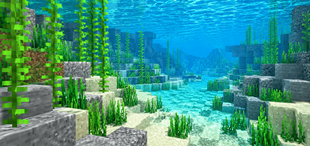
Why Clear Water | FPS Booster is a top-tier shader mod for Minecraft 1.21
Developed by the talented creator ZeroTeam, Clear Water | FPS Booster stands out as a highly recommended selection for your Minecraft client. It is fully optimized, compatibility-tested, and brings a major upgrade to the gameplay experience in Minecraft version 1.21.
⚙️ Quick Resource Specs
| Mod Creator | ZeroTeam |
| Latest Version | 1.21 |
| Supported Game Versions | Minecraft 1.21+ |
| File Size | 188.16 KB |
| Last Updated | |
| Total Downloads | 12,070 downloads |
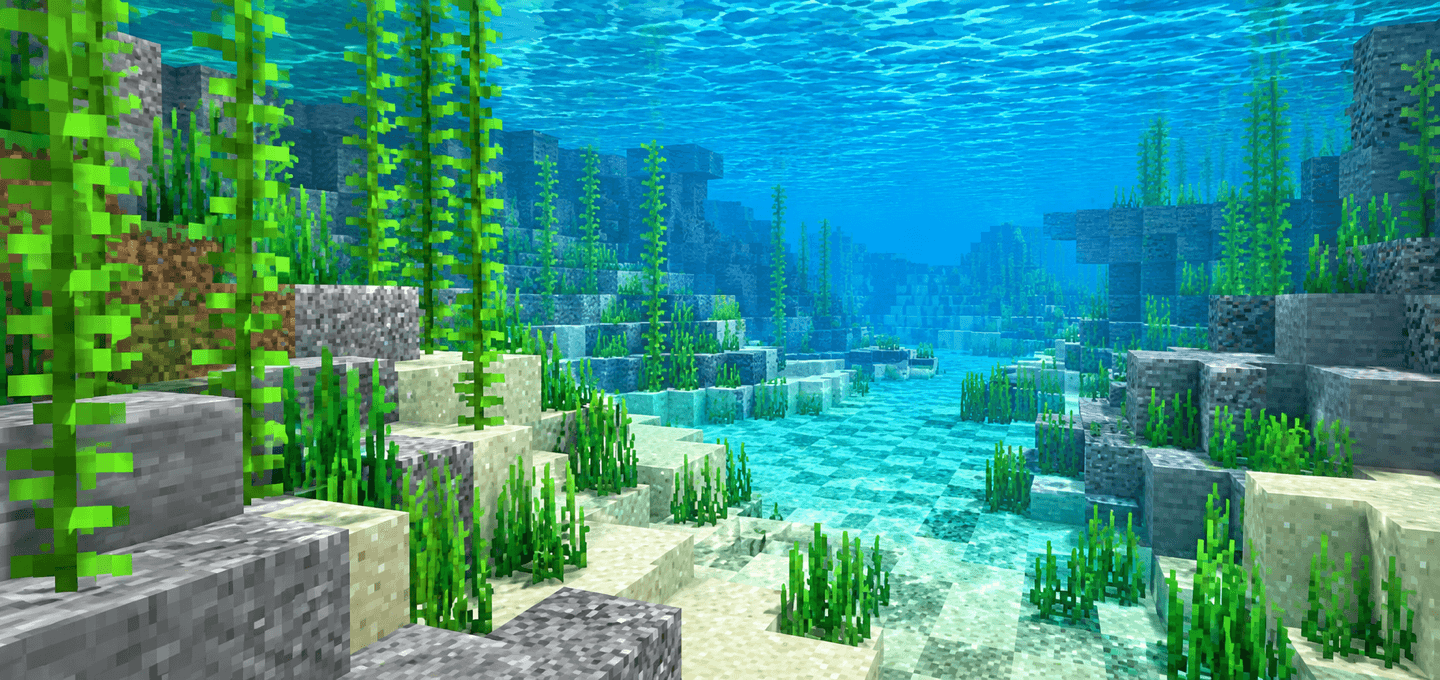
Clear Water FPS Booster makes Minecraft Bedrock water cleaner, clearer, and easier to play around on low-end devices.
It keeps the vanilla style, but tunes the effects that often make oceans, rivers, rain, and underwater views feel noisy.
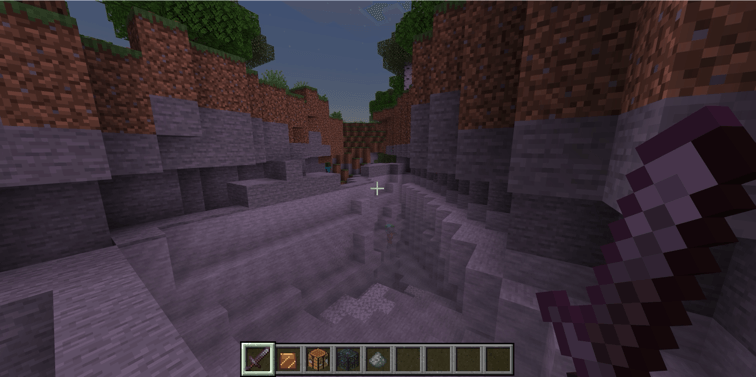
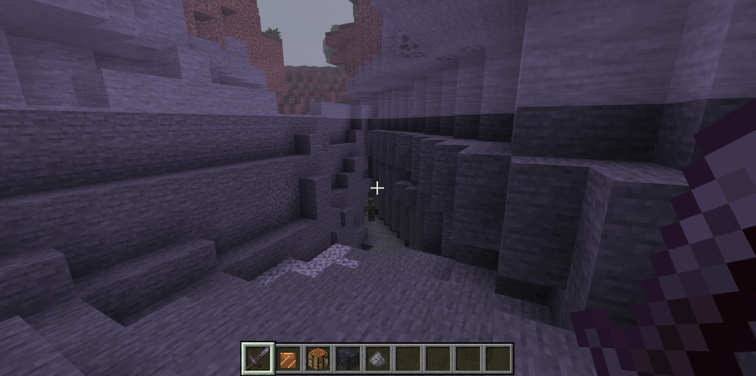
Features
- Clearer water surface color
- Higher water surface transparency
- Longer underwater fog distance
- Neutral water tint across vanilla biomes, including Pale Garden
- Nearly invisible clean still and flowing water textures
- Calmer water splash, drip, wake, and bubble effects
- Cleaner flowing-water animation without the chunky vanilla noise
- Slower water, lava, fire, portal, kelp, sculk, lantern, and similar animated textures
- Reduced common particle clutter for busy vanilla effects
How to use
- Import the
.mcaddonfile into Minecraft Bedrock. - Activate the Clear Water FPS Booster resource pack for your world. No behavior pack or experiments are required.
- Put the Clear Water resource pack above other visual packs if another pack also changes water, fog, particles, or animated textures.
Notes
- This is not an RTX pack.
- This is not a realistic water shader.
- Performance gains may vary depending on your device, world complexity, entity count, simulation load, and render distance.
- The pack is designed as a practical low-end visual optimization, not a cinematic graphics overhaul.
Requirements
- Minecraft Bedrock Edition 1.26.50 or higher.
- No external dependency required

The Ultimate Guide to Clear Water | FPS Booster
If you are exploring the vast world of Minecraft modifications, Clear Water | FPS Booster by ZeroTeam is a standout shader that deserves your attention. With over 12,070 downloads, it has become a staple for players looking to enhance their experience. As the creator describes it, this project is "Clear Water FPS Booster is a lightweight Minecraft Bedrock visual pack that makes water easier to see through, calms busy water effects, and slows fluid animation for a cleaner low-end experience.". Whether you are a veteran builder constructing massive cities, or simply a casual player looking to upgrade your survival world, this guide will provide you with all the essential details on how Clear Water | FPS Booster alters the game.
What Makes It Special?
Unlike standard shaders that simply alter superficial elements, Clear Water | FPS Booster digs deep into the game's engine to provide a cohesive, performance-focused experience. ZeroTeam has clearly spent significant time refining the project to ensure that every aspect feels polished and responsive for version 1.21.
Installation Guide
Getting Clear Water | FPS Booster up and running is straightforward. Follow these step-by-step instructions:
- Verify Your Version: Ensure your Minecraft launcher is set to version 1.21.
- Install Mod Loader (if required): If this is a mod, download the compatible loader (Forge, Fabric, NeoForge).
- Download the File: Click the secure download button above to retrieve the official file from CurseForge.
- Move the File: Place the downloaded file into your `mods`, `shaderpacks`, or `resourcepacks` folder depending on the shader type.
- Launch and Enjoy: Open Minecraft, navigate to the respective settings menu, and activate Clear Water | FPS Booster.
Compatibility & Performance
Compatibility is robust. Clear Water | FPS Booster is designed specifically for version 1.21, taking full advantage of the latest engine optimizations. Since this is heavily focused on optimization, you can expect significant frame rate improvements on both low-end and high-end hardware.