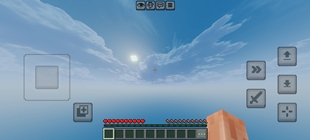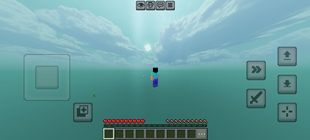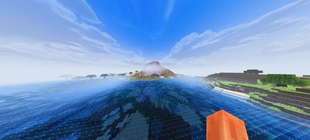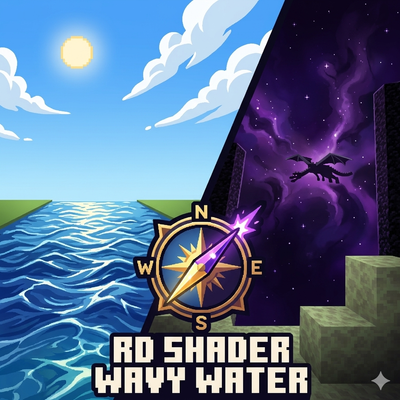
Why Mrmine_Tasty_Shader.mcpack is a top-tier shader mod for Minecraft 1.21
Developed by the talented creator Mr_mine_official, Mrmine_Tasty_Shader.mcpack stands out as a highly recommended selection for your Minecraft client. It is fully optimized, compatibility-tested, and brings a major upgrade to the gameplay experience in Minecraft version 1.21.
⚙️ Quick Resource Specs
| Mod Creator | Mr_mine_official |
| Latest Version | 1.21 |
| Supported Game Versions | 1.21 |
| File Size | 51.72 MB |
| Last Updated | |
| Total Downloads | 242 downloads |
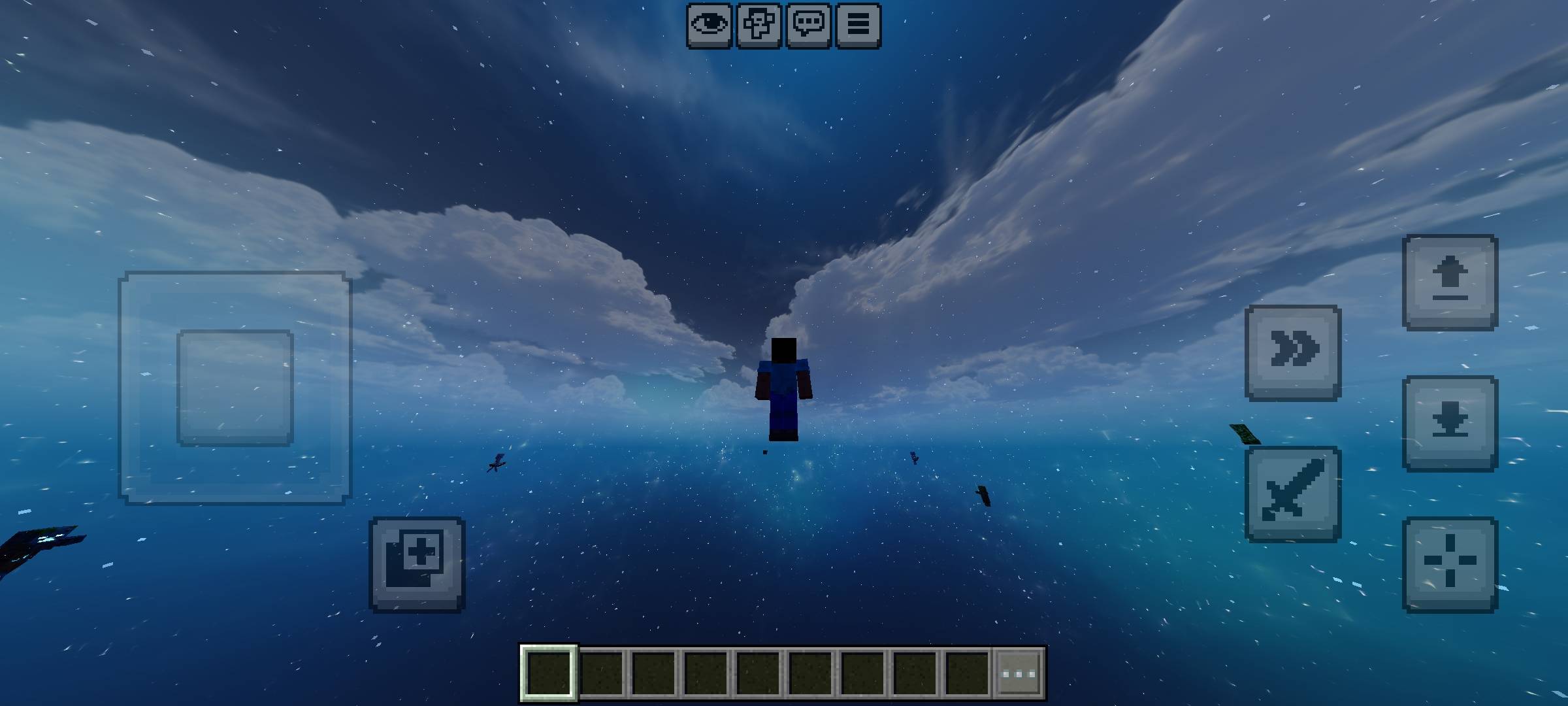
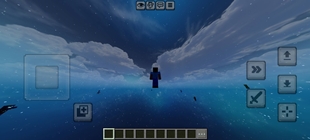
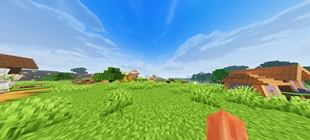
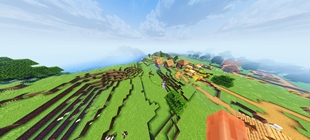
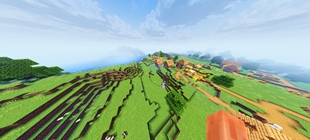
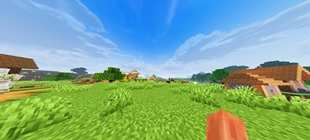
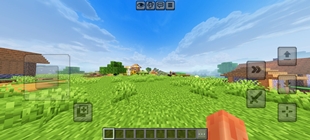
Welcome to the ultimate visual enhancement pack for Minecraft Bedrock (Render Dragon Engine)! This shader pack is meticulously optimized to deliver a high-contrast, premium aesthetic while maintaining butter-smooth performance and flawless chunk loading. 🔥✨
🎮 Key Features:
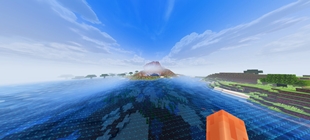
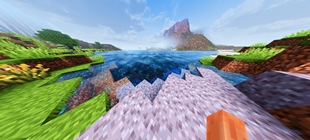
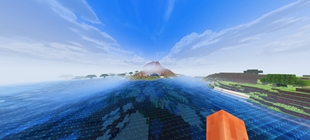
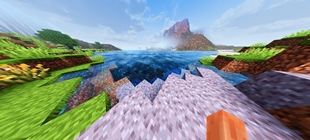
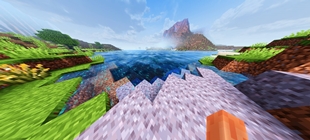
Realistic Wavy Water: Fully custom transparent pass injection giving smooth water animations, realistic refraction, and crystal-clear lighting. 🌊
Cinematic Atmospheric Fog: Balanced fog densities that enhance depth of field without making the horizon invisible. 💨
High-Contrast Lighting: Deep shadows, vibrant daytime colors, and beautiful cloud blending for a premium shader vibe. ☀️
Optimized Chunk Loading: Engineered structures ensuring rapid vertex processing and zero invisible block glitches. 💎
Universal Compatibility: Designed strictly around Render Dragon parameters to avoid crash-loops and daylight/white-out bugs. 🛠️
🛠️ MB Loader: Creator Tutorial 🚀
Hey Creators! If you want to use this pack as a base to load your custom assets, shaders, or heavy fogs without causing engine crashes, follow this official guide! 💎⚙️
📂 1. Core Folder Structure (Setting Up Directories) 🏠
MB Loader requires a highly specific file structure to read assets properly. Any casing mistakes (capital letters) will cause chunks to become completely invisible! ⚠️
Your_Pack/ ➔ fogs/ (All custom biome fog files go here) 💨
Your_Pack/ ➔ renderer/materials/renderchunk.material (The single combo material file) 📄
Your_Pack/ ➔ shaders/glsl/ ➔ renderchunk.vertex 🌊 and renderchunk.fragment 🔮 (Always keep file names completely lowercase!)
🔮 2. Material Binding & Combo Files 🧱
The most common cause of Render Dragon crashes is file collision from hosting multiple separate .material files in the directory 💥.
The Solution: Always merge all your custom shader configurations (such as EndSky, SunMoon, and RenderChunk) into one single renderchunk.material JSON file! 🤝
Avoid .bin Extensions: Make sure to delete any pre-compiled renderchunk.material.bin files inside the folder. The engine must only read our custom text-based JSON file. ❌
🧹 3. The Golden Rule: Resetting Storage Cache! 🚨
If you are actively editing shader code and experience the "Invisible World Glitch" where chunks refuse to render, the game engine's internal cache is locked. Follow these steps to force a refresh:
Deactivate the Pack: Go to Minecraft Settings ➡️ Global Resources and deactivate your resource pack 🛑.
Switch Storage Location: If your file storage is set to "Application", move it over to "External" in the storage settings so corrupt files don't get trapped in hidden game directories 📂.
Clear App Cache: Go to Android Settings ➡️ Apps ➡️ Minecraft ➡️ Storage ➡️ Tap "Clear Cache" (Do NOT clear data, only clear cache!) 🧼.
Fresh Boot: Close Minecraft from your phone's background processes entirely. Relaunch the game, activate your pack, and your blocks will render flawlessly! 🌟
📥 Installation & Setup:
Download the .mcpack file.
Import it into Minecraft Bedrock.
Go to Settings > Global Resources and activate the pack.
Important Cache Note: If you encounter any visual rendering bugs, please follow the creator cache-reset guide detailed above! 🛠️
🏷️ Search Tags:
Shaders, Render Dragon, Wavy Water, MB Loader, PBR Compatible, Bedrock Shaders, High Contrast, Realistic Water, Lag-Free Shaders
The Ultimate Guide to Mrmine_Tasty_Shader.mcpack
If you are exploring the vast world of Minecraft modifications, Mrmine_Tasty_Shader.mcpack by Mr_mine_official is a standout shader that deserves your attention. With over 242 downloads, it has become a staple for players looking to enhance their experience. As the creator describes it, this project is "An optimized Render Dragon shader featuring realistic wavy water animations, cinematic biome fogs, and high-contrast atmospheric lighting.". Whether you are a veteran builder constructing massive cities, or simply a casual player looking to upgrade your survival world, this guide will provide you with all the essential details on how Mrmine_Tasty_Shader.mcpack alters the game.
What Makes It Special?
Unlike standard shaders that simply alter superficial elements, Mrmine_Tasty_Shader.mcpack introduces a wide array of visual and mechanical features designed to seamlessly blend into the vanilla aesthetic. Mr_mine_official has clearly spent significant time refining the project to ensure that every aspect feels polished and responsive for version 1.21.
Installation Guide
Getting Mrmine_Tasty_Shader.mcpack up and running is straightforward. Follow these step-by-step instructions:
- Verify Your Version: Ensure your Minecraft launcher is set to version 1.21.
- Install Mod Loader (if required): If this is a mod, download the compatible loader (Forge, Fabric, NeoForge).
- Download the File: Click the secure download button above to retrieve the official file from CurseForge.
- Move the File: Place the downloaded file into your `mods`, `shaderpacks`, or `resourcepacks` folder depending on the shader type.
- Launch and Enjoy: Open Minecraft, navigate to the respective settings menu, and activate Mrmine_Tasty_Shader.mcpack.
Compatibility & Performance
Compatibility is robust. Mrmine_Tasty_Shader.mcpack is designed specifically for version 1.21, taking full advantage of the latest engine optimizations. During typical gameplay, this addition maintains a stable frame rate, though lower-end laptops might experience slight stuttering. We recommend pairing this with performance boosters like Sodium or Iris to guarantee a silky-smooth experience.