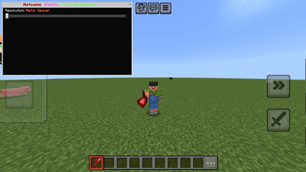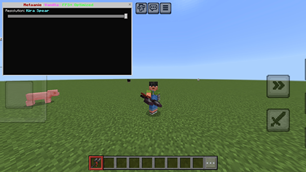
Why Metaanie: Vanilla (FPS+ Optimized) is a top-tier texture pack mod for Minecraft 1.21
Developed by the talented creator KuroZento, Metaanie: Vanilla (FPS+ Optimized) stands out as a highly recommended selection for your Minecraft client. It is fully optimized, compatibility-tested, and brings a major upgrade to the gameplay experience in Minecraft version 1.21.
⚙️ Quick Resource Specs
| Mod Creator | KuroZento |
| Latest Version | 1.21 |
| Supported Game Versions | Minecraft 1.21+ |
| File Size | 32.59 MB |
| Last Updated | |
| Total Downloads | 18,189 downloads |
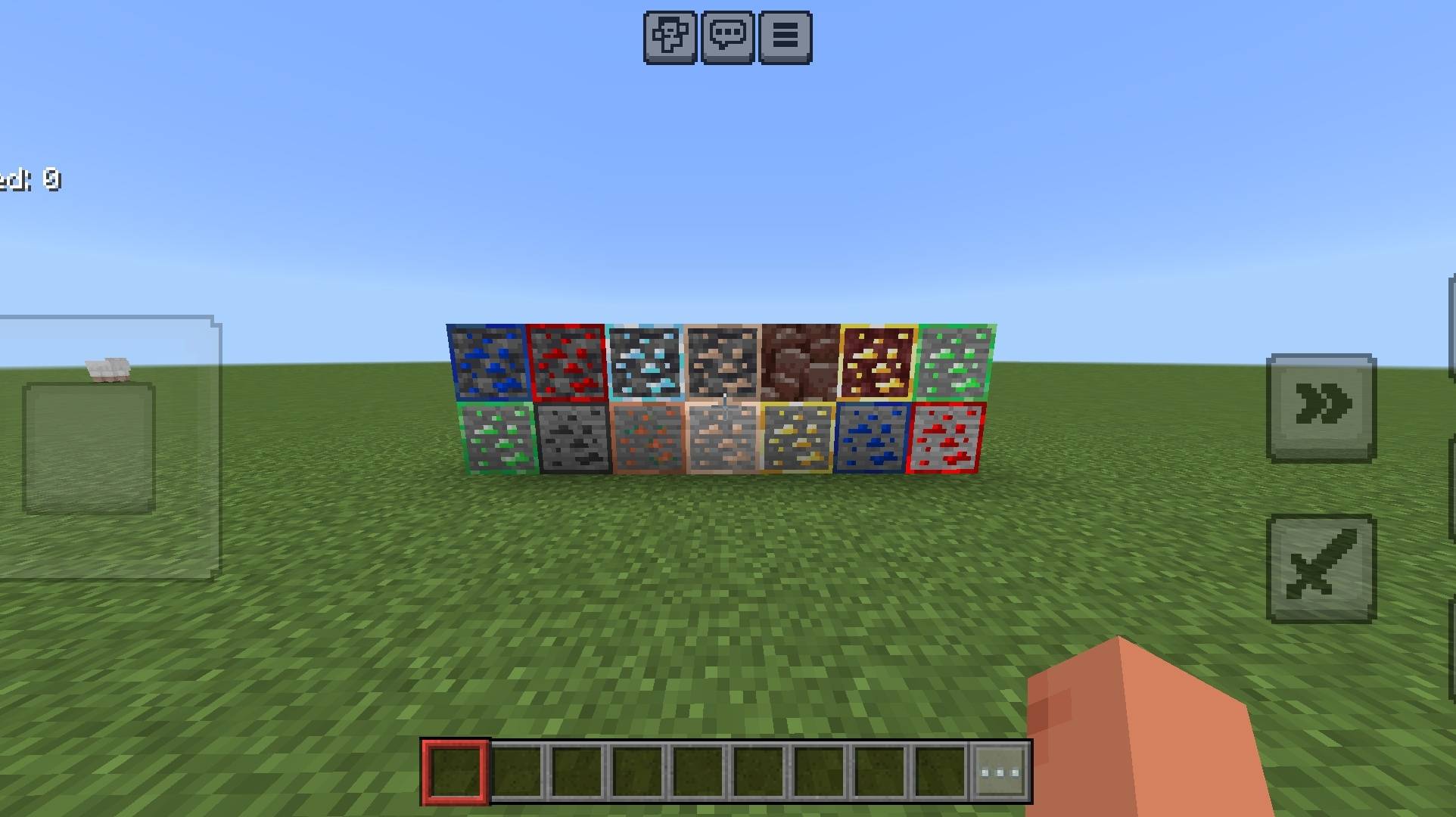
⚔️ Metaanie: Vanilla (FPS+ Optimized) ⚔️
Welcome to the ultimate and fully modernized version of the legendary Metaanie Resource Pack! This version has been meticulously reworked, fixed, and highly optimized for Minecraft Bedrock Edition 1.26+.
If you are looking for a pack that maintains the beautiful aesthetic of vanilla Minecraft while giving you a massive boost in performance and cool custom weapon variations, this is the perfect pack for you!
🚀 Key Features & Enhancements
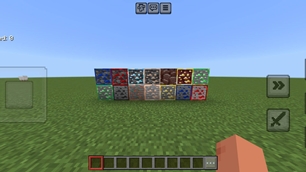
🎨 Pure Vanilla Essence: Retains the core textures and nostalgic feel of official Minecraft, making it perfect for everyday survival, building, and PvP.
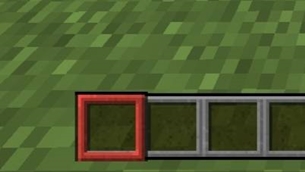
⚡ Extreme FPS+ Optimization: We have completely cleaned up, rewritten, and streamlined the backend UI files (hud_screen, progress_screen, etc.). This reduces memory lag, stabilizes your frame rate, and ensures butter-smooth gameplay even on low-end mobile devices!
⚙️ Built-in Selectable Subpacks: No need to download multiple files! You can easily switch between different weapon styles directly inside the global resource settings.
📦 What's Inside the Subpacks?
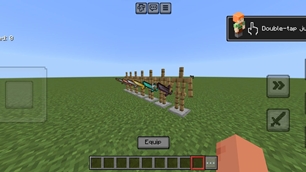
This pack comes equipped with highly detailed and sleek custom models that replace standard weapons into epic spears:
🔴 Meta Spear (Memory Tier 1): The classic, sharp, and aggressive design originally envisioned for the Metaanie community. Perfect for dominant PvP and looking badass in survival.
🔵 Kira Spear (Memory Tier 1): A futuristic, clean, and ultra-sleek alternative spear variant with smooth lines and a unique color palette for a refreshing look.
🛠️ Installation Guide
Download the .mcpack file.
Click or open the file to automatically import it into your Minecraft Bedrock game.
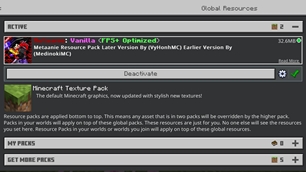
Go to Settings > Global Resources > My Packs.
Click on Metaanie: Vanilla (FPS+ Optimized) and press Activate.
Click on the Gear Icon (Settings) on the pack to slide and choose your preferred Subpack (Meta Spear or Kira Spear).
Restart your world/game and enjoy the smoothness!
👥 Credits & Acknowledgments
This project is brought to you by the dedicated creators of the Bedrock community:
Later Version Developed & Maintained By: VyHongMC 🌟
Earlier Version Contributions By: MedinokiMC 🌟
Original concept and assets originally created by the talented MetaanieMC 👑
Thank you for downloading and supporting our work! If you love the pack, feel free to leave a comment and let us know your feedback! 🇰🇭
The Ultimate Guide to Metaanie: Vanilla (FPS+ Optimized)
If you are exploring the vast world of Minecraft modifications, Metaanie: Vanilla (FPS+ Optimized) by KuroZento is a standout texture that deserves your attention. With over 18,189 downloads, it has become a staple for players looking to enhance their experience. As the creator describes it, this project is "A custom vanilla-styled resource pack with FPS+ optimization and selectable spear subpacks for Minecraft Bedrock.". Whether you are a veteran builder constructing massive cities, or simply a casual player looking to upgrade your survival world, this guide will provide you with all the essential details on how Metaanie: Vanilla (FPS+ Optimized) alters the game.
What Makes It Special?
Unlike standard textures that simply alter superficial elements, Metaanie: Vanilla (FPS+ Optimized) digs deep into the game's engine to provide a cohesive, performance-focused experience. KuroZento has clearly spent significant time refining the project to ensure that every aspect feels polished and responsive for version 1.21.
Installation Guide
Getting Metaanie: Vanilla (FPS+ Optimized) up and running is straightforward. Follow these step-by-step instructions:
- Verify Your Version: Ensure your Minecraft launcher is set to version 1.21.
- Install Mod Loader (if required): If this is a mod, download the compatible loader (Forge, Fabric, NeoForge).
- Download the File: Click the secure download button above to retrieve the official file from CurseForge.
- Move the File: Place the downloaded file into your `mods`, `shaderpacks`, or `resourcepacks` folder depending on the texture type.
- Launch and Enjoy: Open Minecraft, navigate to the respective settings menu, and activate Metaanie: Vanilla (FPS+ Optimized).
Compatibility & Performance
Compatibility is robust. Metaanie: Vanilla (FPS+ Optimized) is designed specifically for version 1.21, taking full advantage of the latest engine optimizations. Since this is heavily focused on optimization, you can expect significant frame rate improvements on both low-end and high-end hardware.