Why PineappleZ's Booster Pack is a top-tier texture pack mod for Minecraft 1.21
Developed by the talented creator PineappleZ_, PineappleZ's Booster Pack stands out as a highly recommended selection for your Minecraft client. It is fully optimized, compatibility-tested, and brings a major upgrade to the gameplay experience in Minecraft version 1.21.
⚙️ Quick Resource Specs
| Mod Creator | PineappleZ_ |
| Latest Version | 1.21 |
| Supported Game Versions | Minecraft 1.21+ |
| File Size | 494.17 KB |
| Last Updated | |
| Total Downloads | 114 downloads |
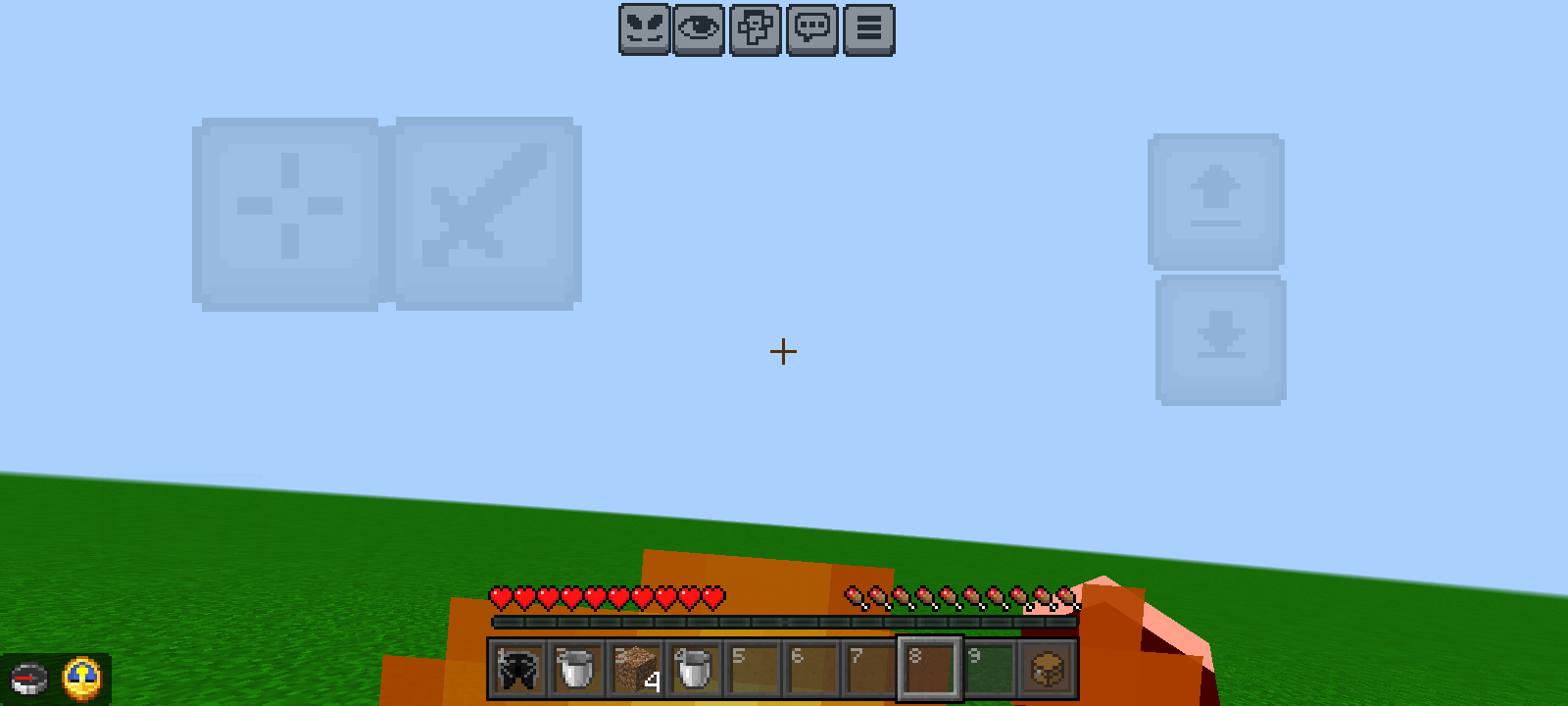
PineapplZ's Booster Pack
What's Added:
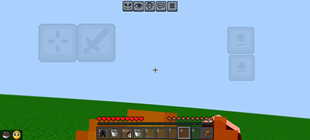
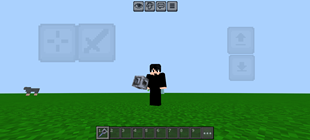
Lower Flames - No more blinding fire blocking your view when you get hit by flint and steel or lava. Fire height is significantly reduced to keep your vision clear.
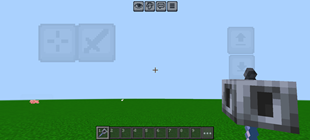
Lower Shield - Shields now sit much lower on your screen when equipped, freeing up valuable screen real estate without sacrificing your defense.
Shorter Swords - Custom short-sword models that look sharp, feel incredibly responsive, and don't clog up your right-hand view during intense fights.
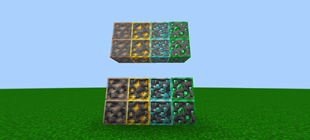
Outlined Ores - Every ore block features a distinct, vibrant outline, making them incredibly easy to spot while speed-mining or caving in low light.
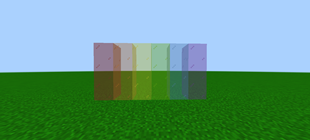
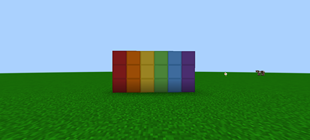
Outlined Wool - Wool blocks have crisp borders, perfect for BedWars, SkyWars, or building with distinct grid precision.
No Outline Glass - Say goodbye to those annoying inner lines. Glass blocks are completely seamless and clear, giving you perfect unobstructed views through windows.
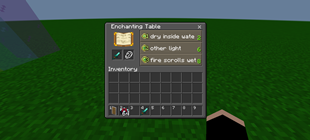
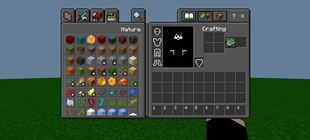
Dark UI - Replaces the bright, eye-straining vanilla gray menus with a sleek, custom dark mode—perfect for late-night gaming sessions.
Notice: Some of the features was made in bedrocktweaks.net And some are from scratch.
The Ultimate Guide to PineappleZ's Booster Pack
If you are exploring the vast world of Minecraft modifications, PineappleZ's Booster Pack by PineappleZ_ is a standout texture that deserves your attention. With over 114 downloads, it has become a staple for players looking to enhance their experience. As the creator describes it, this project is "This Pack Adds Pvp essentials And also includes fps booster Which Removes all Particles and optimizes your performance.". Whether you are a veteran builder constructing massive cities, or simply a casual player looking to upgrade your survival world, this guide will provide you with all the essential details on how PineappleZ's Booster Pack alters the game.
What Makes It Special?
Unlike standard textures that simply alter superficial elements, PineappleZ's Booster Pack digs deep into the game's engine to provide a cohesive, performance-focused experience. PineappleZ_ has clearly spent significant time refining the project to ensure that every aspect feels polished and responsive for version 1.21.
Installation Guide
Getting PineappleZ's Booster Pack up and running is straightforward. Follow these step-by-step instructions:
- Verify Your Version: Ensure your Minecraft launcher is set to version 1.21.
- Install Mod Loader (if required): If this is a mod, download the compatible loader (Forge, Fabric, NeoForge).
- Download the File: Click the secure download button above to retrieve the official file from CurseForge.
- Move the File: Place the downloaded file into your `mods`, `shaderpacks`, or `resourcepacks` folder depending on the texture type.
- Launch and Enjoy: Open Minecraft, navigate to the respective settings menu, and activate PineappleZ's Booster Pack.
Compatibility & Performance
Compatibility is robust. PineappleZ's Booster Pack is designed specifically for version 1.21, taking full advantage of the latest engine optimizations. Since this is heavily focused on optimization, you can expect significant frame rate improvements on both low-end and high-end hardware.