Why ZenXveda Shaders is a top-tier shader mod for Minecraft 1.21.132
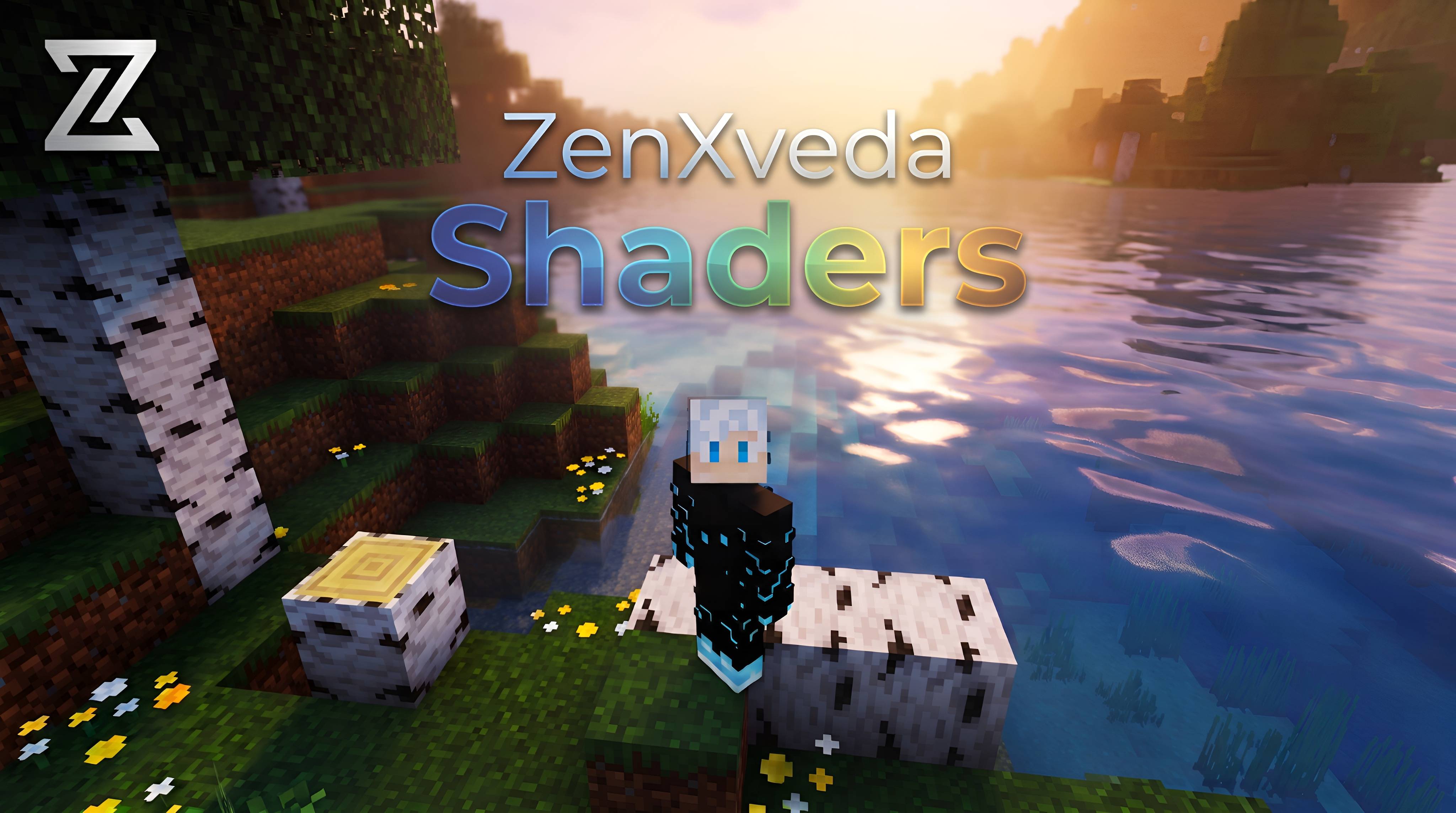
Developed by the talented creator ZenXveda, ZenXveda Shaders stands out as a highly recommended selection for your Minecraft client. It is fully optimized, compatibility-tested, and brings a major upgrade to the gameplay experience in Minecraft version 1.21.132.
⚙️ Quick Resource Specs
| Mod Creator | ZenXveda |
| Latest Version | 1.21.132 |
| Supported Game Versions | 1.21.132, 1.21.131, 1.21.130, 1.21.124, 1.21.123 |
| File Size | 23.91 MB |
| Last Updated | |
| Total Downloads | 229,662 downloads |
🌟 ZenXveda Shadder
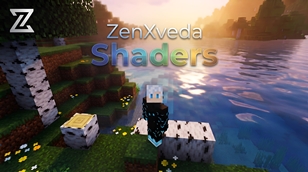
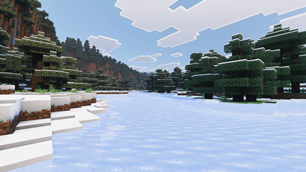
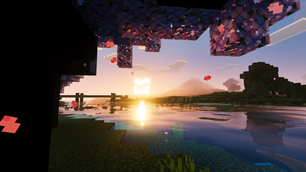
Experience Minecraft Bedrock like never before. ZenXveda Shadder is a massive visual overhaul designed to bring the stunning, high-quality aesthetic of top-tier Java Edition shaders (like Complementary Unbound) directly to Minecraft Bedrock Edition!
Whether you have a high-end gaming PC or are playing on a mobile phone, this pack features incredibly optimized configuration subpacks tailored perfectly for your device.
✨ Key Features
🌖 Realistic Atmospherics & Aesthetic Lighting
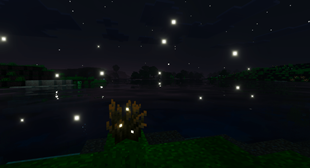
- True Darkness: Venture into deep caves that are terrifyingly pitch-black until illuminated by a torch, and experience moody, immersive nights under a glowing moon.
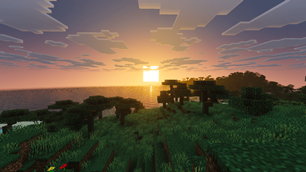
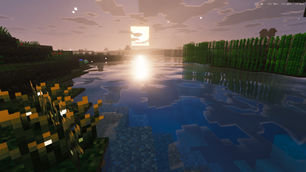
- Vivid Skies: Look up to see gorgeous, deep blue skies enhanced by custom horizon distance fog, eliminating the pale, washed-out look of vanilla Minecraft.
- Custom Panorama: Be greeted by a beautiful custom 360-degree panorama background the moment you load into the main menu!
💎 Next-Gen Textures & PBR
- Smooth & Clean Terrain: Noisy, pixelated grass is a thing of the past! Grass blocks have been softened for a smooth, natural aesthetic.
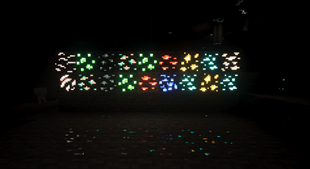
- Glowing Ores & Shiny Armor: Experience True PBR (Physically Based Rendering)! Ores physically emit their own light in the dark, and diamond/iron/gold armor reflects the world naturally.
- Untouched Water: We kept the iconic Vanilla water completely untouched for perfect gameplay visibility and nostalgia.
⚙️ 3 Custom Performance Options
ZenXveda Shadder comes with a built-in resolution slider (Subpacks) in your Global Resources menu. Choose the best fit for your device!
🟢 1. Real Ray Tracing (PBR) — For High-End Devices
The ultimate visual experience. This mode enables full Bedrock Deferred Rendering capabilities. It includes 3D normal maps, highly reflective metals, emissive glowing ores, and volumetric effects. It features a beautifully vibrant, high-contrast aesthetic.
🟡 2. Fake Ray Tracing (Low GPU) — For Mid-Range Devices
Get the beautiful lighting and vibrant textures of the high-end pack, but without the heavy performance cost of PBR maps. Designed for maximum performance while maintaining a gorgeous aesthetic.
🔴 3. Mobile Optimized (Ultra Performance) — For Phones & Tablets
Explicitly tailored for mobile! This option features an entirely different visual tone: soft, realistic, and completely natural. We heavily reduced the neon saturation and harsh contrast, giving your world a beautifully faded, realistic look that runs at blazing fast framerates.
📥 Installation Instructions
- Download the
.mcpackfile. - Double-click the file to automatically import it into Minecraft Bedrock Edition.
- Navigate to Settings > Global Resources and activate ZenXveda Shadder.
- Click the ⚙️ Settings Gear icon next to the pack to select your preferred Performance Subpack!
- (Optional but Recommended): If using the Real Ray Tracing (PBR) option, ensure you have "Deferred Technical Preview" enabled in your world's Video Settings!

🌐 Join the Community
Support our work and stay updated on our latest projects:







The Ultimate Guide to ZenXveda Shaders
If you are exploring the vast world of Minecraft modifications, ZenXveda Shaders by ZenXveda is a standout shader that deserves your attention. With over 229,662 downloads, it has become a staple for players looking to enhance their experience. As the creator describes it, this project is "Its A Bedrock shadder Compatible with Both Windows and Android". Whether you are a veteran builder constructing massive cities, or simply a casual player looking to upgrade your survival world, this guide will provide you with all the essential details on how ZenXveda Shaders alters the game.
What Makes It Special?
Unlike standard shaders that simply alter superficial elements, ZenXveda Shaders introduces a wide array of visual and mechanical features designed to seamlessly blend into the vanilla aesthetic. ZenXveda has clearly spent significant time refining the project to ensure that every aspect feels polished and responsive for version 1.21.132.
Installation Guide
Getting ZenXveda Shaders up and running is straightforward. Follow these step-by-step instructions:
- Verify Your Version: Ensure your Minecraft launcher is set to version 1.21.132.
- Install Mod Loader (if required): If this is a mod, download the compatible loader (Forge, Fabric, NeoForge).
- Download the File: Click the secure download button above to retrieve the official file from CurseForge.
- Move the File: Place the downloaded file into your `mods`, `shaderpacks`, or `resourcepacks` folder depending on the shader type.
- Launch and Enjoy: Open Minecraft, navigate to the respective settings menu, and activate ZenXveda Shaders.
Compatibility & Performance
Compatibility is robust. ZenXveda Shaders is designed specifically for version 1.21.132, taking full advantage of the latest engine optimizations. During typical gameplay, this addition maintains a stable frame rate, though lower-end laptops might experience slight stuttering. We recommend pairing this with performance boosters like Sodium or Iris to guarantee a silky-smooth experience.