![HyperFPS Client [ v1.0 ] logo](https://media.forgecdn.net/avatars/1879/611/639177156183175374.png)
Why HyperFPS Client [ v1.0 ] is a top-tier texture pack mod for Minecraft 1.21
Developed by the talented creator Block_Craft_Addons, HyperFPS Client [ v1.0 ] stands out as a highly recommended selection for your Minecraft client. It is fully optimized, compatibility-tested, and brings a major upgrade to the gameplay experience in Minecraft version 1.21.
⚙️ Quick Resource Specs
| Mod Creator | Block_Craft_Addons |
| Latest Version | 1.21 |
| Supported Game Versions | Minecraft 1.21+ |
| File Size | 1.73 MB |
| Last Updated | |
| Total Downloads | 4,626 downloads |
![HyperFPS Client [ v1.0 ] screenshot active](https://media.forgecdn.net/attachments/1749/759/1000559864-png.png)
HyperFPS Client v1.0
Ultra Performance Resource Pack for Minecraft Bedrock 1.21+
Created by BlockCraftAddons
Description:
HyperFPS Client is a lightweight, high-performance resource pack designed to maximize your FPS and improve gameplay clarity in Minecraft Bedrock Edition 1.21+. It removes unnecessary visual effects that drain your device's performance, while adding smart HUD elements that keep important information always visible on screen — all without requiring any experimental features.
Boost your FPS. See more. Die less.
HyperFPS Client eliminates performance-heavy visuals and adds a Direction Compass + Armor HUD — giving you a smoother, smarter Minecraft experience.
📸 Showcase:

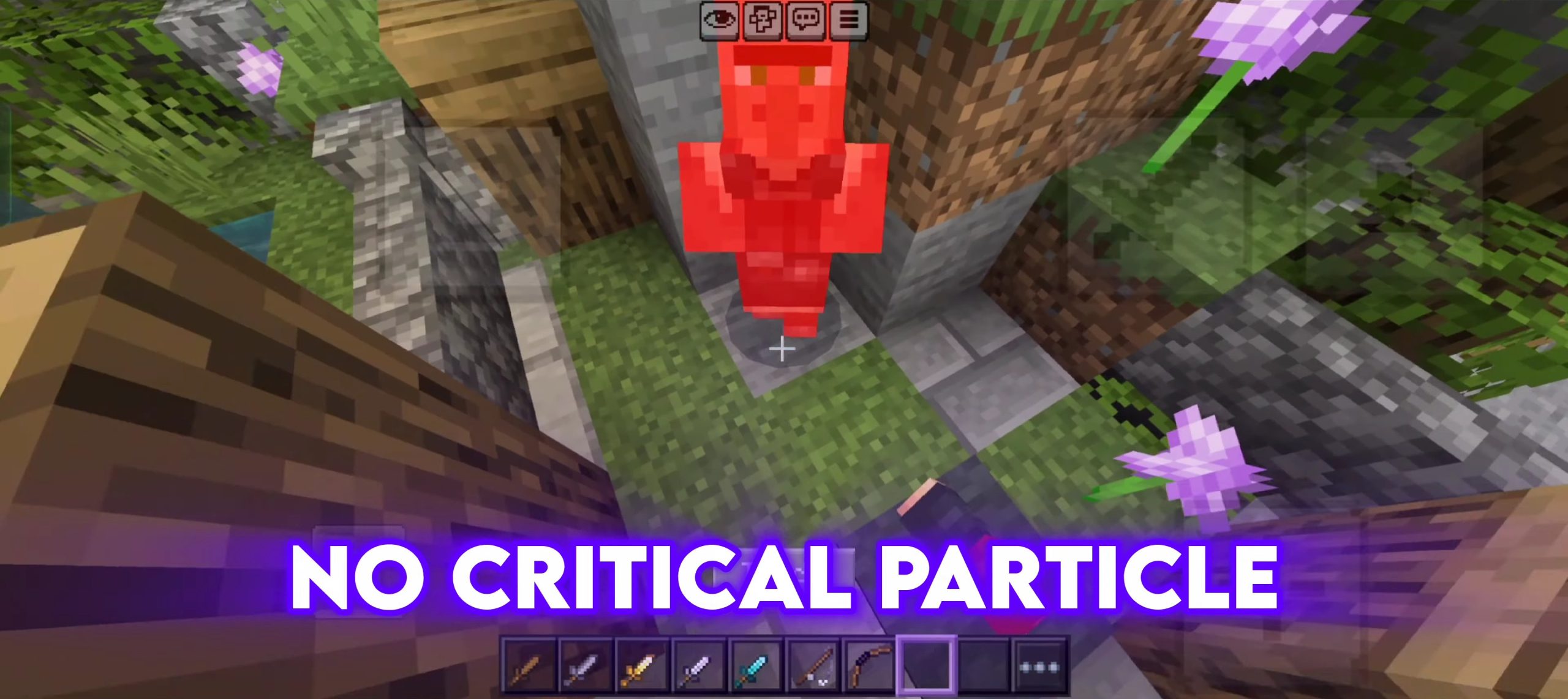
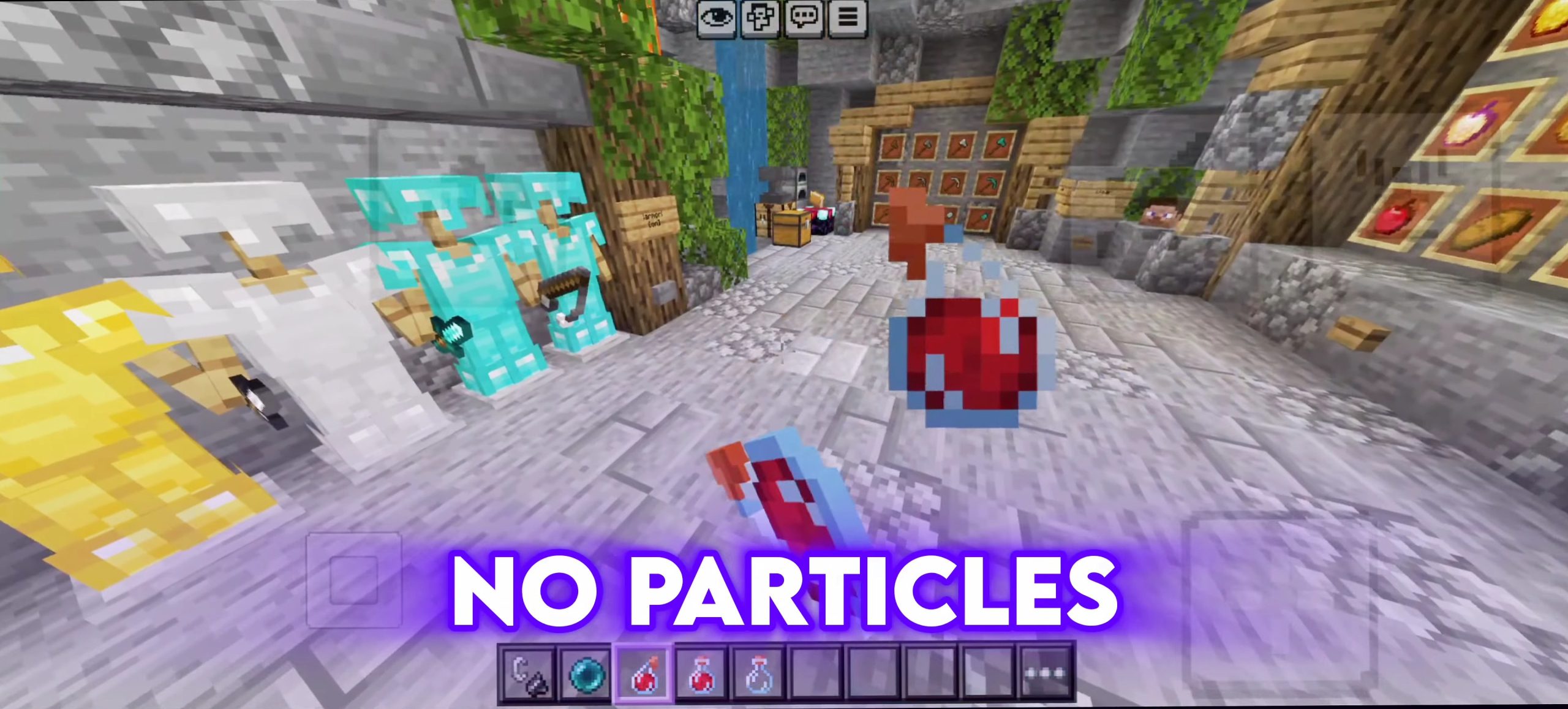
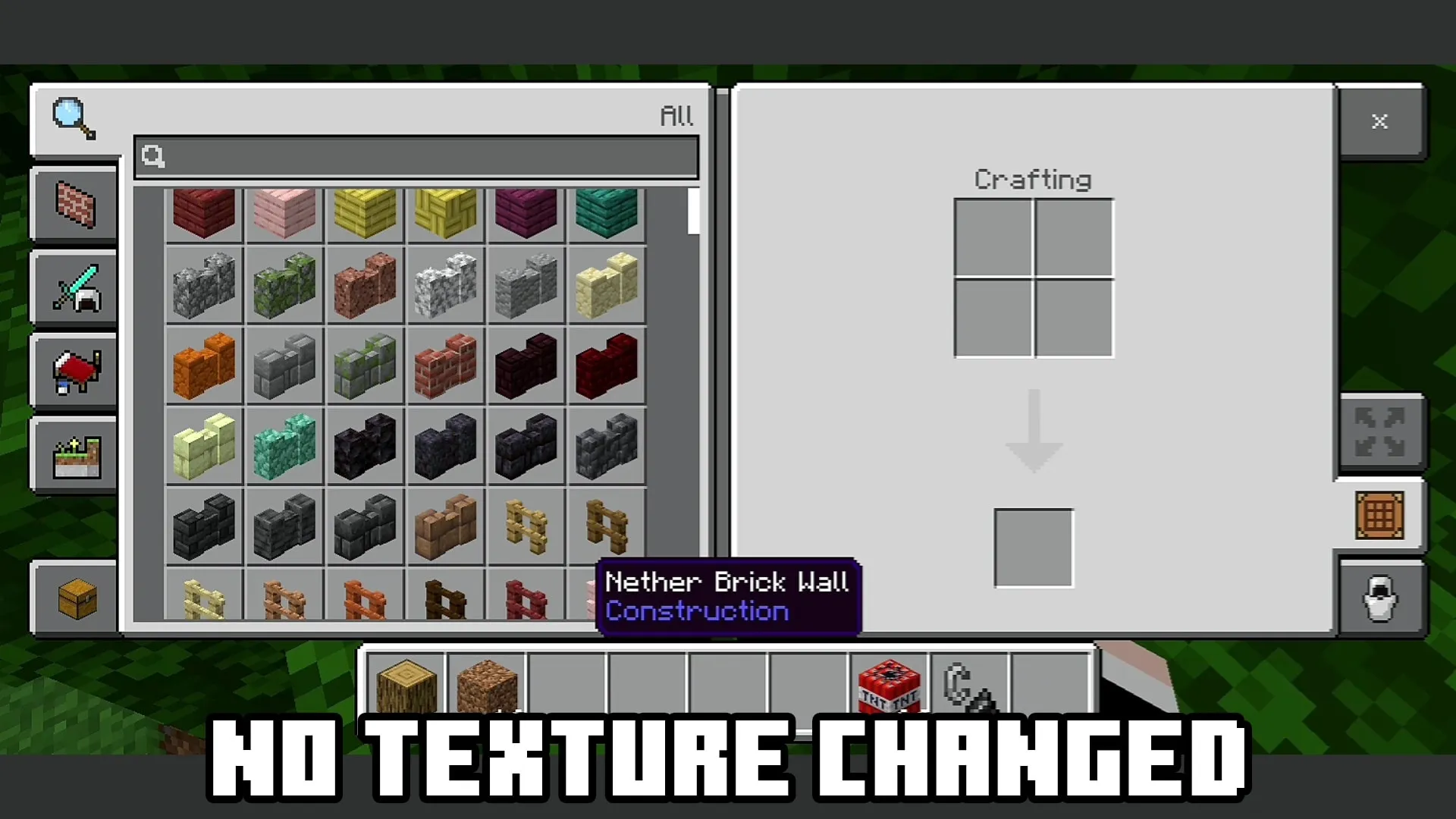
⚡ FPS Optimization Features:
- Particles Removed — All 150+ particle effects (explosions, rain splashes, campfire smoke, dragon breath, enchanting particles, and more) are eliminated to massively reduce rendering load.
- Block Break Animation Removed — The 10-stage block destruction overlay is replaced with invisible textures, removing an unnecessary graphical layer.
- Enchantment Glint Removed — The shimmering glint effect on enchanted items is disabled, reducing GPU strain.
- Pumpkin Blur Removed — Wearing a pumpkin on your head no longer shows the blur overlay, giving you full visibility.
- Weather Effects Removed — Rain and snow particle visuals are cleared out for a cleaner, faster rendering environment.
- End Portal Simplified — End portal colors are simplified to reduce visual complexity.
🧭 Direction Compass HUD:
A real-time directional indicator is displayed on your screen at all times during gameplay. As you rotate, the HUD dynamically switches between North, South, East, and West textures so you always know exactly which direction you're facing — no need to open your map.
🛡️ Armor Status HUD:
A live armor display sits in the bottom-right corner of your screen, showing the exact armor pieces you currently have equipped. It supports all armor types:
- Leather, Iron, Gold, Diamond, Netherite
- Chainmail, Turtle Shell, Elytra
All four slots (Helmet, Chestplate, Leggings, Boots) are tracked individually and update in real time as you swap gear.
🎨 Visual Improvements:
- Custom Main Menu Background — The default Minecraft main menu is replaced with a high-quality custom background giving the pack its own identity.
- Custom Potion Textures — All 35+ potion variants (regular, splash, and lingering) feature redesigned, clearly distinguishable textures for faster inventory reading.
- Cleaner Grass & Terrain Edges — Grass side, path, mycelium, and podzol textures are refined for sharper, cleaner block boundaries.
- Leather Armor Redesigned — All four leather armor pieces have been given a fresh look.
✅ Compatibility:
- Platform: Minecraft Bedrock Edition
- Minimum Version: 1.21.0
- Experimental Features Required: ❌ None
- Pack Type: Resource Pack only (no Behavior Pack needed)
- Works on: Survival, Creative, Multiplayer, Realms, Servers
📥 How to Install:
- Download the .mcpack file.
- Tap or double-click the file — Minecraft will open and import it automatically.
- Go to Settings → Global Resources (or apply it to a specific world under World Settings → Resource Packs).
- Activate HyperFPS Client and launch your game.
- Enjoy better FPS and smarter HUD — no extra steps needed!
Made with ❤️ by BlockCraftAddons
The Ultimate Guide to HyperFPS Client [ v1.0 ]
If you are exploring the vast world of Minecraft modifications, HyperFPS Client [ v1.0 ] by Block_Craft_Addons is a standout texture that deserves your attention. With over 4,626 downloads, it has become a staple for players looking to enhance their experience. As the creator describes it, this project is "HyperFPS Client v1.0 is a Minecraft Bedrock 1.21+ resource pack that boosts FPS by removing particles, block-break animations, and visual clutter. It also adds a real-time Direction Compass HUD and Armor Status display — no experimental features required.". Whether you are a veteran builder constructing massive cities, or simply a casual player looking to upgrade your survival world, this guide will provide you with all the essential details on how HyperFPS Client [ v1.0 ] alters the game.
What Makes It Special?
Unlike standard textures that simply alter superficial elements, HyperFPS Client [ v1.0 ] digs deep into the game's engine to provide a cohesive, performance-focused experience. Block_Craft_Addons has clearly spent significant time refining the project to ensure that every aspect feels polished and responsive for version 1.21.
Installation Guide
Getting HyperFPS Client [ v1.0 ] up and running is straightforward. Follow these step-by-step instructions:
- Verify Your Version: Ensure your Minecraft launcher is set to version 1.21.
- Install Mod Loader (if required): If this is a mod, download the compatible loader (Forge, Fabric, NeoForge).
- Download the File: Click the secure download button above to retrieve the official file from CurseForge.
- Move the File: Place the downloaded file into your `mods`, `shaderpacks`, or `resourcepacks` folder depending on the texture type.
- Launch and Enjoy: Open Minecraft, navigate to the respective settings menu, and activate HyperFPS Client [ v1.0 ].
Compatibility & Performance
Compatibility is robust. HyperFPS Client [ v1.0 ] is designed specifically for version 1.21, taking full advantage of the latest engine optimizations. Since this is heavily focused on optimization, you can expect significant frame rate improvements on both low-end and high-end hardware.