Why CustomCraft UI PRO — RGB HUD & Custom Crosshair is a top-tier texture pack mod for Minecraft 1.21.132
Developed by the talented creator Saket_OG, CustomCraft UI PRO — RGB HUD & Custom Crosshair stands out as a highly recommended selection for your Minecraft client. It is fully optimized, compatibility-tested, and brings a major upgrade to the gameplay experience in Minecraft version 1.21.132.
⚙️ Quick Resource Specs
| Mod Creator | Saket_OG |
| Latest Version | 1.21.132 |
| Supported Game Versions | 1.21.132, 1.21.131, 1.21.130, 1.21.124, 1.21.123 |
| File Size | 8.34 KB |
| Last Updated | |
| Total Downloads | 1,623 downloads |
# ✦ CustomCraft UI PRO ✦
## God-Level HUD Redesign for Minecraft Bedrock
---
## 🔥 WHY DOWNLOAD THIS?
Minecraft's default HUD is boring and hasn't changed in years.
CustomCraft UI PRO completely transforms your screen into a
sleek, modern, RGB-powered interface.
---
## ✨ FEATURES
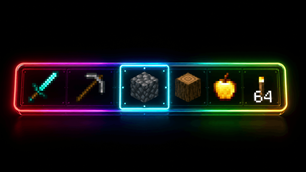
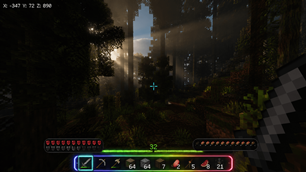
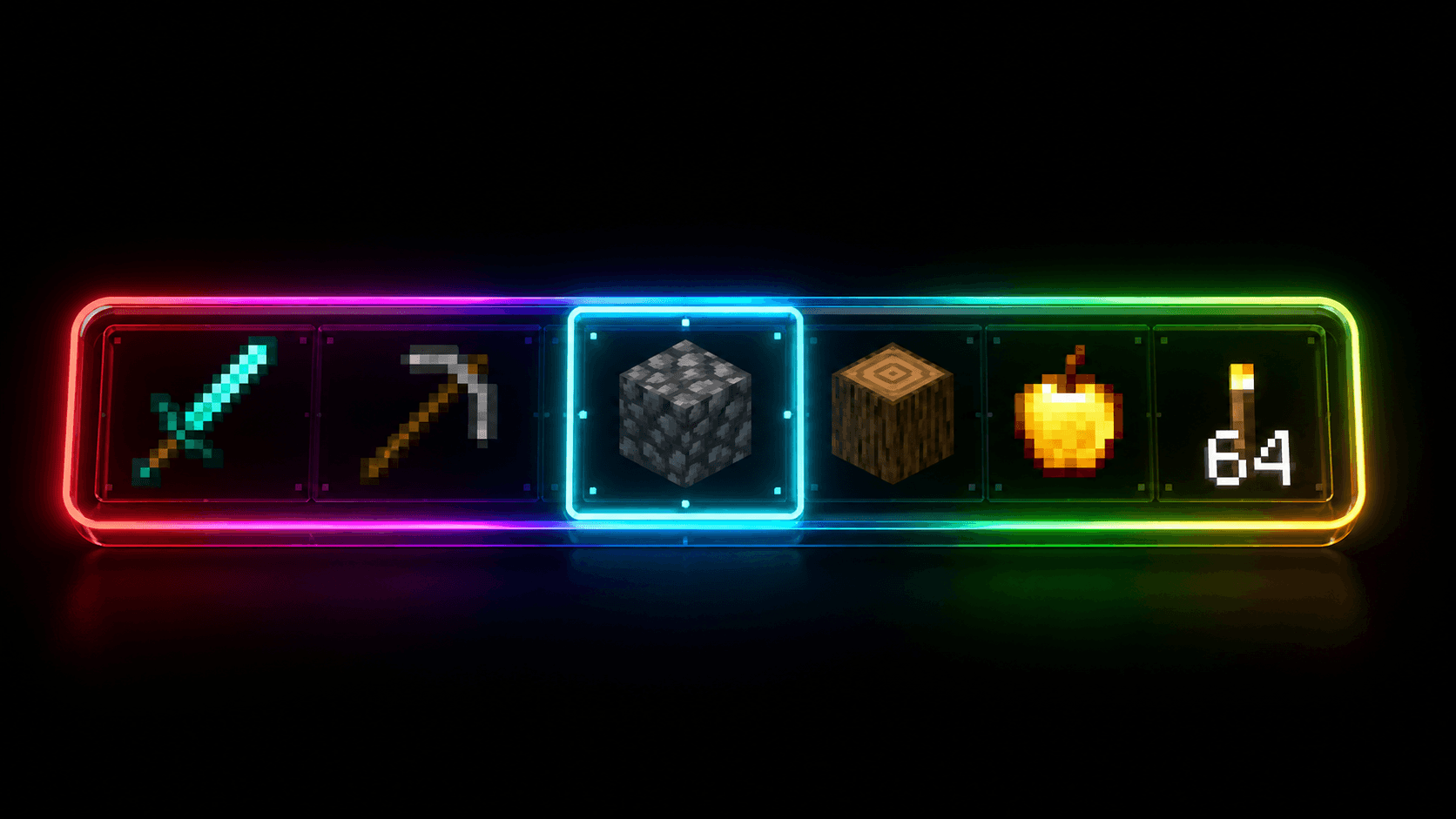
🌈 RGB Rainbow Hotbar
→ Full gradient border going Red→Purple→Blue→Green
🎯 Custom Dot-Gap Crosshair
→ Cyan glowing FPS-style crosshair with white center dot
💊 Dark Glass Health Bar
→ Sleek dark pill on bottom-left with hearts inside
🍗 Dark Glass Hunger Bar
→ Sleek dark pill on bottom-right with food icons
💚 Glowing XP Bar
→ Green shine effect with level number displayed
🌑 Dark Inventory
→ Full dark overlay with subtle grid pattern + vignette
📍 XYZ Coordinates
→ Always visible top-left in a dark glass panel
🛡️ Armor & Breath Bars
→ Properly repositioned above health/hunger
---
## 📱 COMPATIBILITY
✅ Minecraft Bedrock 1.20 / 1.20.x
✅ Minecraft Bedrock 1.21 / 1.21.x
✅ Android
✅ iOS
✅ Windows 10 / 11
✅ Xbox
✅ PlayStation
---
## 🔧 HOW TO INSTALL
### Android
1. Download the .mcpack file
2. Open Files app → tap the .mcpack file
3. Minecraft opens and auto-imports
4. Go to Settings → Global Resources → Activate
5. Done! ✅
### iOS
1. Download the .mcpack file
2. Tap the file → tap Open In → select Minecraft
3. Minecraft opens and auto-imports
4. Go to Settings → Global Resources → Activate
5. Done! ✅
### Windows 10/11
1. Download the .mcpack file
2. Double-click the file
3. Minecraft opens and auto-imports
4. Go to Settings → Global Resources → Activate
5. Done! ✅
---
## ⚠️ NOTES
- This is a Resource Pack, NOT a mod or addon
- Does NOT affect gameplay, only visuals
- Works alongside other addons/behaviour packs
- For best results combine with a shader pack!
---
## 💬 SUPPORT
Found a bug? Leave a comment below!
Please ⭐ rate if you enjoy it — helps me make more!
---
## 👨💻 MADE BY
Saket — follow for more Bedrock resource packs!
The Ultimate Guide to CustomCraft UI PRO — RGB HUD & Custom Crosshair
If you are exploring the vast world of Minecraft modifications, CustomCraft UI PRO — RGB HUD & Custom Crosshair by Saket_OG is a standout texture that deserves your attention. With over 1,623 downloads, it has become a staple for players looking to enhance their experience. As the creator describes it, this project is "God-level HUD redesign for Bedrock! RGB rainbow hotbar, cyan crosshair, dark glass health bars, green XP bar & dark inventory. Supports 1.20→1.21+". Whether you are a veteran builder constructing massive cities, or simply a casual player looking to upgrade your survival world, this guide will provide you with all the essential details on how CustomCraft UI PRO — RGB HUD & Custom Crosshair alters the game.
What Makes It Special?
Unlike standard textures that simply alter superficial elements, CustomCraft UI PRO — RGB HUD & Custom Crosshair introduces a wide array of visual and mechanical features designed to seamlessly blend into the vanilla aesthetic. Saket_OG has clearly spent significant time refining the project to ensure that every aspect feels polished and responsive for version 1.21.132.
Installation Guide
Getting CustomCraft UI PRO — RGB HUD & Custom Crosshair up and running is straightforward. Follow these step-by-step instructions:
- Verify Your Version: Ensure your Minecraft launcher is set to version 1.21.132.
- Install Mod Loader (if required): If this is a mod, download the compatible loader (Forge, Fabric, NeoForge).
- Download the File: Click the secure download button above to retrieve the official file from CurseForge.
- Move the File: Place the downloaded file into your `mods`, `shaderpacks`, or `resourcepacks` folder depending on the texture type.
- Launch and Enjoy: Open Minecraft, navigate to the respective settings menu, and activate CustomCraft UI PRO — RGB HUD & Custom Crosshair.
Compatibility & Performance
Compatibility is robust. CustomCraft UI PRO — RGB HUD & Custom Crosshair is designed specifically for version 1.21.132, taking full advantage of the latest engine optimizations. During typical gameplay, this addition maintains a stable frame rate, though lower-end laptops might experience slight stuttering. We recommend pairing this with performance boosters like Sodium or Iris to guarantee a silky-smooth experience.