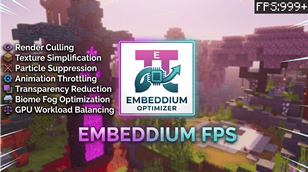
Why Embeddium Optimizer | Smart Fps Boost is a top-tier texture pack mod for Minecraft 1.21.132
Developed by the talented creator LeviiCraft, Embeddium Optimizer | Smart Fps Boost stands out as a highly recommended selection for your Minecraft client. It is fully optimized, compatibility-tested, and brings a major upgrade to the gameplay experience in Minecraft version 1.21.132.
⚙️ Quick Resource Specs
| Mod Creator | LeviiCraft |
| Latest Version | 1.21.132 |
| Supported Game Versions | 1.21.132, 1.21.131, 1.21.130, 1.21.123, 1.21.122 |
| File Size | 765.02 KB |
| Last Updated | |
| Total Downloads | 52,794 downloads |
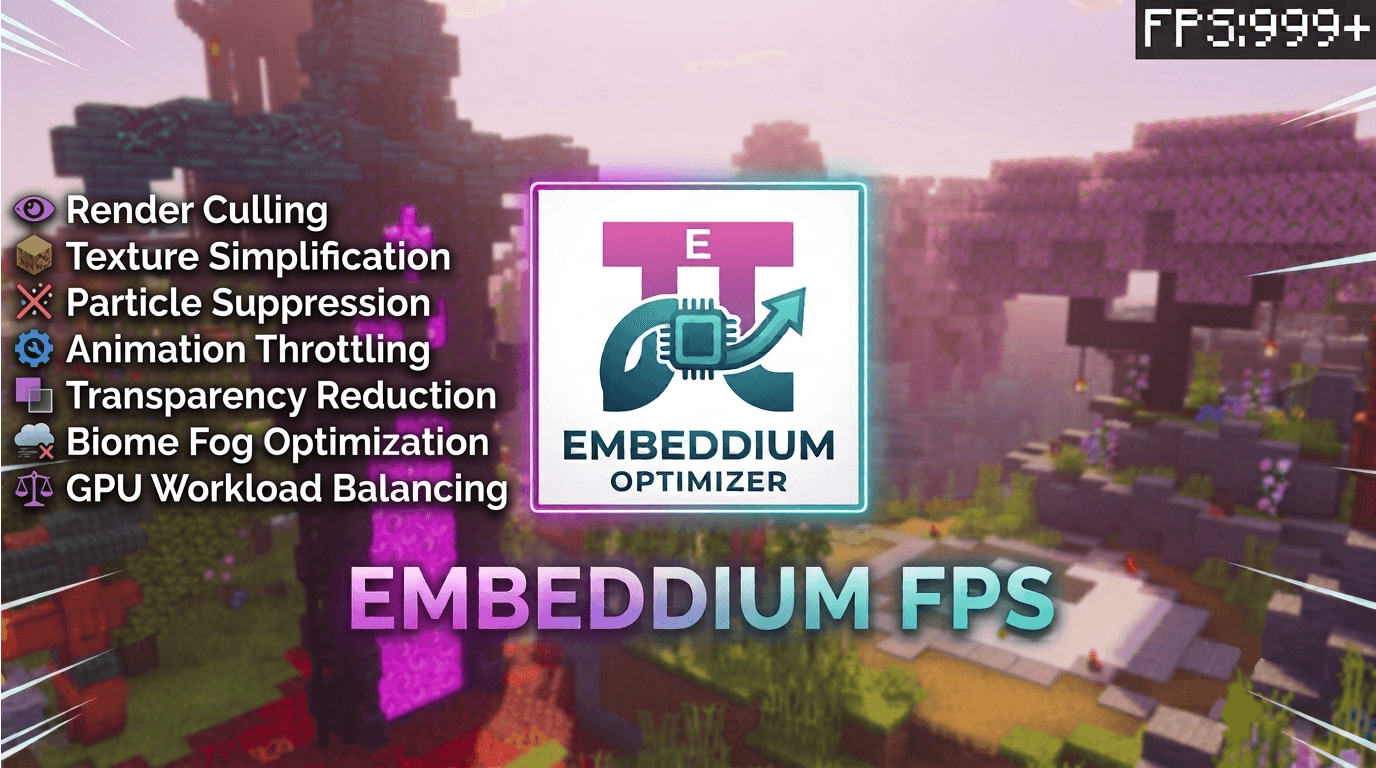
Embeddium Optimizer is an advanced performance optimization pack engineered specifically for Minecraft Bedrock and the Render Dragon engine. Built from the ground up as a next-generation rendering optimization system, it dramatically improves FPS, reduces lag, eliminates stutters, and sharpens frame consistency across every device tier — from budget phones to high-end PCs.

Rather than relying on simple texture swaps, Embeddium Optimizer applies a layered stack of optimization techniques working in concert:
- Render Culling — eliminates unnecessary draw calls before they ever reach the GPU
- Texture Simplification — strips redundant texture complexity without breaking the vanilla aesthetic
- Particle Suppression — removes GPU-expensive particle emitters
- Animation Throttling — caps and compresses animated texture frame cycles
- Transparency Reduction — minimizes costly alpha-blending operations
- Biome Fog Optimization — recalculates fog rendering for every biome to reduce overdraw
- GPU Workload Balancing — redistributes rendering load to prevent bottlenecking and frame pacing issues
Together, these systems reduce the raw computational overhead Render Dragon spends on every frame — translating directly into smoother, faster, more stable gameplay.
📊 Performance Claims
Real-world optimization gains, scaled to your hardware:
Low-End Devices: 30 FPS → 90–120 FPS
Mid-Range Devices: 45 FPS → 120–160 FPS
High-End Devices: 80 FPS → 180–240+ FPS
Additional improvements include:
- ✅ Drastically reduced microstutters
- ✅ Faster perceived chunk loading
- ✅ Fewer frame drops during exploration
- ✅ Noticeably smoother camera movement
⚙️ Two Optimization Modes
🟢 Balanced Mode
For players who want both performance and polish.
- Preserves visual quality while optimizing rendering pipelines
- Moderate, intelligent optimization that doesn't compromise the Minecraft look
- Ideal for everyday survival, building, and exploration
Expected FPS Gain: +70% to +150%
🔴 Extreme / Max Mode
For players who want every last frame.
- Maximum-performance configuration for low-end and struggling devices
- Aggressively strips heavy rendering workloads
- Built for competitive PvP and "potato" hardware
Expected FPS Gain: +150% to +300%
You Can Change It From Slidebar
🔬 Why Both Modes Increase FPS
Balanced Mode targets the most computationally expensive render operations — fog calculation, particle density, and animation refresh rates — and optimizes them intelligently while preserving Bedrock's visual identity.
Extreme Mode goes further, aggressively eliminating entire categories of GPU-heavy rendering:
- Alpha blending operations
- Excessive particle emitters
- Expensive volumetric biome fog
- High-frequency animated textures
- Unnecessary translucent rendering passes
By removing these workloads at the source, Extreme Mode drastically lowers GPU usage and render latency — freeing up headroom for raw frame throughput.
🛠️ 8 Core Features
1. Advanced Fog Reduction Engine
Recalculates fog density and draw distance per biome, cutting GPU overdraw caused by volumetric fog rendering at long distances.
2. Particle Suppression System
Selectively disables high-cost particle emitters (smoke, explosions, splash effects) that silently devour frame time during combat and exploration.
3. Smart Foliage Optimization
Reduces the rendering complexity of grass, leaves, and vegetation without stripping the environment of its character.
4. Animated Texture Frame Compression
Compresses animation cycles for water, lava, fire, and portals — cutting the GPU cost of constant frame-by-frame texture updates.
5. Transparency Rendering Reduction
Minimizes alpha-blended surfaces (glass, water, ice) which are among the most expensive elements for Render Dragon to process.
6. Optimized Weather Rendering
Streamlines rain and snow particle systems so weather no longer tanks your frame rate during storms.
7. Improved Frame Stability
Smooths frame pacing and reduces stutter spikes during chunk loading, combat, and fast camera movement.
8. Reduced GPU Load for Better Battery Efficiency
Lower GPU workload means less heat and better battery life — critical for extended mobile play sessions.
🔧 Compatibility
- Minecraft Bedrock Edition 1.21+ / 26.0+
- Compatible with single-player and multiplayer servers
- Works alongside most resource packs and shaders
- Supports Mobile (iOS/Android), Windows, and Console
If Embeddium Optimizer levels up your gameplay, a ⭐ rating helps more players discover smoother Bedrock performance.
The Ultimate Guide to Embeddium Optimizer | Smart Fps Boost
If you are exploring the vast world of Minecraft modifications, Embeddium Optimizer | Smart Fps Boost by LeviiCraft is a standout texture that deserves your attention. With over 52,794 downloads, it has become a staple for players looking to enhance their experience. As the creator describes it, this project is "Embeddium is a next-generation rendering optimization pack for Minecraft Bedrock / Render Dragon, engineered to dramatically boost FPS and eliminate stutter on any device.". Whether you are a veteran builder constructing massive cities, or simply a casual player looking to upgrade your survival world, this guide will provide you with all the essential details on how Embeddium Optimizer | Smart Fps Boost alters the game.
What Makes It Special?
Unlike standard textures that simply alter superficial elements, Embeddium Optimizer | Smart Fps Boost digs deep into the game's engine to provide a cohesive, performance-focused experience. LeviiCraft has clearly spent significant time refining the project to ensure that every aspect feels polished and responsive for version 1.21.132.
Installation Guide
Getting Embeddium Optimizer | Smart Fps Boost up and running is straightforward. Follow these step-by-step instructions:
- Verify Your Version: Ensure your Minecraft launcher is set to version 1.21.132.
- Install Mod Loader (if required): If this is a mod, download the compatible loader (Forge, Fabric, NeoForge).
- Download the File: Click the secure download button above to retrieve the official file from CurseForge.
- Move the File: Place the downloaded file into your `mods`, `shaderpacks`, or `resourcepacks` folder depending on the texture type.
- Launch and Enjoy: Open Minecraft, navigate to the respective settings menu, and activate Embeddium Optimizer | Smart Fps Boost.
Compatibility & Performance
Compatibility is robust. Embeddium Optimizer | Smart Fps Boost is designed specifically for version 1.21.132, taking full advantage of the latest engine optimizations. Since this is heavily focused on optimization, you can expect significant frame rate improvements on both low-end and high-end hardware.