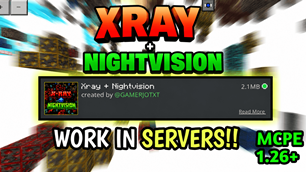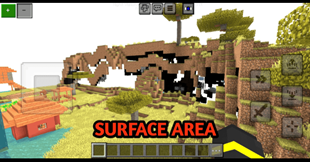
Why X RAY + Night Vision | Xray | Xray Glow is a top-tier texture pack mod for Minecraft 1.21
Developed by the talented creator GAMERJOTXT, X RAY + Night Vision | Xray | Xray Glow stands out as a highly recommended selection for your Minecraft client. It is fully optimized, compatibility-tested, and brings a major upgrade to the gameplay experience in Minecraft version 1.21.
⚙️ Quick Resource Specs
| Mod Creator | GAMERJOTXT |
| Latest Version | 1.21 |
| Supported Game Versions | 1.21 |
| File Size | 2.06 MB |
| Last Updated | |
| Total Downloads | 142,109 downloads |
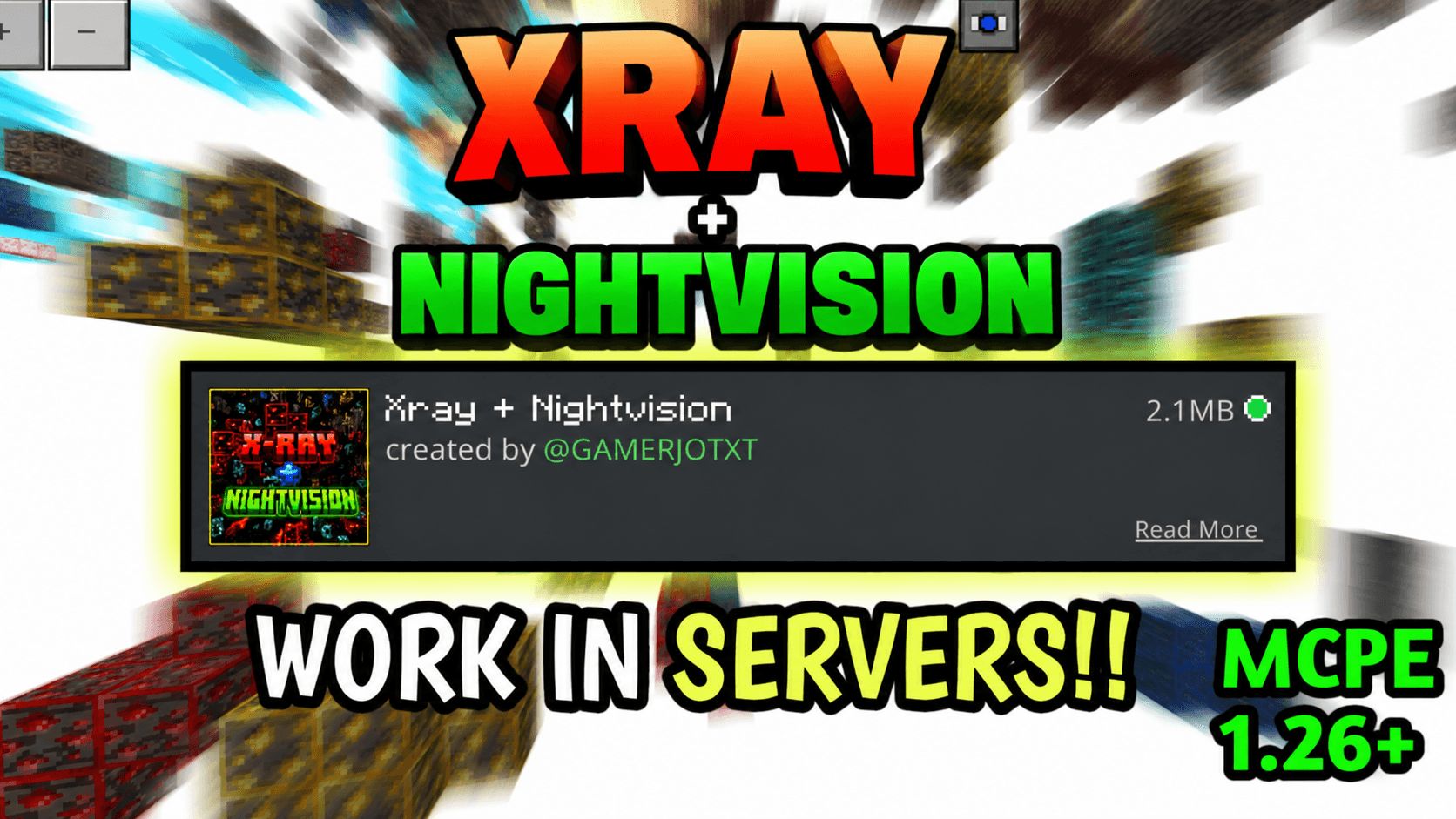
✨ X-Ray + NightVision Resource Pack ✨
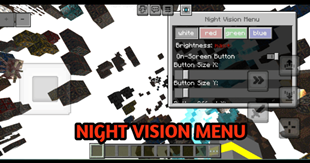
🔥 Upgrade your Minecraft experience with the perfect combination of 🔴 X-Ray and 🌙 Night Vision in one powerful pack. Built for smooth performance and easy gameplay, this pack helps you mine faster and explore deeper with clarity.
🔥 Features:
- 🌐 Works perfectly on servers
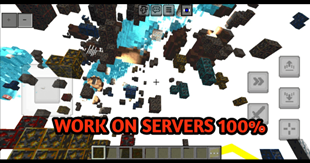
- 💎 Outlined & glowing ores for easy spotting
- 👀 X-Ray + Night Vision both work flawlessly together
- 💡 No need to turn off smooth lighting
- ⚡ Optimized for performance & stability
Explore caves like never before and find resources instantly with enhanced visibility and brightness!
Credits ❤😊
T1M0THY 🗿
https://www.curseforge.com/minecraft-bedrock/texture-packs/toggle-night-vision
Made with ❤ by GAMERJOTXT!
The Ultimate Guide to X RAY + Night Vision | Xray | Xray Glow
If you are exploring the vast world of Minecraft modifications, X RAY + Night Vision | Xray | Xray Glow by GAMERJOTXT is a standout texture that deserves your attention. With over 142,109 downloads, it has become a staple for players looking to enhance their experience. As the creator describes it, this project is "This resource pack does not disable achievements and works on servers. It adds X-Ray and Night Vision to help you find ores easily and see clearly in the dark 🔥". Whether you are a veteran builder constructing massive cities, or simply a casual player looking to upgrade your survival world, this guide will provide you with all the essential details on how X RAY + Night Vision | Xray | Xray Glow alters the game.
What Makes It Special?
Unlike standard textures that simply alter superficial elements, X RAY + Night Vision | Xray | Xray Glow introduces a wide array of visual and mechanical features designed to seamlessly blend into the vanilla aesthetic. GAMERJOTXT has clearly spent significant time refining the project to ensure that every aspect feels polished and responsive for version 1.21.
Installation Guide
Getting X RAY + Night Vision | Xray | Xray Glow up and running is straightforward. Follow these step-by-step instructions:
- Verify Your Version: Ensure your Minecraft launcher is set to version 1.21.
- Install Mod Loader (if required): If this is a mod, download the compatible loader (Forge, Fabric, NeoForge).
- Download the File: Click the secure download button above to retrieve the official file from CurseForge.
- Move the File: Place the downloaded file into your `mods`, `shaderpacks`, or `resourcepacks` folder depending on the texture type.
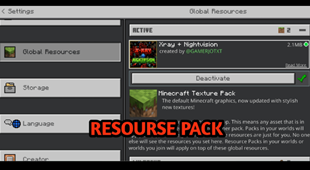
- Launch and Enjoy: Open Minecraft, navigate to the respective settings menu, and activate X RAY + Night Vision | Xray | Xray Glow.
Compatibility & Performance
Compatibility is robust. X RAY + Night Vision | Xray | Xray Glow is designed specifically for version 1.21, taking full advantage of the latest engine optimizations. During typical gameplay, this addition maintains a stable frame rate, though lower-end laptops might experience slight stuttering. We recommend pairing this with performance boosters like Sodium or Iris to guarantee a silky-smooth experience.