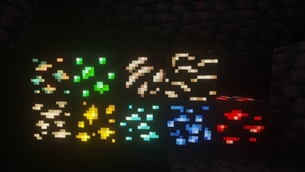
Why ACD Shaders (Cinematic illumination + God Rays + Better caves + Glowing Ores) is a top-tier shader mod for Minecraft 1.21.132
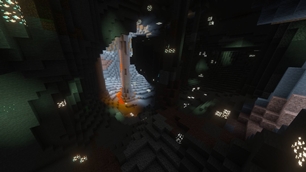
Developed by the talented creator ACD_Studios, ACD Shaders (Cinematic illumination + God Rays + Better caves + Glowing Ores) stands out as a highly recommended selection for your Minecraft client. It is fully optimized, compatibility-tested, and brings a major upgrade to the gameplay experience in Minecraft version 1.21.132.
⚙️ Quick Resource Specs
| Mod Creator | ACD_Studios |
| Latest Version | 1.21.132 |
| Supported Game Versions | 1.21.132, 1.21.131, 1.21.130, 1.21.124, 1.21.123 |
| File Size | 1.28 MB |
| Last Updated | |
| Total Downloads | 39,762 downloads |
ACD Shaders
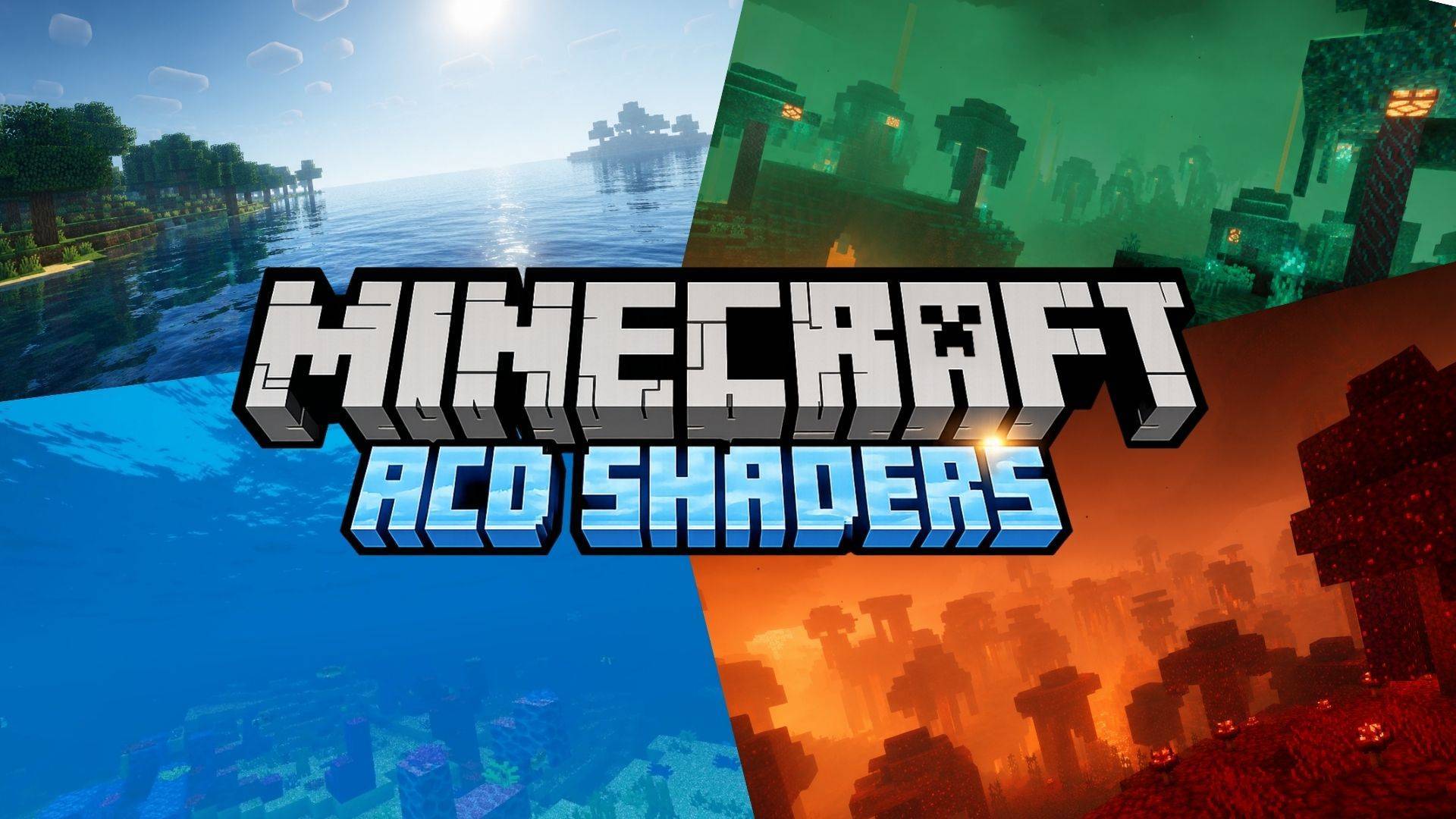
ACD Shaders is a high-quality shader pack for Minecraft Bedrock Edition, designed to deliver realistic graphics and cinematic lighting while maintaining excellent performance on mid-range devices.
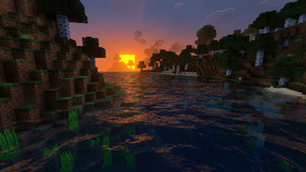
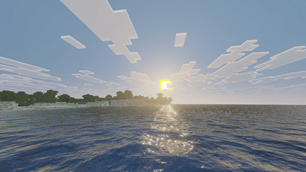
Built using Minecraft's official Vibrant Visuals rendering system, ACD Shaders enhances the game's atmosphere with realistic lighting, animated water, soft shadows, volumetric effects, and improved environmental details without compromising performance.
⚠️ REQUIRES VIBRANT VISUALS TO WORK
• Features
- Realistic dynamic lighting
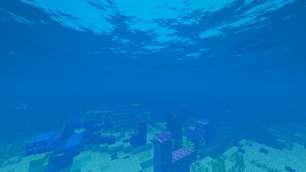
- Animated Gerstner water
- Volumetric God Rays
- Atmospheric height fog
- Volumetric clouds
- Soft shadows
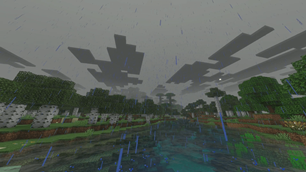
- Weather-based visual effects
- Improved reflections
- Enhanced End sky
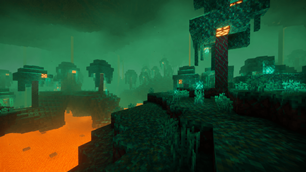
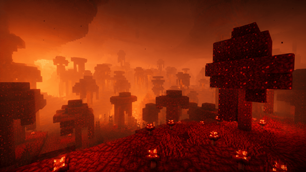
- Custom Nether atmosphere
- Cinematic ACES color grading
- Animated vegetation
- Optimized for mid-range devices
• Performance
ACD Shaders has been carefully optimized to provide an excellent balance between visual quality and performance. It is designed for players who want a modern graphical experience without requiring high-end hardware.
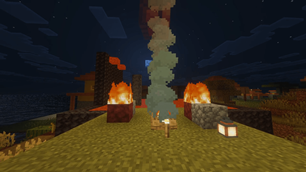
• Screeshots of luminic items/blocks
• Tourches:


• Lanterns


• Campfires and furnace


More tomorrow!! (this took me 2 hours)
• Requirements
- Minecraft Bedrock Edition (1.20.x, 1.21.x or 26.x)
- Vibrant Visuals enabled
- Compatible with the official RenderDragon renderer
• Installation
1. Download the .mcpack file.
2. Open it with Minecraft Bedrock Edition.
3. Activate the Resource Pack.
4. Enable Vibrant Visuals in your world's graphics settings.
5. Launch your world and enjoy ACD Shaders.
• Compatibility
- Minecraft Bedrock Edition
- Windows
- Android
- iOS
- Xbox (only with some file emulator)
- Other platforms compatible with RenderDragon and Vibrant Visuals (it can also be without vibrant visuals)
• Feedback
If you enjoy ACD Shaders, consider leaving a rating and sharing your feedback. Your support helps improve future updates and new features.
• Support
Found a bug, experienced a compatibility issue, or have a suggestion for improving ACD Shaders? We'd love to hear from you.
ACD Shaders is still under active development. While every release is carefully tested, you may occasionally encounter bugs or unexpected behavior. We greatly appreciate your feedback and bug reports, as they help us improve the project with every update.
Contact Email:
When reporting an issue, please include:
• Minecraft Bedrock version
• Device model and operating system
• A detailed description of the issue
• Screenshots or videos (if available)
• Steps to reproduce the problem
Your feedback helps us improve ACD Shaders and deliver better updates in the future.
FOLLOW OUR WHATSAPP CHANNEL TO BE THE FIRST TO KNOW OUR NEW CREATIONS!
https://whatsapp.com/channel/0029VbCwn509MF8tx66rla2V
The Ultimate Guide to ACD Shaders (Cinematic illumination + God Rays + Better caves + Glowing Ores)
If you are exploring the vast world of Minecraft modifications, ACD Shaders (Cinematic illumination + God Rays + Better caves + Glowing Ores) by ACD_Studios is a standout shader that deserves your attention. With over 39,762 downloads, it has become a staple for players looking to enhance their experience. As the creator describes it, this project is "A stunning mid-range shader pack for Minecraft Bedrock, delivering realistic visuals, very good animated water and splash animation and one of the best shaders for caves. with excellent performance.". Whether you are a veteran builder constructing massive cities, or simply a casual player looking to upgrade your survival world, this guide will provide you with all the essential details on how ACD Shaders (Cinematic illumination + God Rays + Better caves + Glowing Ores) alters the game.
What Makes It Special?
Unlike standard shaders that simply alter superficial elements, ACD Shaders (Cinematic illumination + God Rays + Better caves + Glowing Ores) digs deep into the game's engine to provide a cohesive, performance-focused experience. ACD_Studios has clearly spent significant time refining the project to ensure that every aspect feels polished and responsive for version 1.21.132.
Installation Guide
Getting ACD Shaders (Cinematic illumination + God Rays + Better caves + Glowing Ores) up and running is straightforward. Follow these step-by-step instructions:
- Verify Your Version: Ensure your Minecraft launcher is set to version 1.21.132.
- Install Mod Loader (if required): If this is a mod, download the compatible loader (Forge, Fabric, NeoForge).
- Download the File: Click the secure download button above to retrieve the official file from CurseForge.
- Move the File: Place the downloaded file into your `mods`, `shaderpacks`, or `resourcepacks` folder depending on the shader type.
- Launch and Enjoy: Open Minecraft, navigate to the respective settings menu, and activate ACD Shaders (Cinematic illumination + God Rays + Better caves + Glowing Ores) .
Compatibility & Performance
Compatibility is robust. ACD Shaders (Cinematic illumination + God Rays + Better caves + Glowing Ores) is designed specifically for version 1.21.132, taking full advantage of the latest engine optimizations. Since this is heavily focused on optimization, you can expect significant frame rate improvements on both low-end and high-end hardware.