Why SolisLite is a top-tier shader mod for Minecraft 1.21
Developed by the talented creator Ju3060TI, SolisLite stands out as a highly recommended selection for your Minecraft client. It is fully optimized, compatibility-tested, and brings a major upgrade to the gameplay experience in Minecraft version 1.21.
⚙️ Quick Resource Specs
| Mod Creator | Ju3060TI |
| Latest Version | 1.21 |
| Supported Game Versions | Minecraft 1.21+ |
| File Size | 147.06 KB |
| Last Updated | |
| Total Downloads | 632 downloads |
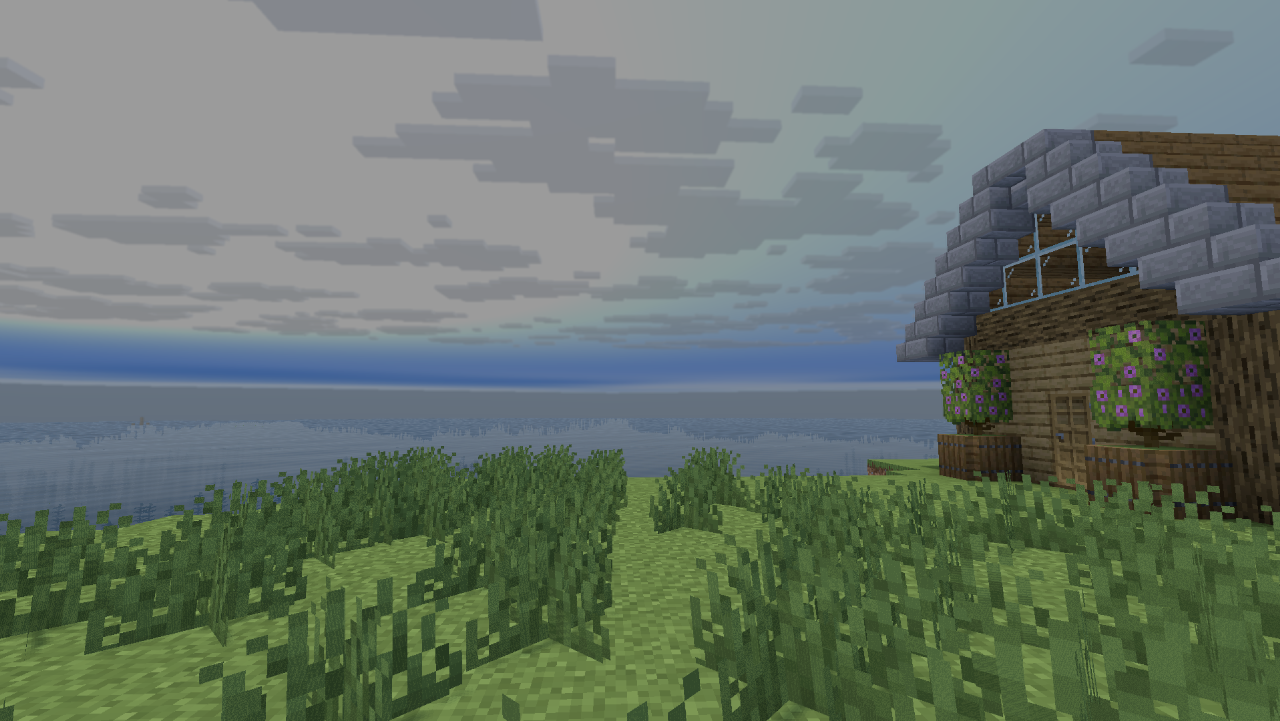
🚀 SolisLite - The Ultimate iGPU & Laptop Shader
⚠️ PROJECT STATUS: BETA ⚠️ This shader is currently in active development. If you encounter any bugs, glitched textures, or performance drops, please report them directly in the Comments section so I can fix them in the next update!
Tired of shaders lagging your game out? SolisLite is an ultra-lightweight shader built from the ground up for integrated graphics (iGPU) and low-end laptops. Featuring pure GPU math for a stable 30+ FPS experience with 0% VRAM waste.
✨ Features
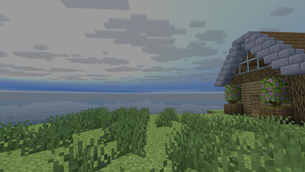
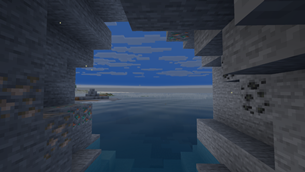
- 🌊 Advanced Water: Includes Fresnel reflections, depth-based coloring, and clean underwater god-rays with natural wave motion.
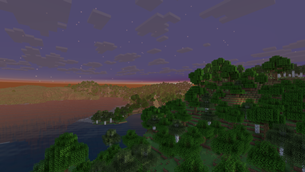
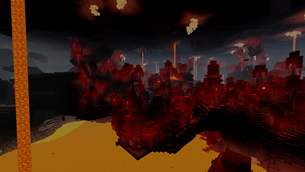
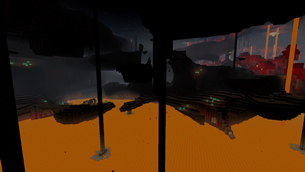
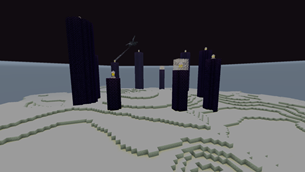
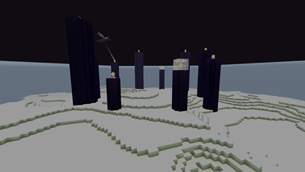
- 🌌 Procedural Sky: Dynamic time-of-day transitions, twinkling stars at night, a warm lava glow in the Nether, and a cosmic starfield in the End.
- 🍃 Nature Animations: Grass, flowers, leaves, and vines gently sway in the wind. Tall plants are perfectly fixed with no visible seams.
- 🔮 Visual Enhancements: Seamlessly connected glass blocks/panes. Glowing blocks (glowstone, magma) stay bright even in shadows.
- 👤 Perfect Shadows: Clean, per-pixel, and 100% flicker-free shadows.
- ⚙️ Fully Adjustable: Built-in settings to tweak brightness, contrast, and saturation. Includes atmospheric rain that makes the world darker and cooler.
📊 Performance Focus (iGPU Friendly)
Unlike heavy shaders that destroy your frame rate, SolisLite skips heavy post-processing to keep your GPU cool and your FPS high. Perfect for Intel Iris Xe, Intel HD, and AMD Radeon Vega users!
🛠️ Easy Installation
- Make sure you have Iris, OptiFine, or Oculus installed.
- Download the SolisLite_.zip file.
- Drop the ZIP directly into your
shaderpacksfolder. - Activate it in-game under Video Settings -> Shaderpacks.
🔗 The Solis Family
- 🚀 SolisLite — iGPU / low-end laptops. 30+ FPS. This project. Modrinth
- 🌊 Solis — Mid-tier. 60+ FPS @ 1080p. Coming soon.
- 🌊 SolisUltra — High-end. 60+ FPS @ 1440p/4K. Coming soon.
💬 Feedback & Bug Reports Help me improve the Beta! Please drop a comment with your GPU, your FPS, and any bugs you find. Your feedback helps to make the next updates even smoother!
The Ultimate Guide to SolisLite
If you are exploring the vast world of Minecraft modifications, SolisLite by Ju3060TI is a standout shader that deserves your attention. With over 632 downloads, it has become a staple for players looking to enhance their experience. As the creator describes it, this project is "Ultra-lightweight shader for every version but not yet. Pure GPU math for stable 30 FPS on low-end laptops. 0% VRAM waste.". Whether you are a veteran builder constructing massive cities, or simply a casual player looking to upgrade your survival world, this guide will provide you with all the essential details on how SolisLite alters the game.
What Makes It Special?
Unlike standard shaders that simply alter superficial elements, SolisLite digs deep into the game's engine to provide a cohesive, performance-focused experience. Ju3060TI has clearly spent significant time refining the project to ensure that every aspect feels polished and responsive for version 1.21.
Installation Guide
Getting SolisLite up and running is straightforward. Follow these step-by-step instructions:
- Verify Your Version: Ensure your Minecraft launcher is set to version 1.21.
- Install Mod Loader (if required): If this is a mod, download the compatible loader (Forge, Fabric, NeoForge).
- Download the File: Click the secure download button above to retrieve the official file from CurseForge.
- Move the File: Place the downloaded file into your `mods`, `shaderpacks`, or `resourcepacks` folder depending on the shader type.
- Launch and Enjoy: Open Minecraft, navigate to the respective settings menu, and activate SolisLite.
Compatibility & Performance
Compatibility is robust. SolisLite is designed specifically for version 1.21, taking full advantage of the latest engine optimizations. Since this is heavily focused on optimization, you can expect significant frame rate improvements on both low-end and high-end hardware.