Why X-ray Glowy Ores is a top-tier texture pack mod for Minecraft 1.21.100
Developed by the talented creator lifeigniter, X-ray Glowy Ores stands out as a highly recommended selection for your Minecraft client. It is fully optimized, compatibility-tested, and brings a major upgrade to the gameplay experience in Minecraft version 1.21.100.
⚙️ Quick Resource Specs
| Mod Creator | lifeigniter |
| Latest Version | 1.21.100 |
| Supported Game Versions | 1.21.100 |
| File Size | 393.43 KB |
| Last Updated | |
| Total Downloads | 9,840 downloads |
X-ray Glowy Ores: Outline X-Ray + Glowing Ores in one pack
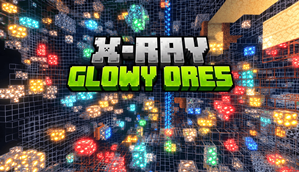
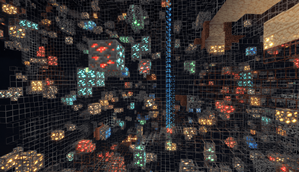
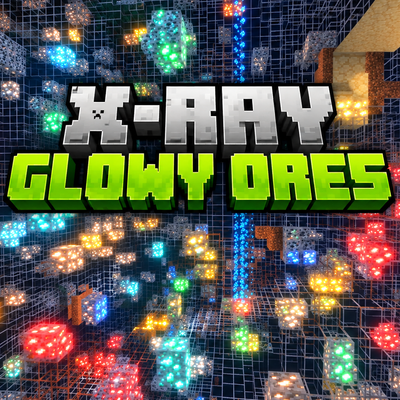
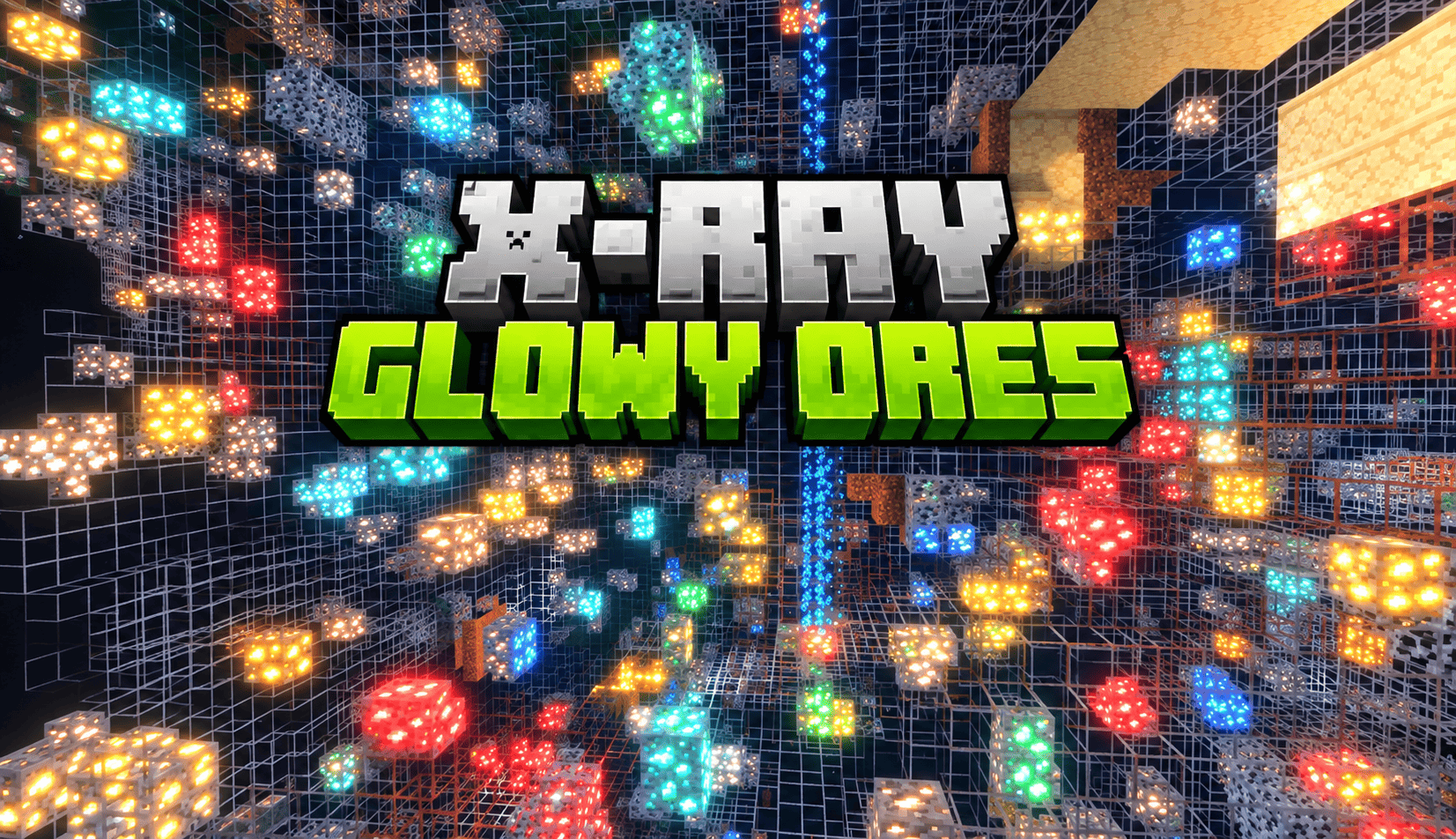
Tired of digging blind? X-ray Glowy Ores turns the ground into a see-through wireframe world and makes every ore shine like a tiny lamp. It combines two popular Bedrock packs into one ready-to-use download, so you don't have to stack them, reorder them or fix conflicts yourself.
WHAT YOU GET
Outline X-Ray
Stone, deepslate, dirt, gravel, sand, sandstone, netherrack, basalt, blackstone, tuff, calcite, ice and many other common blocks become transparent and keep only a thin one-pixel outline. Each block family has its own outline colour: gray for stone, darker gray for deepslate, brown for dirt, pale yellow for sand, deep red for netherrack. You can still read caves, tunnels and walls at a glance, and the grid always shows how far away a block is and where the next one sits.
Glowing Ores
Every ore stays solid and fully visible, and the veins inside it glow. That covers coal, copper, iron, gold, redstone, lapis, diamond and emerald, their deepslate versions, nether gold, nether quartz and ancient debris. Diamonds shine aqua, emeralds green, gold yellow, redstone bright red, lapis deep blue and iron a warm peach. Only the ore pixels light up while the stone around them stays matte, so the veins stand out from the dark.
Together you get a clean, dark, gridded underground with glowing ore clusters floating inside it: the classic look of mining videos and screenshots.
KEY FEATURES
- Outline X-Ray and Glowing Ores merged into a single .mcpack
- Thin outlines on stone, deepslate, dirt, sand, netherrack and more
- Ores stay solid, with glow colours that match each ore
- Emissive glow maps and texture sets for all overworld and nether ores
- No overlapping files and no pack-order problems
- The original outline material and block settings are kept unchanged
REQUIREMENTS
Both parts of this pack have a requirement, and both matter.
1. X-Ray: the outline effect uses a custom RenderChunk material. You need a patched Minecraft, BetterRenderDragon or MaterialBinLoader on Minecraft Bedrock 1.26.30 or newer (minimum engine version in the manifest: 1.26.40). It will not work on an unpatched vanilla client.
2. Glow: ore glow uses Minecraft's PBR emissive maps. Turn on Vibrant Visuals in Settings > Video > Graphics Mode. Without it, ores look normal.
HOW TO INSTALL
1. Open the .mcpack file and Minecraft will import it automatically.
2. Go to Settings > Global Resources and activate X-ray Glowy Ores. Keep the two original packs switched off so they don't clash.
3. Turn on Vibrant Visuals in the video settings.
4. Load your world and start mining.
TIPS
The effect looks best in caves and the deepslate layers, where the dark background lets the glow stand out.
FAQ
Do I need the original packs as well? No. Everything is included in this one file, and the originals should stay switched off.
Why do the ores not glow for me? Ore glow needs Vibrant Visuals, which requires a device that supports it.
Why do I not see outlines? The X-ray effect needs a patched game, BetterRenderDragon or MaterialBinLoader.
FAIR PLAY
X-ray gives a big advantage. Please use this pack only in single player, on your own worlds, or on servers that allow it.
CREDITS
- Outline X-Ray by Sycure Gaming (outline textures, block settings and custom material)
- Glowy Ores by ItzzMikey (ore textures and glow maps)
- Merged and packaged by lifeigniter
All rights to the original work belong to the original creators. This pack only combines their files without editing them.
packaged by - lifeigniter
Tags: minecraft bedrock, mcpe, x-ray, xray, outline, glowing ores, ore finder, vibrant visuals, pbr, emissive, mining, utility
Version: 1.0.0
Changelog: First release. Merged Outline X-Ray 1.0.4 and Glowy Ores 1.0.8 into one pack.
Compatibility: Minecraft Bedrock 1.26.40+ (patched client / BetterRenderDragon / MaterialBinLoader), Vibrant Visuals on
The Ultimate Guide to X-ray Glowy Ores
If you are exploring the vast world of Minecraft modifications, X-ray Glowy Ores by lifeigniter is a standout texture that deserves your attention. With over 9,840 downloads, it has become a staple for players looking to enhance their experience. As the creator describes it, this project is "See through stone and watch every ore glow. Outline X-Ray and Glowing Ores merged into one Bedrock pack (needs Vibrant Visuals + patched Minecraft).". Whether you are a veteran builder constructing massive cities, or simply a casual player looking to upgrade your survival world, this guide will provide you with all the essential details on how X-ray Glowy Ores alters the game.
What Makes It Special?
Unlike standard textures that simply alter superficial elements, X-ray Glowy Ores introduces a wide array of visual and mechanical features designed to seamlessly blend into the vanilla aesthetic. lifeigniter has clearly spent significant time refining the project to ensure that every aspect feels polished and responsive for version 1.21.100.
Installation Guide
Getting X-ray Glowy Ores up and running is straightforward. Follow these step-by-step instructions:
- Verify Your Version: Ensure your Minecraft launcher is set to version 1.21.100.
- Install Mod Loader (if required): If this is a mod, download the compatible loader (Forge, Fabric, NeoForge).
- Download the File: Click the secure download button above to retrieve the official file from CurseForge.
- Move the File: Place the downloaded file into your `mods`, `shaderpacks`, or `resourcepacks` folder depending on the texture type.
- Launch and Enjoy: Open Minecraft, navigate to the respective settings menu, and activate X-ray Glowy Ores.
Compatibility & Performance
Compatibility is robust. X-ray Glowy Ores is designed specifically for version 1.21.100, taking full advantage of the latest engine optimizations. During typical gameplay, this addition maintains a stable frame rate, though lower-end laptops might experience slight stuttering. We recommend pairing this with performance boosters like Sodium or Iris to guarantee a silky-smooth experience.