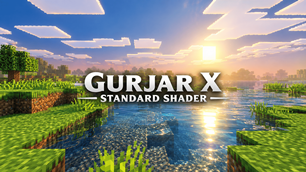
Why GURJAR X Standard Shader is a top-tier shader mod for Minecraft 1.21.100
Developed by the talented creator GURJAR, GURJAR X Standard Shader stands out as a highly recommended selection for your Minecraft client. It is fully optimized, compatibility-tested, and brings a major upgrade to the gameplay experience in Minecraft version 1.21.100.
⚙️ Quick Resource Specs
| Mod Creator | GURJAR |
| Latest Version | 1.21.100 |
| Supported Game Versions | 1.21.100 |
| File Size | 170.11 KB |
| Last Updated | |
| Total Downloads | 2,232 downloads |
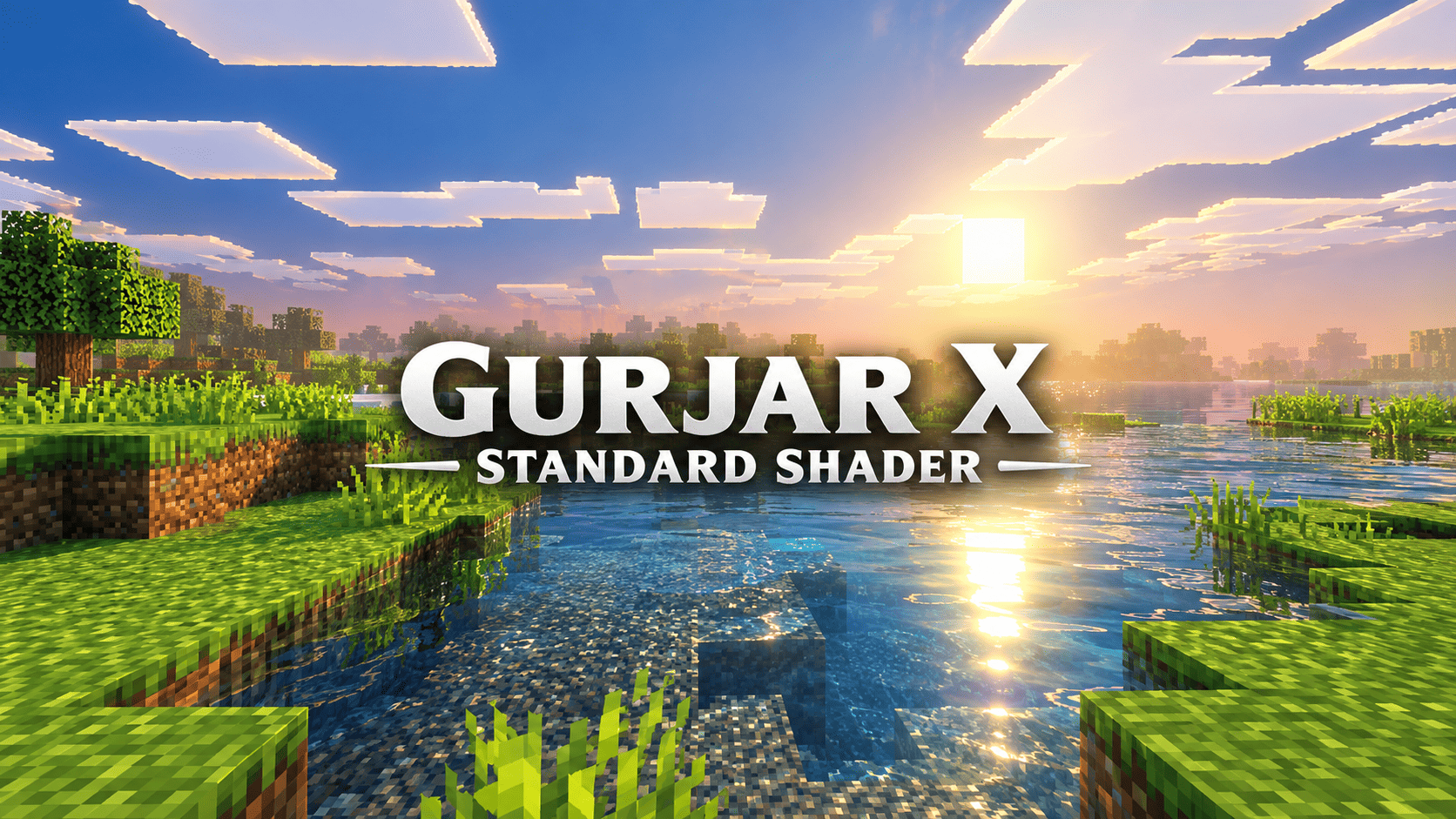
GURJAR X Standard Shader is a lightweight, single-style visual pack for Minecraft Bedrock Edition, built on Mojang's native Vibrant Visuals render pipeline. Unlike the more stylized entries in this shader family — Cinematic's dramatic golden-hour mood, Vivid's punchy saturation, Retro's nostalgic amber haze, or Cartoon's bold comic-book pop — Standard is built around one core idea: give the game a clean, natural, dependable look that works well no matter what you're doing. Whether you're building, exploring, farming, fighting mobs, or just relaxing and taking in the scenery, Standard keeps the world looking believable and pleasant without pulling focus with heavy stylization.
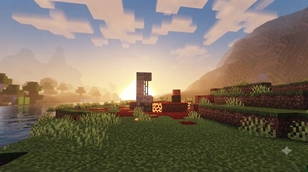
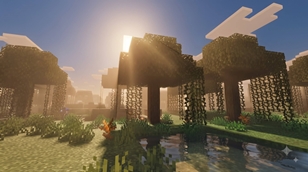
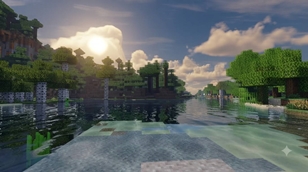
Lighting — The sun and moon follow a smooth, realistic illuminance and color curve across the full day-night cycle. Unlike Cinematic's dramatic golden-hour spikes or Retro's constant warm haze, Standard's lighting transitions gently — mornings feel fresh, midday feels bright and clear, and evenings shift naturally into warmer tones without ever feeling exaggerated. This makes long play sessions comfortable on the eyes and keeps builds, terrain, and mobs looking true to their intended colors at any time of day.
Atmospherics — Sky scattering and horizon blending are tuned for a natural, believable sky — blue during the day, softly warming near sunrise and sunset, with light, realistic fog rather than heavy stylized haze. Distant terrain stays visible and readable, which is especially useful for builders and explorers who need to judge distances and landmarks accurately rather than fight against an overly dramatic atmosphere.
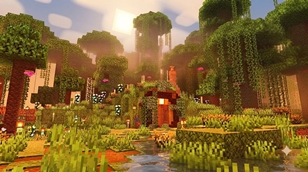
Color Grading — Where the other filters push saturation, contrast, or warmth hard in one direction, Standard keeps color grading balanced: mild, natural saturation, gentle contrast, and a neutral tone-mapping curve. Grass looks green, stone looks grey, water looks blue — nothing is exaggerated or tinted for artistic effect. This makes Standard an excellent all-purpose base, especially for players who want Vibrant Visuals' improved lighting engine without a strong artistic "filter" changing how their builds and textures actually look.
Shadows — Soft-filtered shadows with natural falloff keep the world grounded and three-dimensional without harsh, distracting edges, matching the overall calm, dependable character of this style.
Water — Natural wave motion, subtle wind-driven ripples, and a standard caustics texture keep oceans, rivers, and lakes looking alive and realistic, without the exaggerated shimmer or stylized tint found in some of the other filters.
Because this pack uses a single dedicated subpack (rather than a root-only setup), it loads reliably and automatically the moment it's enabled — there's no slider to fiddle with, no filter menu to navigate, and no risk of it silently failing to apply. Enable the pack, and the Standard look is active immediately, every time.
Requirements: Minecraft Bedrock 1.21.80+, with the Vibrant Visuals experimental toggle enabled at world creation, on a device capable of running the deferred rendering pipeline.
Install: Tap the .mcpack file to import it into Minecraft, then activate only this pack under Resource Packs before creating or loading a world. If you've previously installed Cinematic, Vivid, Retro, or Cartoon from this same series, make sure they are disabled or removed first — only one shader-style pack should be active at a time, since they share the same internal structure and the top-most active pack will always take priority.
🙌 Credits- GURJAR
The Ultimate Guide to GURJAR X Standard Shader
If you are exploring the vast world of Minecraft modifications, GURJAR X Standard Shader by GURJAR is a standout shader that deserves your attention. With over 2,232 downloads, it has become a staple for players looking to enhance their experience. As the creator describes it, this project is "GURJAR X Standard Shader delivers clean, neutral, and naturally balanced visuals for Minecraft Bedrock — realistic lighting, true-to-life colors and smooth water, perfect as an everyday base look for any type of gameplay.". Whether you are a veteran builder constructing massive cities, or simply a casual player looking to upgrade your survival world, this guide will provide you with all the essential details on how GURJAR X Standard Shader alters the game.
What Makes It Special?
Unlike standard shaders that simply alter superficial elements, GURJAR X Standard Shader introduces a wide array of visual and mechanical features designed to seamlessly blend into the vanilla aesthetic. GURJAR has clearly spent significant time refining the project to ensure that every aspect feels polished and responsive for version 1.21.100.
Installation Guide
Getting GURJAR X Standard Shader up and running is straightforward. Follow these step-by-step instructions:
- Verify Your Version: Ensure your Minecraft launcher is set to version 1.21.100.
- Install Mod Loader (if required): If this is a mod, download the compatible loader (Forge, Fabric, NeoForge).
- Download the File: Click the secure download button above to retrieve the official file from CurseForge.
- Move the File: Place the downloaded file into your `mods`, `shaderpacks`, or `resourcepacks` folder depending on the shader type.
- Launch and Enjoy: Open Minecraft, navigate to the respective settings menu, and activate GURJAR X Standard Shader.
Compatibility & Performance
Compatibility is robust. GURJAR X Standard Shader is designed specifically for version 1.21.100, taking full advantage of the latest engine optimizations. During typical gameplay, this addition maintains a stable frame rate, though lower-end laptops might experience slight stuttering. We recommend pairing this with performance boosters like Sodium or Iris to guarantee a silky-smooth experience.