Why NEQX Lumina Shader is a top-tier shader mod for Minecraft 1.21
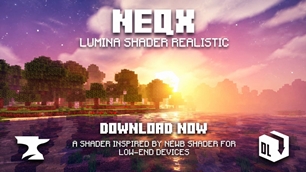
Developed by the talented creator Neq_Gamerz, NEQX Lumina Shader stands out as a highly recommended selection for your Minecraft client. It is fully optimized, compatibility-tested, and brings a major upgrade to the gameplay experience in Minecraft version 1.21.
⚙️ Quick Resource Specs
| Mod Creator | Neq_Gamerz |
| Latest Version | 1.21 |
| Supported Game Versions | Minecraft 1.21+ |
| File Size | 4.05 MB |
| Last Updated | |
| Total Downloads | 3,300 downloads |
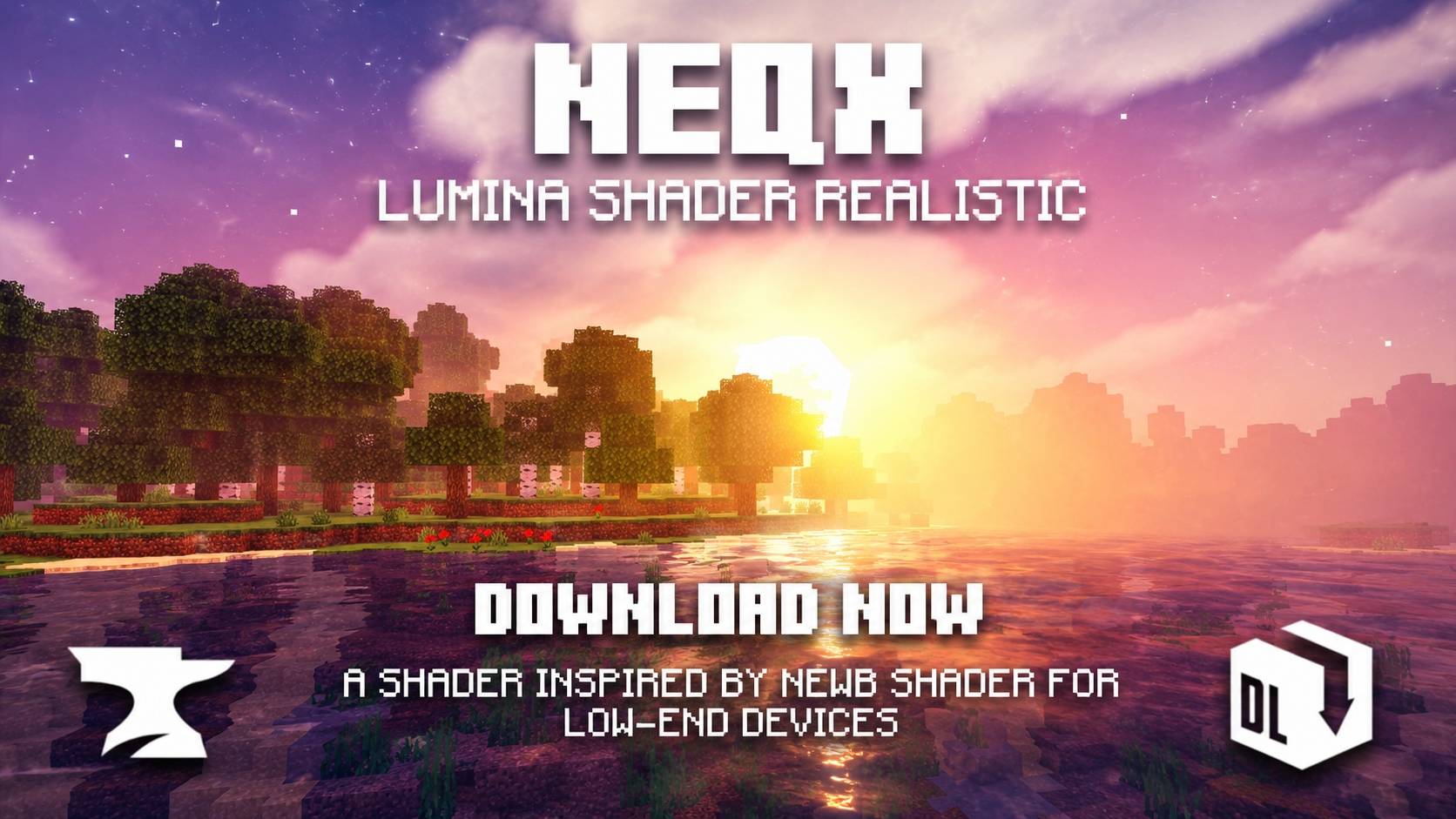
✨ Neq X Lumina Shader
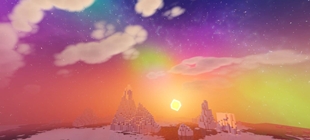
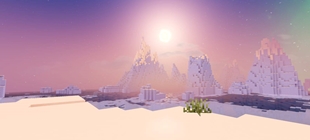
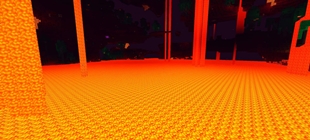
Neq X Lumina Shader is an enhanced vanilla-style shader for Minecraft Bedrock Edition, designed to give your world a more atmospheric, vibrant, and visually immersive appearance while preserving the recognizable Minecraft aesthetic.
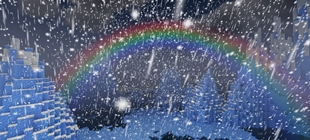
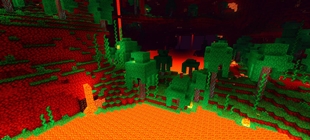
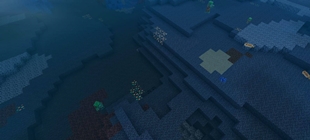
It introduces enhanced rendering effects, atmospheric visuals, improved cloud options, environmental effects, and multiple performance-oriented configurations so you can customize the visual experience according to your device.
🎨 Creator: Neq Gamerz 📦 Version: v1.0.0 🎮 Platform: Minecraft Bedrock Edition ⚙️ Minimum Engine Version: 1.26.40
🌟 Features
☁️ Multiple Cloud Styles
Choose the cloud appearance that fits your world:
- Realistic Clouds
- Rounded Clouds
- Box Clouds
- Default Clouds
🌫️ Atmospheric Effects
Enhance the environment with atmospheric rendering effects, including:
- Improved fog and distance atmosphere
- Enhanced environmental visuals
- More immersive world depth
- Water wave effects
🌊 Wave Effects
The shader includes enhanced wave effects for a more dynamic environment.
You can also disable wave effects through the available subpack options if you prefer a simpler or lighter visual experience.
🎬 Chunk Loading Animation
Enable the Chunk Loading Animation option for a smoother and more dynamic appearance while new terrain loads.
⚡ Lite Mode
For devices that need a lighter configuration, Lite Mode disables several visual effects to provide a more lightweight shader experience.
🛠️ Custom Subpacks
Neq X Lumina Shader includes several configurations:
| Subpack | Description |
|---|---|
| Default | Standard Neq X Lumina Shader experience |
| Realistic Clouds | Uses enhanced realistic-style clouds |
| Rounded Clouds | Rounded cloud appearance |
| Box Clouds | Box-style cloud rendering |
| Chunk Animation | Adds chunk loading animation |
| No Fog | Disables fog effects |
| No Wave | Disables wave effects |
| No Wave + No Fog | Disables both wave and fog effects |
| Lite | Disables multiple effects for a lighter experience |
🎮 Designed for Bedrock
Neq X Lumina Shader is built as a Bedrock Edition resource pack/shader configuration and is intended to enhance the visual presentation of Minecraft without completely changing its vanilla identity.
Whether you're exploring, building, recording gameplay, or simply looking for a more atmospheric Minecraft experience, Lumina aims to provide a cleaner and more immersive visual style.
⚙️ Requirements
- Minecraft Bedrock Edition 1.26.40 or newer
- Compatible shader/resource-pack loader
- Performance may vary depending on your device and selected subpack
📥 Installation
- Download the Neq X Lumina Shader
.mcpack. - Open the file with Minecraft Bedrock Edition.
- Import the resource pack.
- Open your world settings.
- Go to Resource Packs.
- Activate Neq X Lumina Shader.
- Select your preferred subpack/configuration if available.
- Enter your world and enjoy the enhanced visuals.
💡 Performance Tip
If you experience FPS drops, try the Lite subpack first. You can also disable individual effects such as fog and waves to find a balance between visual quality and performance.
📜 Credits & Attribution
Creator / Variant: Neq Gamerz
This project is a modified/compiled shader project based on Newb Shader and includes work from its respective contributors.
Original Newb Shader project:
Newb Shader — devendrn
Proper attribution to the original project and its contributors should be maintained where applicable.
🚫 Redistribution Policy
Please respect the creator's work and the licenses of the underlying shader project.
❌ Not Allowed
- Re-uploading Neq X Lumina Shader as your own project.
- Claiming the shader, modifications, files, or artwork as your own.
- Uploading an unchanged copy to other websites, file-hosting services, Discord servers, Telegram channels, or social-media platforms without permission.
- Removing or hiding the included copyright and attribution notices.
- Repacking or modifying the compiled shader and presenting it as the original Neq X Lumina Shader.
- Selling or monetizing the shader through paid downloads, ad-gated downloads, or other commercial distribution methods without permission.
✅ Allowed
You may showcase, review, or feature the shader in videos, posts, or other content provided that you give appropriate credit to Neq Gamerz and the underlying Newb Shader project where applicable.
Important: The redistribution policy for this project does not override permissions granted by the applicable licenses of the underlying source. Where an underlying license grants rights that cannot legally be restricted, those rights remain applicable.
❤️ Support the Project
If you enjoy Neq X Lumina Shader, consider supporting the project by:
- ⭐ Giving the project a rating
- ❤️ Sharing it with other Bedrock players
- 📸 Showcasing your builds using the shader
- 📝 Providing constructive feedback
- 👤 Crediting Neq Gamerz when featuring the project
🌌 Neq X Lumina Shader
Enhanced visuals. Vanilla identity. Your world, illuminated.
Created by Neq Gamerz
The Ultimate Guide to NEQX Lumina Shader
If you are exploring the vast world of Minecraft modifications, NEQX Lumina Shader by Neq_Gamerz is a standout shader that deserves your attention. With over 3,300 downloads, it has become a staple for players looking to enhance their experience. As the creator describes it, this project is "Neq X Lumina Shader enhances Minecraft Bedrock with vibrant lighting, atmospheric fog, improved clouds, smoother visuals, and immersive effects while keeping the classic vanilla style. Specially For Low Devices.". Whether you are a veteran builder constructing massive cities, or simply a casual player looking to upgrade your survival world, this guide will provide you with all the essential details on how NEQX Lumina Shader alters the game.
What Makes It Special?
Unlike standard shaders that simply alter superficial elements, NEQX Lumina Shader introduces a wide array of visual and mechanical features designed to seamlessly blend into the vanilla aesthetic. Neq_Gamerz has clearly spent significant time refining the project to ensure that every aspect feels polished and responsive for version 1.21.
Installation Guide
Getting NEQX Lumina Shader up and running is straightforward. Follow these step-by-step instructions:
- Verify Your Version: Ensure your Minecraft launcher is set to version 1.21.
- Install Mod Loader (if required): If this is a mod, download the compatible loader (Forge, Fabric, NeoForge).
- Download the File: Click the secure download button above to retrieve the official file from CurseForge.
- Move the File: Place the downloaded file into your `mods`, `shaderpacks`, or `resourcepacks` folder depending on the shader type.
- Launch and Enjoy: Open Minecraft, navigate to the respective settings menu, and activate NEQX Lumina Shader.
Compatibility & Performance
Compatibility is robust. NEQX Lumina Shader is designed specifically for version 1.21, taking full advantage of the latest engine optimizations. During typical gameplay, this addition maintains a stable frame rate, though lower-end laptops might experience slight stuttering. We recommend pairing this with performance boosters like Sodium or Iris to guarantee a silky-smooth experience.