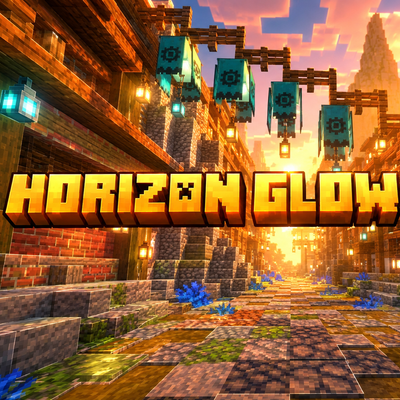
Why Horizon Glow Shader is a top-tier shader mod for Minecraft 1.21.100
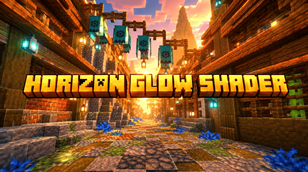
Developed by the talented creator lifeigniter, Horizon Glow Shader stands out as a highly recommended selection for your Minecraft client. It is fully optimized, compatibility-tested, and brings a major upgrade to the gameplay experience in Minecraft version 1.21.100.
⚙️ Quick Resource Specs
| Mod Creator | lifeigniter |
| Latest Version | 1.21.100 |
| Supported Game Versions | 1.21.100 |
| File Size | 32.40 KB |
| Last Updated | |
| Total Downloads | 379 downloads |
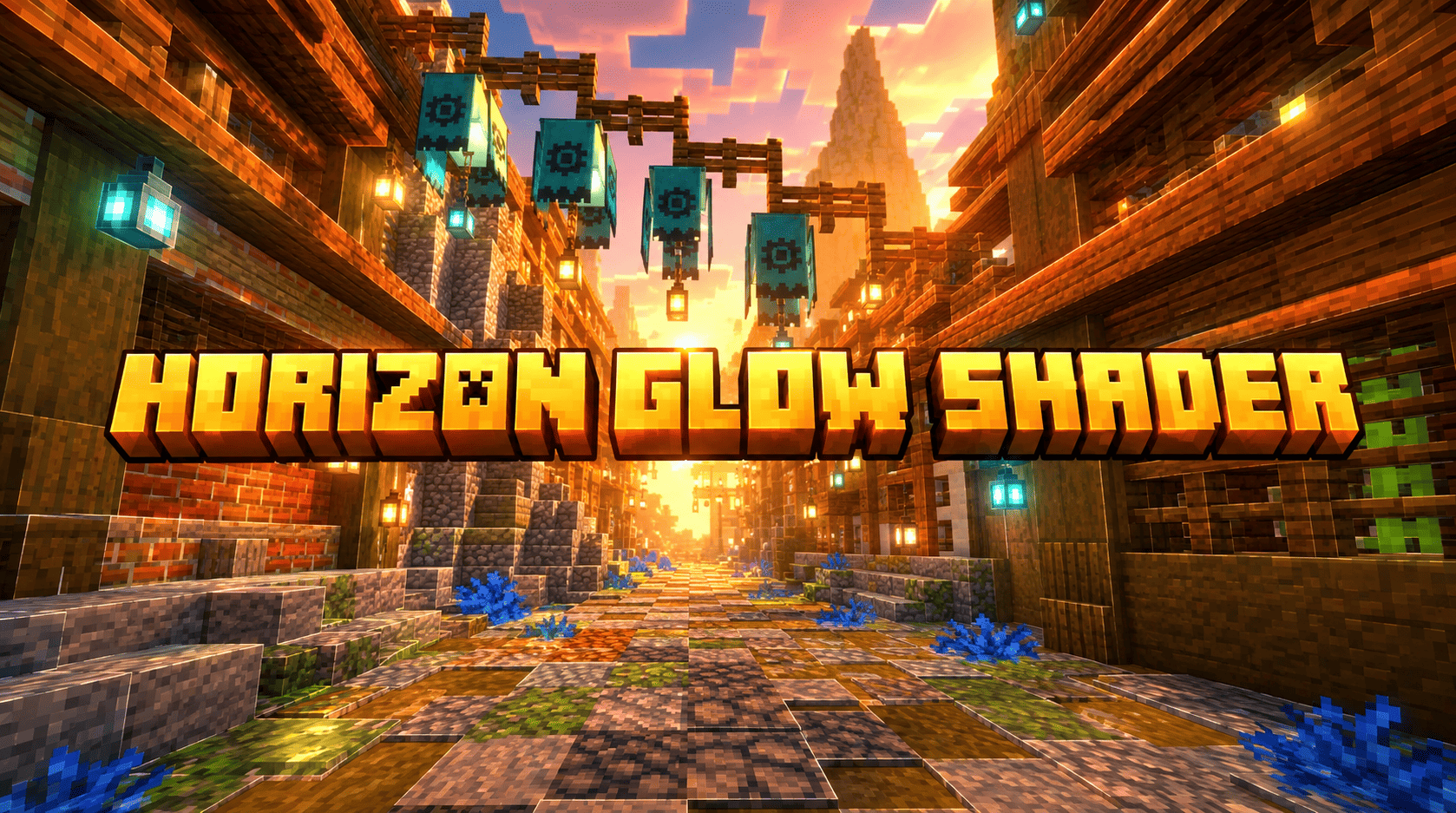
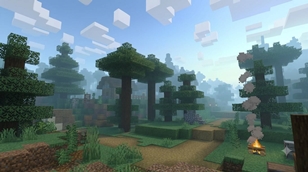
Horizon Glow Shader is a carefully crafted Minecraft Bedrock Edition resource pack created to deliver a bright, clean, and atmospheric visual experience. Inspired by soft sunset horizons, lush birch and spruce forests, and clear blue skies, this pack focuses on enhancing the natural beauty of the overworld without heavy performance cost.
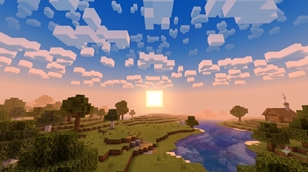
The core of the pack is its environment system. The sky uses a custom cubemap that transitions smoothly from a deep, bright blue at the zenith to warm orange and soft peach tones near the horizon. This creates the classic “golden hour” feeling even during regular daytime, while still looking natural and Minecraft-like. The sun is a clean, bright square with a soft outer glow — exactly the style seen in the reference screenshots — giving the world a warm, inviting light without harsh overexposure.
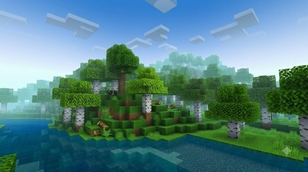
Clouds are redesigned as soft, blocky white formations. They float naturally across the sky and keep the classic Minecraft aesthetic while looking fuller and more pleasant than default clouds. Fog has been carefully tuned: air fog starts later and ends farther, so distant terrain remains visible and colorful. Water fog and surface color are set to a clear, bright cyan-blue that matches the vibrant water seen in the provided images.
Grass and foliage colors have been adjusted through custom colormaps. The result is a richer, healthier green that makes birch forests, taiga, and plains look more alive and saturated. Water textures are simple but clean, with improved surface color and transparency so rivers and oceans feel fresh and inviting.
The pack is completely original. No textures, code, or assets were taken from any existing pack. Everything — sun, clouds, sky cubemap, fog settings, colormaps, and water — was created from scratch specifically for this release. This makes Horizon Glow Shader fully safe for CurseForge, MCPEDL, and any other platform.
Performance is a priority. The pack uses only lightweight resource-pack features (environment textures, fog definitions, and colormaps). There are no complex material shaders, no deferred rendering requirements, and no heavy animations. It runs smoothly on phones, tablets, and low-end devices while still delivering a noticeable visual upgrade.
Installation is simple: import the .mcpack file, activate it in Global Resources or in your world’s resource packs, and enjoy the new look immediately. It works with most other resource packs and does not conflict with common texture packs.
Whether you are building a peaceful forest base, exploring at sunset, or just want your world to feel brighter and more colorful, Horizon Glow Shader gives you that soft, cinematic atmosphere while staying true to Minecraft’s blocky charm.
Created by lifeigniter. Free to use, free to share, and free to modify for personal use. Enjoy the glow.
Credits
- Creator / Author: lifeigniter
- Pack Name: Horizon Glow Shader
- Version: 1.0.0
- Edition: Minecraft Bedrock Edition (1.16+)
- Type: Resource Pack (Environment + Fog + Colormap)
- All assets: 100% original, created specifically for this pack
- No third-party textures or code used
The Ultimate Guide to Horizon Glow Shader
If you are exploring the vast world of Minecraft modifications, Horizon Glow Shader by lifeigniter is a standout shader that deserves your attention. With over 379 downloads, it has become a staple for players looking to enhance their experience. As the creator describes it, this project is "Horizon Glow Shader is a clean, original Bedrock resource pack that brings bright blue skies, soft blocky clouds, a glowing square sun, vibrant green forests, and crystal-clear water. Designed to match the soft, colorful, and atmospheric look of classi...". Whether you are a veteran builder constructing massive cities, or simply a casual player looking to upgrade your survival world, this guide will provide you with all the essential details on how Horizon Glow Shader alters the game.
What Makes It Special?
Unlike standard shaders that simply alter superficial elements, Horizon Glow Shader introduces a wide array of visual and mechanical features designed to seamlessly blend into the vanilla aesthetic. lifeigniter has clearly spent significant time refining the project to ensure that every aspect feels polished and responsive for version 1.21.100.
Installation Guide
Getting Horizon Glow Shader up and running is straightforward. Follow these step-by-step instructions:
- Verify Your Version: Ensure your Minecraft launcher is set to version 1.21.100.
- Install Mod Loader (if required): If this is a mod, download the compatible loader (Forge, Fabric, NeoForge).
- Download the File: Click the secure download button above to retrieve the official file from CurseForge.
- Move the File: Place the downloaded file into your `mods`, `shaderpacks`, or `resourcepacks` folder depending on the shader type.
- Launch and Enjoy: Open Minecraft, navigate to the respective settings menu, and activate Horizon Glow Shader.
Compatibility & Performance
Compatibility is robust. Horizon Glow Shader is designed specifically for version 1.21.100, taking full advantage of the latest engine optimizations. During typical gameplay, this addition maintains a stable frame rate, though lower-end laptops might experience slight stuttering. We recommend pairing this with performance boosters like Sodium or Iris to guarantee a silky-smooth experience.