Why Somber Shaders BE is a top-tier shader mod for Minecraft 1.21
Developed by the talented creator Draco12191712, Somber Shaders BE stands out as a highly recommended selection for your Minecraft client. It is fully optimized, compatibility-tested, and brings a major upgrade to the gameplay experience in Minecraft version 1.21.
⚙️ Quick Resource Specs
| Mod Creator | Draco12191712 |
| Latest Version | 1.21 |
| Supported Game Versions | Minecraft 1.21+ |
| File Size | 6.99 MB |
| Last Updated | |
| Total Downloads | 125 downloads |
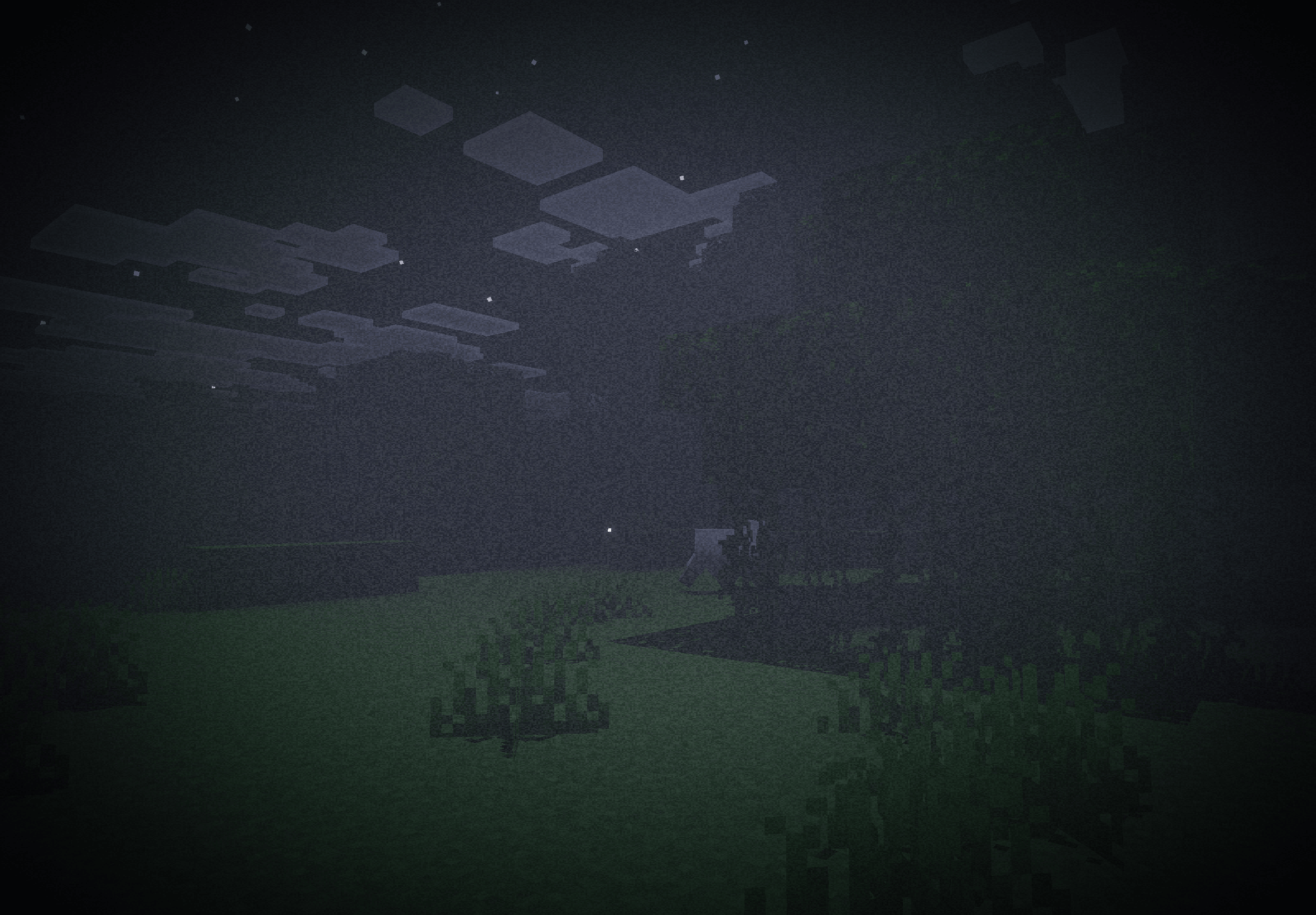
Somber — Bedrock Port
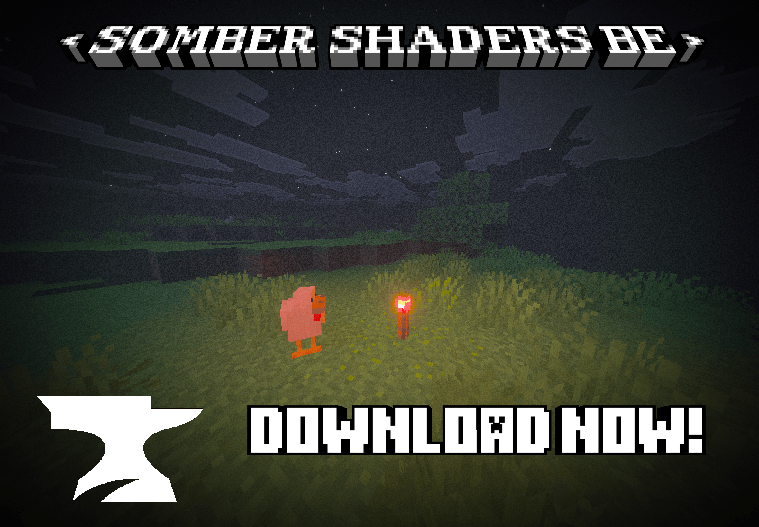



A best effort Minecraft: Bedrock Edition port of Somber by Snorfield.
A Bedrock Edition port of Somber, the Java shader that brings back the atmosphere of alpha and beta Minecraft with a few extra stuff. The pack is built for Vibrant Visuals & Raytracing, but it also works in the regular Fancy mode, with fewer features.
Features
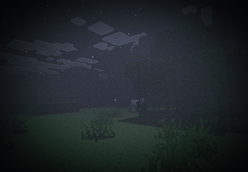
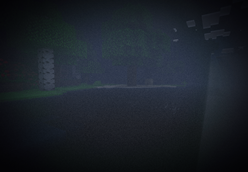
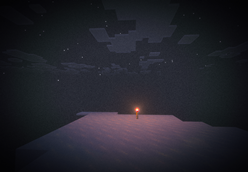
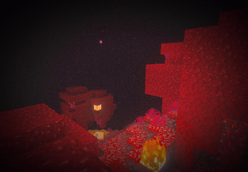
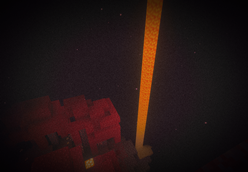
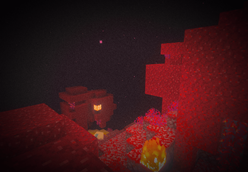
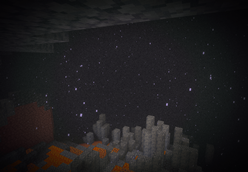
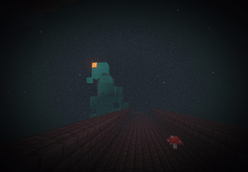
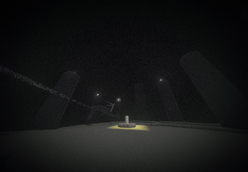
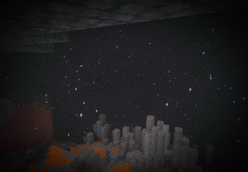
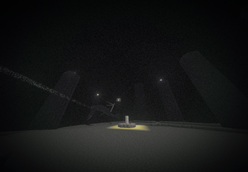
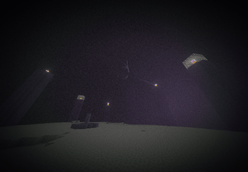
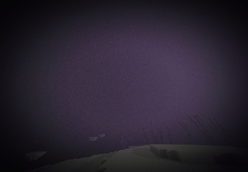
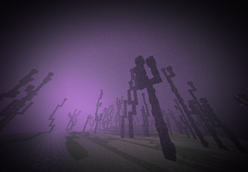
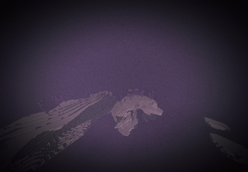
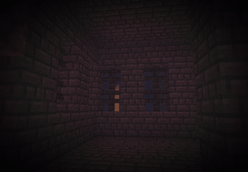
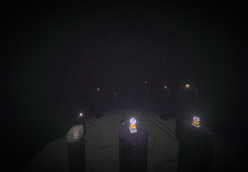
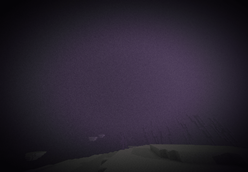
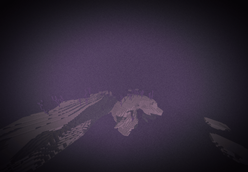
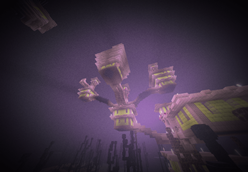
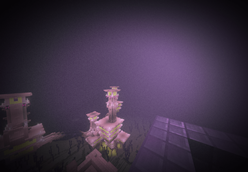
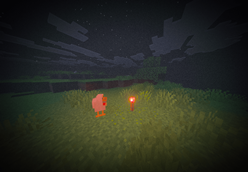
Fog - The world fades into fog about 30 blocks out! Leaving distant trees and hills as faint silhouettes. The fog takes on the colour of the sky: soft blue by day, deep navy at dusk, near-black at night. Rain turns it a cold grey. Fog also thickens dynamically! The fog covers the whole sky, so the horizon disappears. The sun and moon show only as faint glows. You can turn this off to get the open sky back.
Water - Water is solid blue; you cannot see below the surface of the water. Every biome has its own water tint.
Foliage - Grass & leaves get a punchy, saturated green from the beta version of mc.
VFX (Screen Effects) - There are 3: vignette (the screen edges fade into darkness), film grain (flickering noise, sorta like an old camcorder), & chromatic aberration (a coloured lens fringe around the edges of your vision)!
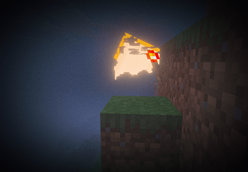
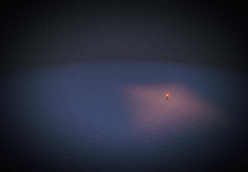
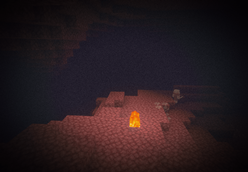
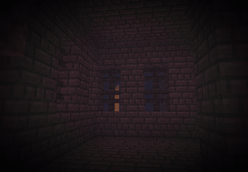
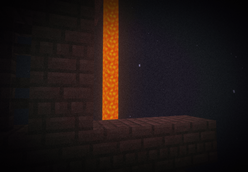
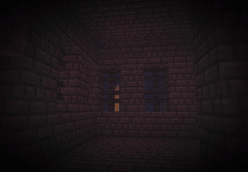
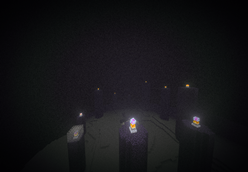
Shadows - Shade is a bit deeper, nights are completely dark, and caves are pitch black until you light a torch. Torches also emit a coloured light, not just one fixed color. Sunlight casts blocky, pixelated shadows.
Sun & Moon Brightness - The sun and moon are brighter, as in the original shader. You'll see this best with the sky overlay turned off
Requirements
This pack is best with Vibrant Visuals, though Fancy graphics also suffices!
Requires Minecraft: Bedrock v1.26.0 or newer.
Vibrant Visuals' Hardware Requirements:
Windows: Graphics cards and drivers supporting DirectX 12
Intel GPUs: Intel graphics driver version 31.0.101.3430 or later is required
Android: Android devices running on Adreno 640 (something likke Snapdragon 855), Mali-G68 / Mali-G77 (Valhall architecture, like MediaTek 1000 series), Maleoon, PowerVR A-Series, or Xclipse 530 or higher
IOS/iPadOS: An iPhone or iPad running on an A12 Bionic, M1 chip, or higher (like teh iPhone XR, iPhone SE 2nd gen, and newer)
Customising Somber
Slider option |
What it does |
|---|---|
| Screen Effects: Off | Removes the vignette, grain & lens fringe for a clean image |
| Vignette: Off | Removes the dark screen edges |
| Chromatic Aberration: Off | Removes the coloured lens fringe |
| Noise: Off | Removes the film grain |
| Old Foliage Vibrance: Off | Puts grass and leaves back to normal Minecraft colours |
| Water Transparency: On | Makes water see-through again |
| Fog Sky Overlay: Off | Clears the sky so you can see the sun, moon and stars |
| Fog: Off | Removes the Somber fog completely |
| Fog Strength: Light | Thinner fog that lets you see a lot further |
| Fog Strength: Heavy | Thicker, more clautrophobic fog |
| Preset: Subtle | A gentler version of everything |
| Preset: Intense | Stronger vingette, grain, fog and greener foliage |
| Preset: Nightmare | Everything at maximum, with fog closing in within about 10 blocks 👻 |
| Somber (Default) | The original Somber look |
Dependencies
This pack looks amazing if paired with the Classic Textures resource pack for Minecraft: Bedrock. Just make sure Somber is at the very bottom of your enabled packs in your world pack settings/global resource settings; otherwise, it won't look very good.
Here is the link to the dependency.
Attribution
This project is based on and inspired by Somber Shaders by Snorfield.
Original project:
Somber Shaders
Copyright © 2025 Snorfield
Licensed under the MIT License.
This project also uses the original Somber pack icon.
The original Somber MIT License is included in:
LICENSE-SOMBER
Licensing
This Project
Original work created specifically for this Bedrock port is licensed under the MIT License unless otherwise stated.
See:
LICENSE
Somber Shaders
Original Somber material remains licensed under its original MIT License.
See:
LICENSE-SOMBER
The original copyright notice and permission notice are preserved in accordance with the MIT License.
Credits
Original Somber Shaders:
Snorfield
Bedrock port:
Draco12191712 (Vivaan Bobade)
The Ultimate Guide to Somber Shaders BE
If you are exploring the vast world of Minecraft modifications, Somber Shaders BE by Draco12191712 is a standout shader that deserves your attention. With over 125 downloads, it has become a staple for players looking to enhance their experience. As the creator describes it, this project is "An unofficial Bedrock recreation inspired by Somber Shaders. Horror minecraft bedrock resource pack that aims to recreate the nostalgic atmosphere of early beta/alpha versions with an eerie twist, inspired by ARGs.". Whether you are a veteran builder constructing massive cities, or simply a casual player looking to upgrade your survival world, this guide will provide you with all the essential details on how Somber Shaders BE alters the game.
What Makes It Special?
Unlike standard shaders that simply alter superficial elements, Somber Shaders BE introduces a wide array of visual and mechanical features designed to seamlessly blend into the vanilla aesthetic. Draco12191712 has clearly spent significant time refining the project to ensure that every aspect feels polished and responsive for version 1.21.
Installation Guide
Getting Somber Shaders BE up and running is straightforward. Follow these step-by-step instructions:
- Verify Your Version: Ensure your Minecraft launcher is set to version 1.21.
- Install Mod Loader (if required): If this is a mod, download the compatible loader (Forge, Fabric, NeoForge).
- Download the File: Click the secure download button above to retrieve the official file from CurseForge.
- Move the File: Place the downloaded file into your `mods`, `shaderpacks`, or `resourcepacks` folder depending on the shader type.
- Launch and Enjoy: Open Minecraft, navigate to the respective settings menu, and activate Somber Shaders BE.
Compatibility & Performance
Compatibility is robust. Somber Shaders BE is designed specifically for version 1.21, taking full advantage of the latest engine optimizations. During typical gameplay, this addition maintains a stable frame rate, though lower-end laptops might experience slight stuttering. We recommend pairing this with performance boosters like Sodium or Iris to guarantee a silky-smooth experience.