Why Newb X Future is a top-tier shader mod for Minecraft 1.21
Developed by the talented creator 1Sekon, Newb X Future stands out as a highly recommended selection for your Minecraft client. It is fully optimized, compatibility-tested, and brings a major upgrade to the gameplay experience in Minecraft version 1.21.
⚙️ Quick Resource Specs
| Mod Creator | 1Sekon |
| Latest Version | 1.21 |
| Supported Game Versions | Minecraft 1.21+ |
| File Size | 18.86 MB |
| Last Updated | |
| Total Downloads | 2,101 downloads |
Newb X Future
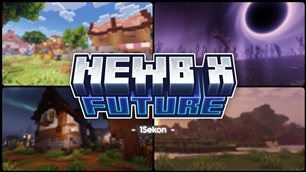
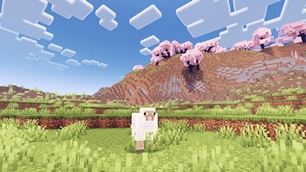
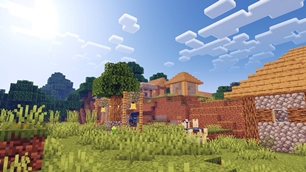
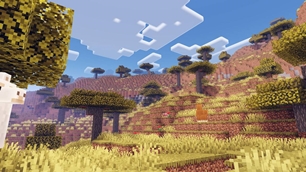
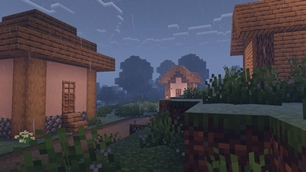
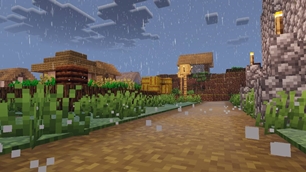
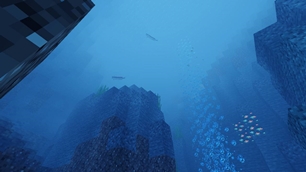
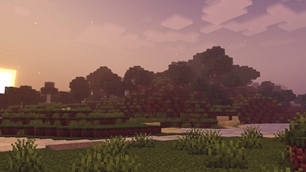
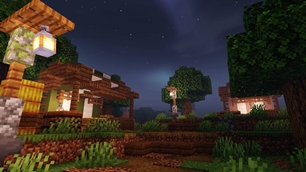
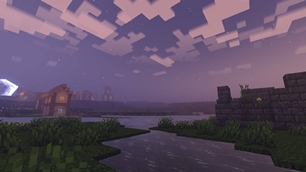
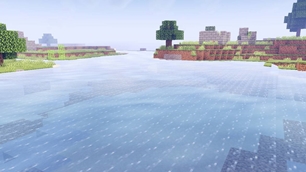
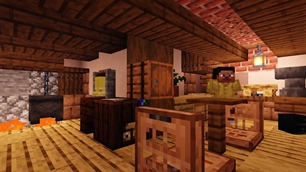
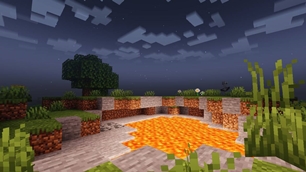
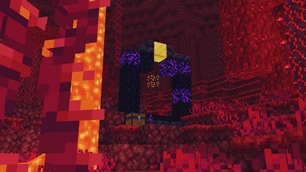
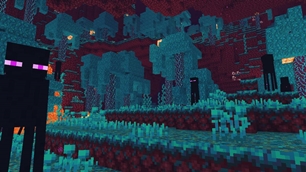
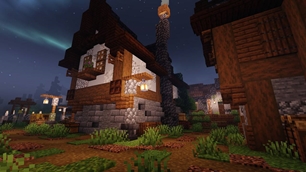
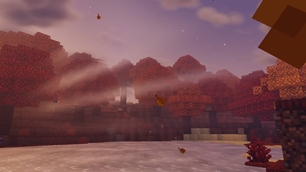
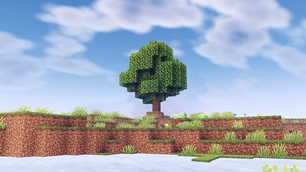
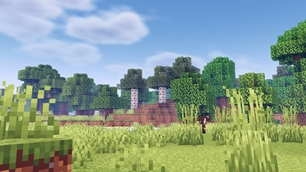
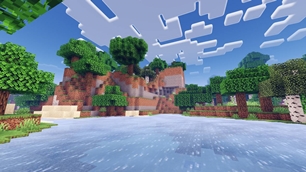
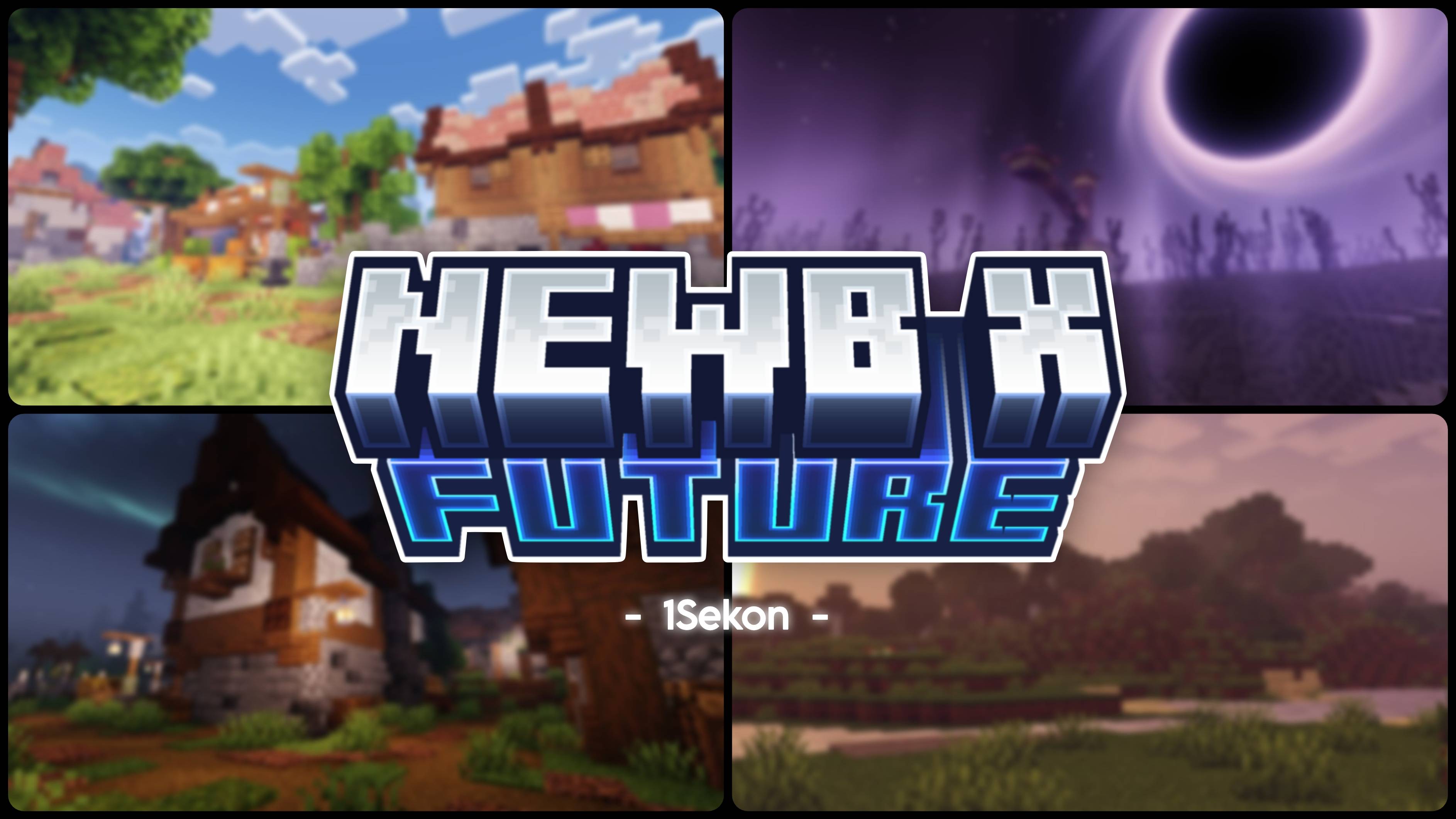
Is a vibrant customized shader variant for Minecraft Bedrock edition, it improve the visuals by adding more effects, tweak configs while keeping the performance balanced.
This shader won't work without a 3rd party apps or tools, please read the Compatibility section below.
This is not a Vibrant Visual (VV) Pack, it won't work if you have both vv pack and this shader activated.
Features
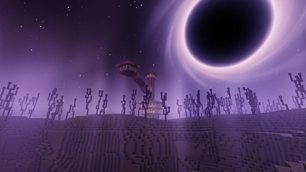
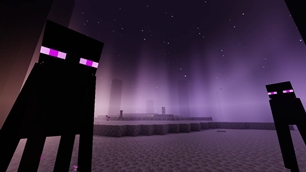
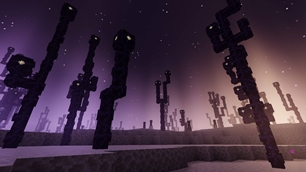
- Blackhole : In the end sky with distortion effect.
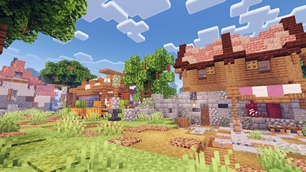
- Vibrant Lighting : By using Aces tonemapping and configure the color correction, give the bright and colorful theme.
- Blinking Stars : A shimmering, fluctuating brightness of celestial bodies.
- Clouds Shadow : Shadow casting from the clouds, giving more dynamically to the world.
- 3 Colors Aurora : Add variety to the auroras.
- Optimized : Trying as best as possible to optimize the shader without to sacrifice the visual quality too much.
- And many more
Subpacks
Newb X Future provide 5 subpacks that you can use :
- Performanced : Improve the performance by disabling some features, this subpack use vanilla clouds as the deafult.
- No Wave : Disable the plant and water wave but keep the swinging lantern.
- Multilayer Clouds : Add extra layer to the rounded clouds.
- Simple Clouds : Enable the simple clouds.
- Realistic Clouds : Enable realsitic looking clouds.
In-game configuration
This is a recommendation for in-game configuration to use when using this shader for a better results however, you can use your own configuration if you wish
- Brightness : 50%
- Graphic Mode : Fancy
- Beautiful Sky : On
Compatibility
Newb X Future is only works with MB Loader (Android), Wyvern Loader (Windows), and Minecraft with Hynis IPA (iOS).
Having trouble installing the shader? Go to the Discord server to get support.
Feedbacks and Bug Reports
Have some ideas, want to suggesst a new feature, or find some bugs? Join the official Newb Shader discord server and go to Newb X Future (feedback).
Redistribution
You're allowed to modify this pack for personal use only. If you're going to showcase my shader please use this site or my variant thread link.
Special Thanks and Credits
- Original shader forked from newb-x-mcbe by devendrn
- All the Newb X Future testers
- And everyone who have download and using my variant.
- Map used "The Fairy Tale World" by KimikoRaico96
Known Issue
- Clouds and end sky effects movement in Windows are flickering sometimes, currently no solution found (probably some GPU related issue), If you think you can solve this consider go here GH-Issue-64.
- Cloud shadow position for realistic clouds are not accurate with the clouds in the sky.
Disclaimer
This project is not affiliated with Mojang Studios or Microsoft.
The Ultimate Guide to Newb X Future
If you are exploring the vast world of Minecraft modifications, Newb X Future by 1Sekon is a standout shader that deserves your attention. With over 2,101 downloads, it has become a staple for players looking to enhance their experience. As the creator describes it, this project is "A vibrant newb shader variant with some visual and features improvement.". Whether you are a veteran builder constructing massive cities, or simply a casual player looking to upgrade your survival world, this guide will provide you with all the essential details on how Newb X Future alters the game.
What Makes It Special?
Unlike standard shaders that simply alter superficial elements, Newb X Future introduces a wide array of visual and mechanical features designed to seamlessly blend into the vanilla aesthetic. 1Sekon has clearly spent significant time refining the project to ensure that every aspect feels polished and responsive for version 1.21.
Installation Guide
Getting Newb X Future up and running is straightforward. Follow these step-by-step instructions:
- Verify Your Version: Ensure your Minecraft launcher is set to version 1.21.
- Install Mod Loader (if required): If this is a mod, download the compatible loader (Forge, Fabric, NeoForge).
- Download the File: Click the secure download button above to retrieve the official file from CurseForge.
- Move the File: Place the downloaded file into your `mods`, `shaderpacks`, or `resourcepacks` folder depending on the shader type.
- Launch and Enjoy: Open Minecraft, navigate to the respective settings menu, and activate Newb X Future.
Compatibility & Performance
Compatibility is robust. Newb X Future is designed specifically for version 1.21, taking full advantage of the latest engine optimizations. During typical gameplay, this addition maintains a stable frame rate, though lower-end laptops might experience slight stuttering. We recommend pairing this with performance boosters like Sodium or Iris to guarantee a silky-smooth experience.