Why PureFPS+ is a top-tier texture pack mod for Minecraft 1.21
Developed by the talented creator Mingo14, PureFPS+ stands out as a highly recommended selection for your Minecraft client. It is fully optimized, compatibility-tested, and brings a major upgrade to the gameplay experience in Minecraft version 1.21.
⚙️ Quick Resource Specs
| Mod Creator | Mingo14 |
| Latest Version | 1.21 |
| Supported Game Versions | Minecraft 1.21+ |
| File Size | 1.07 MB |
| Last Updated | |
| Total Downloads | 96 downloads |
⚡ PureFPS+ | Minecraft Bedrock Optimization
Less visual clutter. More control. Smoother gameplay.
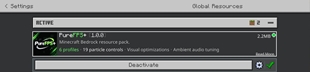
PureFPS+ is a performance-focused Minecraft Bedrock resource pack designed to reduce unnecessary visual effects, simplify demanding visuals, and give players more control over their gameplay experience.
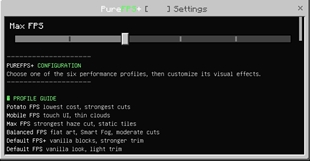
Rather than forcing everyone to use the same aggressive optimizations, PureFPS+ offers 6 different performance profiles, ranging from lightweight visual improvements to heavily optimized configurations.
Whether you're playing on a modest mobile device or simply want a cleaner Minecraft experience, there's a profile for you!
---
🚀 SIX PERFORMANCE PROFILES
Choose the optimization level that suits your device and preferences.
🌱 Default FPS
- Closest to the vanilla Minecraft experience.
- Provides the starting profile with minimal visual changes.
✨ Default FPS+
- Additional visual optimizations.
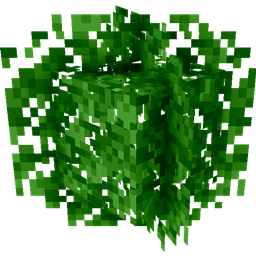
- Reduced selected unnecessary particle effects.
⚖️ Balanced FPS
- A balance between performance and visual quality.
- Simplified textures and optimized visual effects.
🔥 Max FPS
- Aggressive visual optimization.
- Stronger particle reduction and simplified environmental effects.
- Removes additional visual elements, including selected portal surfaces and enchantment glint.
🥔 Potato FPS
- Designed for lower-end devices.
- More aggressive visual simplification and reduced effects.
📱 Mobile FPS
- Tailored towards mobile gameplay.
- Includes mobile-focused visual and interface adjustments.
---
⚙️ ADVANCED PARTICLE CONTROLS
Particles are categorized instead of being treated as one giant group.
PureFPS+ uses dedicated particle categories to help reduce unnecessary visual activity while preserving important gameplay information.
Particle categories include:
- 🌿 Ambient & Weather
- 💥 Block Debris & Impacts
- 🔴 Redstone & Sculk Sparkles
- 🔮 Portals & Magic
- 🐾 Mob & Status Effects
- ⚔️ Gameplay & Warning Cues
Individual Pack Settings (V3)
The Configurable Edition includes seven settings:
1. Enable Particle Effects (Master Switch)
2. Ambient & Weather
3. Block Debris & Impacts
4. Redstone & Sculk Sparkles
5. Portals & Magic
6. Mob & Status Effects
7. Gameplay & Warning Cues
All switches are enabled by default. You can disable individual categories without changing your selected performance profile.
---
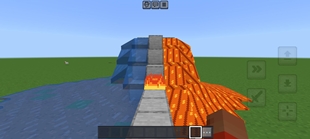
🌫️ FOG & ENVIRONMENT OPTIMIZATION
Enjoy a cleaner visual experience with carefully configured fog profiles.
- Custom fog definitions.
- Reduced environmental fog in optimized profiles.
- Different fog configurations for different performance levels.
- Simplified visual distance effects.
The goal is to reduce unnecessary environmental visual clutter while maintaining a recognizable Minecraft atmosphere.
---
🎨 TEXTURE OPTIMIZATION
PureFPS+ includes visual simplifications designed to reduce unnecessary texture complexity.
Features include:
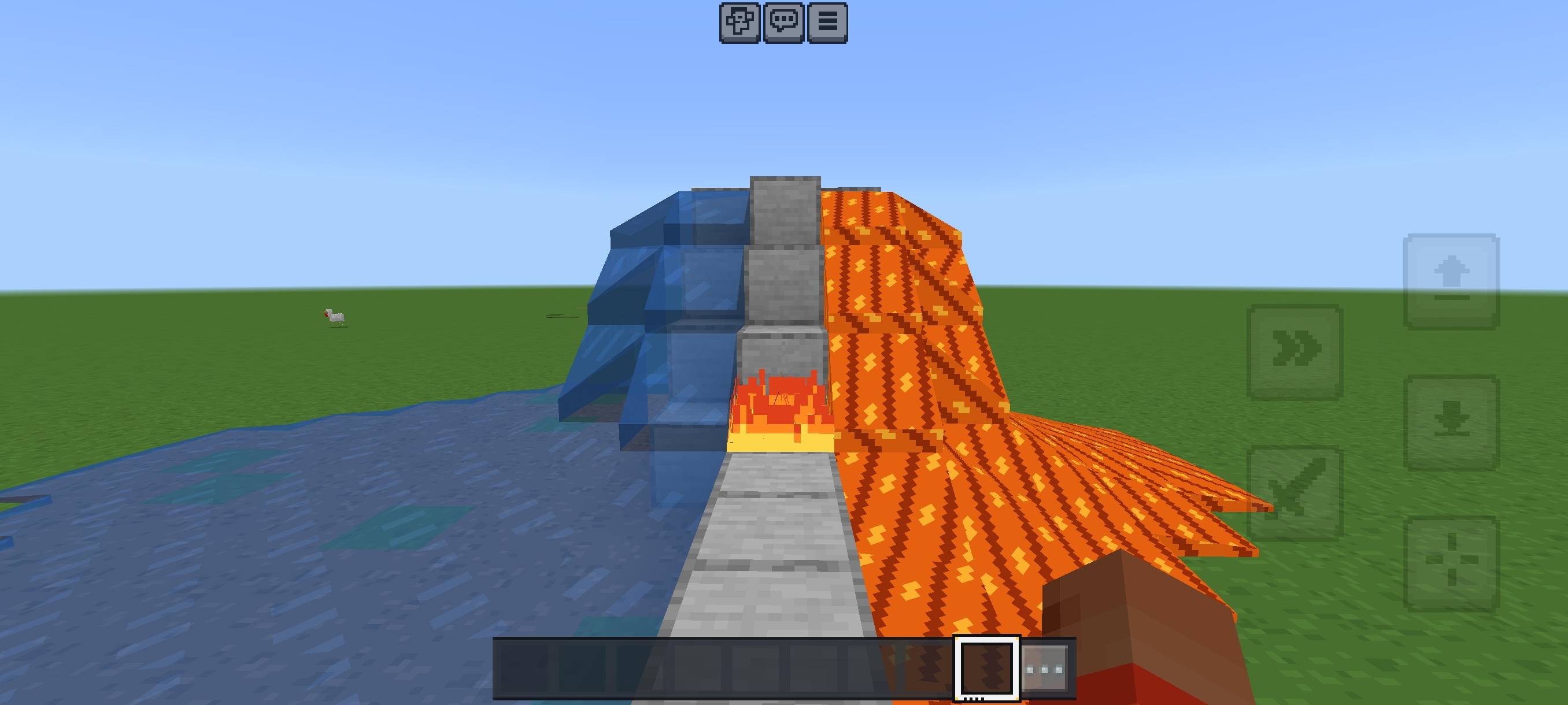
- Simplified block and environmental textures.
- Optimized animated textures.
- Custom ore silhouettes.
- Simplified redstone visuals.
- Reduced cloud and sky texture complexity in selected profiles.
- Selected HUD and interface texture adjustments.
---
🎮 ENTITY & ANIMATION OPTIMIZATION
Selected entity animations and visual effects are adjusted to reduce unnecessary rendering work.
Features include:
- Targeted animation simplifications.
- Reduced selected visual effects.
- Preserved entity geometry and important gameplay-related behavior.
- Profile-specific visual adjustments.
---
📱 MOBILE-FRIENDLY OPTIMIZATION
The Mobile FPS profile includes additional mobile-oriented adjustments.
- Touch-interface texture adjustments.
- Simplified visual effects.
- Mobile-focused performance configuration.
- Reduced environmental visual complexity.
---
📦 TWO AVAILABLE EDITIONS
⚡ Configurable Edition — Manifest V3
Includes individual particle controls for players who want more customization.
🛡️ Compatibility Edition — Manifest V2 (Unavailable Now)
Provides all six performance profiles without the experimental individual pack settings.
---
💚 WHY CHOOSE PUREFPS+?
- 6 distinct performance profiles.
- Dedicated particle optimization categories.
- Custom fog configurations.
- Simplified textures and animations.
- Mobile-focused optimization.
- Configurable particle controls.
- Gameplay cues considered during optimization.
- Different levels of visual quality and performance preferences.
---
⚠️ IMPORTANT INFORMATION
- Performance improvements vary depending on your device, Minecraft version, graphics settings and world.
- No specific FPS increase is guaranteed.
- The Configurable Edition uses Manifest V3 settings, whose compatibility may vary between Minecraft clients.
- The V2 edition is available as an alternative.
---
📌 PACK INFORMATION
Name: PureFPS+
Version: 1.0.0
Platform: Minecraft Bedrock Edition
Performance Profiles: 6
Focus: Performance, visual optimization and customization
---
⚡ PureFPS+ — Optimize your experience. Play your way.
The Ultimate Guide to PureFPS+
If you are exploring the vast world of Minecraft modifications, PureFPS+ by Mingo14 is a standout texture that deserves your attention. With over 96 downloads, it has become a staple for players looking to enhance their experience. As the creator describes it, this project is "PureFPS+ is a configurable Minecraft Bedrock optimization pack with 6 performance profiles, reduced visual clutter, smarter fog, entity optis, simplified textures, advanced particle controls. Choose your balance of clarity, visuals, and smoother gameplay". Whether you are a veteran builder constructing massive cities, or simply a casual player looking to upgrade your survival world, this guide will provide you with all the essential details on how PureFPS+ alters the game.
What Makes It Special?
Unlike standard textures that simply alter superficial elements, PureFPS+ digs deep into the game's engine to provide a cohesive, performance-focused experience. Mingo14 has clearly spent significant time refining the project to ensure that every aspect feels polished and responsive for version 1.21.
Installation Guide
Getting PureFPS+ up and running is straightforward. Follow these step-by-step instructions:
- Verify Your Version: Ensure your Minecraft launcher is set to version 1.21.
- Install Mod Loader (if required): If this is a mod, download the compatible loader (Forge, Fabric, NeoForge).
- Download the File: Click the secure download button above to retrieve the official file from CurseForge.
- Move the File: Place the downloaded file into your `mods`, `shaderpacks`, or `resourcepacks` folder depending on the texture type.
- Launch and Enjoy: Open Minecraft, navigate to the respective settings menu, and activate PureFPS+.
Compatibility & Performance
Compatibility is robust. PureFPS+ is designed specifically for version 1.21, taking full advantage of the latest engine optimizations. Since this is heavily focused on optimization, you can expect significant frame rate improvements on both low-end and high-end hardware.