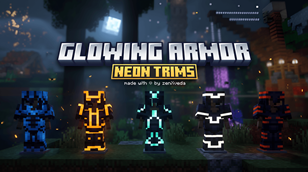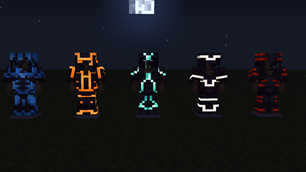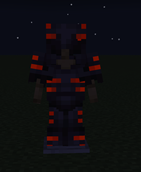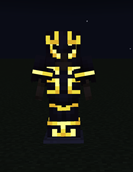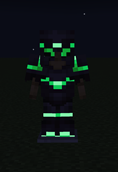
Why Glowing Armor Trims Pro is a top-tier texture pack mod for Minecraft 1.21.132
Developed by the talented creator ZenXveda, Glowing Armor Trims Pro stands out as a highly recommended selection for your Minecraft client. It is fully optimized, compatibility-tested, and brings a major upgrade to the gameplay experience in Minecraft version 1.21.132.
⚙️ Quick Resource Specs
| Mod Creator | ZenXveda |
| Latest Version | 1.21.132 |
| Supported Game Versions | 1.21.132, 1.21.131, 1.21.130, 1.21.124, 1.21.123 |
| File Size | 93.06 KB |
| Last Updated | |
| Total Downloads | 9,737 downloads |
✨ GLOWING ARMOR TRIMS PRO ✨
The Ultimate Neon Emissive Armor Trim Overhaul for Minecraft Bedrock!





🌟 Illuminate Your Survival Experience
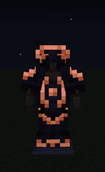
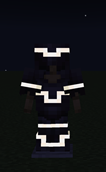
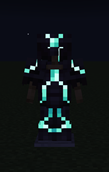
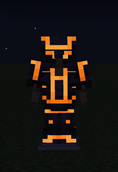
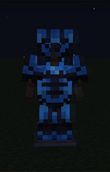
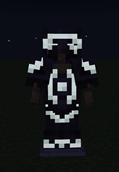
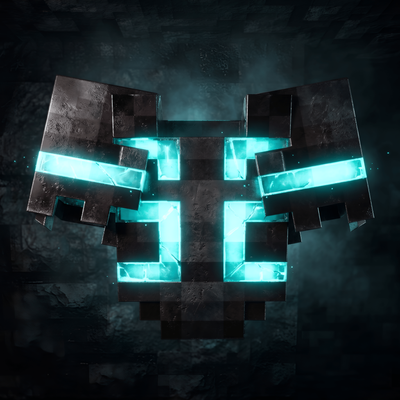
Tired of your expensive netherite and diamond armor trims looking dull and invisible in dark caves, night battles, or underwater depths? Glowing Armor Trims Pro breathes high-energy neon life into your equipment! Every single trim pattern actively emits vibrant luminescence, turning your gear into a radiant badge of mastery while preserving standard vanilla textures.
| Feature & Performance | Vanilla / Older Packs | Glowing Armor Trims Pro |
|---|---|---|
| Night & Cave Visibility | Trims fade to black in darkness | Full self-illuminating neon emissive glow |
| Golden Leggings on Players | Broken (Duplicate render key bug) | 100% Fixed & Verified across all armors |
| 1.21 Pale Garden (Resin Trim) | Missing or purple-black error texture | Full Resin palette & darker variant support |
| Mobile GPU Overhead | 2x Geometry overdraw penalty | Single-pass RenderDragon controller (0 lag) |
| Achievements & Multiplayer | Often requires behavior packs | 100% Client-side (Realms, Servers & Solo) |
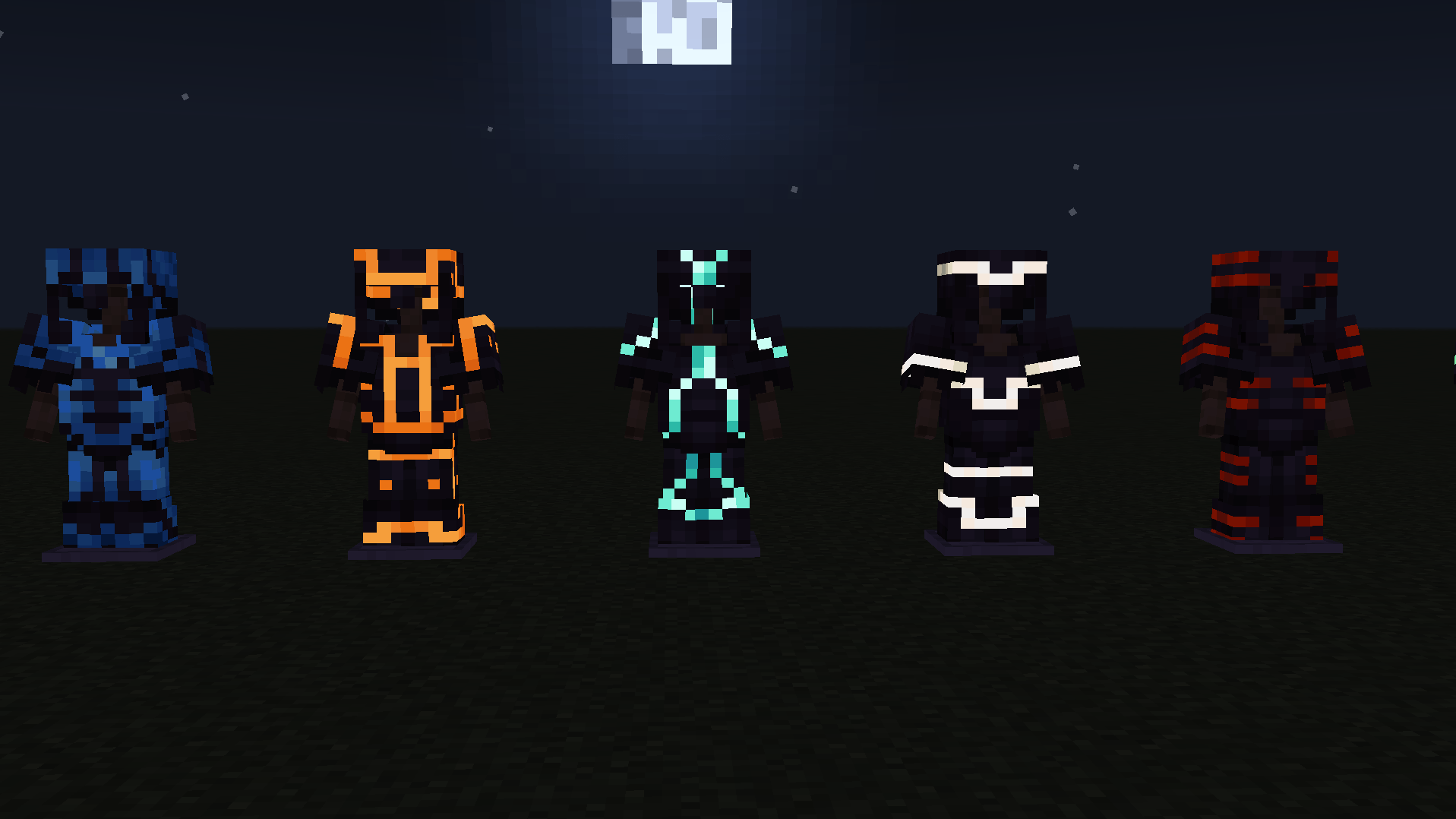
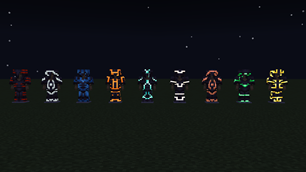
▲ Radiant trim emission in 0-light cave environments without ambient lighting washout.
💎 Elite Features & Armor Support
- ⚡ Precision RenderDragon Architecture: Custom single-controller dispatch ensures armor trims glow independently without "leaking" emissive light onto bare untrimmed armor.
- 🛡️ Complete 42-Attachable Coverage: Covers all mob & player variants: Netherite, Diamond, Iron, Gold, Chainmail, and Turtle Shell Helmets.
- 🍂 Full Pale Garden & Resin Integration: Ready for Minecraft 1.21.40+ Bundles of Bravery & The Pale Garden, incorporating radiant Resin orange trims!
- ✨ Dynamic Glint Synchronization: Enchantment glints flow seamlessly over emissive trims without washing out or distorting colors.
- 🎒 Inventory UI Glow Overlays: Equipped trims and smithing previews in inventory menus display vibrant luminescent icon overlays!
Supported Materials & Palette Colors:
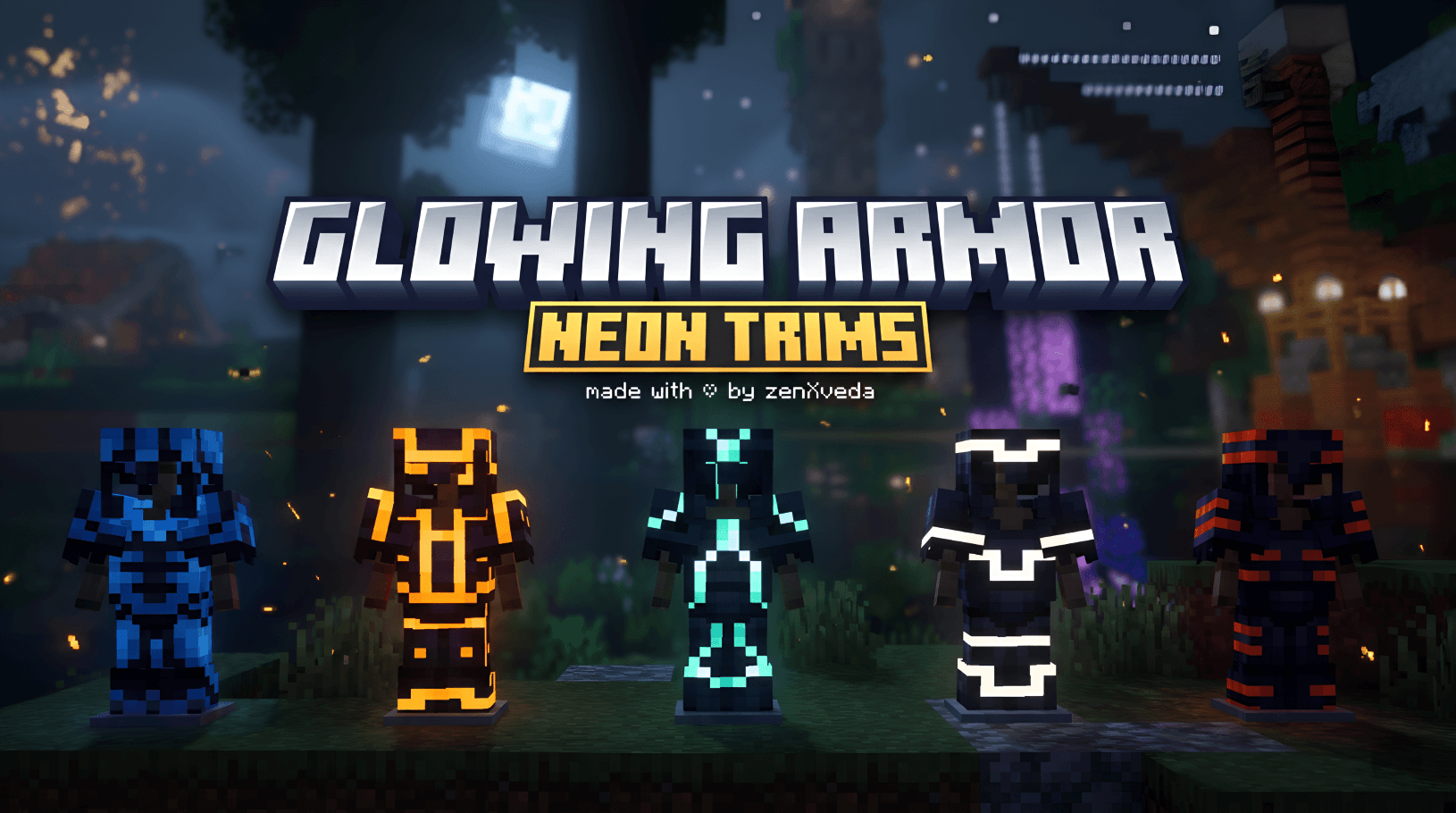
💎 Diamond • 🔮 Amethyst • 🌿 Emerald • 🪙 Gold • ⚙️ Iron • 🌌 Lapis Lazuli • 🖤 Netherite • ⚪ Quartz • 🔴 Redstone • 🍂 Resin • 🪨 Copper
Supported Trim Patterns (All 18 Templates):
Bolt • Coast • Dune • Eye • Flow • Host • Raiser • Rib • Sentry • Shaper • Silence • Snout • Spire • Tide • Vex • Ward • Wayfinder • Wild
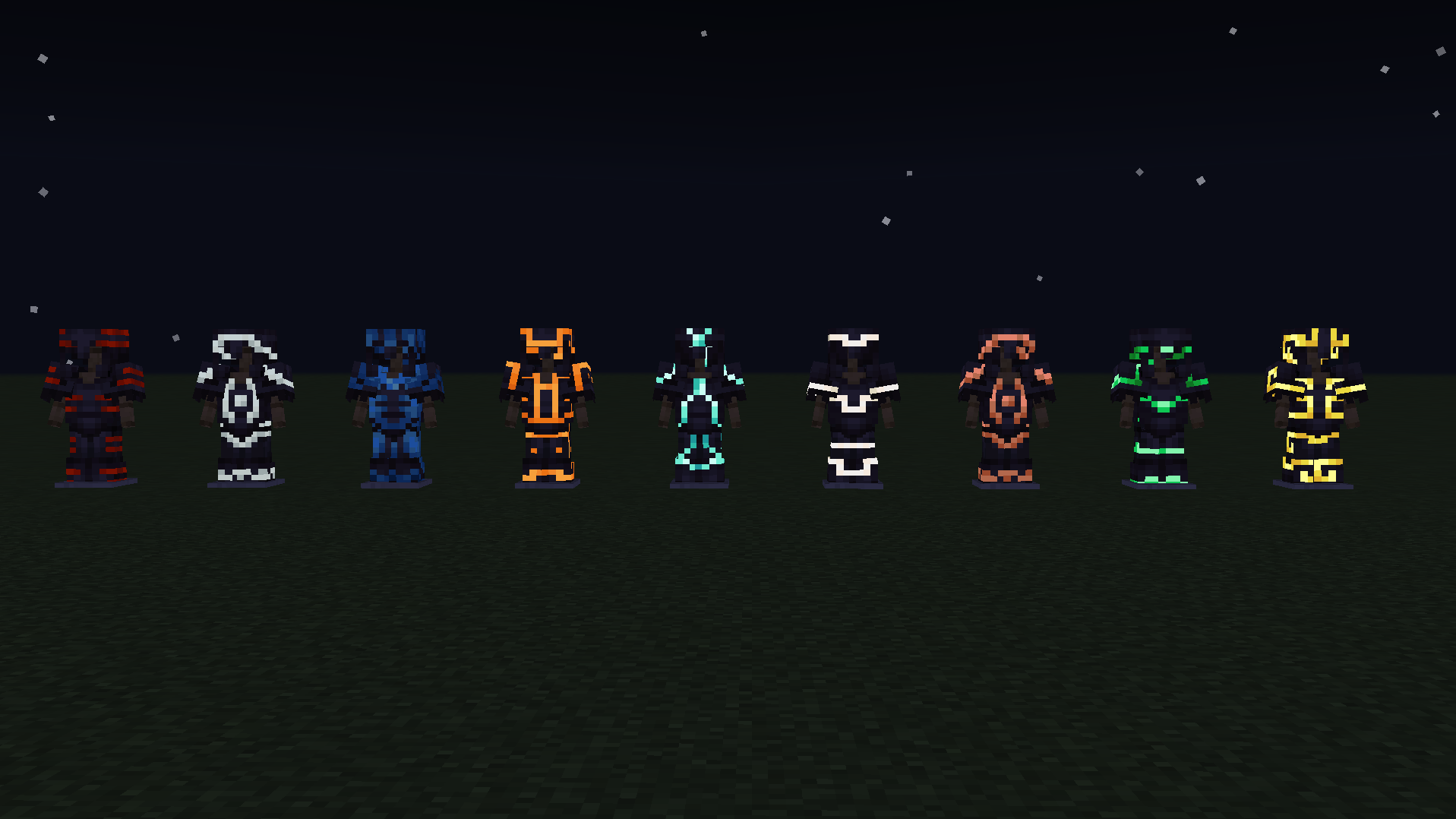
▲ Universal compatibility across every armor type, smithing pattern, and palette shade.
📥 Foolproof Installation Guide
- Download: Grab
Glowing_Armor_Trims_Pro.mcpackfrom the Files tab above. - Import: Double-click (PC) or tap (Android/iOS) the downloaded
.mcpackfile. Minecraft Bedrock will launch and import automatically. - Activate: Go to Settings > Global Resources (or your individual World Resource Packs), select Glowing Armor Trims Pro, and click Activate.
- Enjoy: Jump into your survival world, Realm, or multiplayer server—no experimental toggles required!
🔥 More Must-Have Projects by ZenXveda
Elevate your Minecraft experience with our community-favorite shaders, survival tools, and FPS boosters!
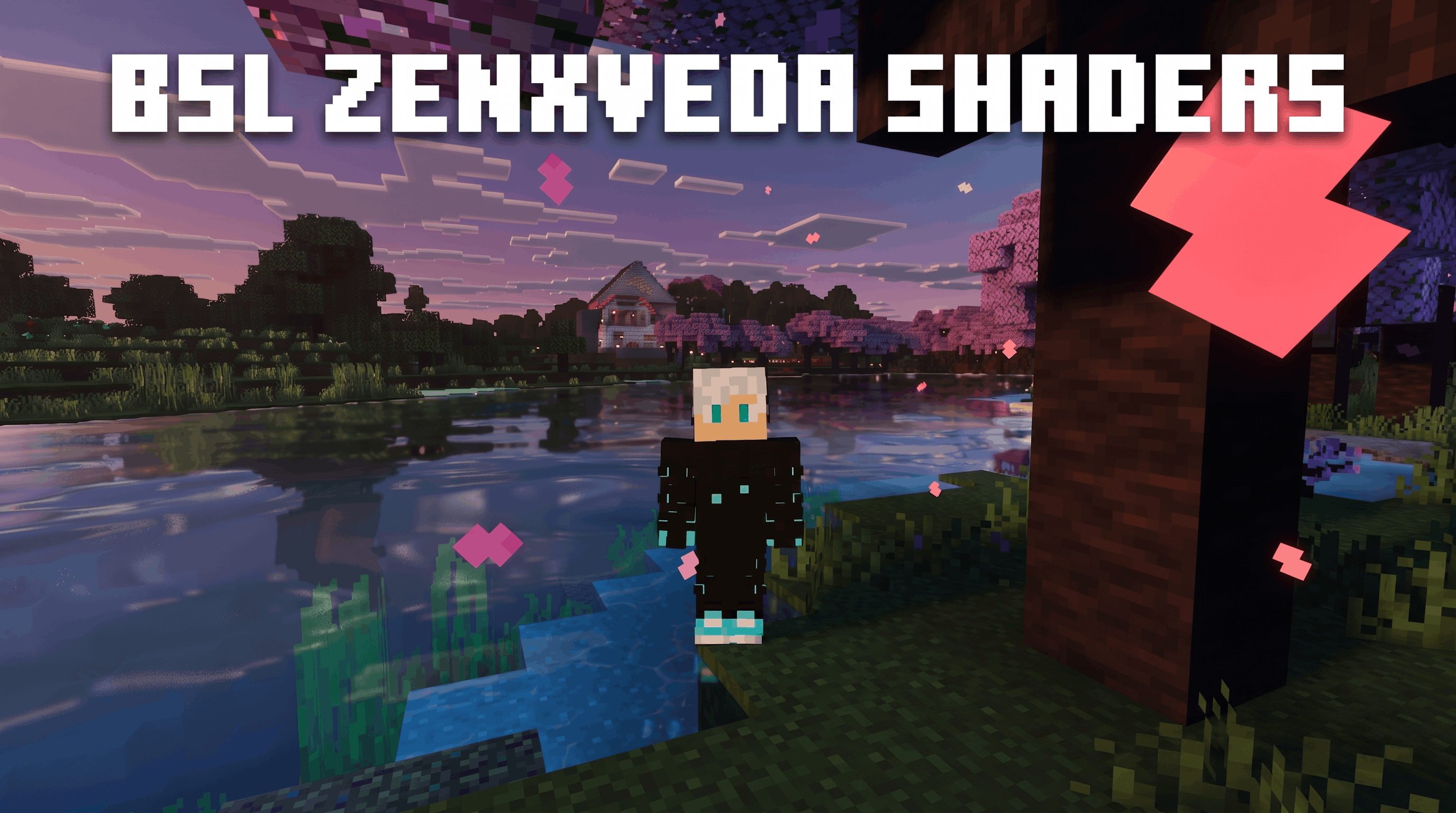 🌟 BSL ZenXveda ShadersPerformance-friendly Deferred Renderer pack with radiant glowing ores, crystal-clear water, and vibrant cinematic lighting.  |
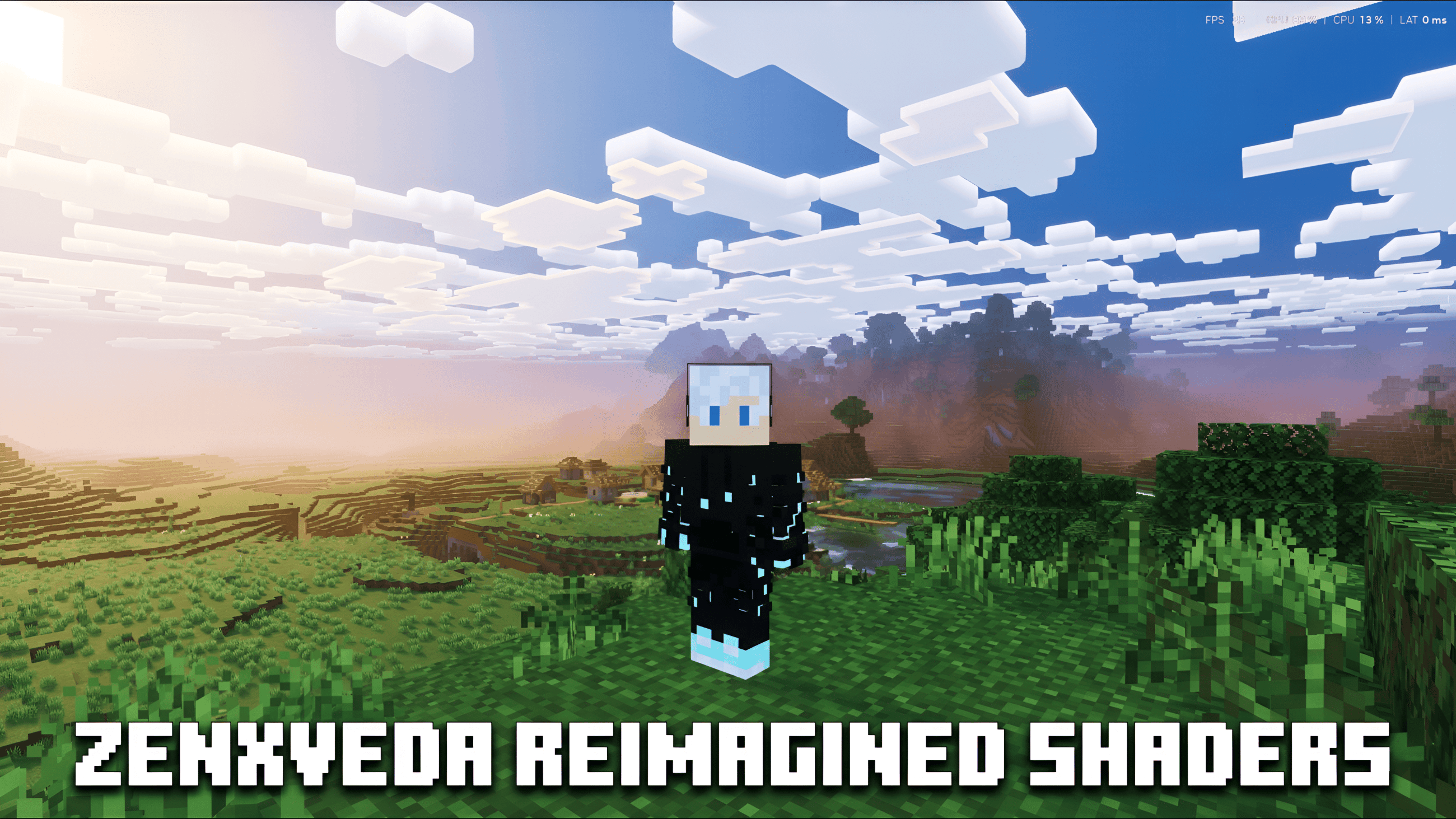 ☁️ ZenXveda: ReimaginedUltimate Vanilla+ RenderDragon shader featuring 3D volumetric blocky clouds, water caustics, and 60+ FPS optimization. |
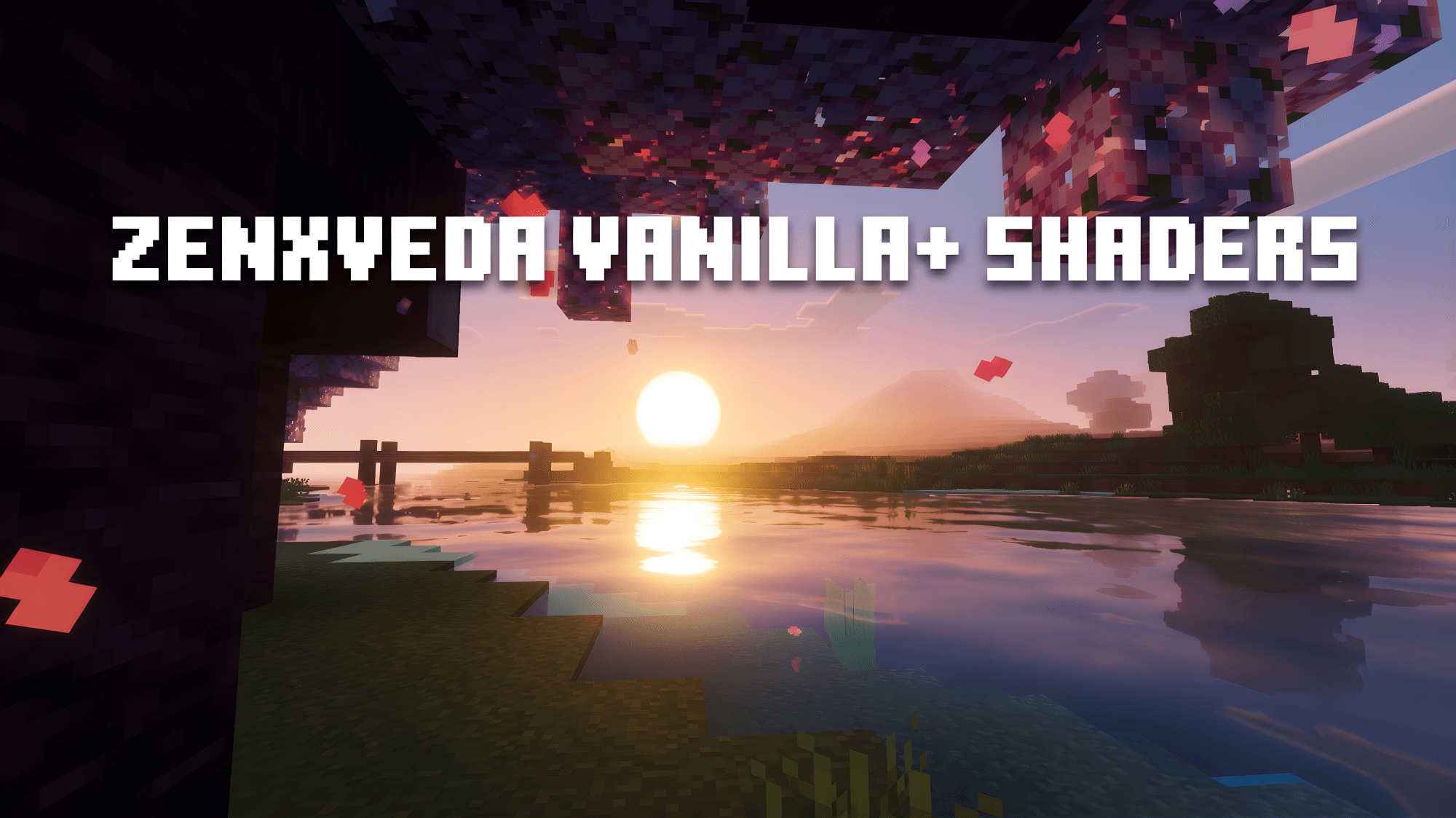 🌄 ZenXveda Vanilla+ ShadersReal shader visuals on pure Vanilla Bedrock with 3D terrain shading, glowing ores, and cinematic fog at smooth 60+ FPS. |
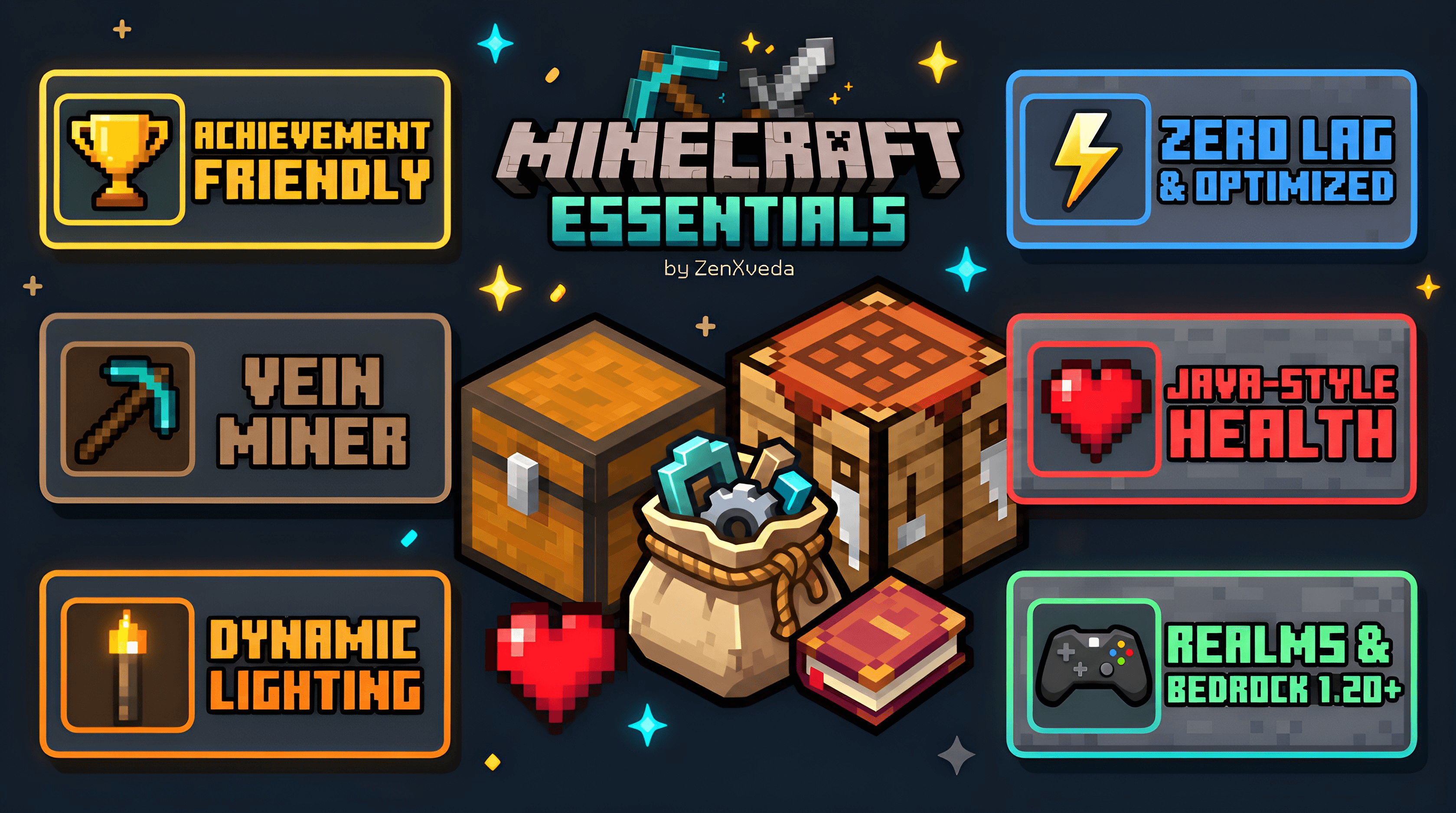 🧰 ZenXveda EssentialsAll-in-one survival & PvP companion featuring Vein Miner, Tree Capitator, Dynamic Lighting, and Auto-Totem activation. |
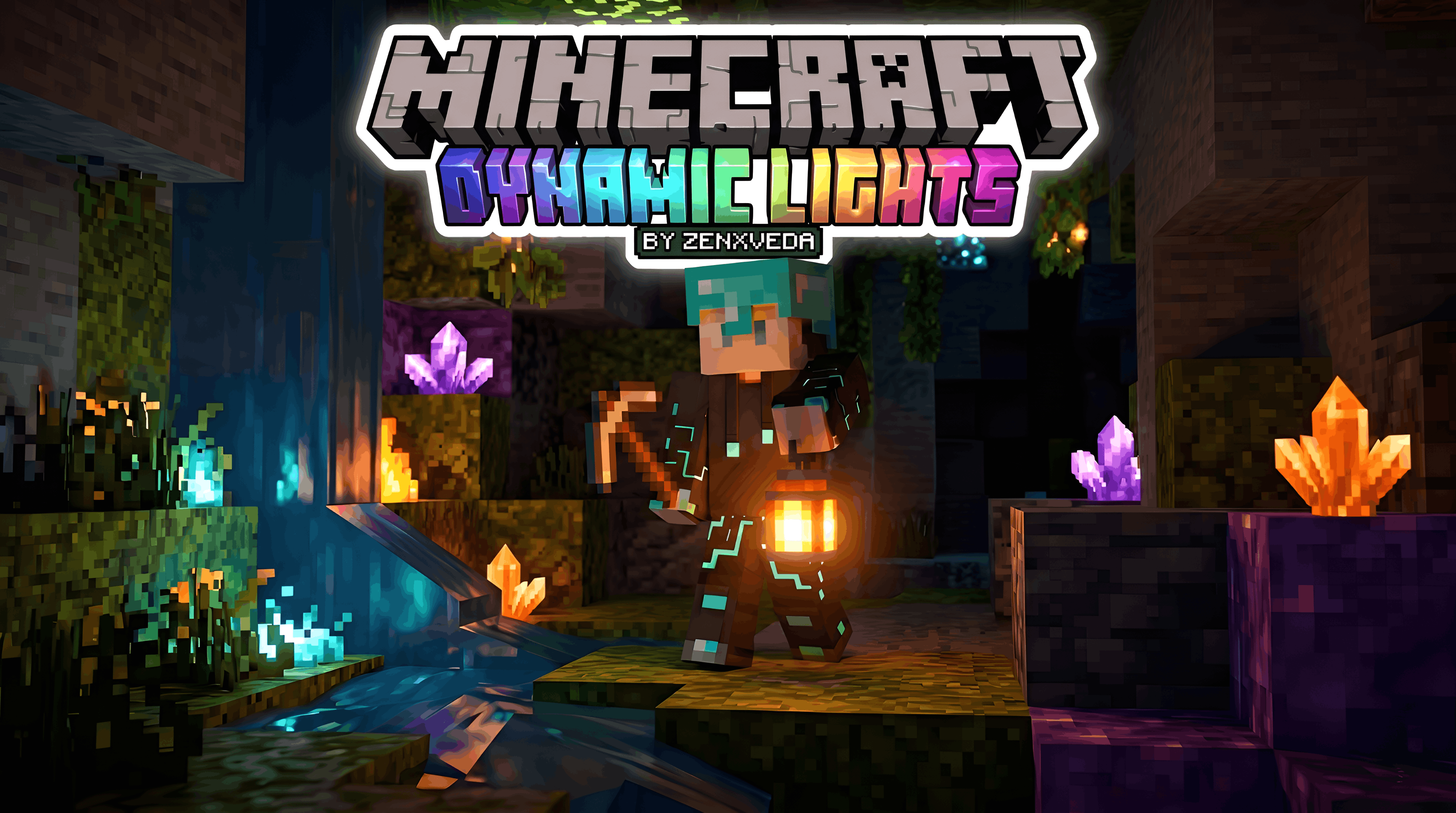 🔦 ZenXveda Dynamic LightsHold torches and light sources in your main hand or offhand to dynamically illuminate the world in real time. |
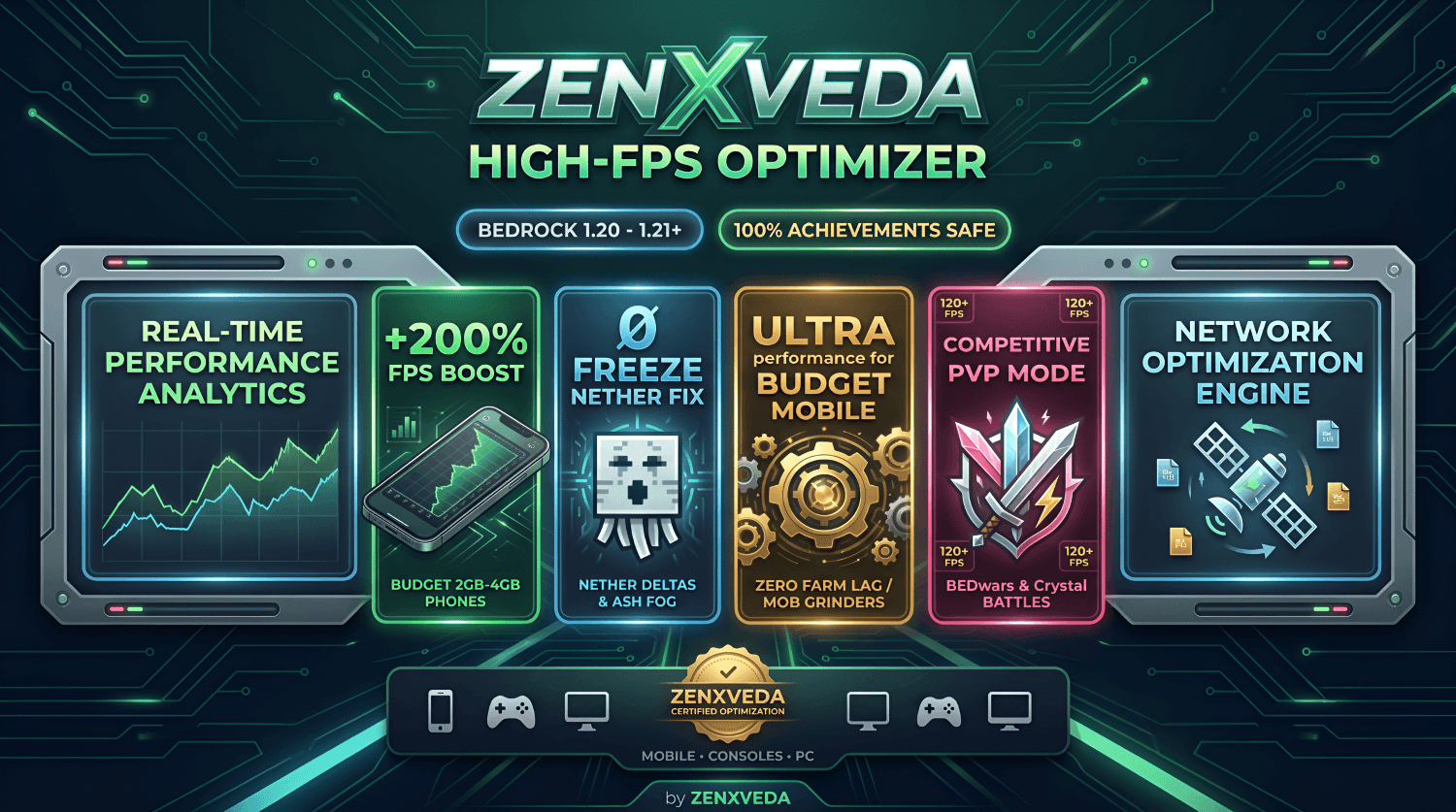 ⚡ ZenXveda High-FPS OptimizerMaximum FPS boost and PvP performance enhancer with particle lag removal and Anti-Crash XP clustering. |
 👻 Dynamic Happy Ghast Flight6 on-demand flight speeds (0x hover lock to 10x hyperspeed) with live HUD and 100% achievement safety. |
 ❤️ Java Regeneration & SaturationTrue Java Edition health regeneration in Bedrock with heart wave animations and a golden saturation HUD. |
🤝 Support the Creator & Join Our Community


🌐 Connect With ZenXveda Across the Web:






© 2026 ZenXveda Studios. All rights reserved. Not an official Minecraft product. Not approved by or associated with Mojang or Microsoft.
The Ultimate Guide to Glowing Armor Trims Pro
If you are exploring the vast world of Minecraft modifications, Glowing Armor Trims Pro by ZenXveda is a standout texture that deserves your attention. With over 9,737 downloads, it has become a staple for players looking to enhance their experience. As the creator describes it, this project is "Experience vibrant glowing armor trims with neon emissive lighting in the dark! Fully optimized for Minecraft Bedrock latest with zero lag.". Whether you are a veteran builder constructing massive cities, or simply a casual player looking to upgrade your survival world, this guide will provide you with all the essential details on how Glowing Armor Trims Pro alters the game.
What Makes It Special?
Unlike standard textures that simply alter superficial elements, Glowing Armor Trims Pro introduces a wide array of visual and mechanical features designed to seamlessly blend into the vanilla aesthetic. ZenXveda has clearly spent significant time refining the project to ensure that every aspect feels polished and responsive for version 1.21.132.
Installation Guide
Getting Glowing Armor Trims Pro up and running is straightforward. Follow these step-by-step instructions:
- Verify Your Version: Ensure your Minecraft launcher is set to version 1.21.132.
- Install Mod Loader (if required): If this is a mod, download the compatible loader (Forge, Fabric, NeoForge).
- Download the File: Click the secure download button above to retrieve the official file from CurseForge.
- Move the File: Place the downloaded file into your `mods`, `shaderpacks`, or `resourcepacks` folder depending on the texture type.
- Launch and Enjoy: Open Minecraft, navigate to the respective settings menu, and activate Glowing Armor Trims Pro.
Compatibility & Performance
Compatibility is robust. Glowing Armor Trims Pro is designed specifically for version 1.21.132, taking full advantage of the latest engine optimizations. During typical gameplay, this addition maintains a stable frame rate, though lower-end laptops might experience slight stuttering. We recommend pairing this with performance boosters like Sodium or Iris to guarantee a silky-smooth experience.