Why QUICK VANILLA SHADERS is a top-tier shader mod for Minecraft 1.21.130
Developed by the talented creator Baku_Studio, QUICK VANILLA SHADERS stands out as a highly recommended selection for your Minecraft client. It is fully optimized, compatibility-tested, and brings a major upgrade to the gameplay experience in Minecraft version 1.21.130.
⚙️ Quick Resource Specs
| Mod Creator | Baku_Studio |
| Latest Version | 1.21.130 |
| Supported Game Versions | 1.21.130, 1.21.120, 1.21.100, 1.21.80 |
| File Size | 318.56 KB |
| Last Updated | |
| Total Downloads | 266 downloads |
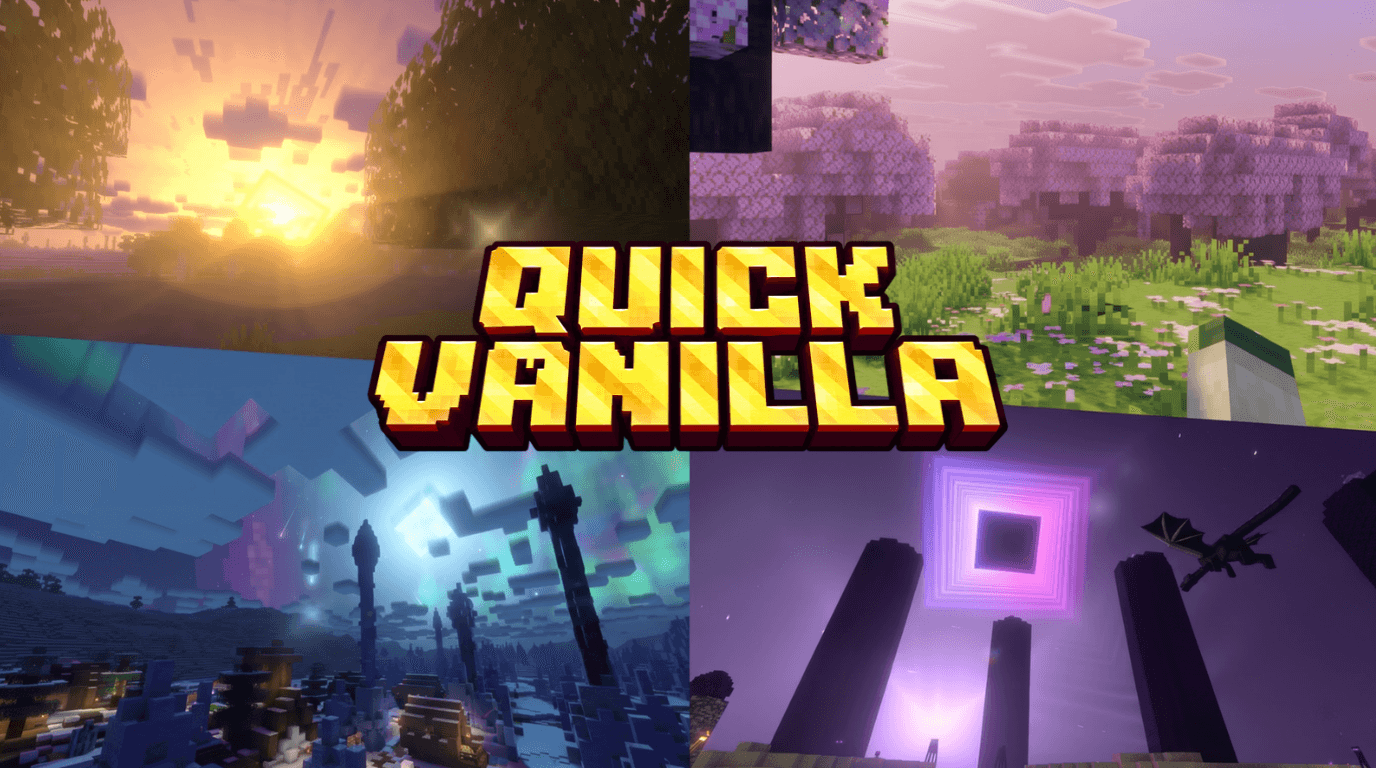
Vanilla at heart. Breathtaking by design.
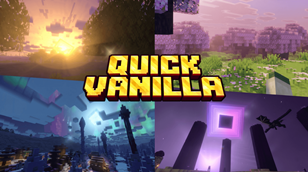
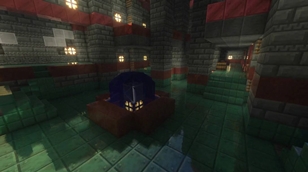
Quick Vanilla Shaders upgrades every corner of your world and still feels like the Minecraft you know. It is a Vibrant Visuals add-on (resource pack and behavior pack) made for mobile and low-end devices. It adds depth, atmosphere and life to the world without weighing it down.
━━━━━━━━━━━━━━━━━━━━
🌟 FEATURES
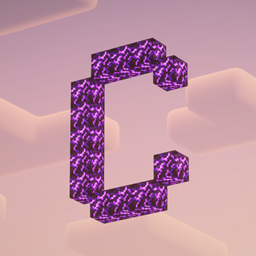
💎 Brand-New Ore Textures
Every ore has been redrawn from scratch.
- Natural-looking stone with shaded gem clusters
- Redstone has scattered glowing specks
- Coal has deep black chunks
- Diamond, Emerald and Gold have bright, shimmering edges
- Wider glow halos so ores stand out in dark caves
- Improved Obsidian, Crying Obsidian, Glowstone and Ancient Debris
🌊 Living Water
- Oceans have big, deep, rolling waves
- Swamps stay calm and quiet
- Rivers and lakes have gentle waves in between
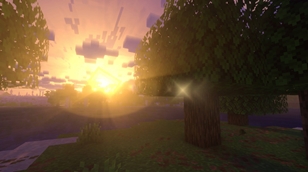
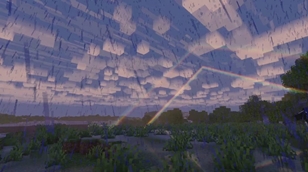
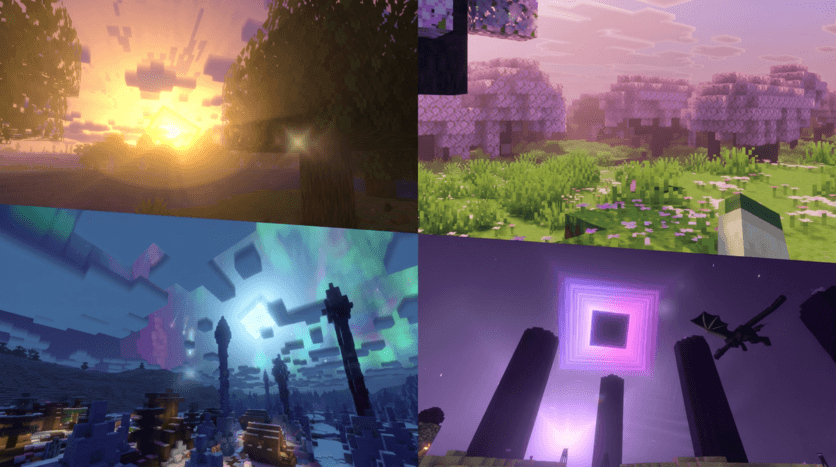
🌅 Golden Sunrise and Sunset
- A warm golden glow rises behind the sun
- Soft, wide sun rays fill the sky
- Everything switches off when you go underground or under cover, so mines and caves stay clean
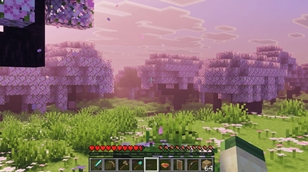
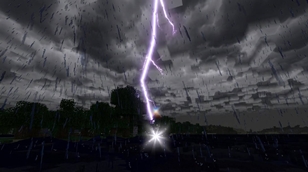
🌧️ Rain That Feels Real
- Raindrops splash on the ground
- A light mist floats above the grass
- When the storm ends, a thin mist hugs the ground and slowly fades away over a few minutes
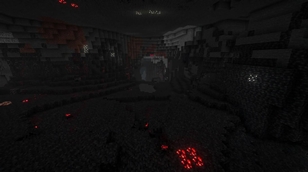
🔥 The Nether, Reborn
- A different color for every biome
- Deeper darkness and a heavier atmosphere
- Glowing embers rising through the air
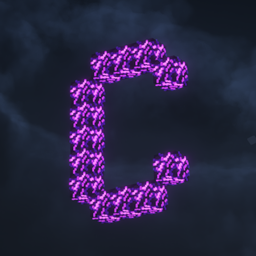
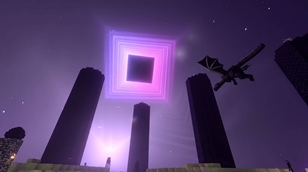
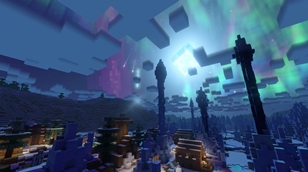
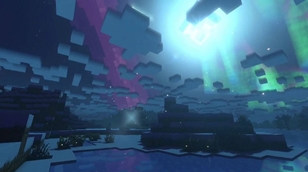
🌌 The End, Reimagined
- A twinkling star with a soft glow, still visible at low chunk distances
- Gentle aurora effects, drifting dust particles and shooting stars
- Lighter effects so the End doesn’t lag
⚡ Built for Performance
Every effect is layered with care. You get the atmosphere without the lag, even on phones.
━━━━━━━━━━━━━━━━━━━━
🎛️ OPTIONAL TOGGLES
Run these commands in chat to turn off anything that feels heavy on your device:
| Command | What it does |
|---|---|
/tag @s add qvs_no_end_fx |
Turns off extra End effects |
/tag @s add qvs_no_rain |
Turns off extra rain effects |
/tag @s add qvs_no_mist |
Turns off post-rain mist |
━━━━━━━━━━━━━━━━━━━━
📥 INSTALLATION
- Delete any older version of Quick Vanilla Shaders (both the Resource and Behavior packs)
- Import the
.mcaddonfile - Activate both packs in your world and enable Vibrant Visuals
- Join your world and the version number will show in chat
━━━━━━━━━━━━━━━━━━━━
👤 CREATOR
Baku_Studio
Designed, built and tested with passion by Baku_Studio. Every ore, every wave and every ray of light in this add-on was crafted by hand. If you enjoy it, a like, a comment or a share means a lot and keeps the updates coming. 💛
━━━━━━━━━━━━━━━━━━━━
⚠️ DISCLAIMER
- All textures are 100% original and are not copies of Minecraft’s official textures. They will not look identical to vanilla.
- Performance and visuals may vary with your device and graphics settings.
- This is an unofficial add-on and is not affiliated with, endorsed by or associated with Mojang Studios or Microsoft. Minecraft is a trademark of Mojang AB.
- Please do not re-upload or redistribute this add-on without credit. If you feature it in a video or post, please link back to the original page.
💬 Found a bug or have an idea? Leave a comment. Feedback helps shape every update.
The Ultimate Guide to QUICK VANILLA SHADERS
If you are exploring the vast world of Minecraft modifications, QUICK VANILLA SHADERS by Baku_Studio is a standout shader that deserves your attention. With over 266 downloads, it has become a staple for players looking to enhance their experience. As the creator describes it, this project is "A vanilla-friendly Vibrant Visuals upgrade, made light enough for mobile. Redrawn glowing ores, rolling ocean waves, golden sunrises, rain that splashes and mists, and a Nether and End with real atmosphere.". Whether you are a veteran builder constructing massive cities, or simply a casual player looking to upgrade your survival world, this guide will provide you with all the essential details on how QUICK VANILLA SHADERS alters the game.
What Makes It Special?
Unlike standard shaders that simply alter superficial elements, QUICK VANILLA SHADERS introduces a wide array of visual and mechanical features designed to seamlessly blend into the vanilla aesthetic. Baku_Studio has clearly spent significant time refining the project to ensure that every aspect feels polished and responsive for version 1.21.130.
Installation Guide
Getting QUICK VANILLA SHADERS up and running is straightforward. Follow these step-by-step instructions:
- Verify Your Version: Ensure your Minecraft launcher is set to version 1.21.130.
- Install Mod Loader (if required): If this is a mod, download the compatible loader (Forge, Fabric, NeoForge).
- Download the File: Click the secure download button above to retrieve the official file from CurseForge.
- Move the File: Place the downloaded file into your `mods`, `shaderpacks`, or `resourcepacks` folder depending on the shader type.
- Launch and Enjoy: Open Minecraft, navigate to the respective settings menu, and activate QUICK VANILLA SHADERS.
Compatibility & Performance
Compatibility is robust. QUICK VANILLA SHADERS is designed specifically for version 1.21.130, taking full advantage of the latest engine optimizations. During typical gameplay, this addition maintains a stable frame rate, though lower-end laptops might experience slight stuttering. We recommend pairing this with performance boosters like Sodium or Iris to guarantee a silky-smooth experience.