Why Integrated Dynamics is a top-tier mod mod for Minecraft 1.20.1
A mod to take full and automated control of your appliances.
⚙️ Quick Resource Specs
| Mod Creator | kroeser |
| Latest Version | 1.20.1 |
| Supported Game Versions | 1.20.1, 1.12.2, 1.10, 1.9.4, 1.8.9 |
| File Size | 1.52 MB |
| Last Updated | |
| Total Downloads | 111,639,277 downloads |

This requires the Cyclops Core and Common Capabilities libraries!
Come talk to us in #integratedmods on the Cyclops Discord server!
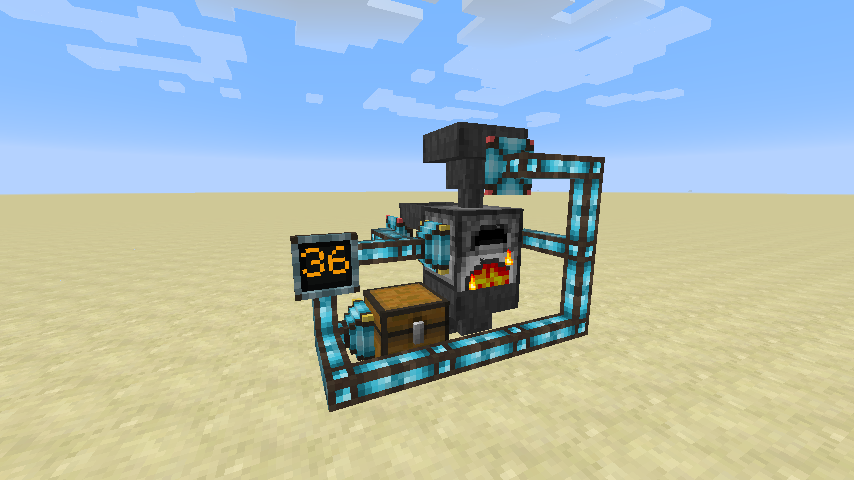
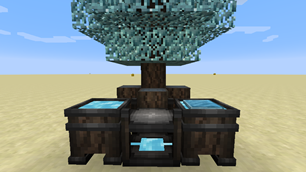
Integrated Dynamics is a mod which requires you to build networks for complex automation and system integration.
It is a mix between bundled redstone, BuildCraft gates and Applied Energistics-style networks.
Addons:
- Integrated Tunnels: Transfer items, fluids and energy
- Integrated Crafting: Enable autocrafting in your network
- Integrated Terminals: Overview and control your network
- Integrated Scripting: Create scripts for complex operations
- Integrated NBT: Easily extract deeply nested NBT
- Integrated REST: Interact with your networks over HTTP (advanced)
- Integrated Mekanism: Deep integration with with Mekanism
- And more
Interact with your networks over HTTP with the Integrated REST (advanced) addon!
Spotlight by Direwolf20:
Old tutorial playlist: https://www.youtube.com/playlist?list=PLcEZXVFivlbuxGa99eosS2kw5if4Gipxj
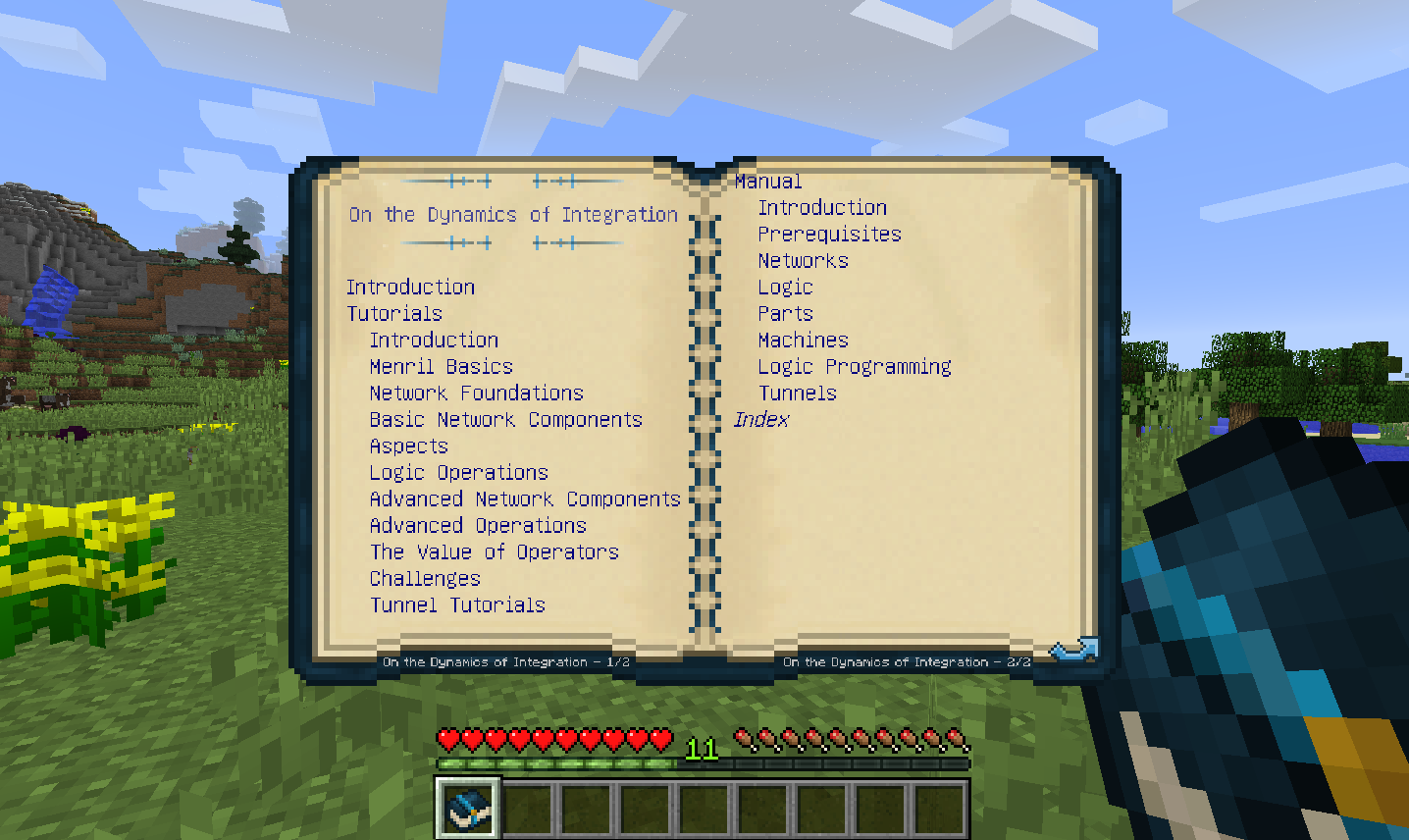
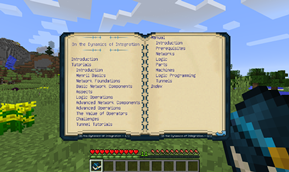
This mod provides an in-game guide 'On the Dynamics of Integration', which also contains tutorials.
All players will receive this book on first spawn, but it can also be crafted by combining a regular book with two pieces of crystalized menril chunks.
A Web version of this book can be found here.
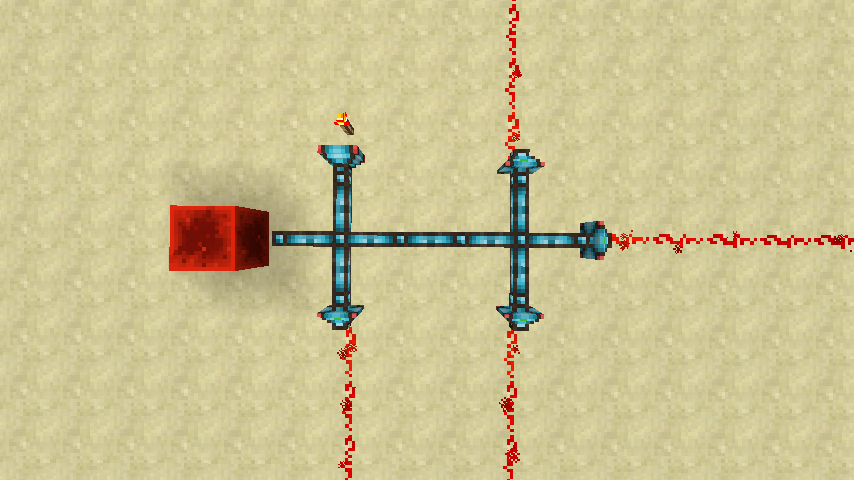
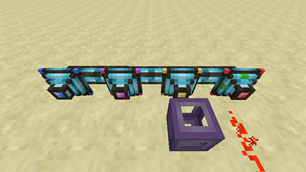
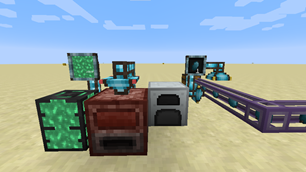
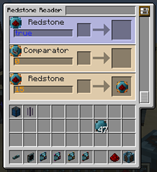
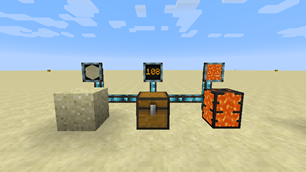
Use 'Readers' to import external values into the network using 'Variables'.
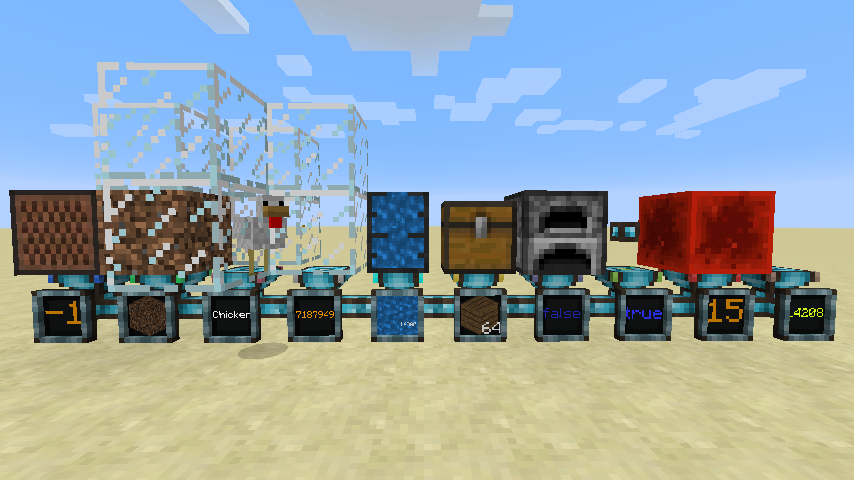
Different types of readers are used to capture the outside world.
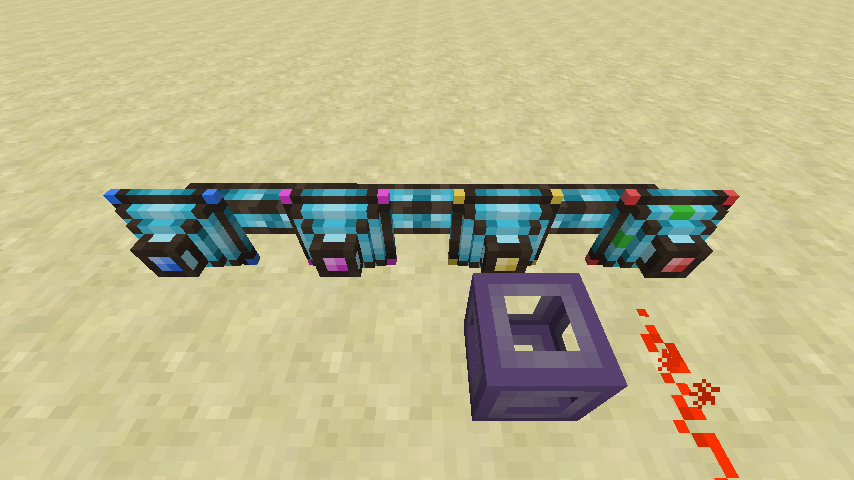
Different types of writers can be used to interact with the world.
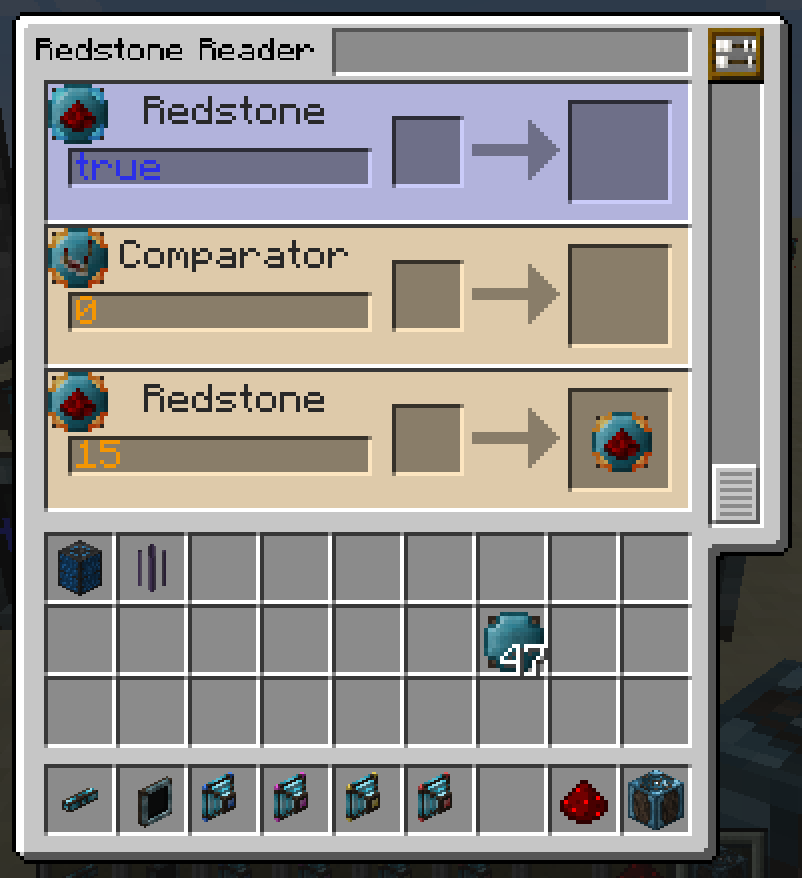
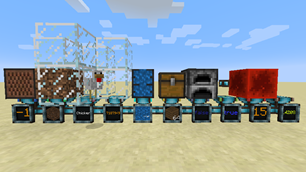
Each reader has countless aspects to read properties.
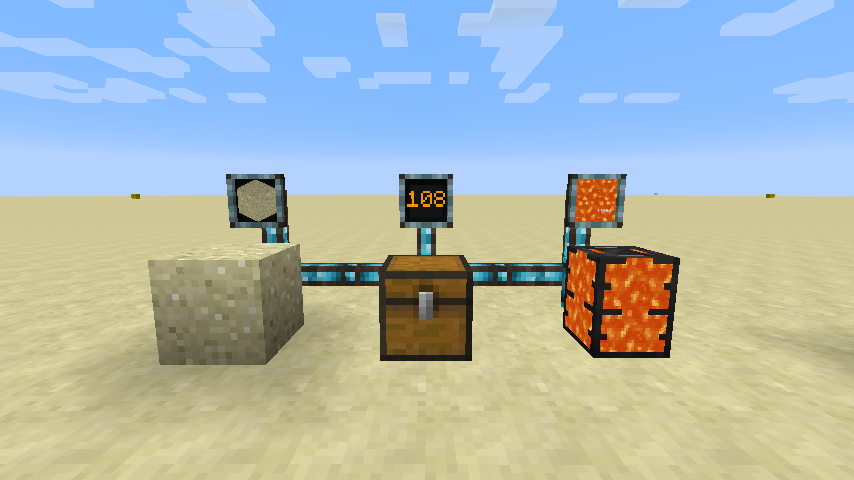
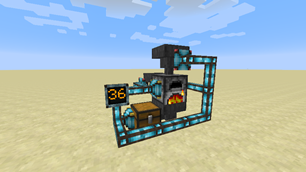
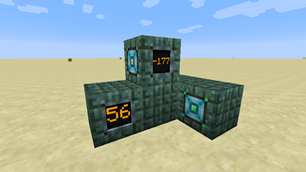
Display the variable values on a display for debugging, or if you want to make things fancy.
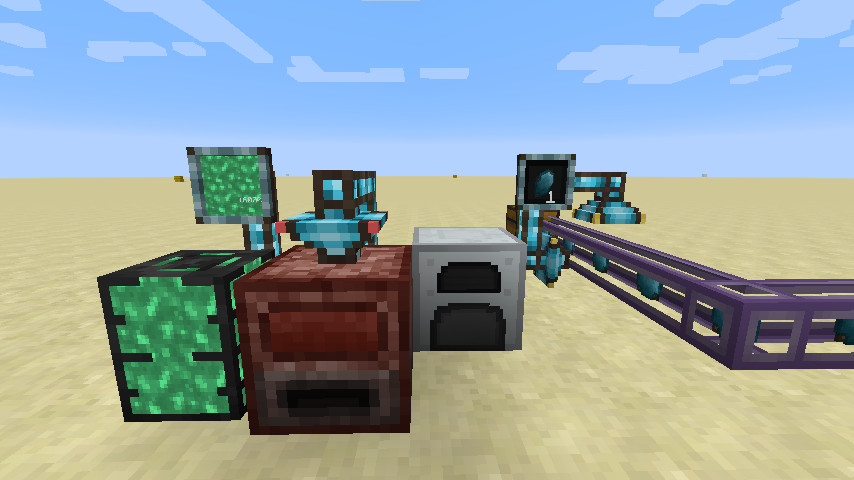
Mod interactions at its finest, which is one of the main goals of this mod.
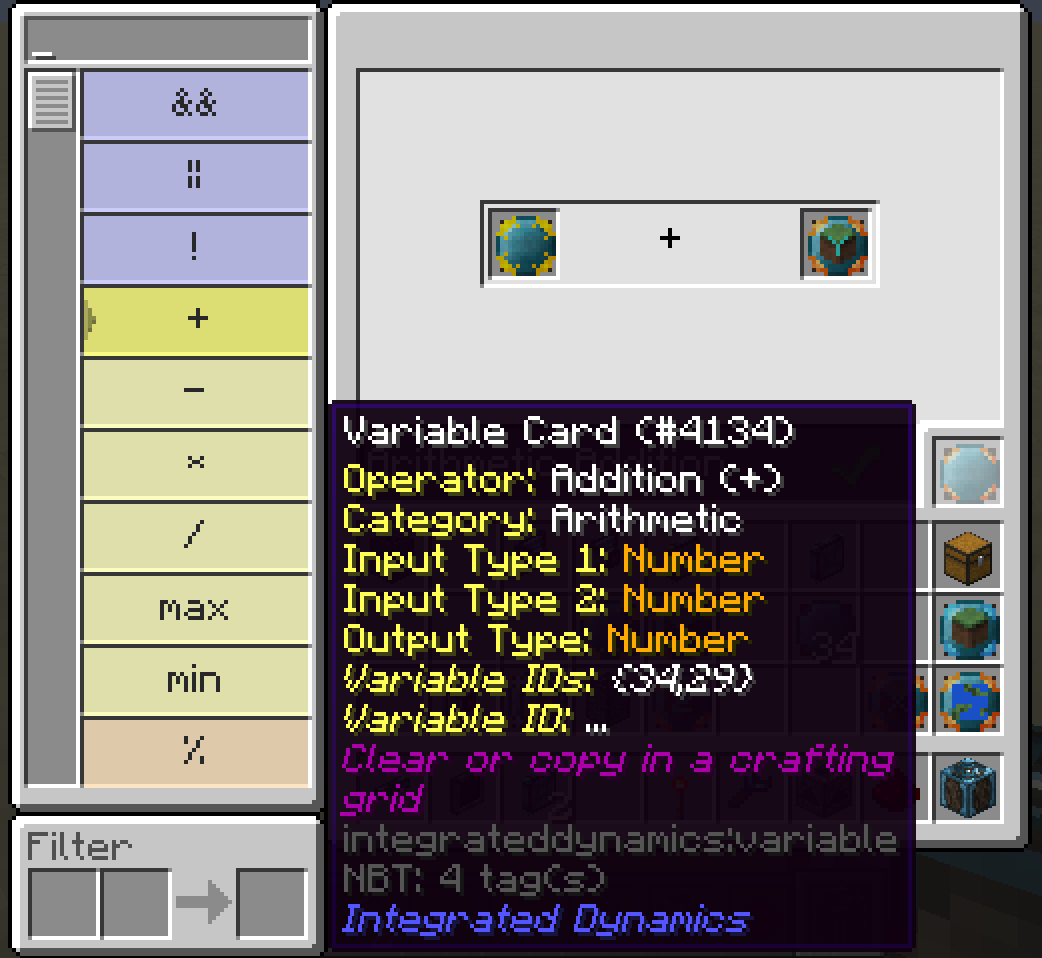
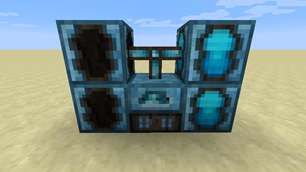
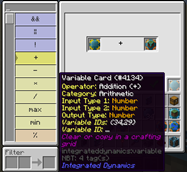
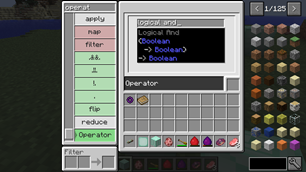
Perform complex operations with the Logic Programmer on your variables to automate tasks.
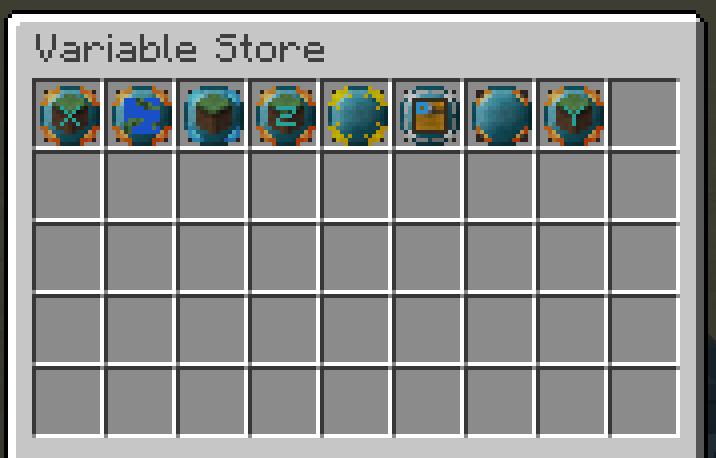
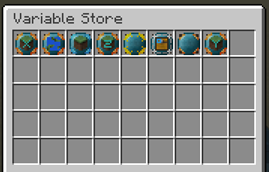
When using variables inside such operations, place them inside a Variable Store to make them accessible to the network.
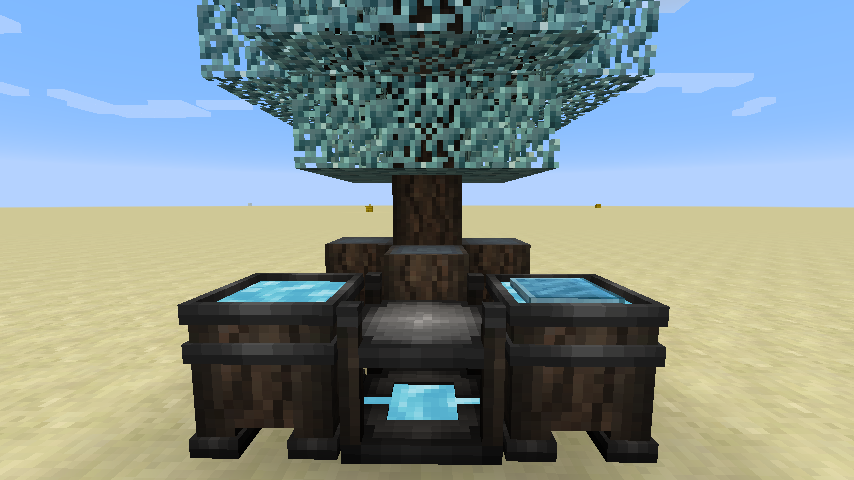
Immersive crafting system for creating everything in this mod, JEI support is available.
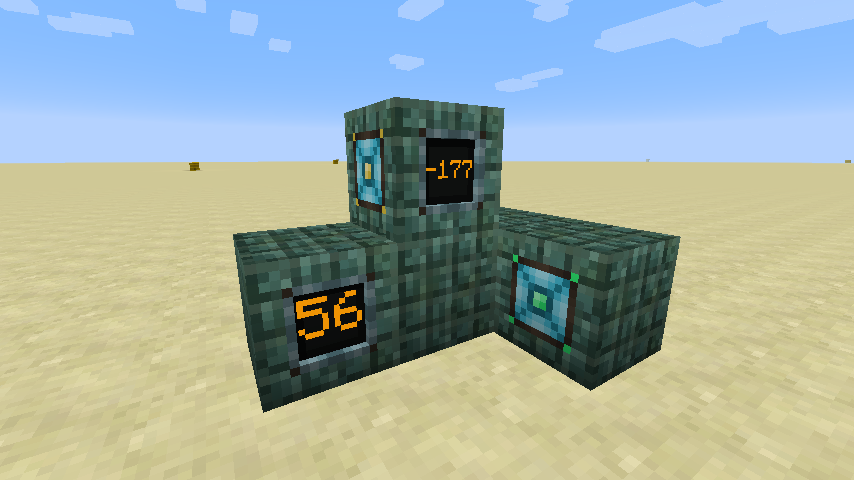
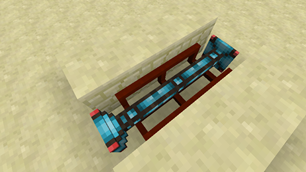
Hide your cables inside Facades to make your network blend in with the rest of the world.
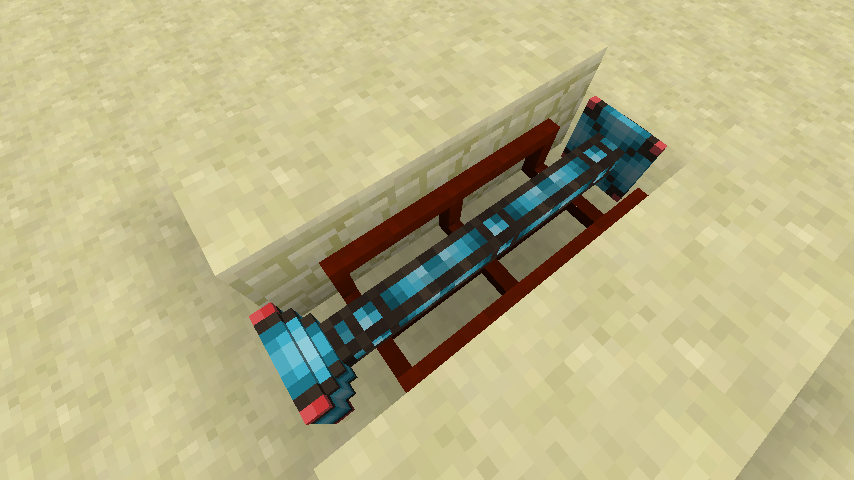
Cables and parts are fully compatible with McMultiPart (Only for MC 1.10 at the moment)
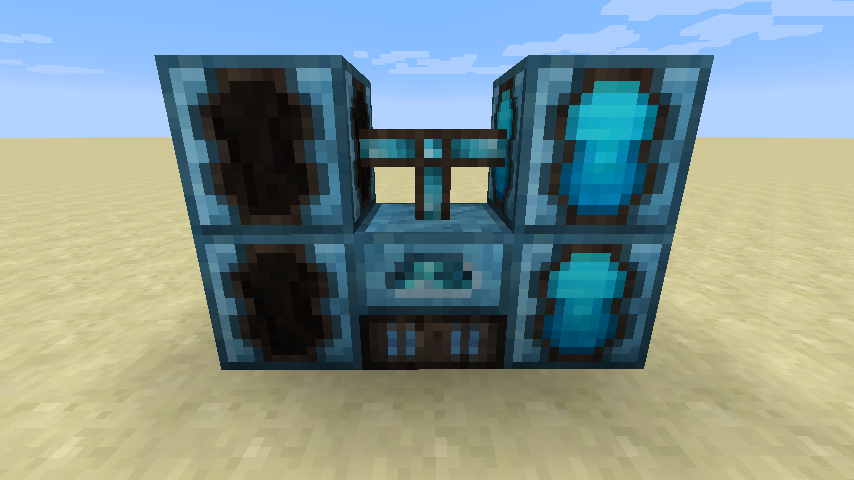
RF-compatible energy system. (Network consuming energy is disabled by default, enable it to make your game more interesting)
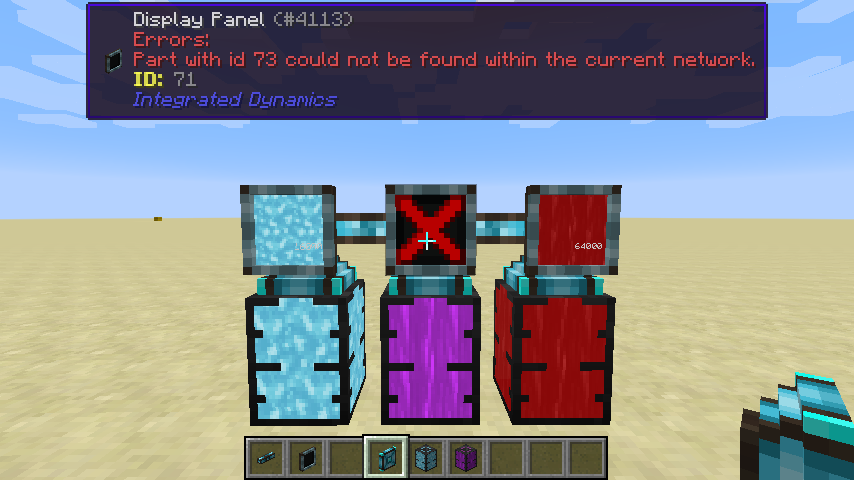
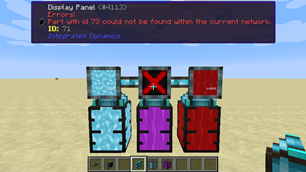
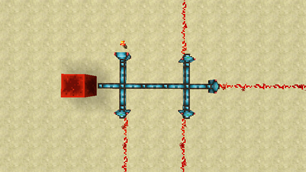
Visual feedback, since logic networks can become quite complex.
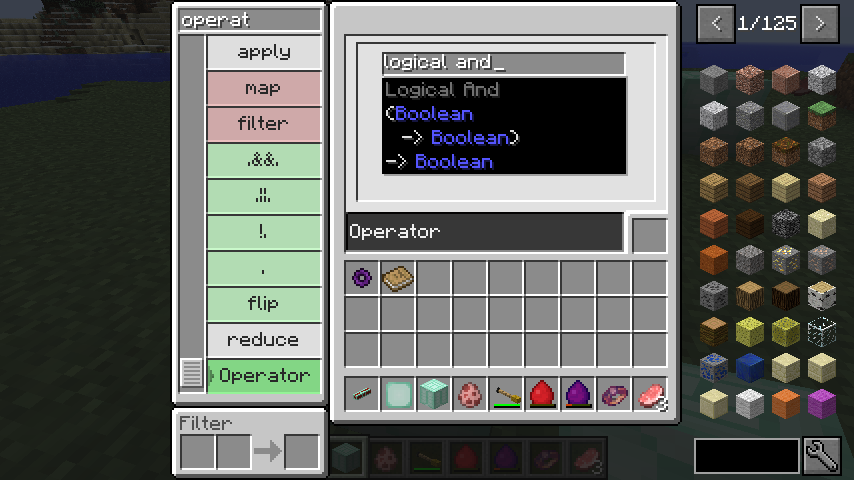
Use operators as values, to perform functional operators like map, filter and reduce. These can also be used in combination with Charset pipes to create fully-fledged fine-grained sorting systems.
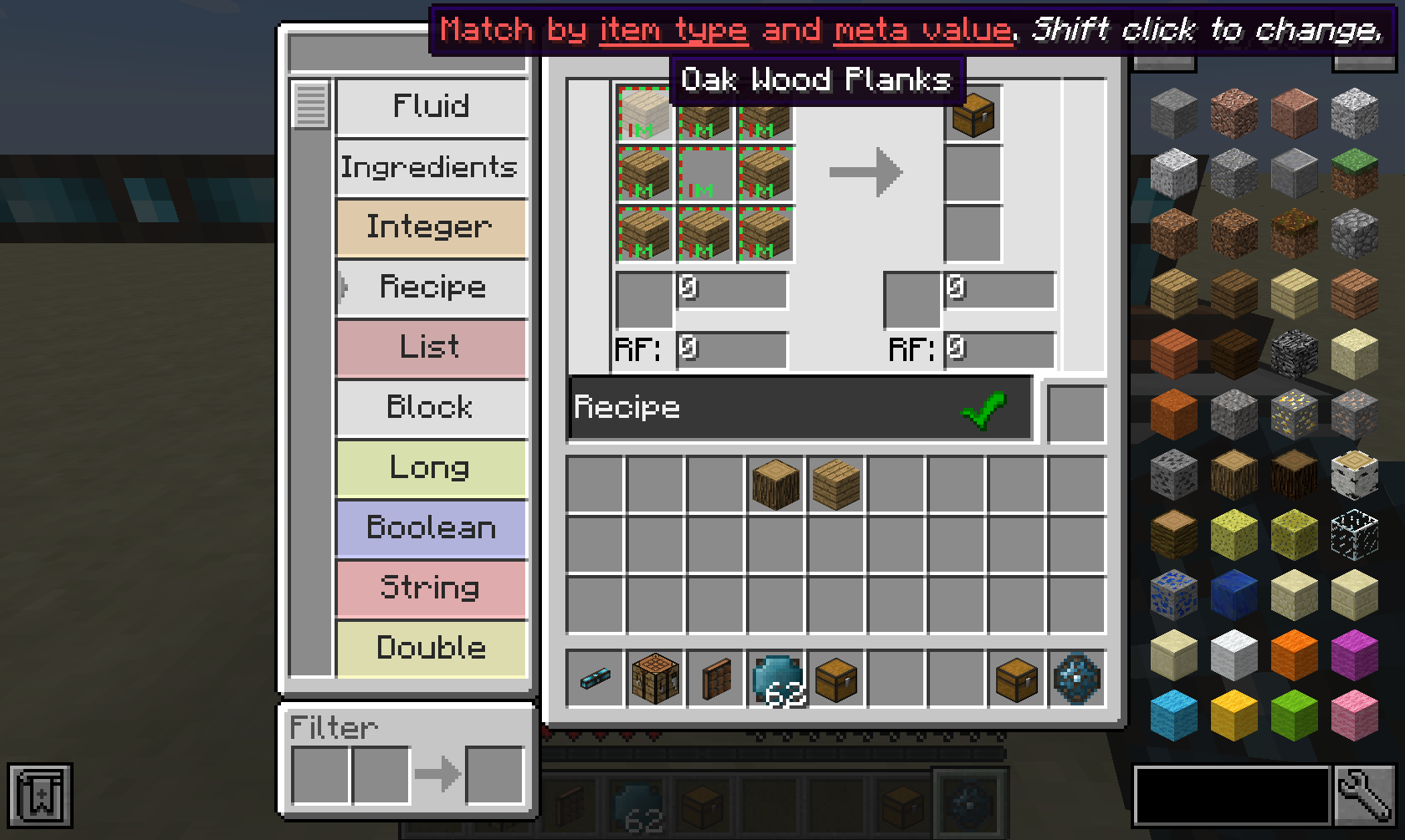
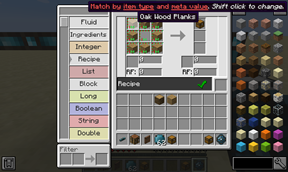
Recipes are first-class citizens in Integrated Dynamics. You can define them yourself in the Logic Programmer, or read them dynamically from machines using the Machine Reader. Recipes are used extensively in the Integrated Crafting mod.
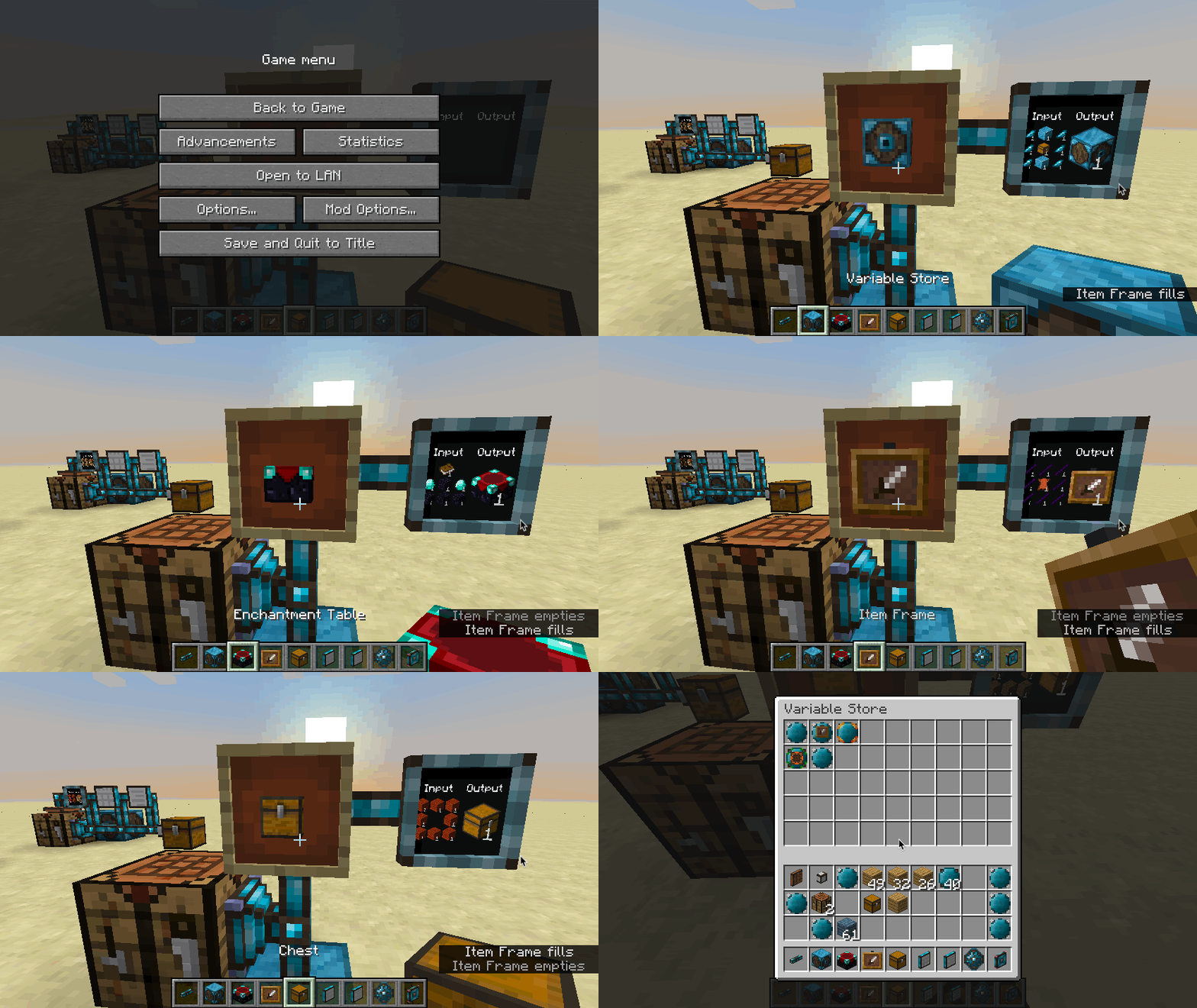
With this kind of Recipe logic, you can create complex logic systems, such as a system that looks up the recipe for a given item.
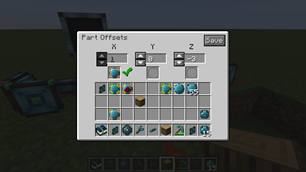
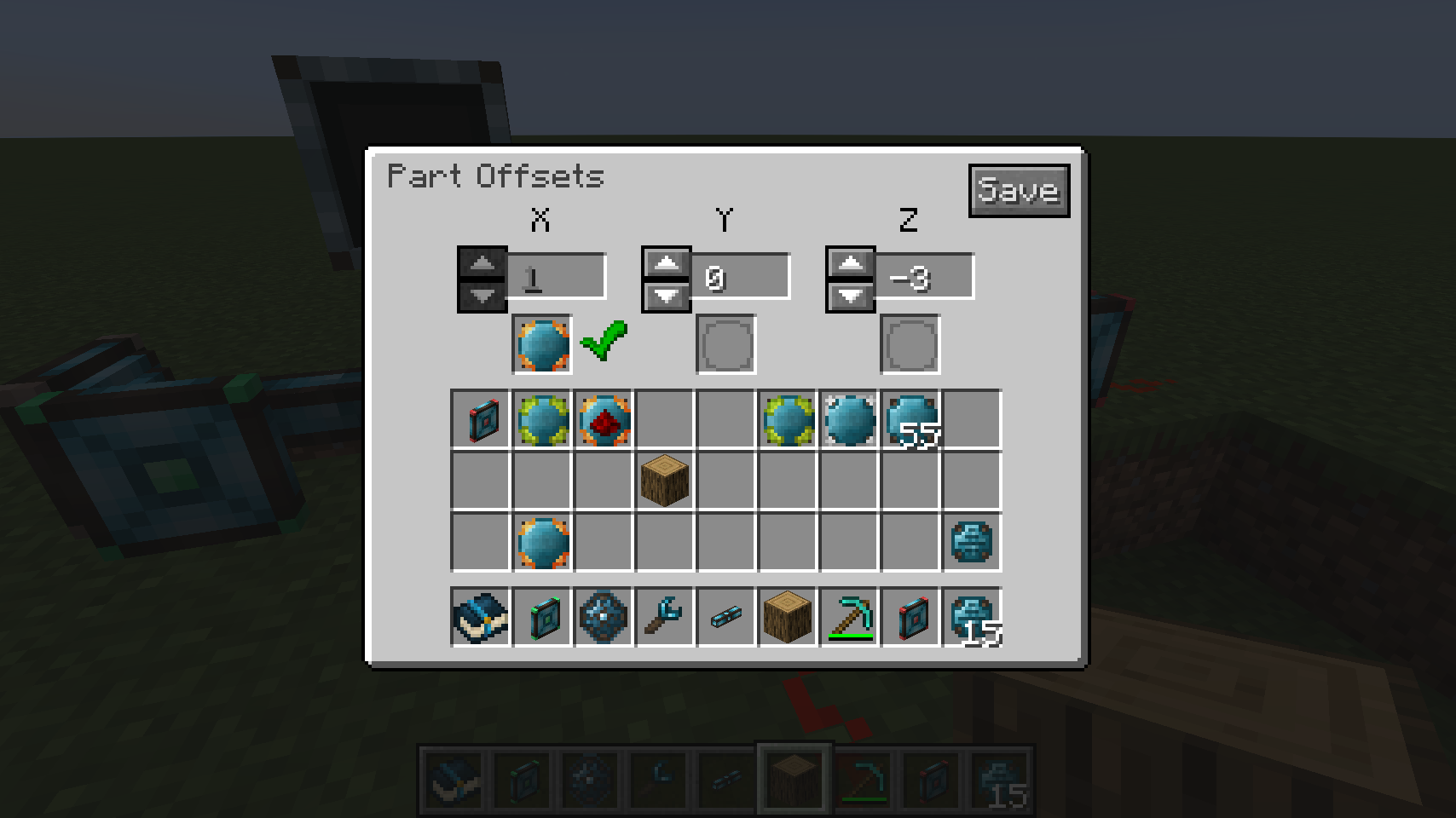
All parts support static and dynamic offsets, which enables operating on targets at a distance.
Server admins can use the /integrateddynamics networkdiagnostics command to open a gui for detailed ticktime tracking per network part.
This mod collects anonymized startup data, this can be disabled in the config file and adheres to Minecraft's snooper settings.

Support us via the referral code cyclops when renting a server at Bisect Hosting, and get 25% off your first month!

If you like this mod, consider supporting me on Patreon!
The Ultimate Guide to Integrated Dynamics
If you are exploring the vast world of Minecraft modifications, Integrated Dynamics by kroeser is a standout mod that deserves your attention. With over 111,639,277 downloads, it has become a staple for players looking to enhance their experience. As the creator describes it, this project is "A mod to take full and automated control of your appliances.". Whether you are a veteran builder constructing massive cities, or simply a casual player looking to upgrade your survival world, this guide will provide you with all the essential details on how Integrated Dynamics alters the game.
What Makes It Special?
Unlike standard mods that simply alter superficial elements, Integrated Dynamics introduces a wide array of visual and mechanical features designed to seamlessly blend into the vanilla aesthetic. kroeser has clearly spent significant time refining the project to ensure that every aspect feels polished and responsive for version 1.20.1.
Installation Guide
Getting Integrated Dynamics up and running is straightforward. Follow these step-by-step instructions:
- Verify Your Version: Ensure your Minecraft launcher is set to version 1.20.1.
- Install Mod Loader (if required): If this is a mod, download the compatible loader (Forge, Fabric, NeoForge).
- Download the File: Click the secure download button above to retrieve the official file from CurseForge.
- Move the File: Place the downloaded file into your `mods`, `shaderpacks`, or `resourcepacks` folder depending on the mod type.
- Launch and Enjoy: Open Minecraft, navigate to the respective settings menu, and activate Integrated Dynamics.
Compatibility & Performance
Compatibility is robust. Integrated Dynamics is designed specifically for version 1.20.1, taking full advantage of the latest engine optimizations. During typical gameplay, this addition maintains a stable frame rate, though lower-end laptops might experience slight stuttering. We recommend pairing this with performance boosters like Sodium or Iris to guarantee a silky-smooth experience.