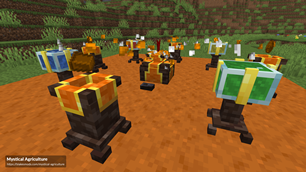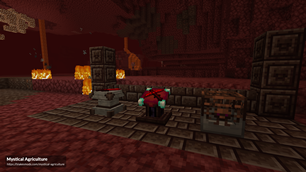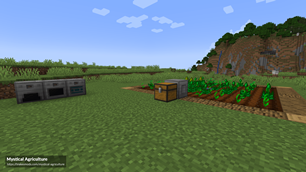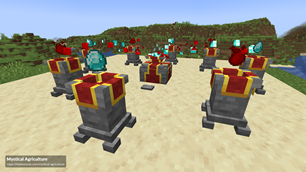
Why Mystical Agriculture is a top-tier mod mod for Minecraft 1.20.1
Adds resource crops for more than 130+ vanilla & modded materials!
⚙️ Quick Resource Specs
| Mod Creator | BlakeBr0 |
| Latest Version | 1.20.1 |
| Supported Game Versions | 1.20.1, 1.16.4, 1.14.4, 1.12.2, 1.10.2 |
| File Size | 638.22 KB |
| Last Updated | |
| Total Downloads | 141,496,565 downloads |









Mystical Agriculture is a mod based around the concept of growing your resources with crops. Use crops to grow essences used to make materials, mob drops, tools, armor and possibly even more!
Features
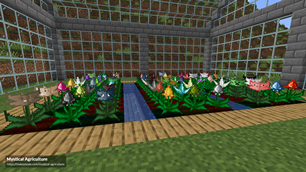
- Adds more than 130 resource crops for tons of Vanilla and Modded ingredients, materials and mob drops!
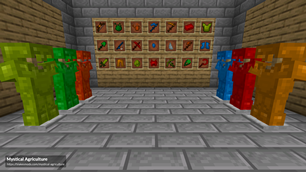
- Adds 6 sets of tools and armor that can be upgraded with additional capabilities using Augments!
- Increase crop growth speed with Growth Accelerators and Watering Cans.
- Farm crops more effectively with Scythes and Sickles, or harvest fields automatically using the Harvester!
- Process resources more effectively with upgradable Furnaces, and get more out of your extra seeds with the Seed Reprocessor.
- Use your extra resource essences to enchant tools, armor or books with the Enchanter!
- Use your extra mob essences to spawn mobs using the Soulium Spawner!
Resource Crops
Last updated for version 8.0.19
- Elemental: Air, Earth, Water, Fire
- Vanilla Resources: Stone, Dirt, Wood, Ice, Deepslate, Nature, Dye, Nether, Coal, Coral, Honey, Amethyst, Iron, Copper, Nether Quartz, Glowstone, Redstone, Obsidian, Prismarine, Gold, Lapis Lazuli, End, Experience, Diamond, Emerald, Netherite
- Mob Drops: Pig, Chicken, Cow, Sheep, Squid, Fish, Slime, Turtle, Armadillo, Zombie, Skeleton, Creeper, Spider, Phantom, Rabbit, Breeze, Blaze, Ghast, Enderman, Wither Skeleton
- Common Mod Resources: Rubber, Silicon, Sulfur, Aluminum, Saltpeter, Tin, Bronze, Zinc, Brass, Silver, Lead, Graphite, Steel, Nickel, Constantan, Electrum, Invar, Mithril, Tungsten, Titanium, Uranium, Chrome, Platinum, Iridium (Ingot)
- Gems: Apatite, Ruby, Sapphire, Peridot
- Mystical Agriculture: Soulium
- Thermal Series: Blizz, Blitz, Basalz, Signalum, Lumium, Enderium
- Redstone Arsenal: Flux-Infused Ingot, Flux-Infused Gem
- Immersive Engineering: HOP Graphite
- Tinkers' Construct: Amethyst Bronze, Slimesteel, Pig Iron, Cobalt, Rose Gold, Manyullyn, Queens Slime, Hepatizon
- Ender IO: Grains of Infinity, Copper Alloy, Redstone Alloy, Conductive Alloy, Soularium, Dark Steel, Pulsating Alloy, Energetic Alloy, Vibrant Alloy, End Steel
- Botania: Mystical Flower, Manasteel, Elementium, Terrasteel
- Mekanism: Osmium, Fluorite, Refined Glowstone, Refined Obsidian
- Chisel: Marble, Limestone, Basalt
- Twilight Forest: Steeleaf, Ironwood, Knightmetal, Fiery Ingot
- Integrated Dynamics: Menril
- Astral Sorcery: Aquamarine, Starmetal, Rock Crystal
- Pneumaticcraft: Compressed Iron
- Draconic Evolution: Draconium
- Extreme Reactors 2: Yellorium, Cyanite
- Applied Energistics 2: Sky Stone, Certus Quartz, Fluix
- Refined Storage: Quartz Enriched Iron
- Powah: Energized Steel, Blazing Crystal, Niotic Crystal, Spirited Crystal, Uraninite
Getting Started (version 2.x or later):
- For more detailed guides check out the official wiki! (here)
- This mod contains an in-game guide book! Download Patchouli to enable it: (download)
- First you are going to want to go mining for Prosperity and Inferium ore.
- Next you are going to want to create some Seed Bases for use in the creation of any seeds you want.
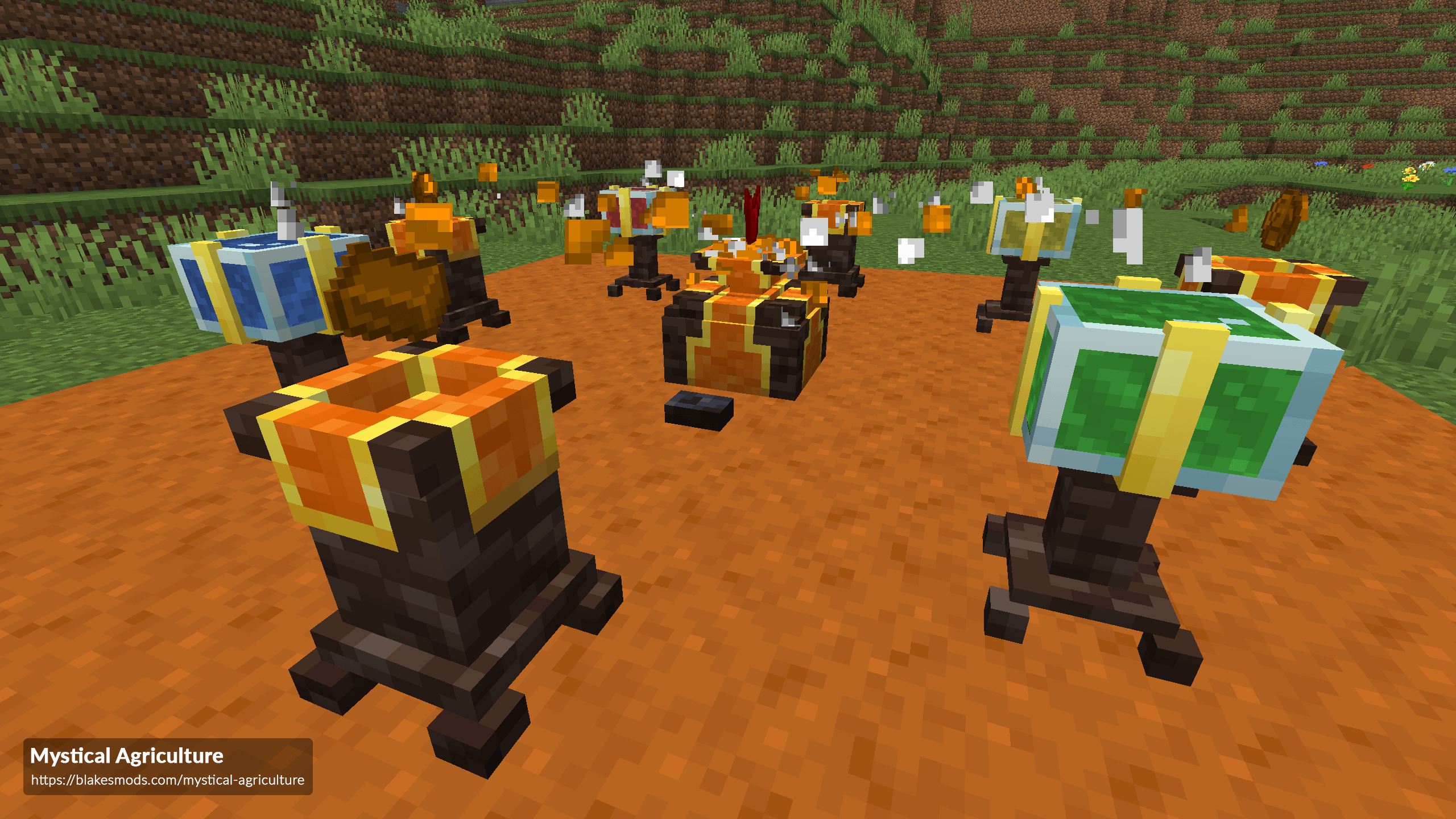
- Seeds are crafted using an Infusion Altar and Infusion Pedestals. Placing the altar in the world will show you where to place the pedestals.
- You are also going to want to make some Inferium Seeds for another source of Inferium Essence.
- You can get more Inferium Essence per harvest from Inferium Seeds by planting them on Essence Farmland.
- Essence Farmland is created by crafting or by right-clicking on vanilla Farmland in-world.
- You can also get Inferium Essence by killing mobs.
- Normal resource seeds require some of their respective resource along with the tier essence of the seed.
- To upgrade the tier of essence, you will need an Infusion Crystal.
- Mob seeds require Soul Jars of their respective mob type. To collect souls, you need to have Soul Jars in your inventory and kill the mobs with a Soulium Dagger.
- You can create tools and armor using the Inferium - Supremium essences.
- These require Essence Ingots.
- Tools and armor can be upgraded with augments! Some augments include Wither Resistance, Absorption, Speed, Jump Boost etc.
Getting Started (version 1.x):
- First you are going to want to go mining for Prosperity and Inferium ore.
- Next you are going to want to create some Crafting Seeds for use in the creation of any seeds you want.
- You are also going to want to make some Inferium Seeds for another source of Inferium Essence. You can upgrade the Inferium Seeds by surrounding them in the next tier essence.
- You can also get Inferium Essence by killing mobs.
- Normal resource seeds require some of their respective resource along with the tier essence of the seed.
- To upgrade the tier of essence, you will need an Infusion Crystal.
- Mob seeds require chunks of their respective mob. To obtain these you must kill the monsters with a Soulium Dagger. The drop chance is shown in the tooltip of the chunk.
- You can also craft them using 'blank' Mob Chunks. These are created by smelting any mob chunk in a furnace.
- Experience chunks are obtained from killing hostile mobs.
- You can create tools and armor using the Inferium - Supremium essences.
- These require Essence Ingots and Cores.
- You can re-claim the cores of the tools/armor at any point by crafting the item with a Core Remover. (The item will be destroyed in the process)
- When wearing a full set of Prudentium+ armor, you get set bonuses! Ex. Water Breathing.
- Wearing a full set of Supremium Armor enables you to fly. (Configurable)
- Supremium tools and armor can be upgraded with charms! Some charms include Wither Resistance, Absorption, Speed, Jump Boost etc.
- Note: You can disable the armor/tools module in the 'Gear' section of the config file.
Modpack Maker Note
Some essence recipes (ex: Copper, Tin, Lead, Silver etc.) make use of the cucumber-tags.json file for recipe outputs. This file will be automatically generated on first world load. To ensure the applicable tags convert to the correct item you must change the values in this file to your liking. Click here for instructions and more information.
Credits
- xun468 for making the crop textures!
- Quizzly for contributing some textures!
- Mark719 for Magical Crops, which inspired this mod!
The Ultimate Guide to Mystical Agriculture
If you are exploring the vast world of Minecraft modifications, Mystical Agriculture by BlakeBr0 is a standout mod that deserves your attention. With over 141,496,565 downloads, it has become a staple for players looking to enhance their experience. As the creator describes it, this project is "Adds resource crops for more than 130+ vanilla & modded materials!". Whether you are a veteran builder constructing massive cities, or simply a casual player looking to upgrade your survival world, this guide will provide you with all the essential details on how Mystical Agriculture alters the game.
What Makes It Special?
Unlike standard mods that simply alter superficial elements, Mystical Agriculture introduces a wide array of visual and mechanical features designed to seamlessly blend into the vanilla aesthetic. BlakeBr0 has clearly spent significant time refining the project to ensure that every aspect feels polished and responsive for version 1.20.1.
Installation Guide
Getting Mystical Agriculture up and running is straightforward. Follow these step-by-step instructions:
- Verify Your Version: Ensure your Minecraft launcher is set to version 1.20.1.
- Install Mod Loader (if required): If this is a mod, download the compatible loader (Forge, Fabric, NeoForge).
- Download the File: Click the secure download button above to retrieve the official file from CurseForge.
- Move the File: Place the downloaded file into your `mods`, `shaderpacks`, or `resourcepacks` folder depending on the mod type.
- Launch and Enjoy: Open Minecraft, navigate to the respective settings menu, and activate Mystical Agriculture.
Compatibility & Performance
Compatibility is robust. Mystical Agriculture is designed specifically for version 1.20.1, taking full advantage of the latest engine optimizations. During typical gameplay, this addition maintains a stable frame rate, though lower-end laptops might experience slight stuttering. We recommend pairing this with performance boosters like Sodium or Iris to guarantee a silky-smooth experience.