Why Tea Shaders is a top-tier mod mod for Minecraft 1.21.11
Vanilla Minecraft with a little extra!
⚙️ Quick Resource Specs
| Mod Creator | unicornblood2468 |
| Latest Version | 1.21.11 |
| Supported Game Versions | 1.21.11, 1.20.6, 1.19.4, 1.18.2, 1.17.1 |
| File Size | 122.35 KB |
| Last Updated | |
| Total Downloads | 1,539,710 downloads |
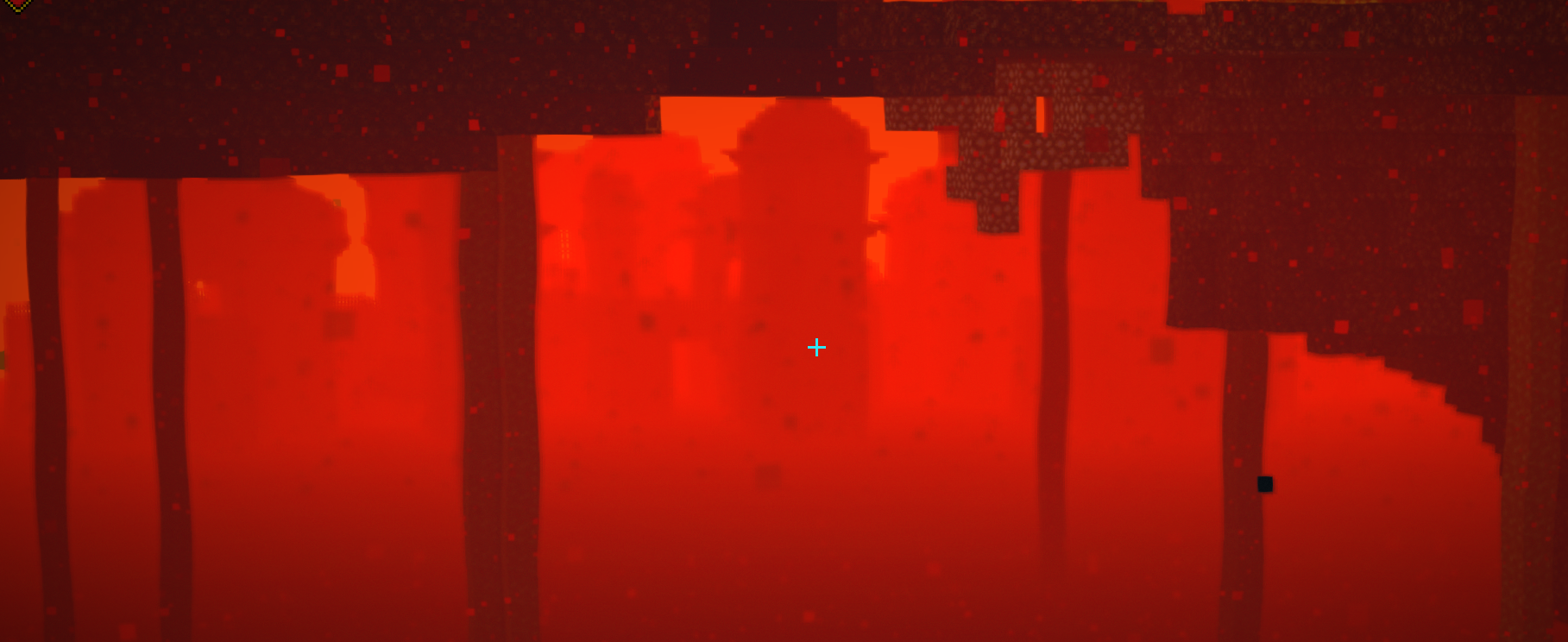
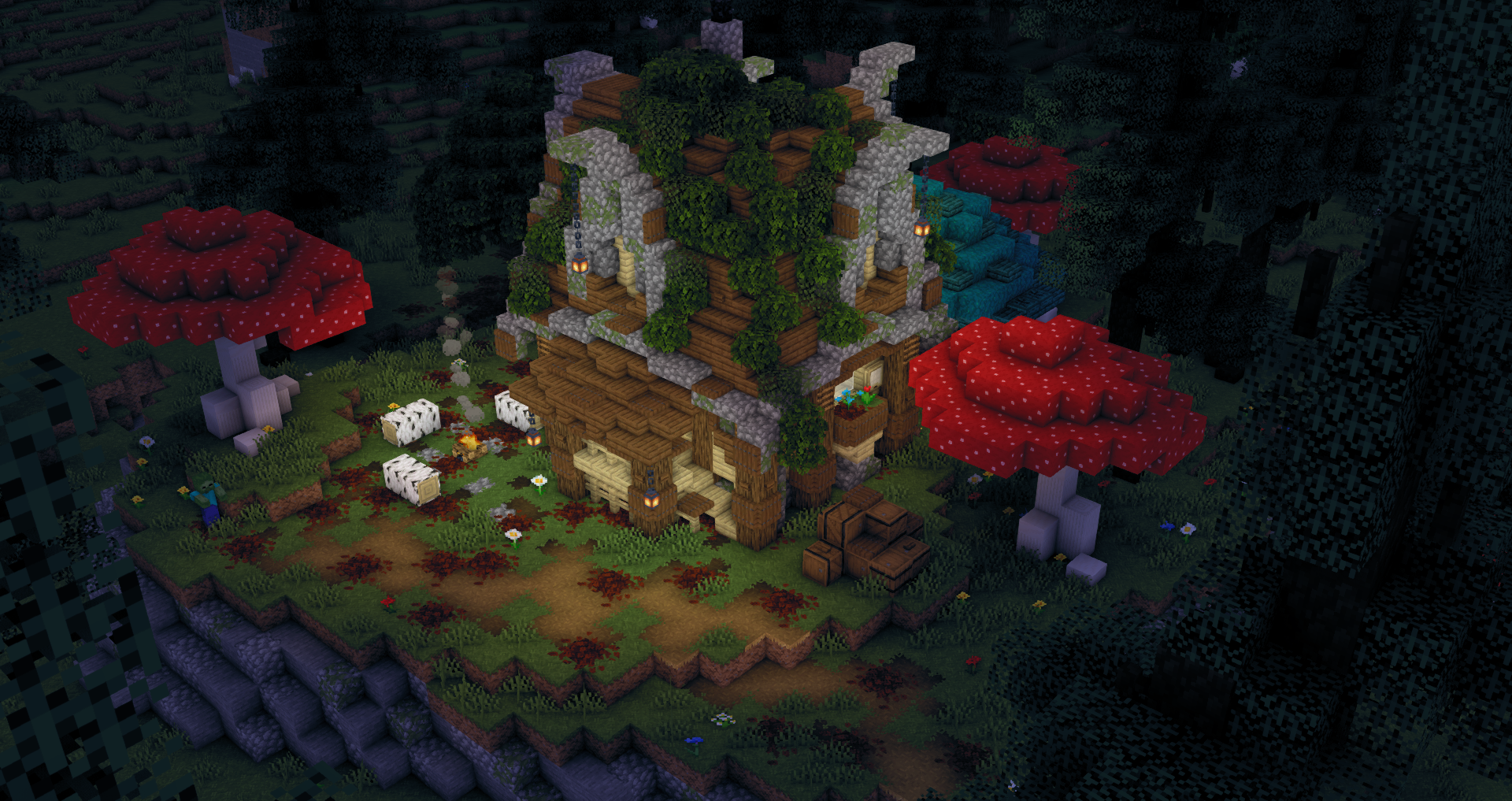
Version 2.0 under development including major performance increases! The "Dev" versions are fine to use and have all but two features from pre 2.0.0!
Welcome to my new project! This one is based around adding a little bit extra to vanilla Minecraft and doing so in a fully customizable way.
Current Features
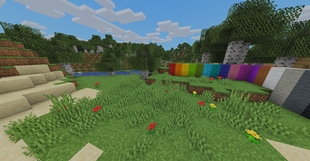
- Waving grass / leaves
- Waving Water
- Customizable watercolor with 3 settings for texture and biome effects
- Custom swamp biome effect (more biome effects planned)
- Selection box custom color toggle
- Dof
- Customizable fog (including underwater).
- Celshading
- Improved FXAA
- SSAO
- HDR
- Tonemapping
- TAA
- Underwater refraction effect
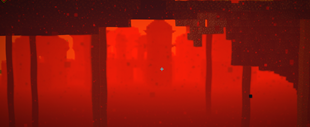
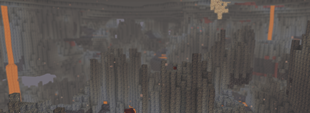
- Nether heat refraction effect
- And more!!
 Licenseundefined
All Rights Reserved unless otherwise explicitly stated.
By downloading this project you agree to the terms and conditions
detailed below.TERMS AND CONDITIONS0. Definitions.
"Copyright" also means copyright-like laws that apply to other kinds of
works, such as semiconductor masks."The Project" refers to any copyrightable work licensed under this
License. Each licensee is addressed as "you". "Licensees", "users" and
"recipients" may be individuals or organizations."The Author" refers to the original creator(s) of this project and it's
source code.To "modify" a work means to copy from or adapt all or part of the work
in a fashion requiring copyright permission, other than the making of an
exact copy. The resulting work is called a "modified version" of the
earlier work or a work "based on" the earlier work.A "covered work" means either the unmodified Project or a work based
on the Project.To "propagate" a work means to do anything with it that, without
permission, would make you directly or secondarily liable for infringement
under applicable copyright law, except executing it on a computer or
modifying a private copy. Propagation includes copying, distribution
(with or without modification), making available to the public, and in
some countries other activities as well.To "convey" a work means any kind of propagation that enables other
parties to make or receive copies. Mere interaction with a user through a
computer network, with no transfer of a copy, is not conveying.1. RedistributionPublic propagation of this project or parts of it requires you to
exclusively use the official links provided by the author. This means that
independently hosting a copy of this project and propagating it using this
hosted version is prohibited. The usage of link monetization services on
redistribution is strictly prohibited.
Websites and Blogs collecting projects similar to this project are
invited to ask for explicit permission before adding this project to
its database.2. Private ModificationsUsers are allowed to create private modifications of this project
without explicit permission. Redistribution of these modified versions
however require explicit permission by the author of the original project.
See section 3 for more information about public modifications.3. Public ModificationsPublic redistribution of a modified version of this project is forbidden,
unless explicit permission is given.4. Usage of parts of this project as part of another, original projectUsing parts of this projects source code as part of another, original
project requires explicit permission from this projects author.
Furthermore this project, its author and the parts used have to be
clearly credited. Additionally any means of monetization on this modified
version are prohibited unless explicit permission is given.5. LiabilityThe project is provided "as is", without warranty of any kind, express
or implied, including but not limited to the warranties of merchantability,
fitness for a particular purpose and noninfringement. In no event shall the
author or copyright holders be liable for any claim, damages or other
liability, whether in an action of contract, tort or otherwise, arising from,
out of or in connection with the project or the use or other dealings in the
project.6. DisclaimerThis License and its terms are subject to change and review at any time
by this projects author.
The Ultimate Guide to Tea Shaders
If you are exploring the vast world of Minecraft modifications, Tea Shaders by unicornblood2468 is a standout mod that deserves your attention. With over 1,539,710 downloads, it has become a staple for players looking to enhance their experience. As the creator describes it, this project is "Vanilla Minecraft with a little extra!". Whether you are a veteran builder constructing massive cities, or simply a casual player looking to upgrade your survival world, this guide will provide you with all the essential details on how Tea Shaders alters the game.
What Makes It Special?
Unlike standard mods that simply alter superficial elements, Tea Shaders introduces a wide array of visual and mechanical features designed to seamlessly blend into the vanilla aesthetic. unicornblood2468 has clearly spent significant time refining the project to ensure that every aspect feels polished and responsive for version 1.21.11.
Installation Guide
Getting Tea Shaders up and running is straightforward. Follow these step-by-step instructions:
- Verify Your Version: Ensure your Minecraft launcher is set to version 1.21.11.
- Install Mod Loader (if required): If this is a mod, download the compatible loader (Forge, Fabric, NeoForge).
- Download the File: Click the secure download button above to retrieve the official file from CurseForge.
- Move the File: Place the downloaded file into your `mods`, `shaderpacks`, or `resourcepacks` folder depending on the mod type.
- Launch and Enjoy: Open Minecraft, navigate to the respective settings menu, and activate Tea Shaders.
Compatibility & Performance
Compatibility is robust. Tea Shaders is designed specifically for version 1.21.11, taking full advantage of the latest engine optimizations. During typical gameplay, this addition maintains a stable frame rate, though lower-end laptops might experience slight stuttering. We recommend pairing this with performance boosters like Sodium or Iris to guarantee a silky-smooth experience.