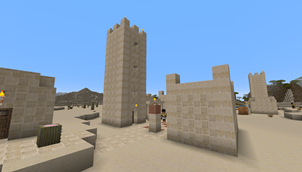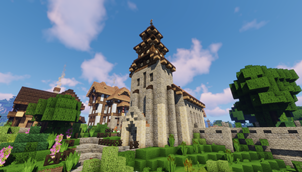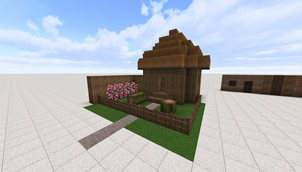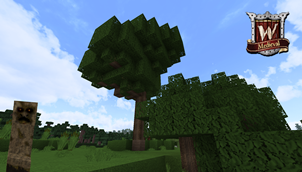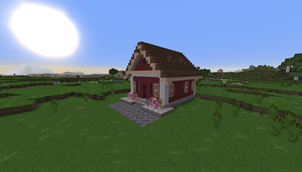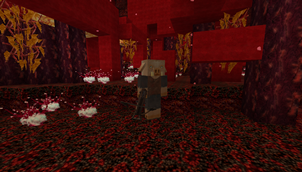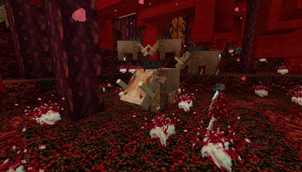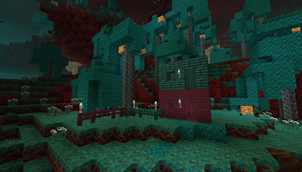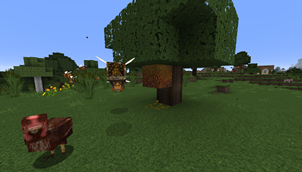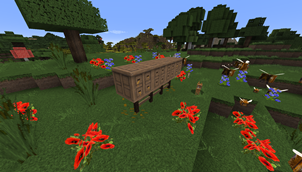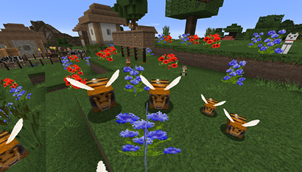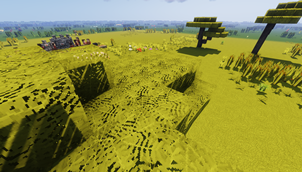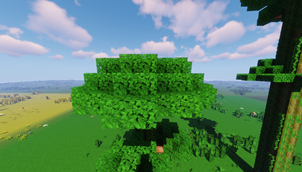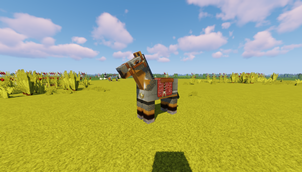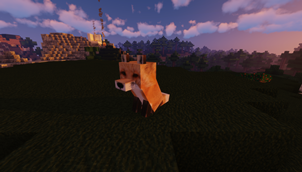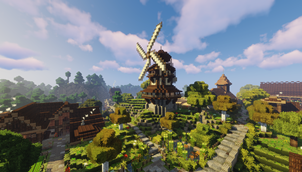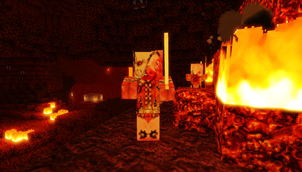
Why Winthor Medieval is a top-tier texture pack mod for Minecraft 1.20.2
Developed by the talented creator Studio_Winthor, Winthor Medieval stands out as a highly recommended selection for your Minecraft client. It is fully optimized, compatibility-tested, and brings a major upgrade to the gameplay experience in Minecraft version 1.20.2.
⚙️ Quick Resource Specs
| Mod Creator | Studio_Winthor |
| Latest Version | 1.20.2 |
| Supported Game Versions | 1.20.2 |
| File Size | 92.14 MB |
| Last Updated | |
| Total Downloads | 674,215 downloads |
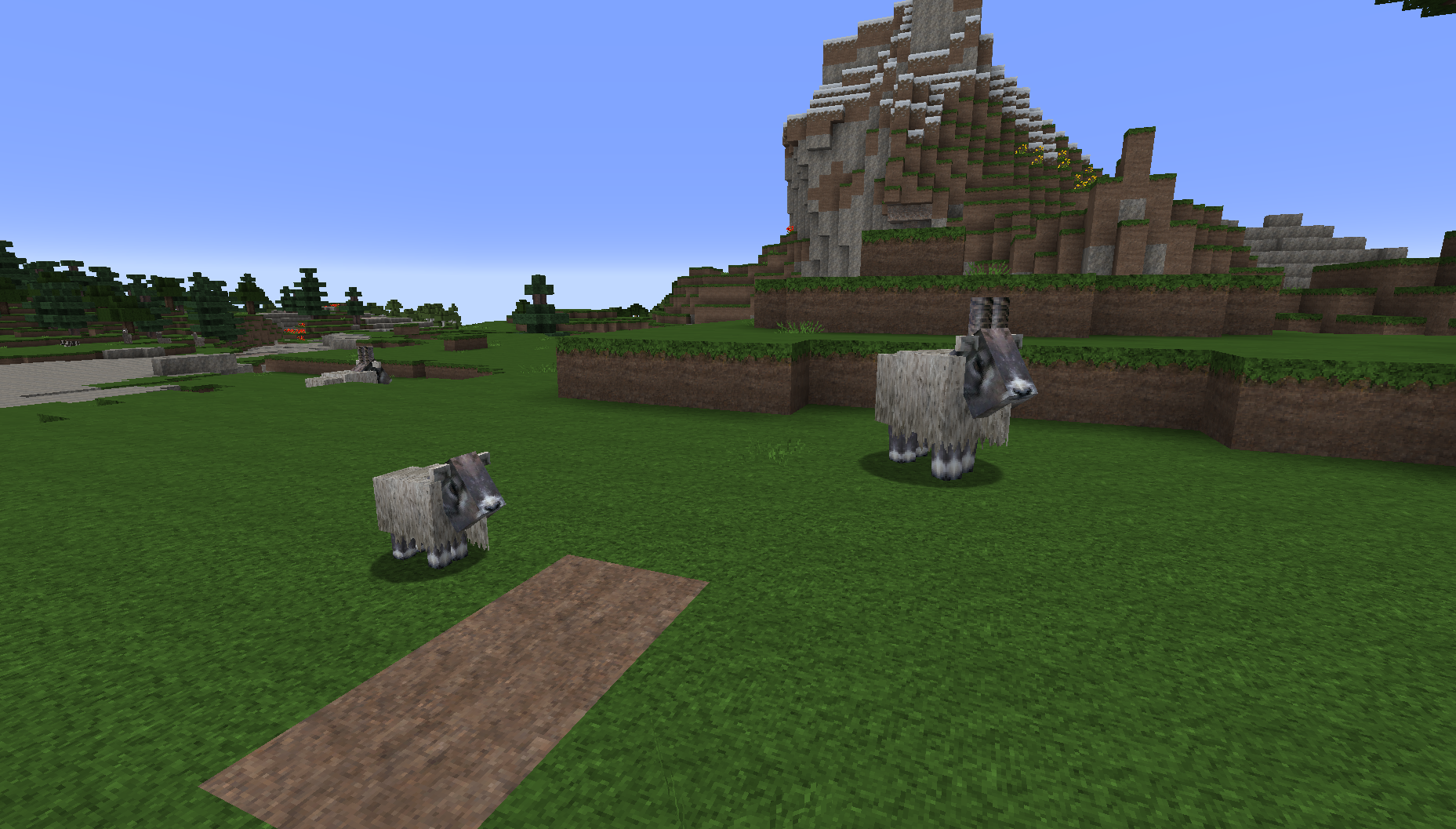
Up to today our Texture Pack was downloaded 100.000 times on Planet Minecraft, so we decided to give you the chance to download it here too.
We want to bring the Middle Ages to life.
The work started in November 2017.
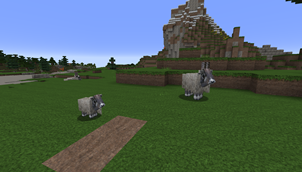
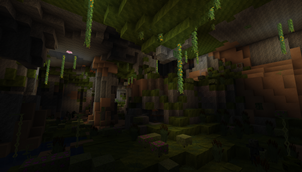
Today our Texture Pack has all blocks, all items, all entities, all GUI and a font of its own (deleted with version for Minecraft 1.14).
All Minecraft 1.14 specific textures are complete.
Feedback from our YouTube community has always made the Texture Pack better.
Now the Texture Pack is complete and we would like to offer it here for you to download.
We hope you enjoy your trip to the Middle Ages.
Get the Winthor Medieval Legacy Edition Texture Pack (16-bit version)
Visit us:
https://www.youtube.com/studiowinthor
https://www.facebook.com/StudioWinthor/
https://twitter.com/StudioWinthor
https://www.instagram.com/lucrezia_studiowinthor/
https://www.planetminecraft.com/member/studio-winthor/
Get the Patrons Edition:
https://www.patreon.com/studiowinthor
_________________________________________________________________________________________________________________
You're allowed to:
+ Take screenshots and post on any third party websites
+ Create videos and streams and post on any third party websites include a link to the pack download link (please attach a link to the resource pack download page)
+ You can use Studio Winthors texture pack as the base for your texture pack and publish it if the textures package you revised contains only 30% of my textures and I'll be mentioned in the ZIP and in all posts, forums etc. The websites on which you offer the download may not work commercially. Please attach a link to the resource pack download page.
+ Use our texture packs as prefered texture pack on your multiplayer server. Please attach a link to the resource pack download page.
You're NOT allowed:
- Re-create any of the Winthor Medieval packs without mention me.
- Use or modify the textures in anyway.
- Upload any Winthor Medieval pack files to any third party servers i.e Planetminecraft.com.
- Claim Studio Winthors texture packs as your own project or reupload any of our packs as your own or in our name.
- Use any part of Winthor Medieval for profit using such things as Adfly links. You're allowed to monetize videos please provide a link to the resource pack download page.
_________________________________________________________________________________________________________________
If you're having issues with the texture pack and need help, please make sure that:
+ You have allocated at least 3 GB of RAM to Minecraft (JVM argument -Xmx3G)
+ You are using the correct texture pack version for your Minecraft version
+ The texture pack was not damaged during the download
If you need support please let me know:
+ Which version of the texture pack are you using?
- e.g. Winthor Medieval v4.2.2 MC 1.15
+ Which Minecraft version are you using?
- e.g. Minecraft 1.16.3
+ Do you use OptiFine? If so, which version do you use?
- e.g. Yes, OptiFine_1.16.3_HD_U_G3
+ Do you use Forge or other mod loaders? If so, which version do you use?
- e.g. Yes. forge-1.16.3-34.1.0
+ Are there any other Minecraft modifications not mentioned above?
- e.g.Yes, I'm using a mod pack using Technic Launcher.
All of this informations are necessary to be able to replicate your issue and to be able to give assistance.
The Ultimate Guide to Winthor Medieval
If you are exploring the vast world of Minecraft modifications, Winthor Medieval by Studio_Winthor is a standout texture that deserves your attention. With over 674,215 downloads, it has become a staple for players looking to enhance their experience. As the creator describes it, this project is "64x Medieval Texture Pack [100% Complete]". Whether you are a veteran builder constructing massive cities, or simply a casual player looking to upgrade your survival world, this guide will provide you with all the essential details on how Winthor Medieval alters the game.
What Makes It Special?
Unlike standard textures that simply alter superficial elements, Winthor Medieval introduces a wide array of visual and mechanical features designed to seamlessly blend into the vanilla aesthetic. Studio_Winthor has clearly spent significant time refining the project to ensure that every aspect feels polished and responsive for version 1.20.2.
Installation Guide
Getting Winthor Medieval up and running is straightforward. Follow these step-by-step instructions:
- Verify Your Version: Ensure your Minecraft launcher is set to version 1.20.2.
- Install Mod Loader (if required): If this is a mod, download the compatible loader (Forge, Fabric, NeoForge).
- Download the File: Click the secure download button above to retrieve the official file from CurseForge.
- Move the File: Place the downloaded file into your `mods`, `shaderpacks`, or `resourcepacks` folder depending on the texture type.
- Launch and Enjoy: Open Minecraft, navigate to the respective settings menu, and activate Winthor Medieval.
Compatibility & Performance
Compatibility is robust. Winthor Medieval is designed specifically for version 1.20.2, taking full advantage of the latest engine optimizations. During typical gameplay, this addition maintains a stable frame rate, though lower-end laptops might experience slight stuttering. We recommend pairing this with performance boosters like Sodium or Iris to guarantee a silky-smooth experience.