Why Iris & Oculus Flywheel Compat is a top-tier mod mod for Minecraft 1.21.1
Enable Flywheel's optimizations when use shaders.
⚙️ Quick Resource Specs
| Mod Creator | leon_mout |
| Latest Version | 1.21.1 |
| Supported Game Versions | 1.21.1, 1.20.1, 1.19.2 |
| File Size | 52.40 KB |
| Last Updated | |
| Total Downloads | 39,702,560 downloads |
Version Compatibility:
| Create Version | NeoForge/Forge | Fabric |
|---|---|---|
| 6.0.9 | 2.1.0 | ❌ |
| 6.0.0 - 6.0.9 | 2.0.5 | ❌ |
| 5.0 | 1.X | 1.X |
Features:
- Render Create's entities using Flywheel Instancing with shaderpack enabled.
- Supports most shaderpacks without patching.
- Supports PBR.
The version 2.0.3 now fully supports Create 6.0.

If you have any suggestions or issues, please raise them on the GitHub issue page.
undefined
What's this?
- Flywheel will disable its optimizations when you are using shaderpacks.
- This mod forces Flywheel’s optimizations to be enabled.
- For those using shaderpacks and mods that depend on Flywheel, this mod can significantly improve fps.
- If you don’t use shaderpacks, this mod has no effect because Flywheel’s optimizations are enabled by default.
undefined
Compatibility
The shaders that have been tested are:
- BSL
- Complementary
- Complementary Reimagined
- SEUS renewed
- Sildurs Vibrant Shaders
- AstraLex
- Kapa 5.1
- Nostalgia
- Rethinking Voxels
- SEUS PTGI HRR
There are some shaderpacks that are also supported, but not listed above, so you can test them yourself.
This mod only supports some specific versions of Iris !!!
| Create Version | NeoForge/Forge | Fabric |
|---|---|---|
| 6.0.9 | 2.1.0 | ❌ |
| 6.0.0 - 6.0.9 | 2.0.5 | ❌ |
| 5.0 | 1.X | 1.X |
| Iris or Oculus | This Mod |
|---|---|
| >= 1.8.1 | 2.0.0 |
| >= 1.6.13 | 0.2.2 |
| >= 1.6.5 | 0.2.1 |
| >= 1.6.2 | 0.2.0 |
| >= 1.5 and <= 1.6.1 | 0.1.9 |
| >= 1.4 and < 1.5 | 0.1.7~0.1.8 |
| <1.4 | 0.1.6 below |
CHANGELOG
2024/7/28
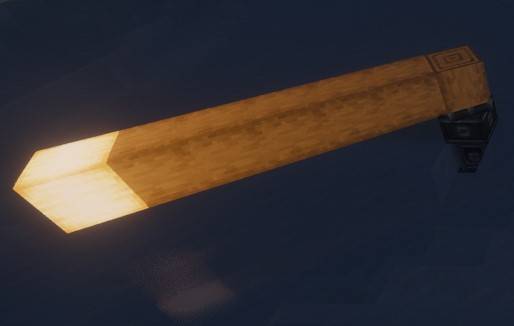
- Fix lighting issues of the moving contraption.
- The vertex light strength was incorrectly set to a fixed value, causing the moving contraption won't be affected by the light source.
- Use architecture to reorganize the project.
- Forge and Fabric forge are now merged into a single project, which is more convenient for future development.
- New version number format.
- Now the version number starts from 1.0.0. The first number represents the major version and will be increased when the mod has a significant update. The second number represents the Iris/Oculus compatibility and will be increased when the mod is no longer compatible with older versions of iris.
Principle
Flywheel uses a method called GPU Instancing to render entities. It is very efficient when rendering a large number of repeating entities (e.g., cogwheels in the Create mod).
However, when you use Iris and enable shaderpack, this optimization is disabled because Flywheel needs to use its own shaders to render these entities, and Flywheel’s shaders will no longer work when you enable shaderpack.
This mod will automatically merge Flywheel’s shaders with the shaders in the shaderpack when shaderpack is enabled, allowing entities to be rendered using Instancing.
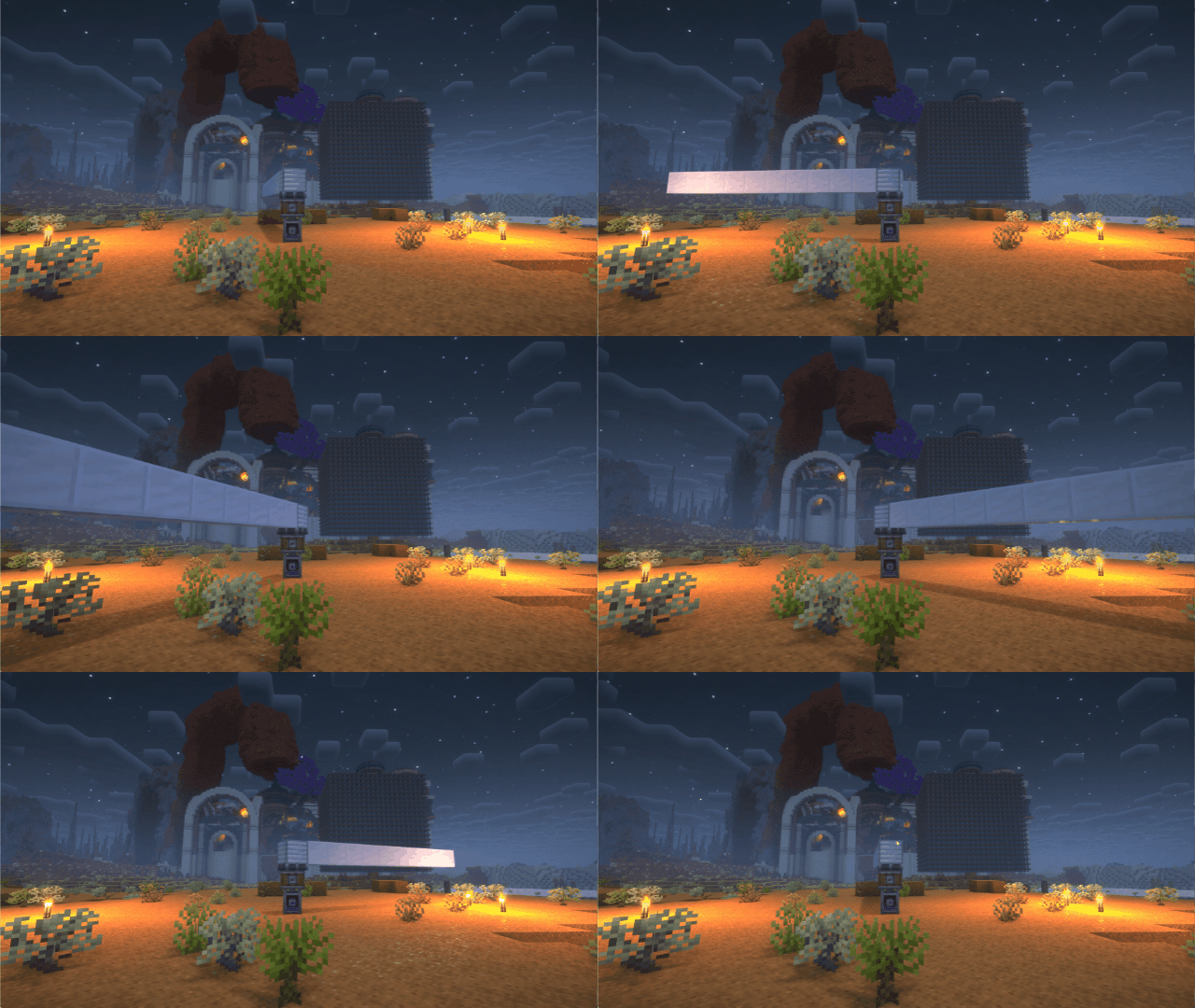
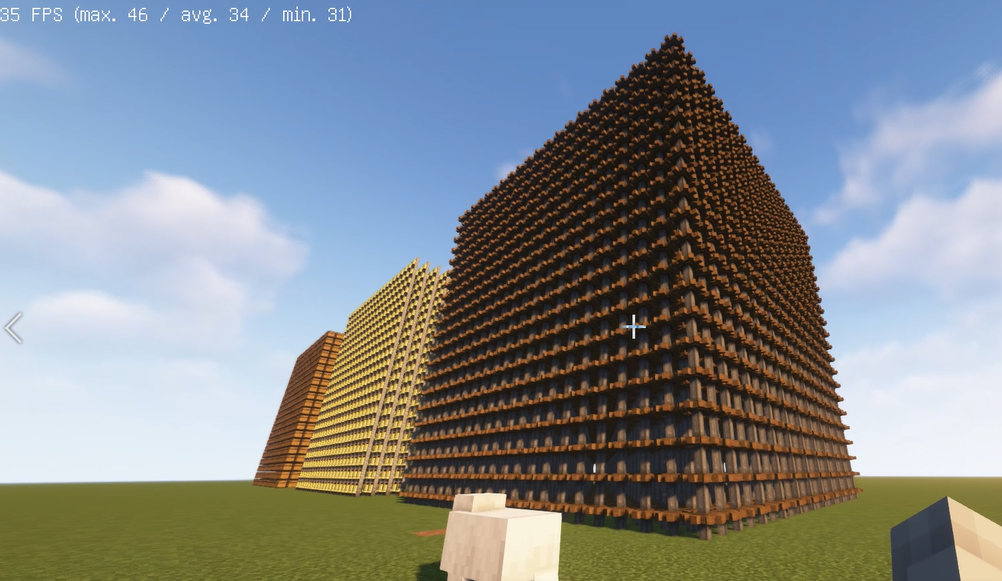
When there is a large number of entities to render, there is a significant CPU bottleneck with the original rendering method. This means that the better your GPU is, the more substantial the FPS improvement from Flywheel will be. For example, on my RTX 4070ti at 4K resolution, the scene in the screenshot improved from 26fps to 65fps.
Comparison
Before

After
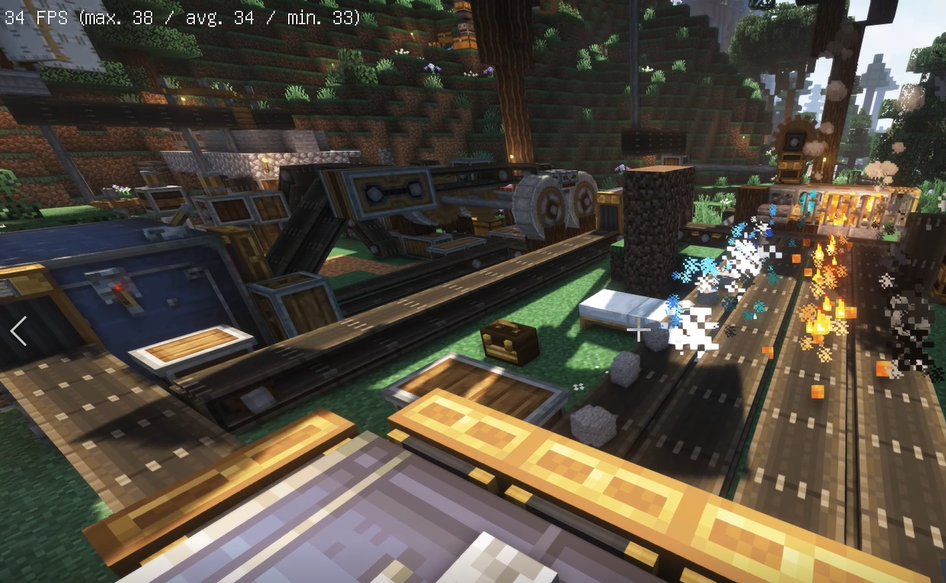
Before
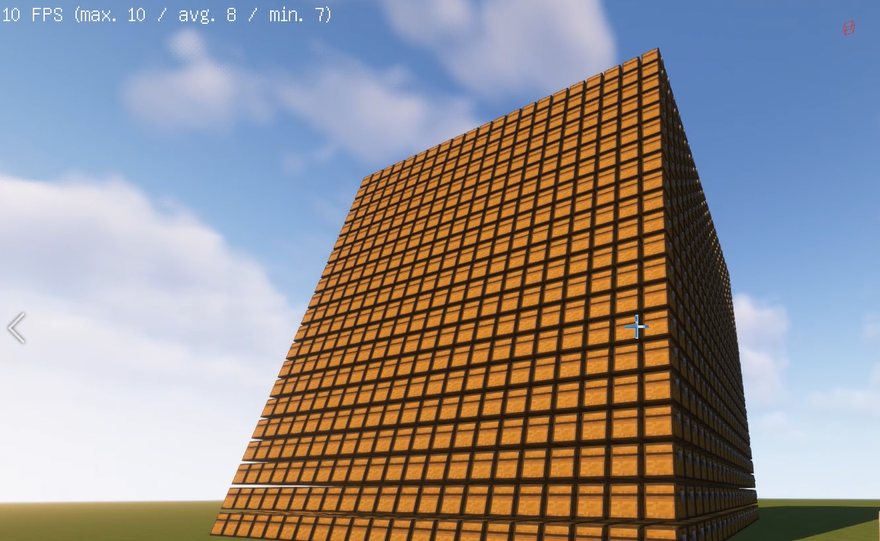
After
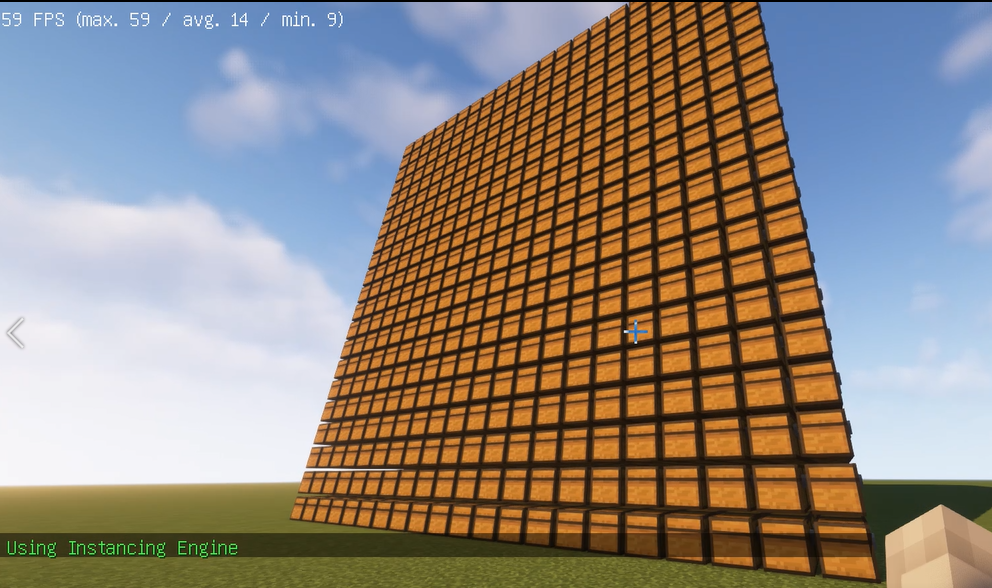
Before
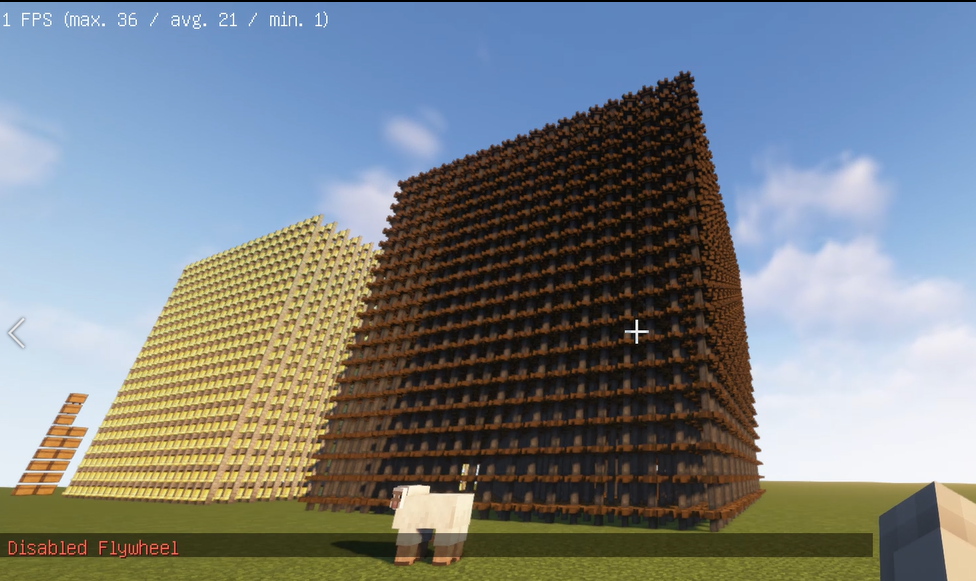
After
How to use it?
1. Install Flywheel(Create has embedded flywheel so you don't need to install it separately now) and Iris (Oculus if you use forge).
2. Install this mod.undefinedundefined
The Ultimate Guide to Iris & Oculus Flywheel Compat
If you are exploring the vast world of Minecraft modifications, Iris & Oculus Flywheel Compat by leon_mout is a standout mod that deserves your attention. With over 39,702,560 downloads, it has become a staple for players looking to enhance their experience. As the creator describes it, this project is "Enable Flywheel's optimizations when use shaders.". Whether you are a veteran builder constructing massive cities, or simply a casual player looking to upgrade your survival world, this guide will provide you with all the essential details on how Iris & Oculus Flywheel Compat alters the game.
What Makes It Special?
Unlike standard mods that simply alter superficial elements, Iris & Oculus Flywheel Compat digs deep into the game's engine to provide a cohesive, performance-focused experience. leon_mout has clearly spent significant time refining the project to ensure that every aspect feels polished and responsive for version 1.21.1.
Installation Guide
Getting Iris & Oculus Flywheel Compat up and running is straightforward. Follow these step-by-step instructions:
- Verify Your Version: Ensure your Minecraft launcher is set to version 1.21.1.
- Install Mod Loader (if required): If this is a mod, download the compatible loader (Forge, Fabric, NeoForge).
- Download the File: Click the secure download button above to retrieve the official file from CurseForge.
- Move the File: Place the downloaded file into your `mods`, `shaderpacks`, or `resourcepacks` folder depending on the mod type.
- Launch and Enjoy: Open Minecraft, navigate to the respective settings menu, and activate Iris & Oculus Flywheel Compat.
Compatibility & Performance
Compatibility is robust. Iris & Oculus Flywheel Compat is designed specifically for version 1.21.1, taking full advantage of the latest engine optimizations. Since this is heavily focused on optimization, you can expect significant frame rate improvements on both low-end and high-end hardware.