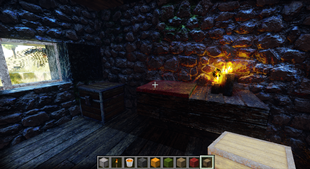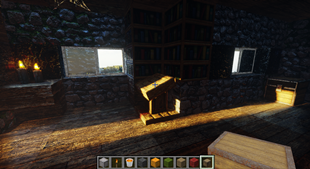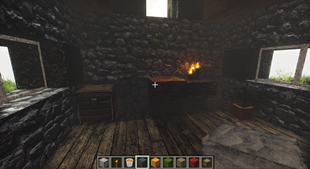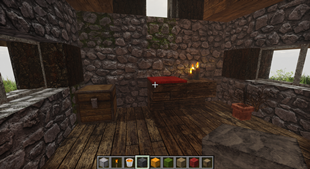
Why CTMPOMFIX Shader (Chocapic13' Shaders edit) is a top-tier mod mod for Minecraft 1.21.11
A unique beautiful PBR shader that keeps adding features from the future, like CTMPOMFIX for better 3D Textures, texture upscaling, deep light scattering, optional path tracing, Distant Horizons with Iris and more.
⚙️ Quick Resource Specs
| Mod Creator | timetravelbeard |
| Latest Version | 1.21.11 |
| Supported Game Versions | 1.21.11, 1.21.10, 1.21.9, 1.21.8, 1.21.7 |
| File Size | 3.68 MB |
| Last Updated | |
| Total Downloads | 1,090,957 downloads |
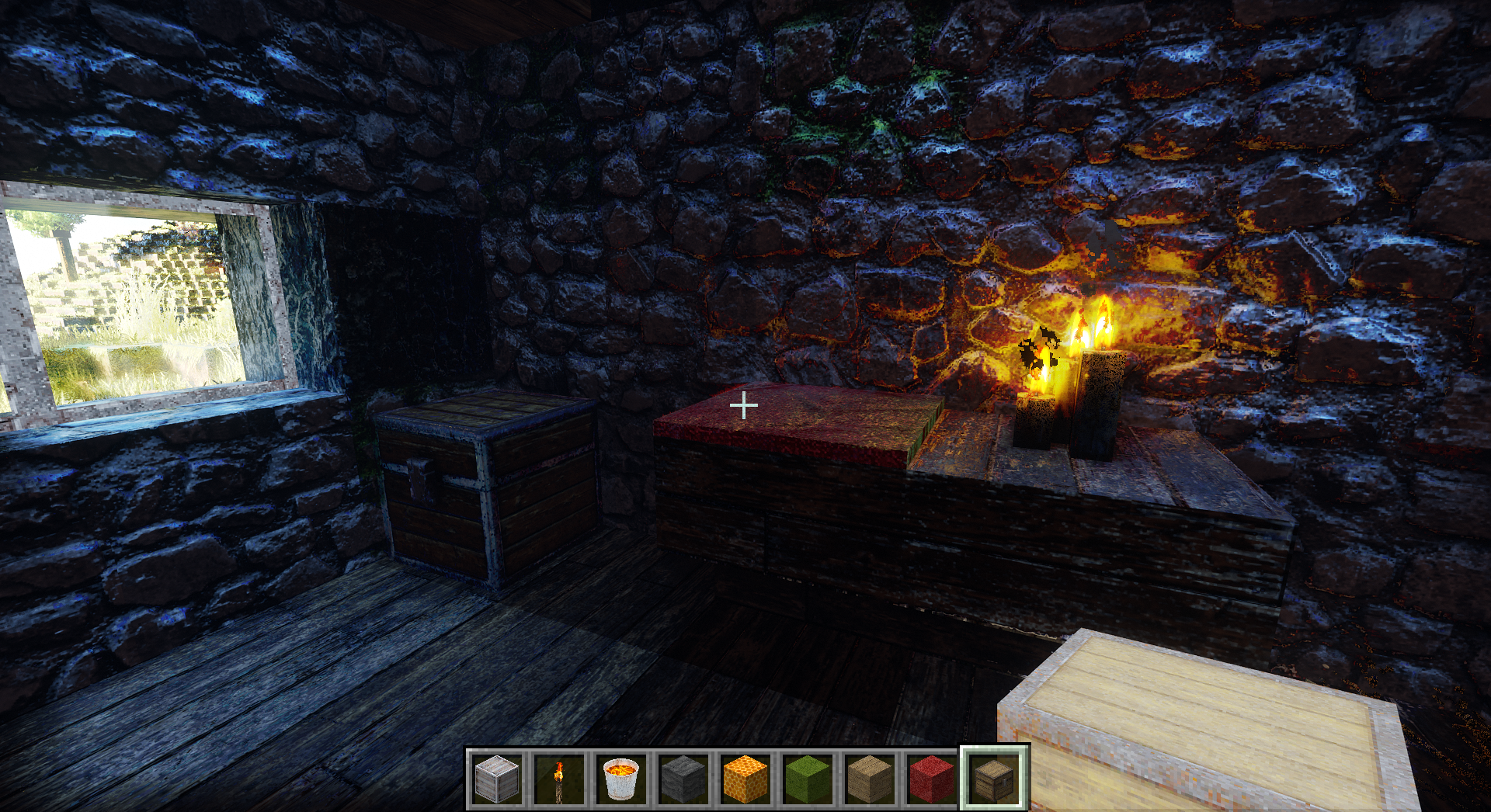
This is a Chocapic13' Shaders edit with CTMPOMFIX for Seamless Connected Textures with POM. That means it can do really good 3d textures with variations in a way that has never been possible before.
This shader also features LIVE TEXTURE UPSCALING in game with more better upscaling algorithms coming soon.
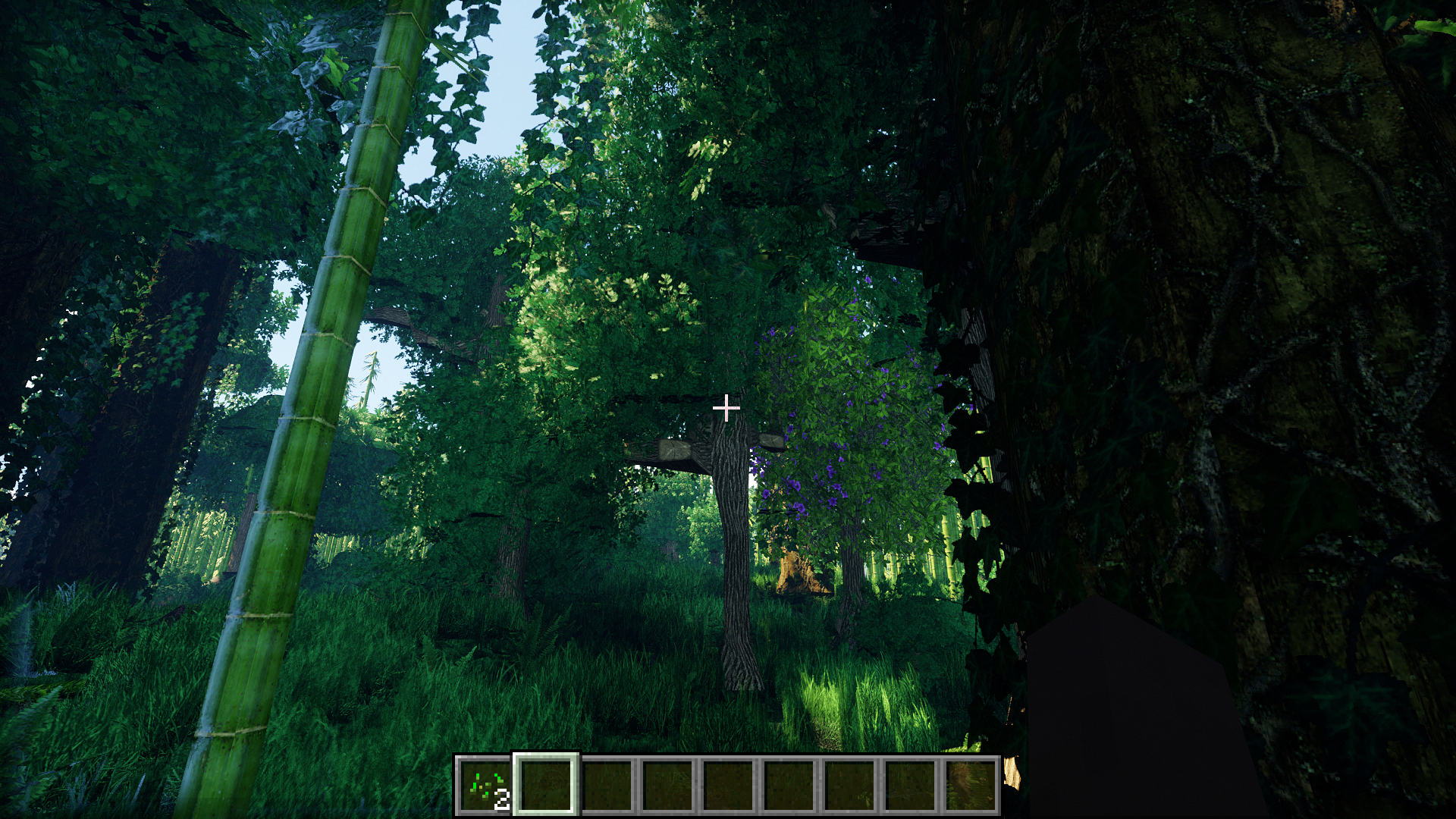
I have also added a new lighting system with PBR support and am in the process of creating a raytracing/pathtracing version. Don't worry, you can turn all that off if you don't want to use it, and all my additions are highly customizable.
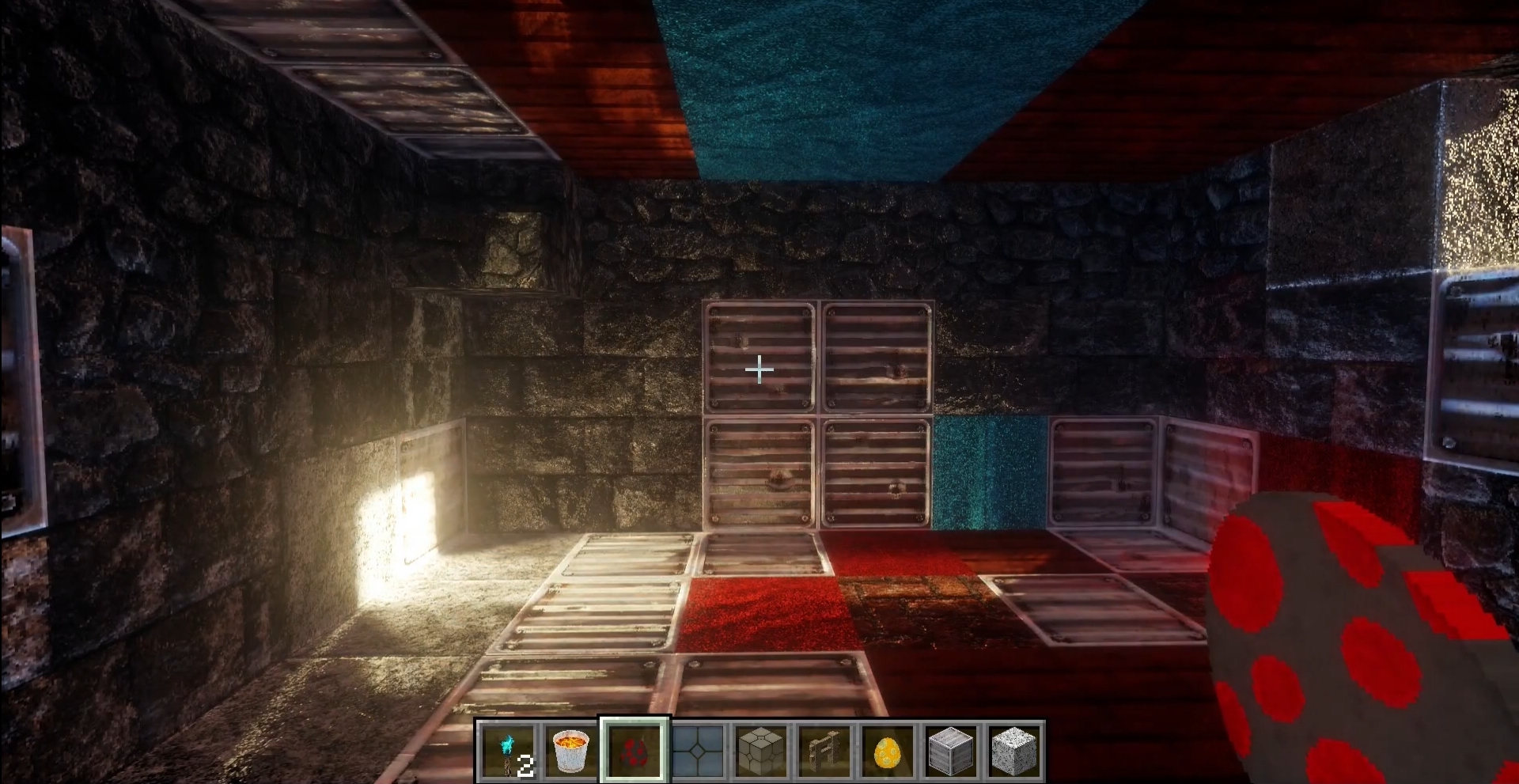
Confirmed to work on NVIDIA, AMD, OPTIFINE, AND IRIS.
low fps?
If you have low fps, using one of the low presets in shader settings will turn off all raytracing nice and easy. I will improve ray tracing performance significantly after I add a few more features to it.
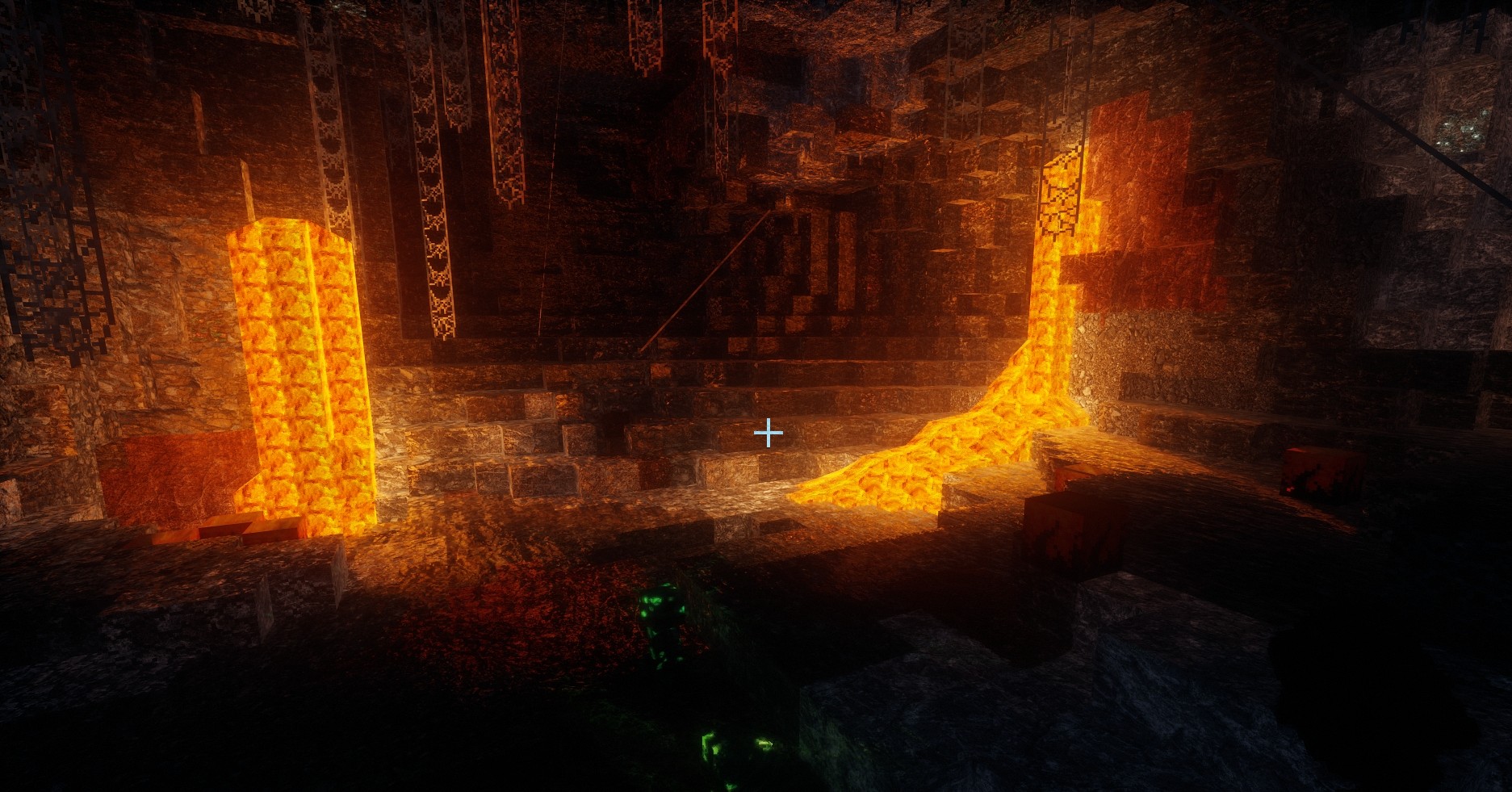
bugs?
I also recommend version 1.4, for anyone who just wants a solid experience with no bugs. It is a completed shader for what it is and has a lot of new features, it just doesn't have PBR support or the new lighting, -which is both beautiful, and sometimes buggy, as I am in the process of redoing it, and adding one thing breaks five things. 1.5+ versions are not perfect, but they excel at being beautiful unique shaders. Please enjoy them for what they are, but stick to 1.4 if you just want a finished shader.
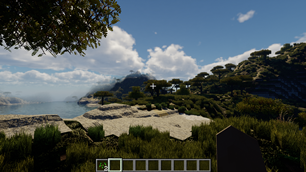
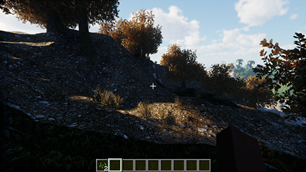
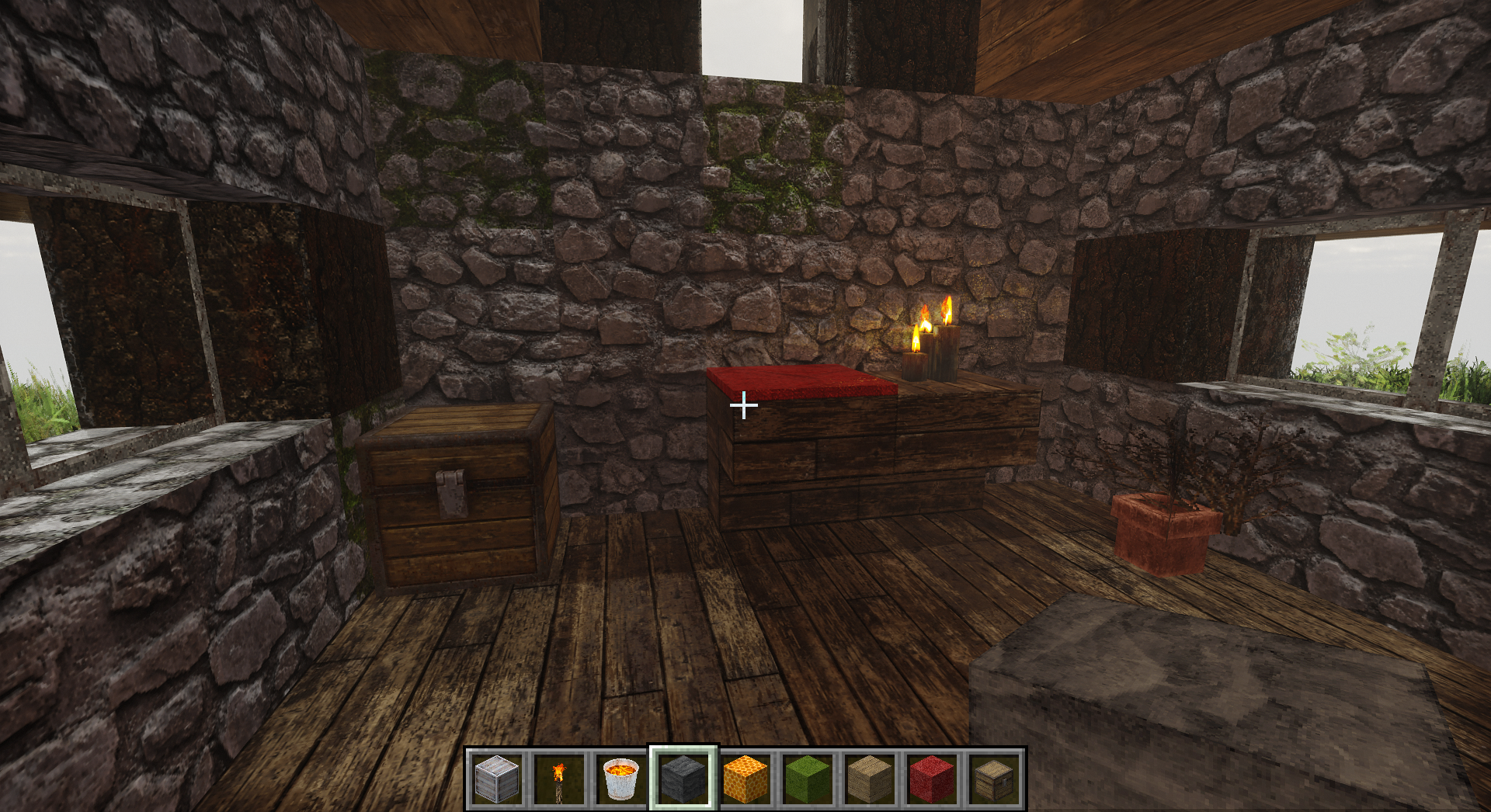 High setting, version 1.6.3
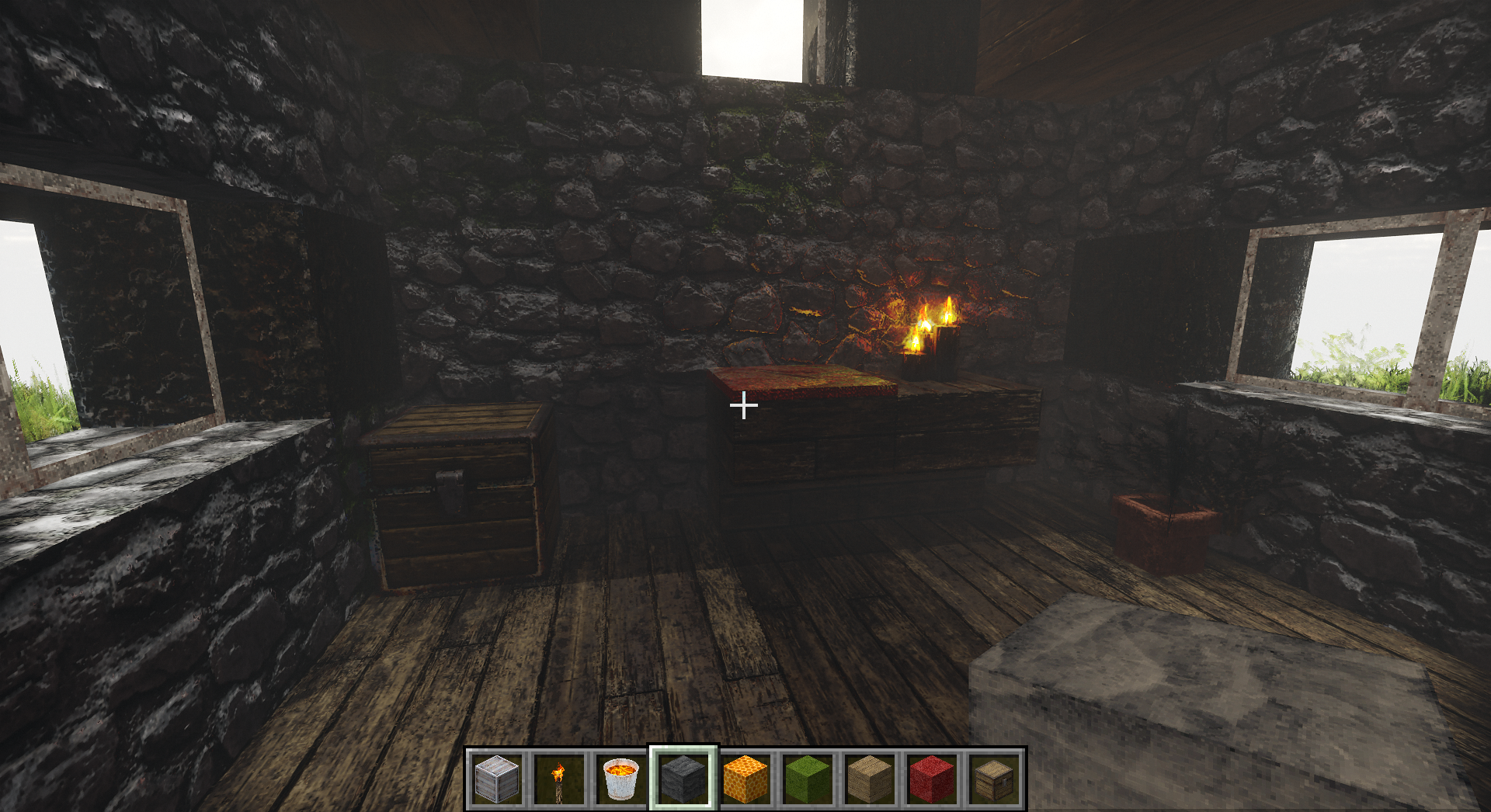 Ultra setting, version 1.6.3. -but it can go even higher
The Future, Ready to Play, Your way, Now
I'm making what I wish a shader could be: as a player, a texture artist, and a programmer.
I strive to bring you a highly customizable experience that can push the limits, but also has presets that are ready to play right out of the box on a wide range of hardware.
Choose your performance, choose your style, and enjoy features from the future.
features
Being built on top of Chocapic13's shaders there is a very solid standard feature set, plus everything I've added, -some of which you won't find anywhere else. I will keep adding new features as I want them, or need them to make Better 3D Textures. If you have any feature requests, feel free to comment here or on my discord.
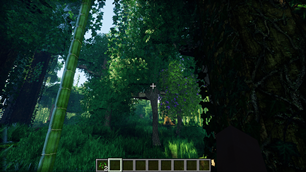
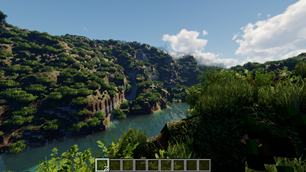
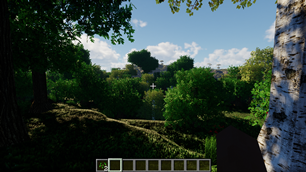
You can see some of the features by checking the images tab, by browsing below, or just playing!
I keep adding more stuff so I just keep adding more pictures and videos to this page. Some of the pictures are from very old versions, but there are a few videos explaining and showcasing features, so I haven't deleted much yet. It's messy. The newest pictures are probably at the bottom of the images tab.
what's new
This is my last Update Video showcasing changes and settings:
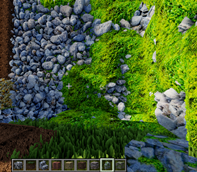
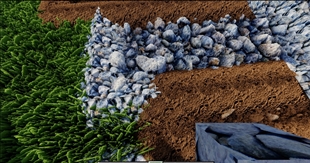
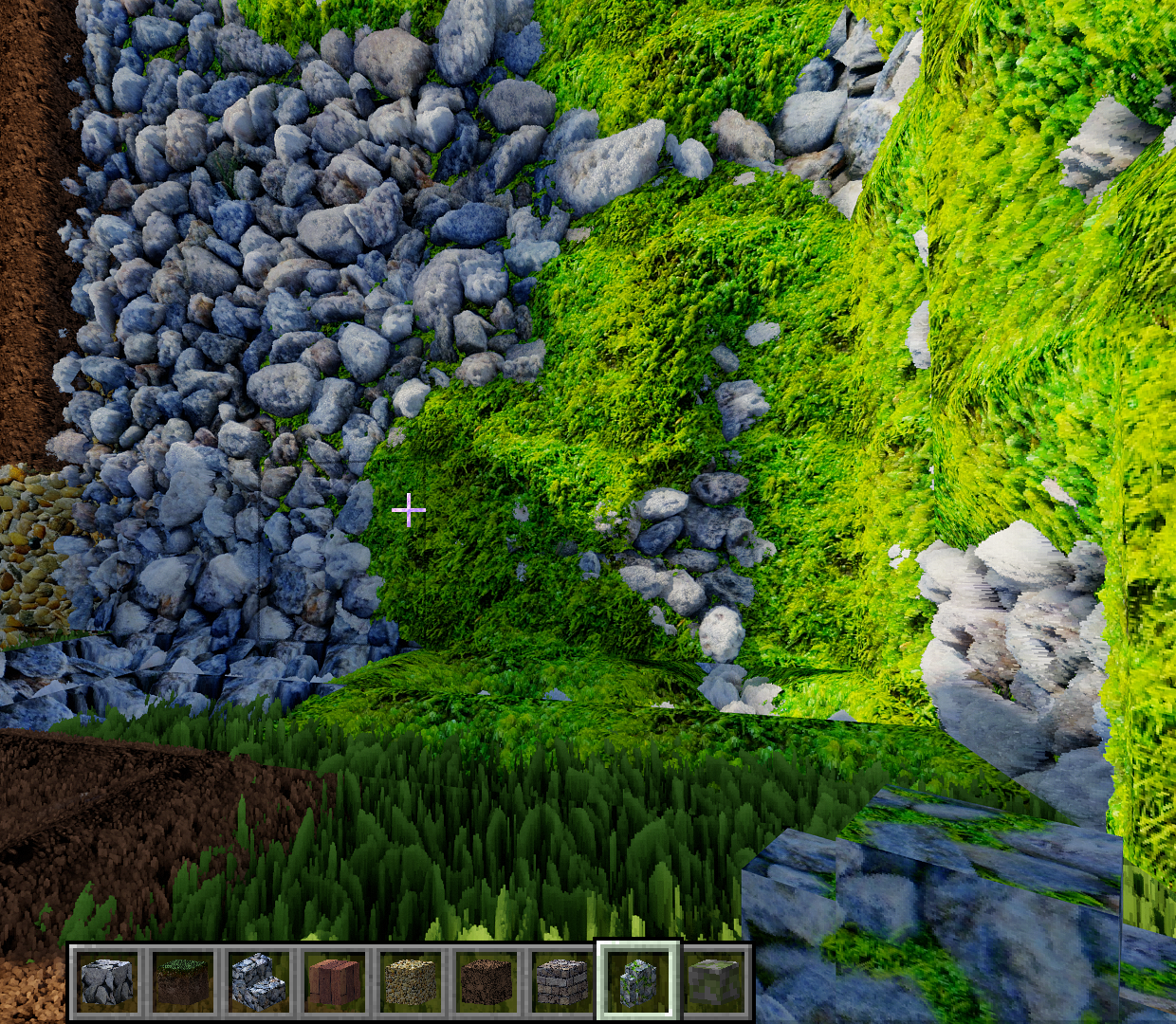 Image: mossy cobblestone and cobblestone (with 3d transitions blending them together) with the optional old lighting in version 1.4
Video: live texture upscaling and filtering in game
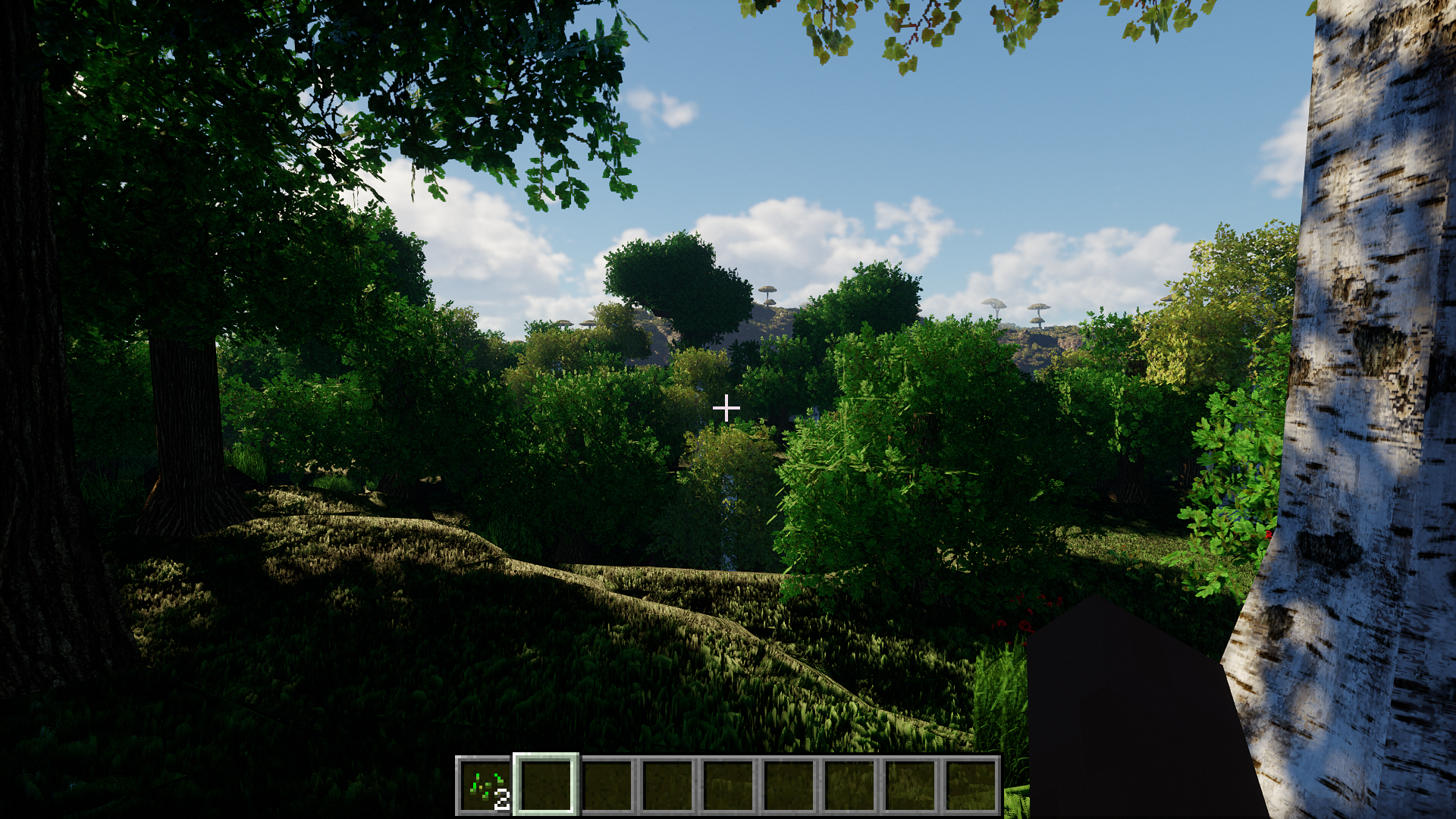
CREDIT RESOURCE PACKS / MODS:
Most screenshots have 2 resource packs: resource pack from the future for Seamless 3D Textures, and Patrix for the majority of everything else. They also feature no-cubes, and a lot of mods. Full mod list is in this video's description.
SHADER CREDITS:
This shader is built on top of Chocapic13' shaders. Most of the code is by Chocapic13, except for the "CTMPOMFIX" / "Timetravelbeard's Better 3D Textures" and "PBR Lighting rework" code which is by me.
Chocapic13's license about shader edits is included in the shader zip, and is in this spoiler along with a list of other edits since moderators want proof edits are allowed:
Chocapic13'allows edits provided they include his license and are named appropriately. Curseforge hosts several edits already:
https://www.curseforge.com/minecraft/customization/yofps-shader-chocapic13-edit
https://www.curseforge.com/minecraft/customization/vibrance-chocapic13-shaders-edit
https://www.curseforge.com/minecraft/customization/bliss-shader
https://www.curseforge.com/minecraft/customization/redhat-shader-v1-chocapic13-edit
HERE IS THE TEXT OF THE LICENSE AS EXTRACTED VERBATIM FROM ONE OF THEM:
"License, as stated by Chocapic13: Sharing a modified version of my shaders: You are not allowed to claim any of the code included in "Chocapic13' shaders" as your own You can share a modified version of my shaders if you respect the following title scheme : " -Name of the shaderpack- (Chocapic13' Shaders edit) " You cannot use any monetizing links (for example adfoc.us ; adf.ly) The rules of modification and sharing have to be same as the one here (copy paste all these rules in your post and change depending if you allow modification or not), you cannot make your own rules, you can only choose if you allow redistribution. I have to be clearly credited You cannot use any version older than "Chocapic13' Shaders V4" as a base, however you can modify older versions for personal use Common sense : if you want a feature from another shaderpack or want to use a piece of code found on the web, make sure the code is open source. In doubt ask the creator. Common sense #2 : share your modification only if you think it adds something really useful to the shaderpack(not only 2-3 constants changed) Special level of permission; with written permission from Chocapic13, on request if you think your shaderpack is an huge modification from the original: Allows to use monetizing links Allows to create your own sharing rules Shaderpack name can be chosen Listed on Chocapic13' shaders official thread Chocapic13 still have to be clearly credited Using this shaderpack in a video or a picture: You are allowed to use this shaderpack for screenshots and videos if you give the shaderpack name in the description/message You are allowed to use this shaderpack in monetized videos if you respect the rule above. Minecraft websites: The download link must redirect to the download link given in the shaderpack's official thread There has to be a link to the shaderpack's official thread You are not allowed to add any monetizing link to the shaderpack download If you are not sure about what you are allowed to do or not, PM Chocapic13 on http://www.minecraftforum.net/. Not respecting these rules can and will result in a request of thread/download shutdown to the host/administrator, with or without warning. Intellectual property stealing is punished by law. "
Chocapic13' Shaders are here without my edit:
https://www.curseforge.com/minecraft/customization/chocapic13-shaders
I don't know how exactly curseforge works, but please download thier unedited version too so they get the downloads.
Big thanks to Chocapic13 for allowing edits. It lets me give you this feature set right now instead of writing a whole shader from scratch.
I will eventually write a shader from scratch so that I can more easily add new features and better tune performance, if you'd like to see that happen, come tell me on discord. Updates: I'm actually doing this now, you can check progress on discord and YouTube.
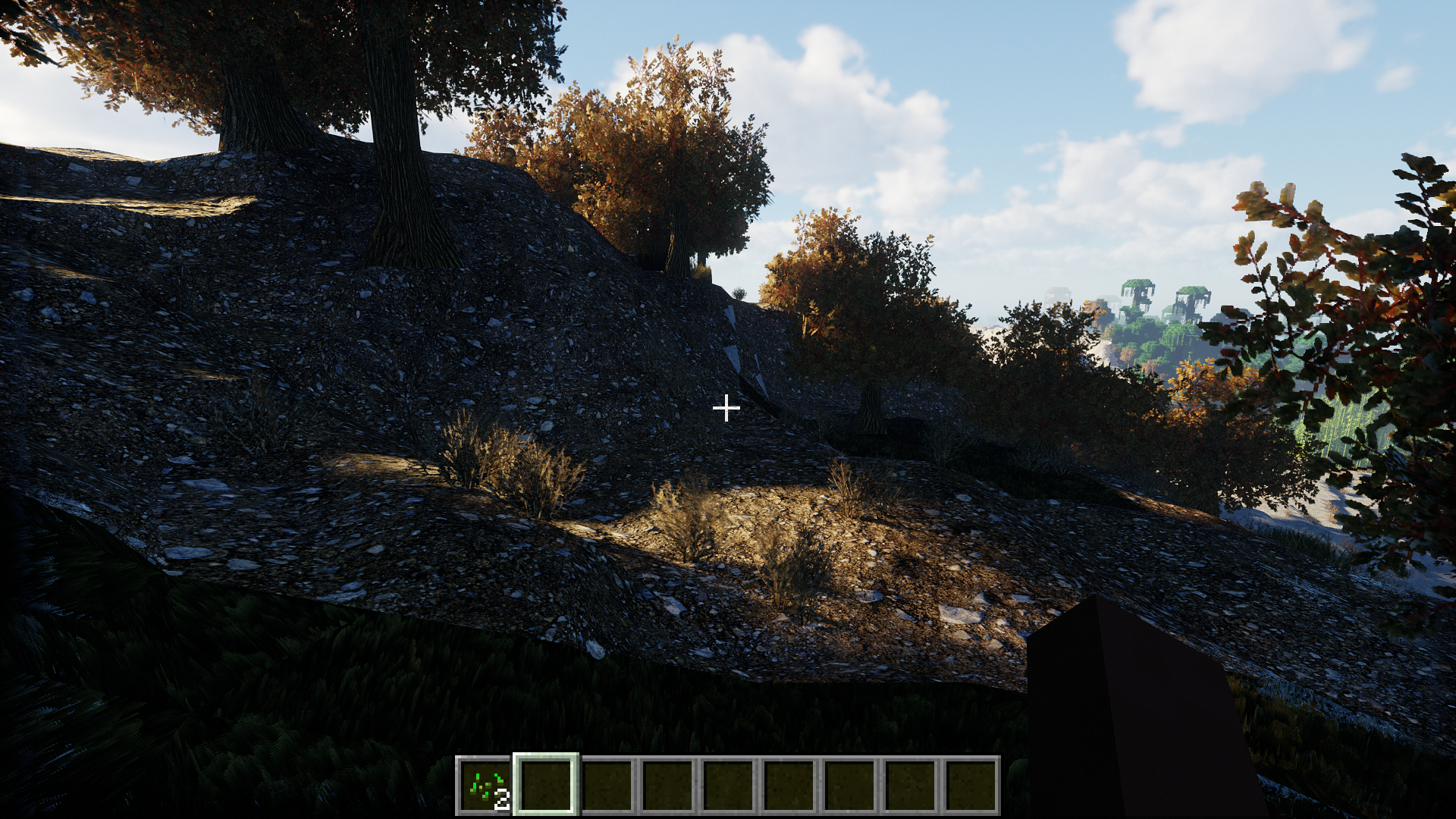
Image: ray traced ambient sky light (default in screen space for performance) version 1.4
YOU HAVE TO FOLLOW THE INSTRUCTIONS BELOW FOR SEAMLESS 3D TEXTURES
as some video options are outside of the shader settings and I can't adjust them.
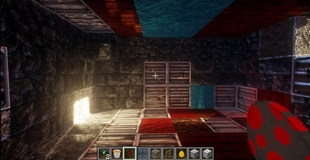
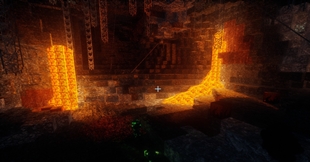
Here are some more bad screenshots:
Video: Seamless 3D Texture Variants, edges and transitions, all without the problems POM usually has. version 1.3
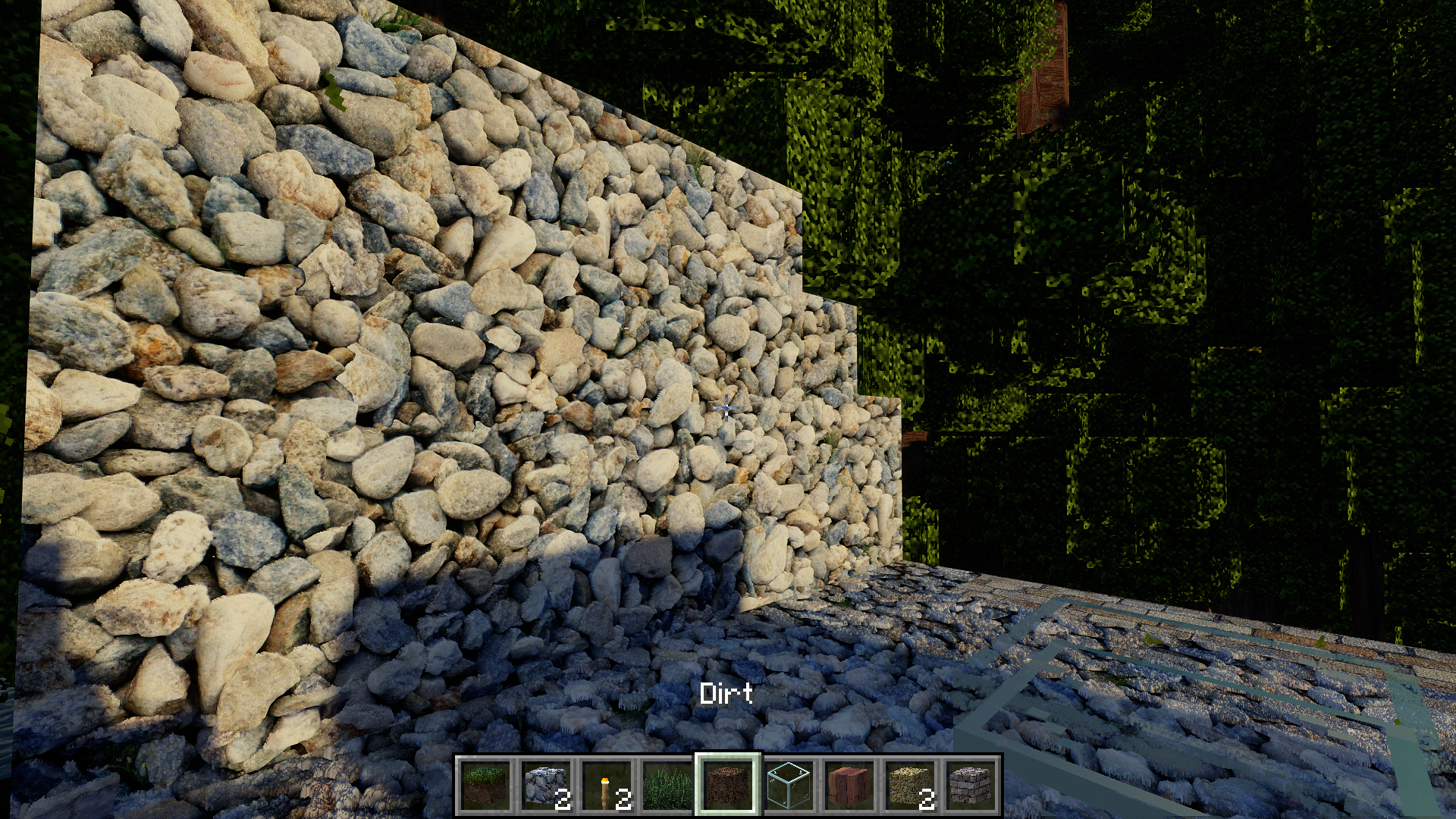
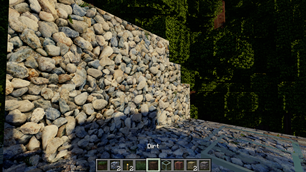
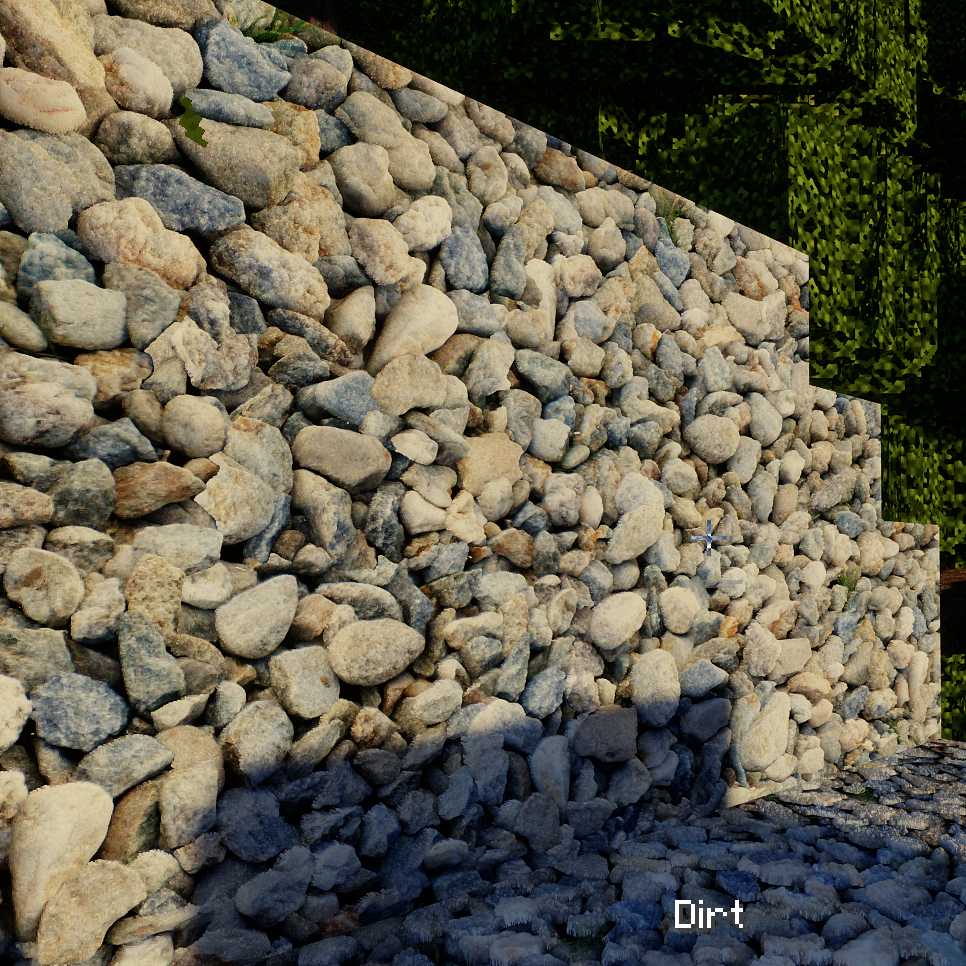
Image: rock wall (Seamless 3d connected textures of Cobblestone. If you zoom in you can see highly detailed 3d individual rocks making up a seamless wall with variations as is only possible with the CTMPOMFIX technique I pioneered that is included in this shader.-old lighting) version 1.0
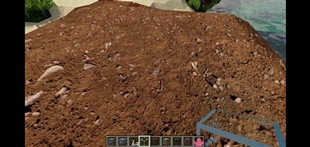
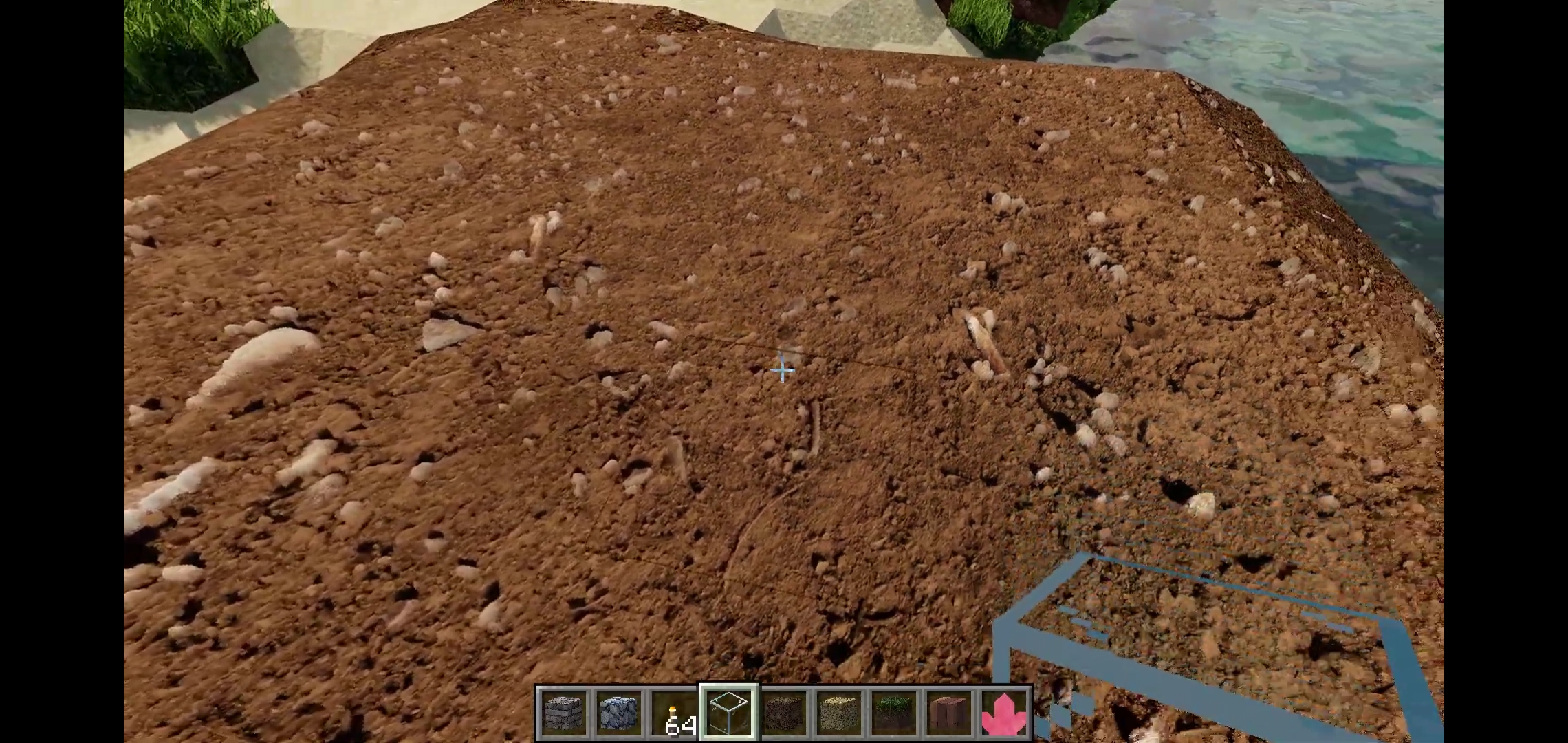 Image: dirt (Seamless 3d dirt texture with individual 3d rocks -old lighting) version 1.0
more screenshots in Images tab
INSTRUCTIONS for SEAMLESS 3D TEXTURES with VARIATIONS:
-Turn Connected Textures on Fancy ( in Video Settings: / Quality )
-Turn off Better Grass: ( in Video Settings: / Quality )
-Use a resource pack that uses CTMPOMFIX (resource packs that don't use CTMPOMFIX should render as they normally would)
-*If you see any buggy seams between blocks, Crank up Initial POM Quality to like 50 ( in the CTMPOMFIX menu ) the default 30 is me trying to test this as a patch in several shaders and not bog your system down with a high default. You can also make sure pom Refiner is set to 10, and disable noise.
GENERAL INSTRUCTIONS:
-if the sky is a blown out white glow, turn off Vanilla clouds in the optifine video settings
WHAT ARE THE VERSIONS?
Release means I think I'm done with it for a while, or I've made significant changes that I think you should update to.
Beta means it's stable with no errors I know about but I'm still working on stuff, I just want you to be able to play it early if you really want to.
Alpha means there are bugs and you need to follow instructions on the changelog or you'll have a bad time. I do not recommend playing alpha versions.
Always check the changelog in the files tab for each version if you want to see what's new. I also sometimes put links in there to YouTube videos showing what's new.
1.2 Has seamless 3D texture variations
1.3 adds a lot of enhancements to POM and the lighting is still base Chocapic13's
1.4 adds texture upscaling and filtering.
1.5 has reworked PBR lighting with some optional raytracing features. It's not perfect but some of it looks cool.
1.6 has a light physics simulation that scatters and bounces millions of rays of light through the scene multiple times, every frame. It is exceptionally dynamic and gorgeous.
1.7 is Distant Horizons test versions for Iris
1.8 is attempting the merge the distant horizons tests with the Optifine version and clean up some stuff.
FEATURES AND MENU EXPLAINED:
This is a boring video that explains some of the features in the CTMPOMFIX menu. You shouldn't watch it and you shouldn't go in that menu unless you want to turn on the live texture upscaling or some other extra features. In that case use the timestamps in the video. It's all related to Better Textures, especially Better 3D Textures.
COMPATIBILITY:
I generally have this listed as 1.19.2 Optifine compatibility because that's what I play and develop in.
If the shaders don't work for you, come tell me on discord. I do not have the time to fix everything, but I won't know it's broken if you don't tell me. I do not have the time or ability to test the shaders on everything.
Versions 1.5 and below are probably going to have the same compatibility as the unedited version, so look there for actual compatibility, if I try to copy that whole checklist I'll probably mess it up:
Chocapic13' Shaders are here without my edit and show compatibility for older versions:
https://www.curseforge.com/minecraft/customization/chocapic13-shaders
RESOURCE PACKS:
You can come to my discord for info on my resource pack using the Seamless 3D technique, as it's currently a work in progress.
There is also an early alpha version here on curseforge.
And the Demo of just cobblestone is also already up here with HD versions to try out: https://www.curseforge.com/minecraft/texture-packs/ctmpomfix-demo-seamless-pom-with-connected
If you want help making a resource pack that utilizes this technique, come to my discord, I will eventually be making tutorials, and there's already documentation on how it works.
Resource packs that don't use the CTM-POM-FIX technique should render as they normally would.
QUESTIONS / COMMENTS / MORE INFO:
Please direct all questions and comments to my discord, I can reply faster there. You can also get a sneak peek at what's coming soon and join the conversation.
My Discord: https://discord.gg/S6F4r6K5yU
The Ultimate Guide to CTMPOMFIX Shader (Chocapic13' Shaders edit)
If you are exploring the vast world of Minecraft modifications, CTMPOMFIX Shader (Chocapic13' Shaders edit) by timetravelbeard is a standout mod that deserves your attention. With over 1,090,957 downloads, it has become a staple for players looking to enhance their experience. As the creator describes it, this project is "A unique beautiful PBR shader that keeps adding features from the future, like CTMPOMFIX for better 3D Textures, texture upscaling, deep light scattering, optional path tracing, Distant Horizons with Iris and more.". Whether you are a veteran builder constructing massive cities, or simply a casual player looking to upgrade your survival world, this guide will provide you with all the essential details on how CTMPOMFIX Shader (Chocapic13' Shaders edit) alters the game.
What Makes It Special?
Unlike standard mods that simply alter superficial elements, CTMPOMFIX Shader (Chocapic13' Shaders edit) introduces a wide array of visual and mechanical features designed to seamlessly blend into the vanilla aesthetic. timetravelbeard has clearly spent significant time refining the project to ensure that every aspect feels polished and responsive for version 1.21.11.
Installation Guide
Getting CTMPOMFIX Shader (Chocapic13' Shaders edit) up and running is straightforward. Follow these step-by-step instructions:
- Verify Your Version: Ensure your Minecraft launcher is set to version 1.21.11.
- Install Mod Loader (if required): If this is a mod, download the compatible loader (Forge, Fabric, NeoForge).
- Download the File: Click the secure download button above to retrieve the official file from CurseForge.
- Move the File: Place the downloaded file into your `mods`, `shaderpacks`, or `resourcepacks` folder depending on the mod type.
- Launch and Enjoy: Open Minecraft, navigate to the respective settings menu, and activate CTMPOMFIX Shader (Chocapic13' Shaders edit).
Compatibility & Performance
Compatibility is robust. CTMPOMFIX Shader (Chocapic13' Shaders edit) is designed specifically for version 1.21.11, taking full advantage of the latest engine optimizations. During typical gameplay, this addition maintains a stable frame rate, though lower-end laptops might experience slight stuttering. We recommend pairing this with performance boosters like Sodium or Iris to guarantee a silky-smooth experience.