Why BadOptimizations is a top-tier mod mod for Minecraft 1.21
Optimization mod that focuses on things other than rendering
⚙️ Quick Resource Specs
| Mod Creator | thosea |
| Latest Version | 1.21 |
| Supported Game Versions | Minecraft 1.21+ |
| File Size | 60.06 KB |
| Last Updated | |
| Total Downloads | 67,927,999 downloads |
BadOptimizations
A collection of mostly micro optimizations that add up to something bigger!
What does it do?
Multiple things:
- Avoid updating lightmap
Updating lightmap textures are one of the most expensive parts of the client tick. During each tick, the client will do vector math to calculate lightmaps for blocks and the sky, then upload that new texture to the GPU. However, this can be completely avoided and cached if nothing affecting block brightness has changed. This mod will cancel lightmap updates if nothing that changes block brightness (e.g. gamma slider, potion effects, dimension) has changed. - Sky color calculation optimizations
Minecraft uses a cubic color sampler every frame to calculate the current sky color. This function loops 216 times to factor in surrounding biomes, even if all surrounding biomes are identical or have identical sky colors. This mod makes the color sampler only used if you are between biomes with different sky colors, and caches it for each tick. Otherwise, a shorter, simpler and faster sky color calculation is used. - Don't do debug logic if we don't need to
Minecraft has four debug renderers that can be activated with a debug server: bees, game events, game test and villager AI. Even if there's nothing to process, the logic for these debug renderers are still executed. This mod will only execute them if debug is enabled and there is data from the server to process.
That's a few of them, at least. You can disable any optimization in the config file if you need to.
How much does it help?
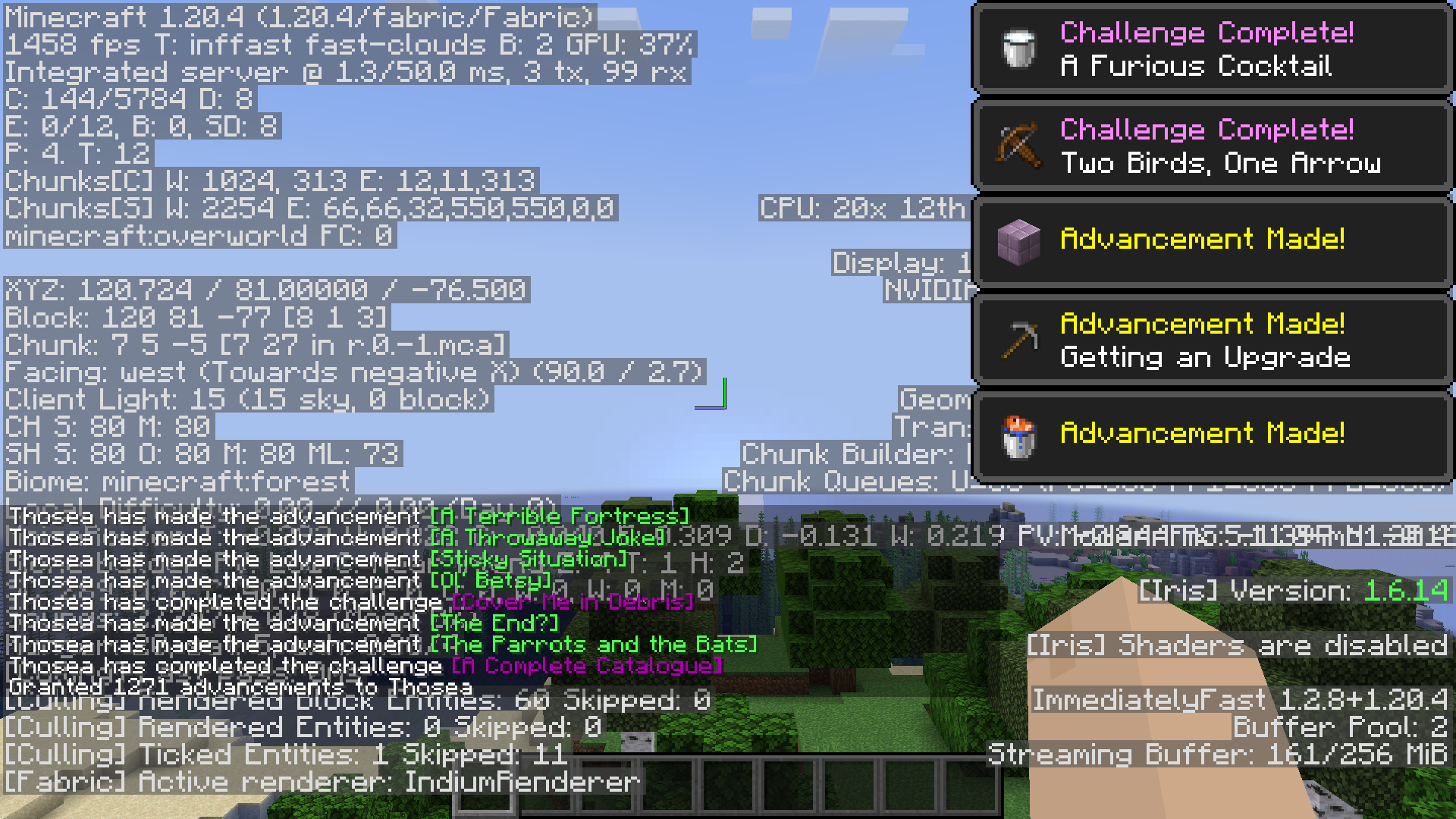
Depends on your system and luck, but on my own PC, an RTX 3060, intel i7 12700 and 4GB of allocated ram on Fabulously Optimized:
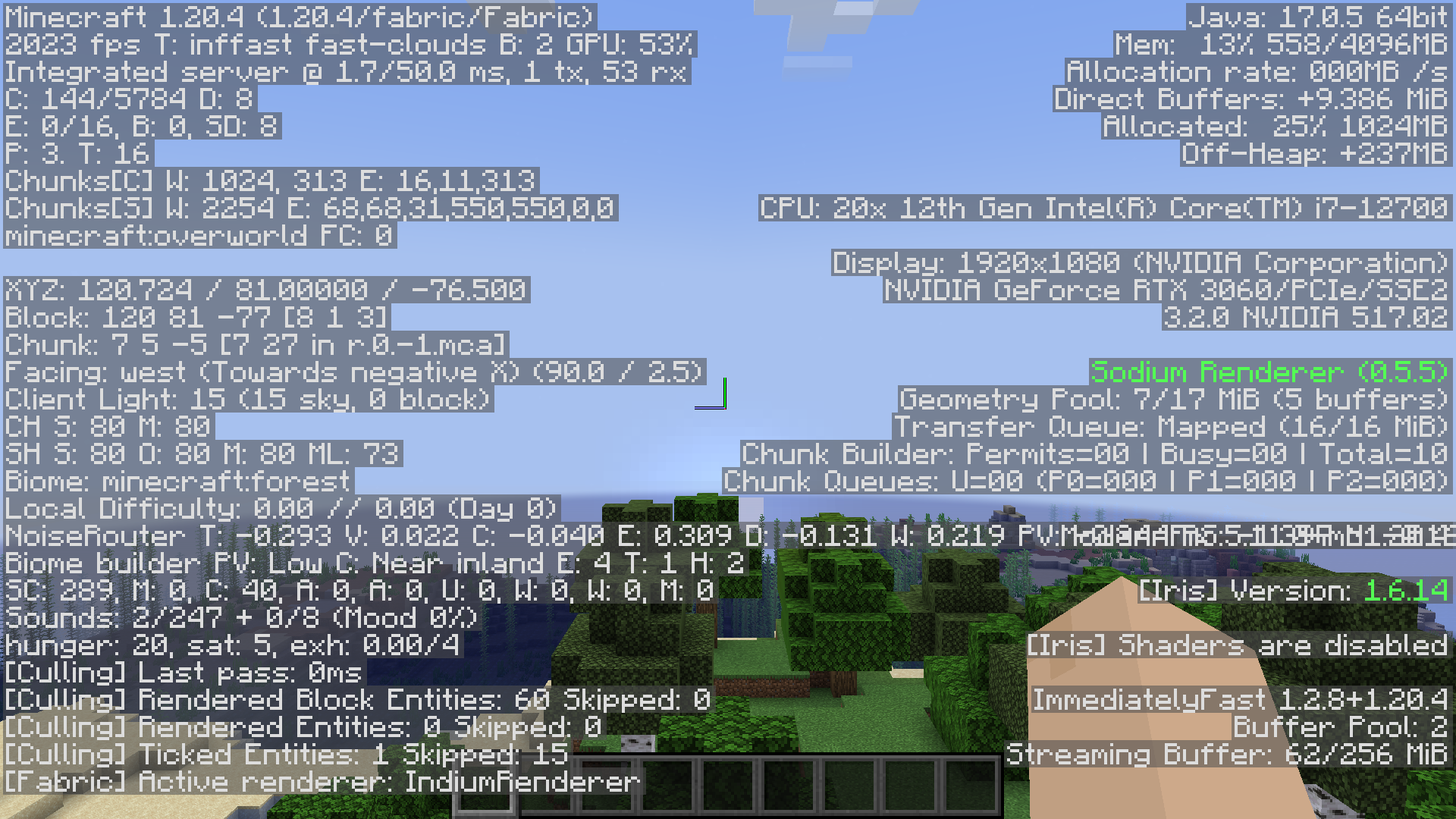
Without toasts, it goes from 1926-1955 FPS:
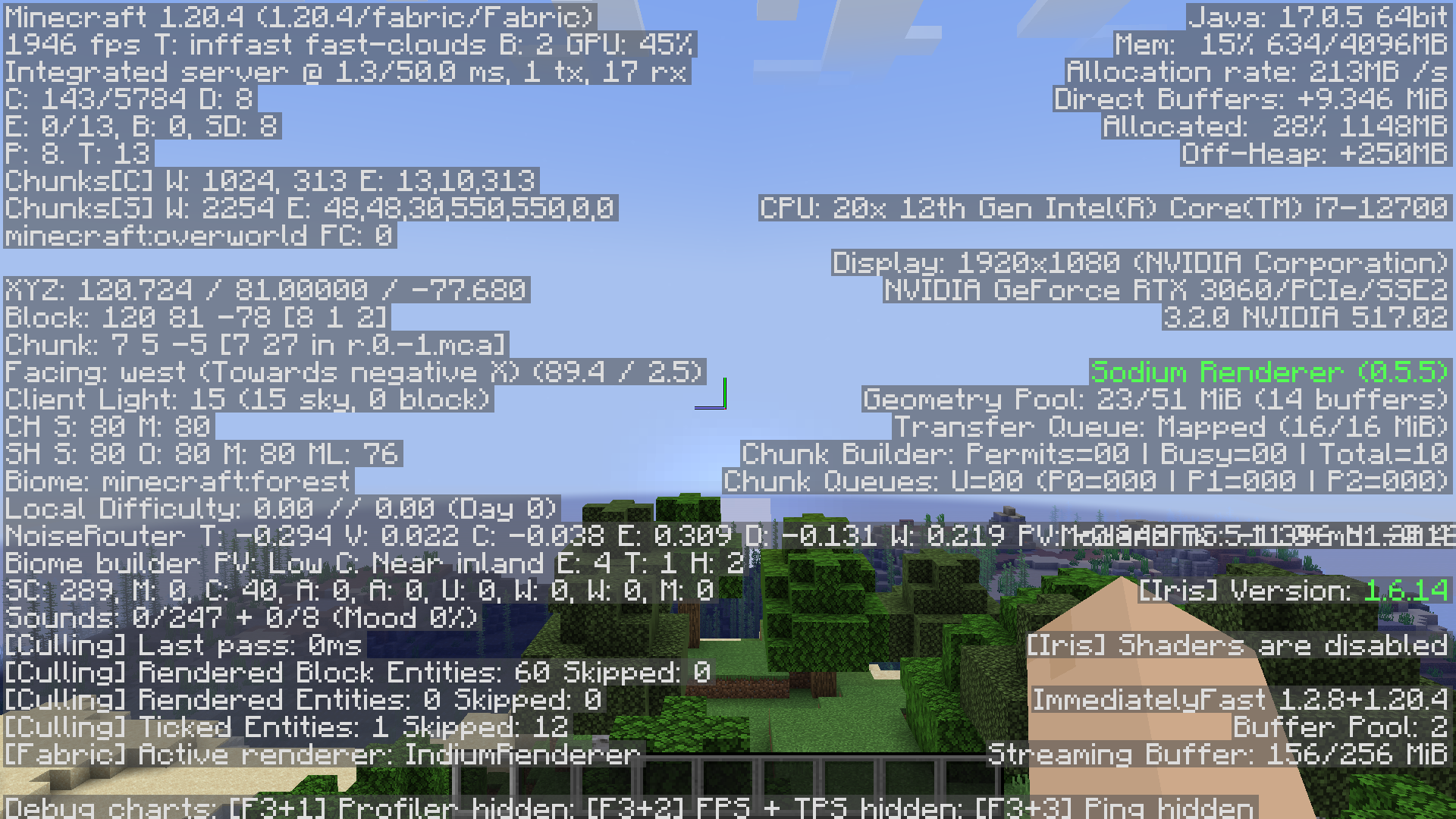
To 2008-2023 FPS:
And with toasts, it goes from 1351-1384 FPS:
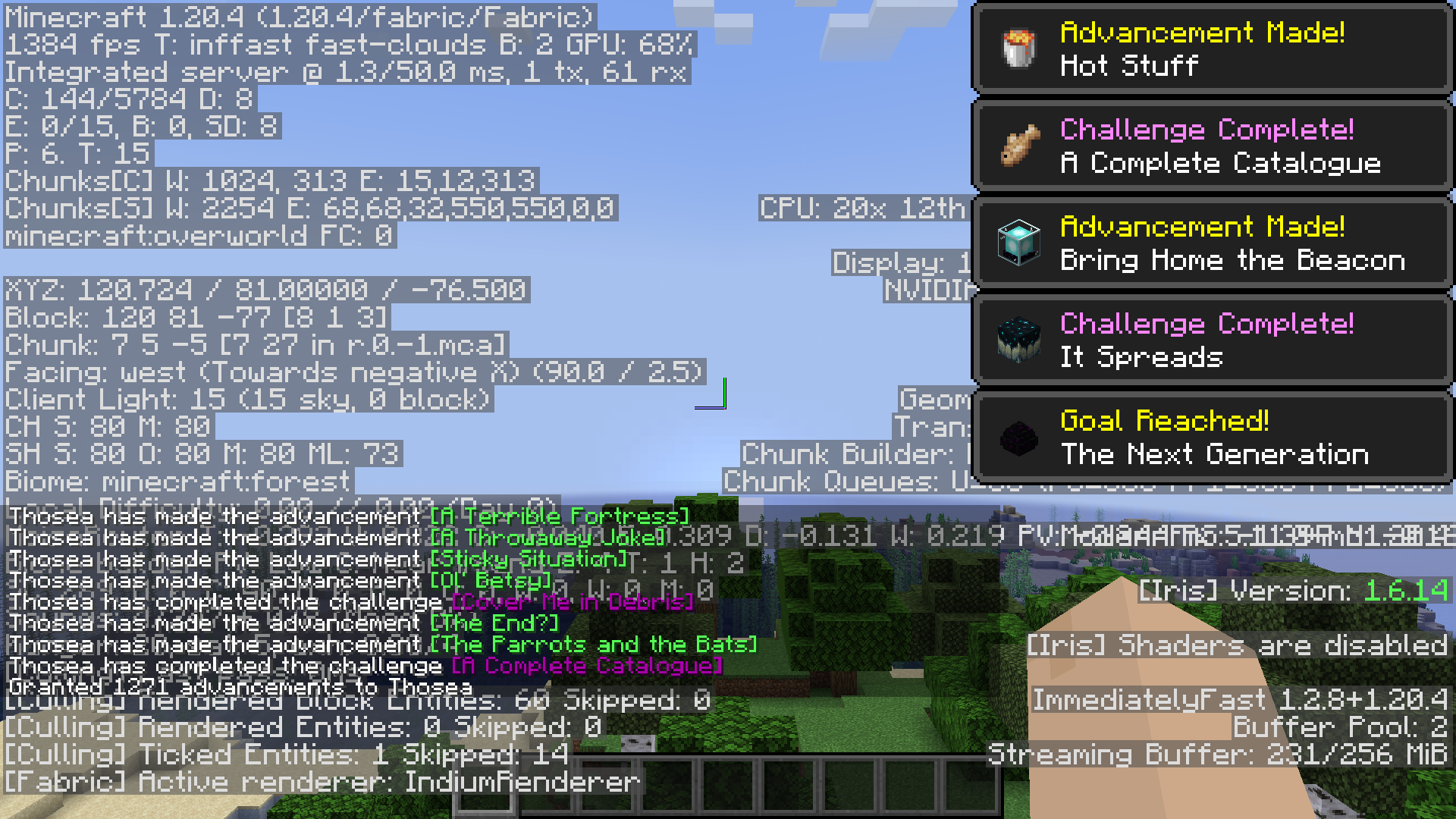
To 1414-1458 FPS:
My mod is incompatible!
You can mark your mod as incompatible with specific BadOptimizations options. If your mod is present, BadOptimizations will automatically disable the specific options you specify.
Dependencies?
None.
Find more on the GitHub page.
It's also available on Modrinth.
The Ultimate Guide to BadOptimizations
If you are exploring the vast world of Minecraft modifications, BadOptimizations by thosea is a standout mod that deserves your attention. With over 67,927,999 downloads, it has become a staple for players looking to enhance their experience. As the creator describes it, this project is "Optimization mod that focuses on things other than rendering". Whether you are a veteran builder constructing massive cities, or simply a casual player looking to upgrade your survival world, this guide will provide you with all the essential details on how BadOptimizations alters the game.
What Makes It Special?
Unlike standard mods that simply alter superficial elements, BadOptimizations digs deep into the game's engine to provide a cohesive, performance-focused experience. thosea has clearly spent significant time refining the project to ensure that every aspect feels polished and responsive for version 1.21.
Installation Guide
Getting BadOptimizations up and running is straightforward. Follow these step-by-step instructions:
- Verify Your Version: Ensure your Minecraft launcher is set to version 1.21.
- Install Mod Loader (if required): If this is a mod, download the compatible loader (Forge, Fabric, NeoForge).
- Download the File: Click the secure download button above to retrieve the official file from CurseForge.
- Move the File: Place the downloaded file into your `mods`, `shaderpacks`, or `resourcepacks` folder depending on the mod type.
- Launch and Enjoy: Open Minecraft, navigate to the respective settings menu, and activate BadOptimizations.
Compatibility & Performance
Compatibility is robust. BadOptimizations is designed specifically for version 1.21, taking full advantage of the latest engine optimizations. Since this is heavily focused on optimization, you can expect significant frame rate improvements on both low-end and high-end hardware.