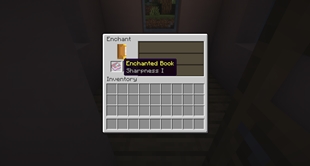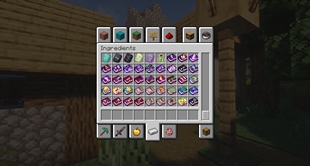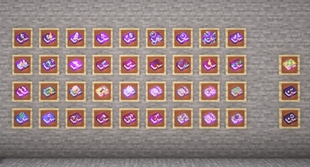
Why Beautiful Enchanted Books is a top-tier texture pack mod for Minecraft 1.21
Developed by the talented creator Lupin, Beautiful Enchanted Books stands out as a highly recommended selection for your Minecraft client. It is fully optimized, compatibility-tested, and brings a major upgrade to the gameplay experience in Minecraft version 1.21.
⚙️ Quick Resource Specs
| Mod Creator | Lupin |
| Latest Version | 1.21 |
| Supported Game Versions | Minecraft 1.21+ |
| File Size | 1.52 MB |
| Last Updated | |
| Total Downloads | 8,592,008 downloads |
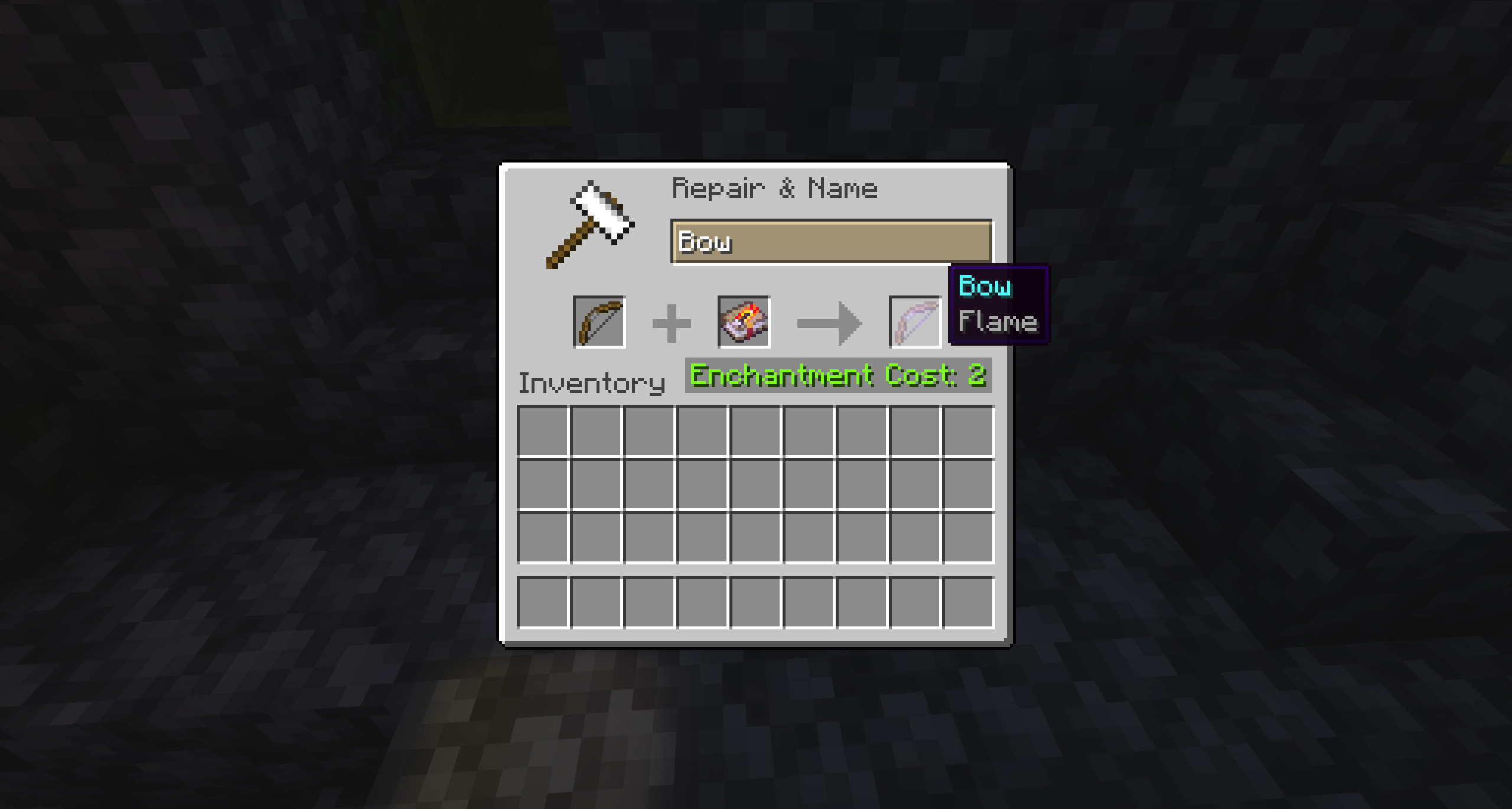
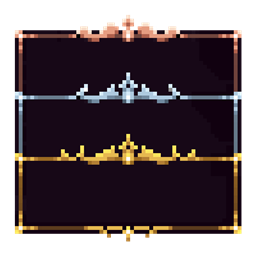
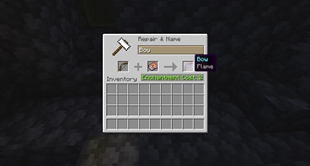
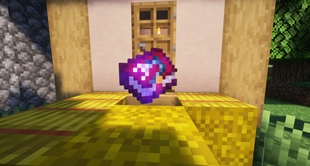
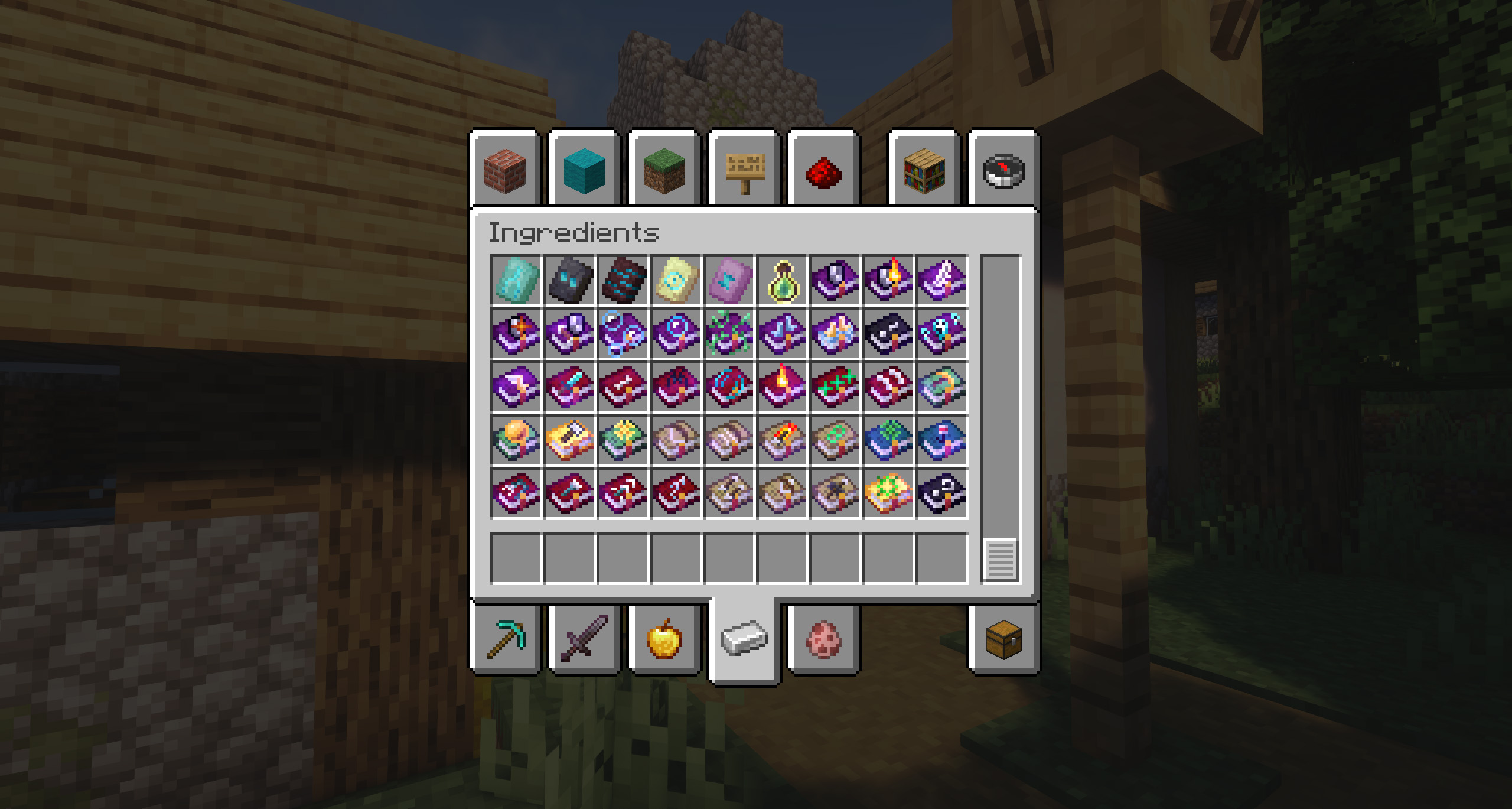
 This resource pack aims to improve the appearance of enchanted books, now each one will be different!
We have also added support for over 84 mods, including:
Ad Astra: Giselle Addon, Additional Additions, Additional Enchanted Miner, Alex's Caves, Alex's Caves: Stuff & Torpedoes, Alex's Mobs, Alexs Caves Exemplified, Allurement, Apotheosis, Apothic Enchanting, Apothic Spawners, Ars Additions, Ars Elemental, Ars Nouveau, Arthropofia, AzureLib, Backpacked, Better Archeology, Better End, BetterNether, Biome Makeover, Box of Horros, Celestisynth, Clutter, CoFH Core, Combat Roll, Corail Tombstone, Create, Create Stuff & Additions, Darker Depths, Death Knights, Deep Aether, Deeper and Darker, Draconic Evolution, EnderIO, Ensorcellation, Eternal Starlight, EvilCraft, Farmer's Delight, Fins and Tails, Forbidden Arcanus, Galosphere, gofish, Golden Foods, Hunter's Return, Jaden's Nether Expansion, Just a lot more enchantments, Just Enough Guns, Kobolds, Malum, Midnight, MineColonies, My Nether Delight, Mystical Agriculture, Mythic Charms, MythicBotania, Nature's Aura, Nether Depths Upgrade, Opposint Forge, Piglin Proliferation, Railcraft Reborn, Reliquary Reincarnations, Species, Spawner+, Spell Engine, Spell Power Attribute, Stalwart Dungeons, Stellarity, Supplementaries, Terramity, The Bumblezone, The Deep Void, The End of Herobrine, The Twilight Forest, The Undergarden, The Undead Revamp, Things, Too Many Bows, Trials Chambers, Unusual Fish, UtilitiX, Vampirism, Vein Mining, When Dungeons Arise and You're in Grave Danger and Yomai Style.
This is something that the Minecraft community has asked the creators on countless occasions, since this way they will be able to differentiate themselves from each other. For this reason, we have created this fantastic resource pack that has unique textures related to the theme of each book.
Requires CIT Resewn or Forge CIT (also works with OptiFine).
You can also download the NEW MOD edition that DOES NOT REQUIRE any other MOD to work!
The designer of these textures is Arkadya.
Do you need a server to play with your friends?
If you are looking for a server to play any mod or modpack with your friends, Bisect Hosting is your solution! They have the best quality-price Minecraft servers, and if you click on this link you will get a 25% discount, using the code "Lupin".

The goal of Beautiful Enchanted Books is simple, and it's none other than to give a fresh look to all Minecraft books - no longer will they all have the same boring look!
In addition, they will all have the same tone depending on the theme or the use they can be given, plus of course, unique features that will make them stand out from the rest. We are sure you are going to love these features!
 Does it work on servers?
Sure! It works perfectly! Remember that the best way to play with mods and friends is with BisectHosting, and by clicking on this link you can get a 25% discount.
Can this resourcepack be used in modpacks?
Of course! As long as it is published only on Modrinth or CurseForge. Uploading it to any other platform would be violating our rights and is not allowed at all.
However, we are really grateful if you consider adding it to your Modrinth or CurseForge modpack. If you need any small changes or have any questions, contact us!


The Ultimate Guide to Beautiful Enchanted Books
If you are exploring the vast world of Minecraft modifications, Beautiful Enchanted Books by Lupin is a standout texture that deserves your attention. With over 8,592,008 downloads, it has become a staple for players looking to enhance their experience. As the creator describes it, this project is "This resource pack aims to improve the appearance of enchanted books, now each one will be different! | Compatible with more than 80 mods!". Whether you are a veteran builder constructing massive cities, or simply a casual player looking to upgrade your survival world, this guide will provide you with all the essential details on how Beautiful Enchanted Books alters the game.
What Makes It Special?
Unlike standard textures that simply alter superficial elements, Beautiful Enchanted Books introduces a wide array of visual and mechanical features designed to seamlessly blend into the vanilla aesthetic. Lupin has clearly spent significant time refining the project to ensure that every aspect feels polished and responsive for version 1.21.
Installation Guide
Getting Beautiful Enchanted Books up and running is straightforward. Follow these step-by-step instructions:
- Verify Your Version: Ensure your Minecraft launcher is set to version 1.21.
- Install Mod Loader (if required): If this is a mod, download the compatible loader (Forge, Fabric, NeoForge).
- Download the File: Click the secure download button above to retrieve the official file from CurseForge.
- Move the File: Place the downloaded file into your `mods`, `shaderpacks`, or `resourcepacks` folder depending on the texture type.
- Launch and Enjoy: Open Minecraft, navigate to the respective settings menu, and activate Beautiful Enchanted Books.
Compatibility & Performance
Compatibility is robust. Beautiful Enchanted Books is designed specifically for version 1.21, taking full advantage of the latest engine optimizations. During typical gameplay, this addition maintains a stable frame rate, though lower-end laptops might experience slight stuttering. We recommend pairing this with performance boosters like Sodium or Iris to guarantee a silky-smooth experience.